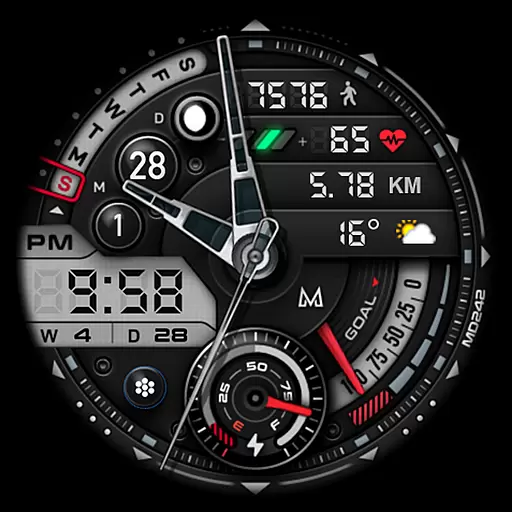
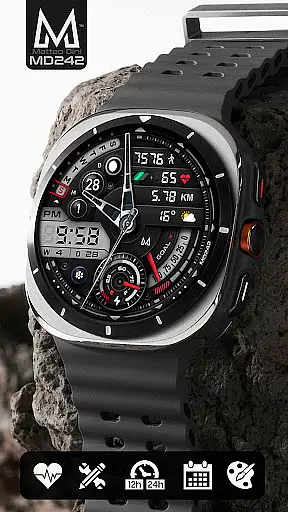
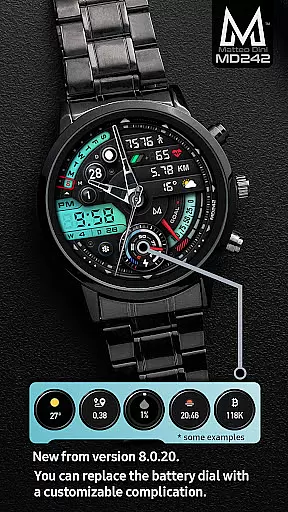
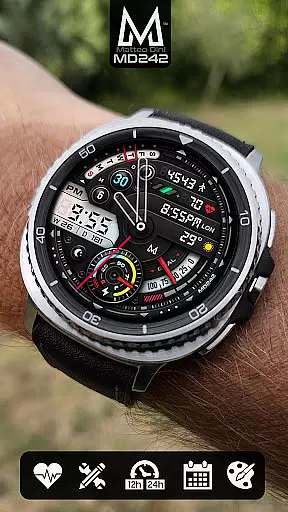
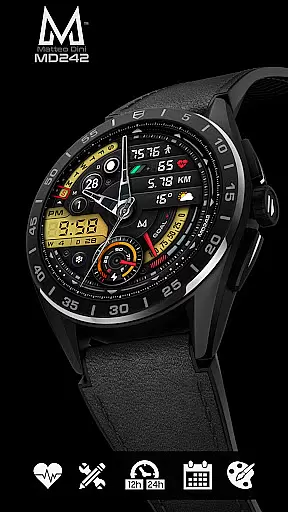
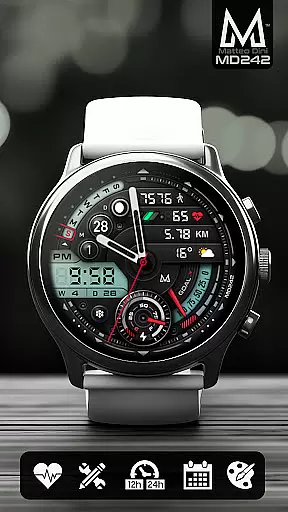
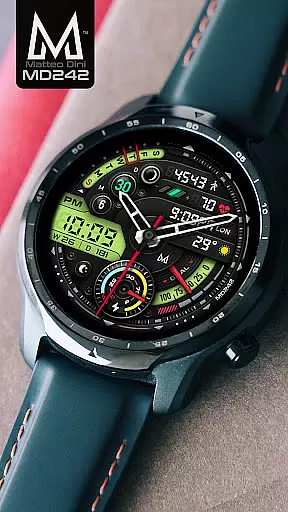
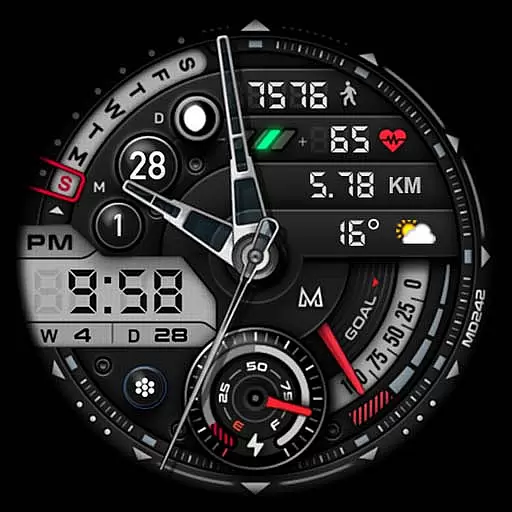
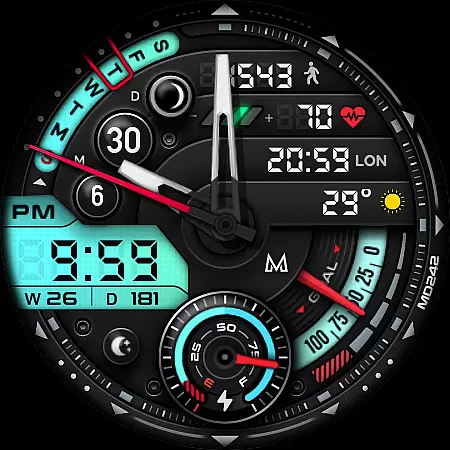
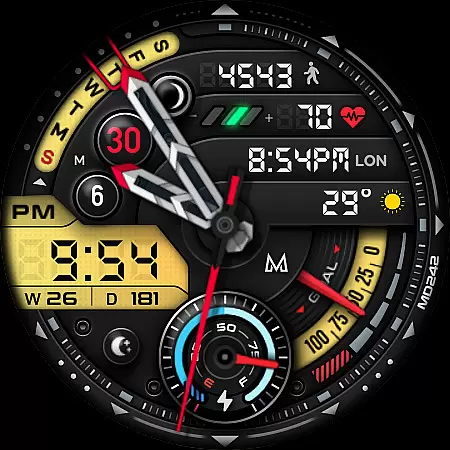
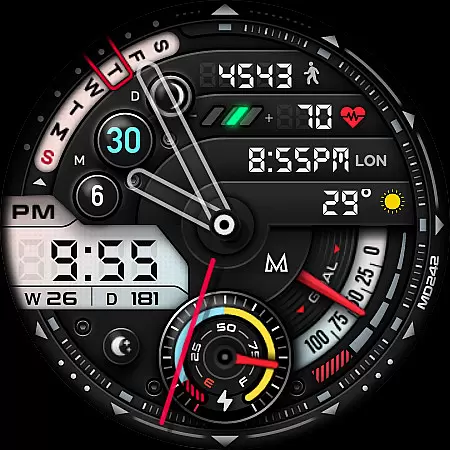
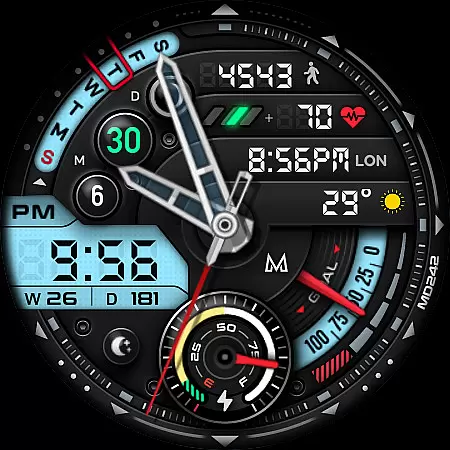
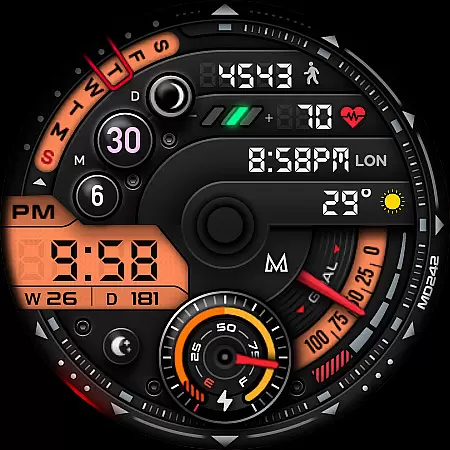
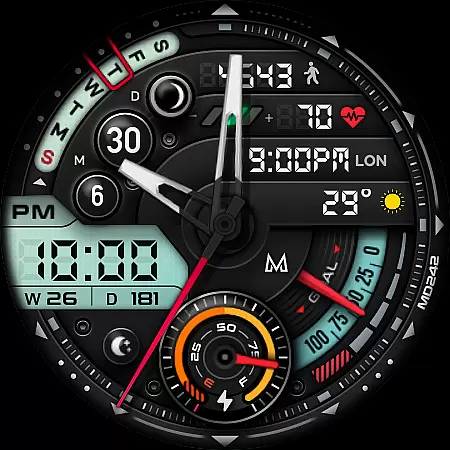
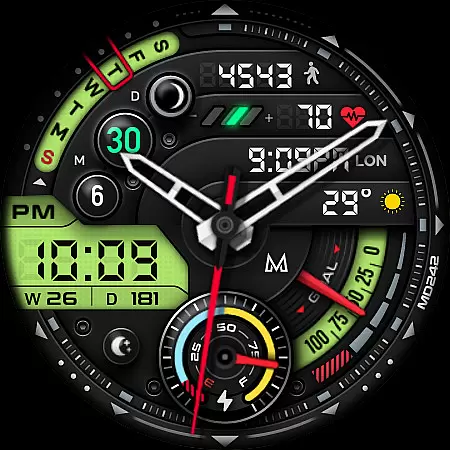
MD242 Hybrid watch face offers a versatile and customizable experience for Wear OS users. This advanced watch face format supports devices with API Level 33+ including Samsung Galaxy Watch series and Pixel Watch.
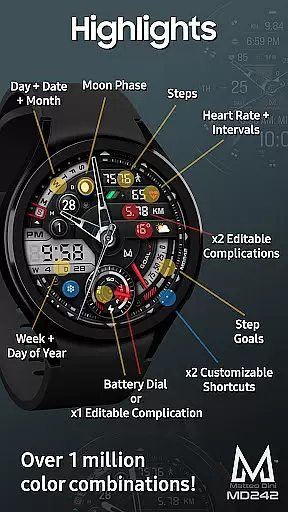
Key features include digital time display, battery dial, heart rate monitoring, step tracking, and various customizable elements like complications and app shortcuts. Users can personalize their watch faces with preferred data fields such as weather, barometer readings, or distance walked.
The watch face is particularly useful for health-conscious professionals who want to monitor their fitness metrics while maintaining a stylish digital appearance on their smartwatch.
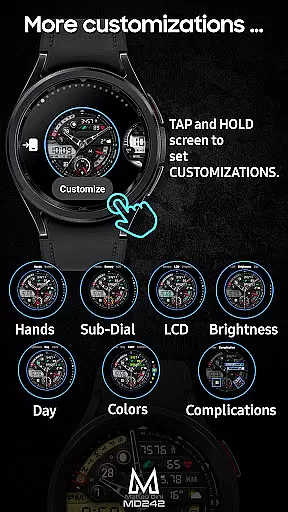
This sophisticated watch face stands out with its extensive customization options. Users can modify LCD colors, hands, date displays, rings, and general color schemes through the intuitive on-watch editor.
Notable technical features include Always ON Display support, three preset app shortcuts (Calendar, Battery, Measure HR), and two additional customizable shortcuts. The three customizable complications allow users to display preferred data points such as weather information, time zones, or fitness metrics.
Advanced functionality includes week/year day tracking, moon phase display, and daily step goal synchronization with Health App, making it an ideal choice for users seeking both practicality and personalization in their wearable technology.
For the MD242 Hybrid watch face, seamless companion app integration is crucial for an enhanced user experience. This feature ensures that all your essential data is synchronized between your smartphone and the watch face effortlessly.
The synchronization process allows users to customize their watch face directly from their phone or through the Samsung Wearable app. Despite known issues with loading complex watch faces in the editor, customization can be done directly on the watch itself, ensuring a smooth experience until these technical challenges are addressed by Samsung.
By tapping and holding the screen on the watch, users can access the customization options, providing a hands-on approach to personalizing shortcuts, complications, and other display elements. This direct interaction guarantees that users have control over their watch face's appearance and functionality without needing to rely solely on companion apps.
The MD242 Hybrid watch face boasts extensive compatibility with various Wear OS devices, supporting API Level 33+ which includes Wear OS 4 and later versions. This wide-ranging support ensures that users of popular models such as Samsung Galaxy Watch 4-8, Ultra, and Pixel Watch can enjoy this innovative watch face.
With features like digital time based on phone settings, date display, battery dial, heart rate monitoring, step tracking, and customizable complications, this watch face leverages the full potential of Wear OS technology. These functionalities are designed to work seamlessly across supported devices, delivering consistent performance and reliability.
Moreover, the Always ON Display feature with changeable colors and customizable LCD elements ensures that users can tailor their viewing experience according to their preferences while maintaining optimal device performance. Such comprehensive compatibility underscores the versatility and adaptability of the MD242 Hybrid watch face across different Wear OS platforms.
Highly customizable
Wide device compatibility
Comprehensive health tracking
Intuitive customization process
Regular feature updates
Complex setup process
Editor loading issues
Third-party complications needed
Battery consumption concerns
Limited legacy support

Diet tracker for weight loss - track calories, food and macros. Simple and easy!
 4.70
4.70
A customizable Christmas watch face for Wear OS with a countdown.
4.20
Highly customizable hybrid watch face for Wear OS, perfect for everyday use.
4.60
Christmas Theme Watch Face for Wear Os
5.00
Digital, flexibly customizable watch face. For Wear OS 5.0, API 34+ and later.
5.00
Let's celebrate Thanksgiving - Wear Os watch face
4.20
Reliable phone calls with spam protection, caller ID and more helpful features
4.40
Hyper-Realistic Airplane Dashboard Watch Face With 10 Skins and Custom AOD
4.00
Track airplanes and follow flights with our real-time flight tracker
4.50
WTW M17 is a premium and luxurious hybrid watch face
4.70
Rose gold watch face with festive lights & customizable features.
4.60
The ultimate destination for kids ages 3-8 to explore the Marvel Universe!
4.30
sleep, alarm, snoring, stress, healing, focus, sound therapy, circadian rhythm
4.10
The #1 source of faces for your smartwatch!
4.00
Authentic military-tactical design with ZULU time! Realistic and functional!
3.80
Watch face designed for Thanksgiving Day. 7 Background Styles included.
3.20
Christmas and New Year - Themed Watchface
4.4
Christmas is near, let's count together the days left until Santa comes
4.5
Analog watch face with 8 complications and expedition styling
4.1


User Reviews