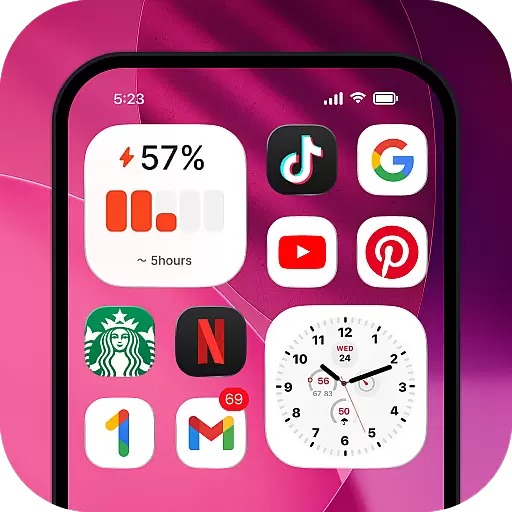
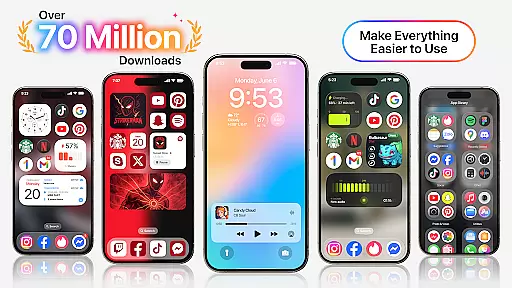
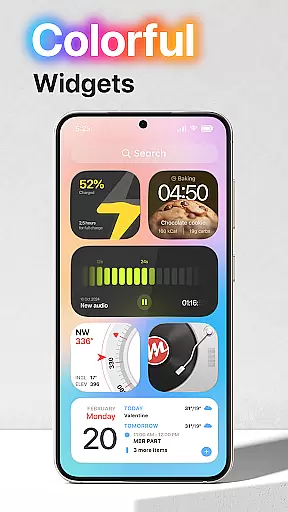
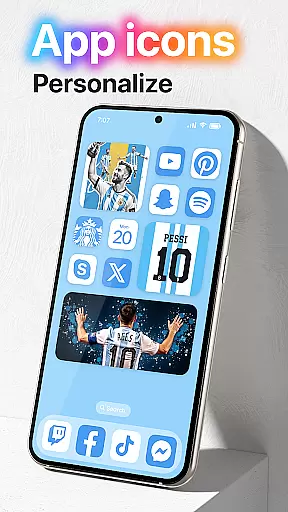
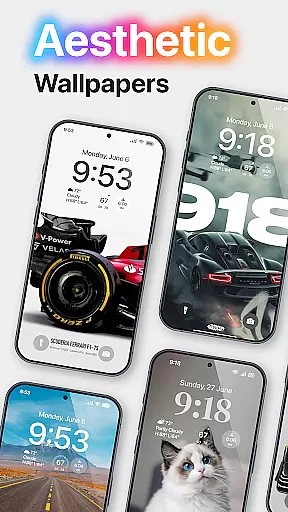
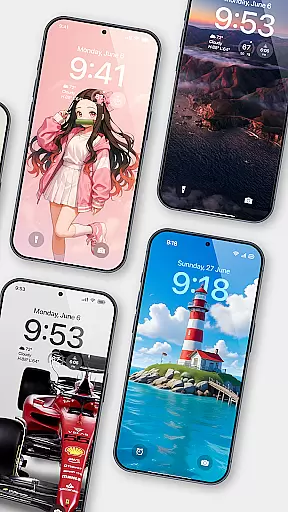
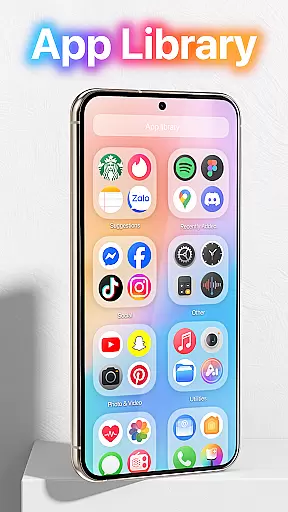
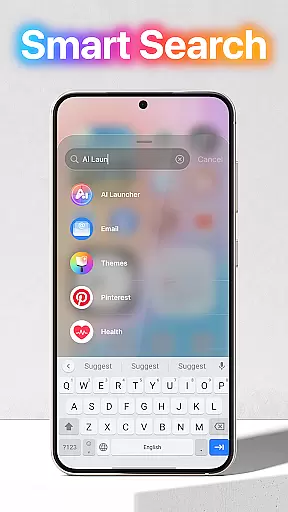
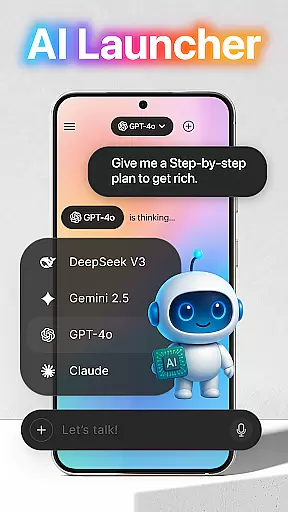
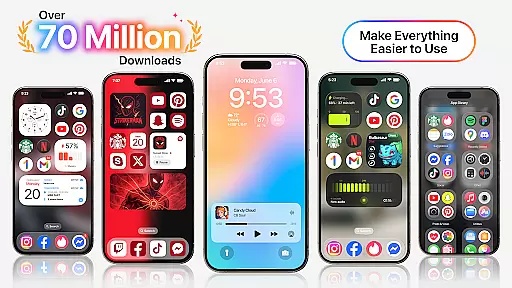
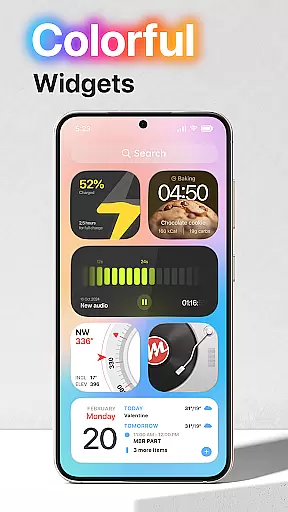
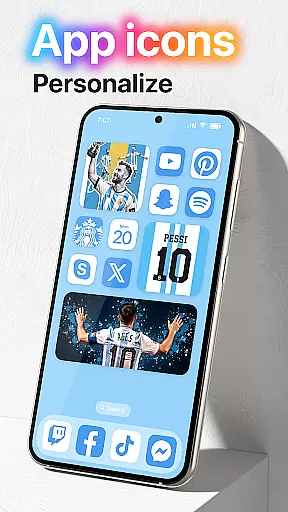
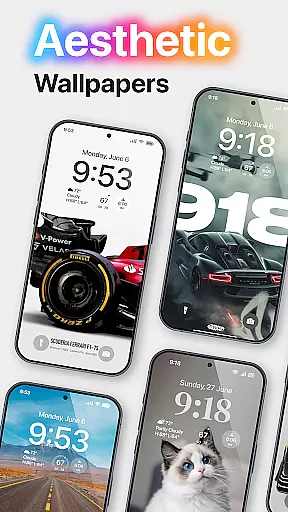
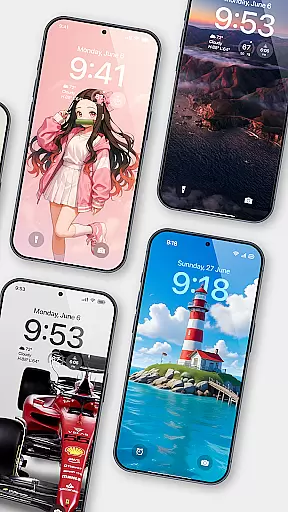
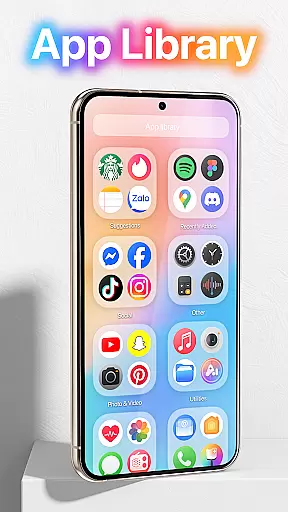
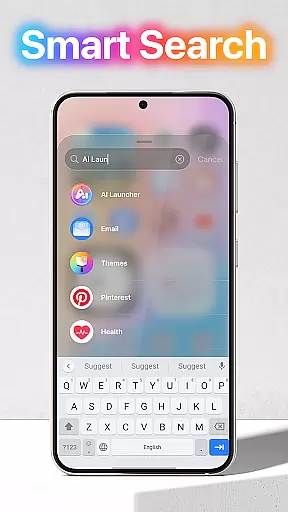
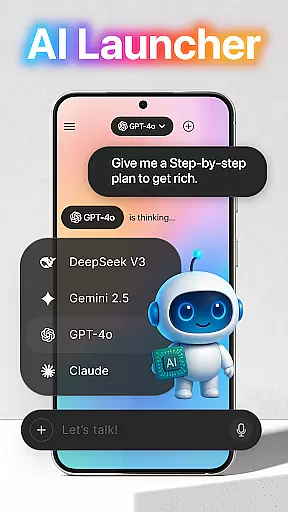
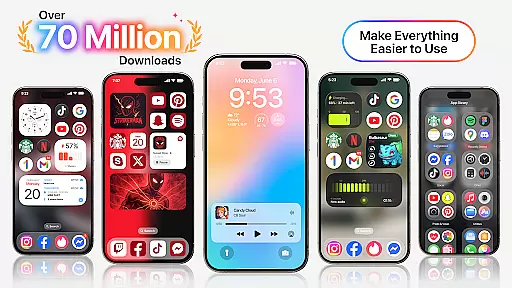
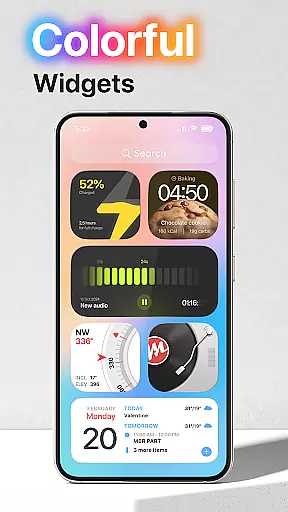
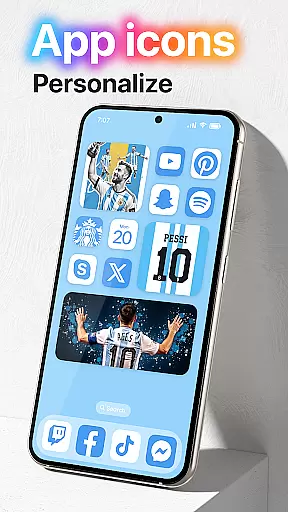
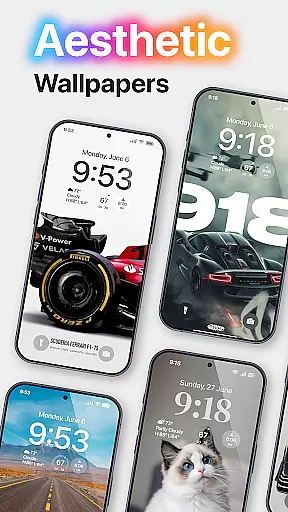
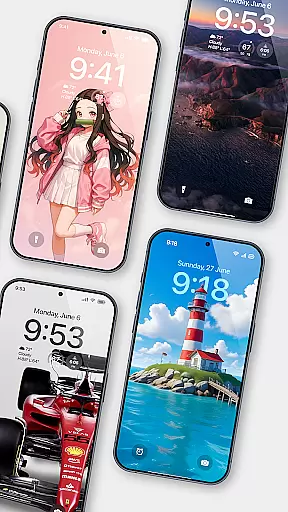
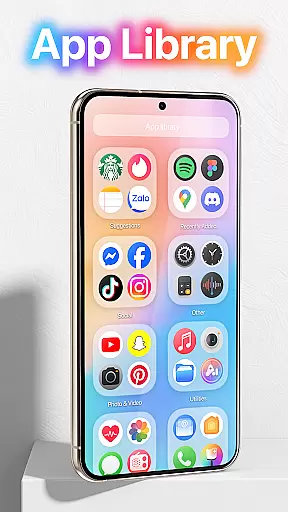
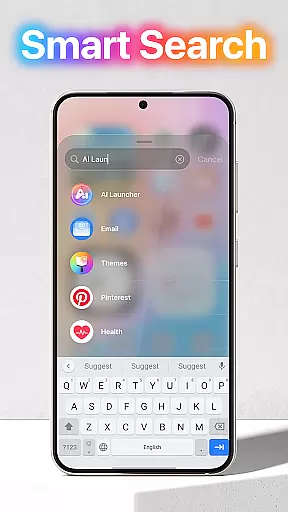
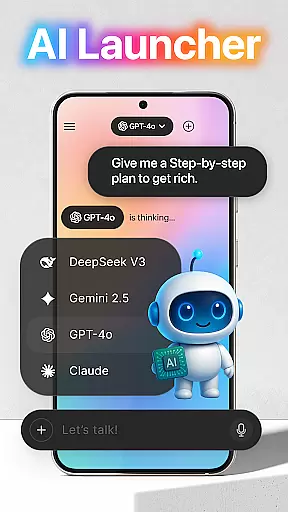
Launcher OS™ redefines the Android experience by transforming your mobile device into a more powerful, personal, and intelligent tool. This launcher app offers innovative features that enhance usability and customization options, making it a standout choice in the Personalisation category.
The application enables unique functionalities such as lock screen camera access, phone call notifications on the lock screen, and advanced file search capabilities. These features collectively create an intuitive and seamless user experience that optimizes both productivity and convenience.
Ideal for users seeking to maximize their device's potential, Launcher OS™ is particularly beneficial for those who value personalized interfaces and efficient multitasking. By integrating AI-powered tools like voice-to-text conversion, the app ensures that your smartphone adapts to your specific needs.
Launcher OS™ distinguishes itself through its comprehensive feature set designed to elevate the Android operating system. One of its key innovations is the ability to access essential functions directly from the lock screen, including camera activation and notification management.
The app also incorporates advanced storage management capabilities, allowing users to quickly locate files across their device with a universal search function. Additionally, Launcher OS™ supports extensive customization options, enabling users to personalize wallpapers and interface elements from both local storage and cloud servers.
Another notable feature is its AI-driven voice-to-text functionality, which utilizes microphone access to streamline communication tasks. These robust features collectively position Launcher OS™ as a versatile solution for users seeking enhanced control over their mobile experience.
Launcher OS offers an extensive range of customization options that allow users to tailor their smartphone experience according to their preferences. This includes the ability to change themes, icons, and layout styles, ensuring that your device truly reflects your personal taste.
The app provides advanced settings for widget management, giving users the power to organize and display information in a way that's most useful to them. Whether it's weather updates or calendar events, you have the freedom to prioritize what matters most on your home screen.
Moreover, Launcher OS supports third-party plugins and add-ons, which means you can expand its functionality without compromising on speed or reliability. This flexibility ensures that your phone remains not only personalized but also highly functional.
By offering such a diverse array of customization features, Launcher OS empowers users to create a mobile environment that is both unique and efficient, enhancing overall user satisfaction and engagement with their device.
Theme compatibility is a crucial aspect of any launcher application, and Launcher OS excels in this area by ensuring seamless integration with various themes available across different platforms. This compatibility allows users to apply their favorite themes without worrying about inconsistencies or performance issues.
The app has been optimized to support high-resolution images and complex animations, providing a visually stunning experience without draining battery life. Users can enjoy beautifully designed interfaces that maintain their aesthetic appeal over time.
Furthermore, Launcher OS regularly updates its theme library to include the latest trends and user requests. This commitment to staying current ensures that users always have access to fresh and exciting design options that keep their devices looking modern and stylish.
By prioritizing theme compatibility and continuously expanding its offerings, Launcher OS guarantees that users can personalize their devices with confidence, knowing that their chosen themes will work flawlessly and enhance their overall mobile experience.
User-friendly interface
Extensive customization
Advanced file search
AI-powered tools
Seamless lock screen
Requires many permissions
May drain battery
Complex for beginners
Limited iOS features
Occasional bugs

Ninja Turtles Cowabunga SE watch face for Wear OS
 4.50
4.50 4.50
4.50
Custom edge gestures for volume control, brightness, apps, and shortcuts.
4.0
Launcher OS™ Pro without ads help make your phone simple and pretty
4.30
HappyLighting is a Bluetooth lamp control software.
3.40
400+ Beautifully crafted widgets inspired by NOTHING.
4.70
Customize phone with anime themes, 3D icons, aesthetic widgets & wallpapers
4.80
Amazing letter fonts in your messages and social statuses
4.70
Fast SMS & group chat - use GIFs and emojis from your home screen launcher.
4.50
100+ Stylish Fonts, Emojis, Symbols keyboard for Instagram & TikTok!
4.80
350+ widgets with a premium glass-style finish, perfect for home & lock screens.
4.70
Stunningly Different look with Line Icons and Neon Colors
4.60
Ultra realistic high quality analog watch face for Wear OS.
4.60
Customize your home screen with stunning themes, blur, widgets & icons.
4.60
Choose your keyboard with RGB colors effect, themes, fonts, emojis.
4.60
Beautiful realistic hybrid watch face with numerous customization options.
4.50
Transform your phone with Launcher iOS 26 - Smooth & elegant iOS experience
4.50
Try creating your own keyboard with "Keyboard theme for android" app now!
4.50
Crystal-clear, square icon provides a sleek and sophisticated visual upgrade
4.00


User Reviews