

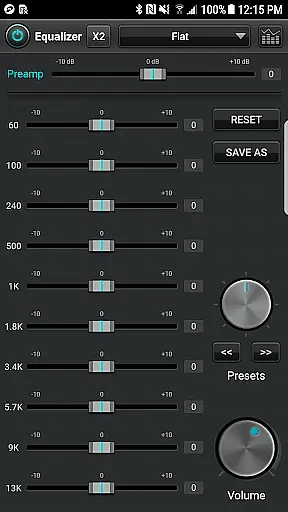
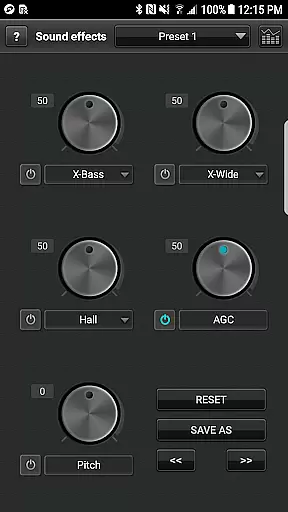
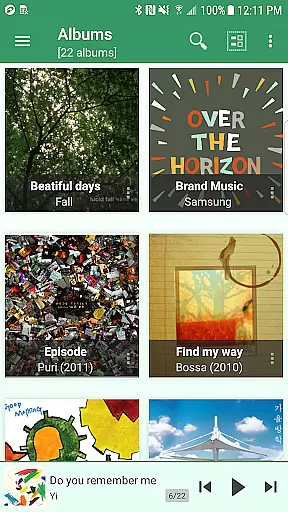
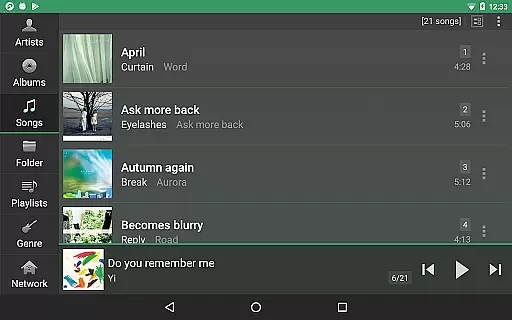
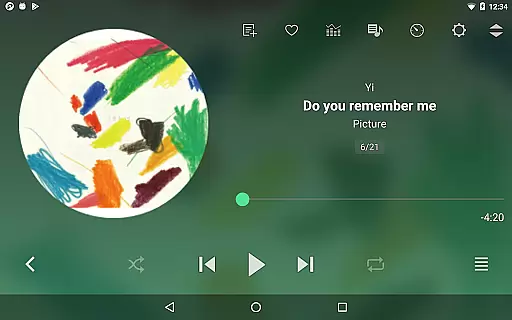
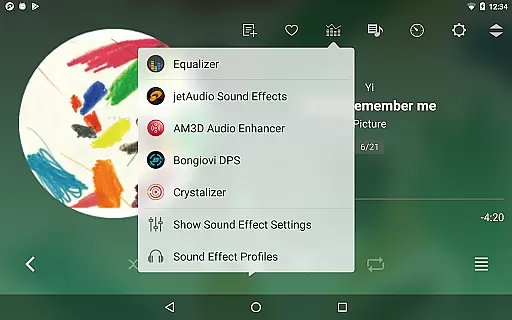
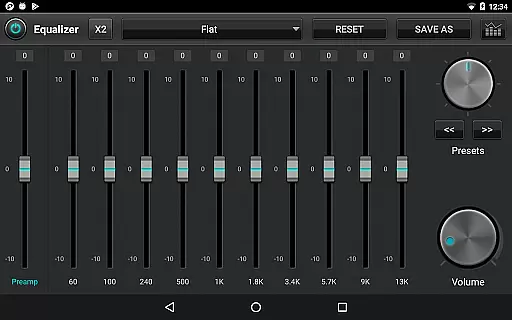
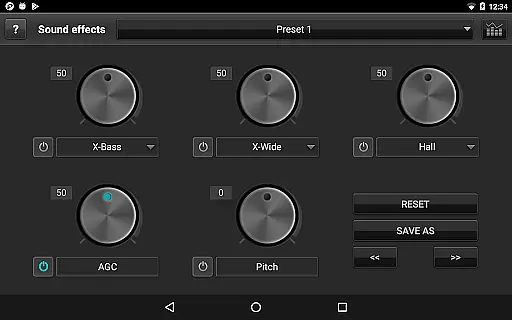
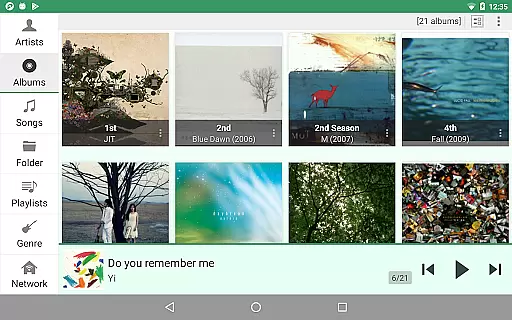
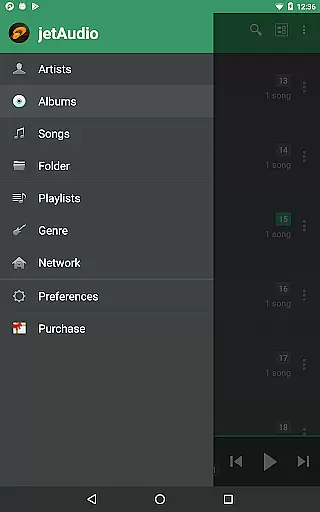
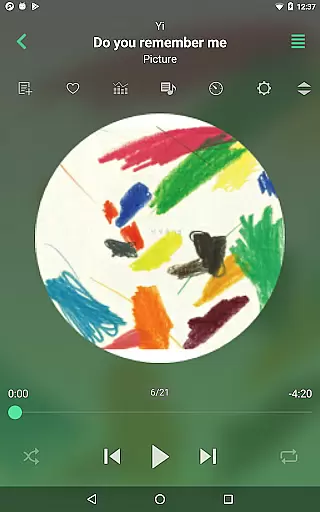
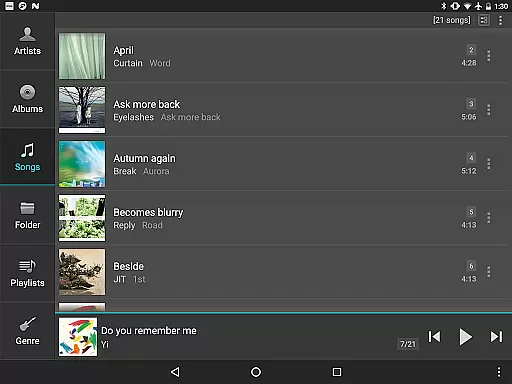
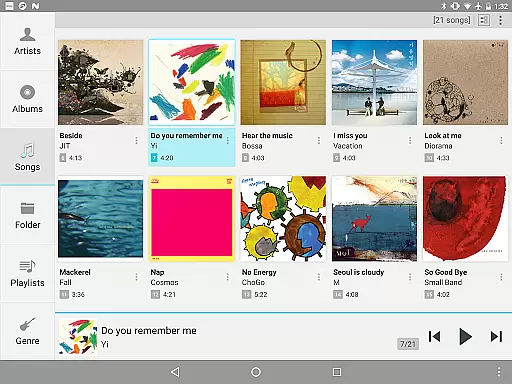
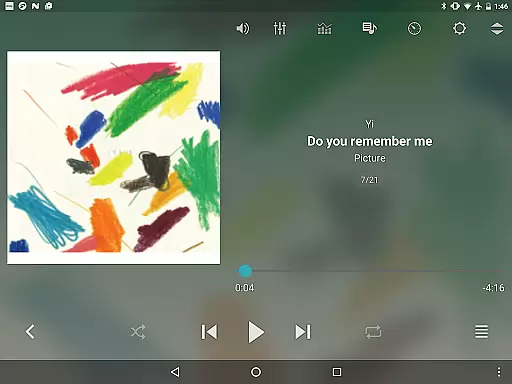
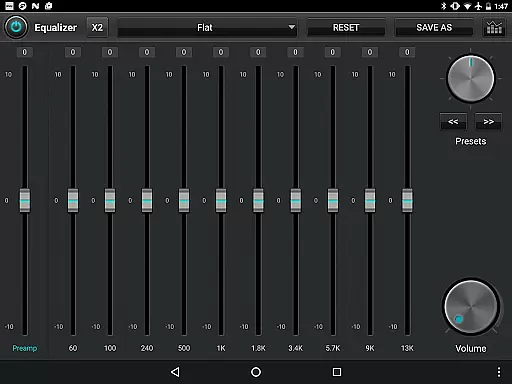
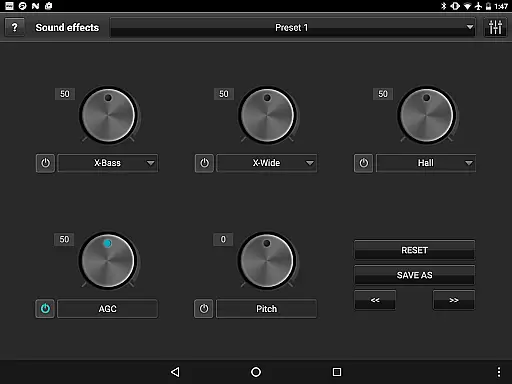
jetAudio+ Hi-Res Music Player is a premier audio solution for Android users, offering an extensive range of features for high-quality music playback. This app supports virtually all digital music file formats and provides superior sound quality with effects like Wide, Reverb, and X-Bass. It includes 32 equalizer presets and allows advanced customization through its graphic equalizer.
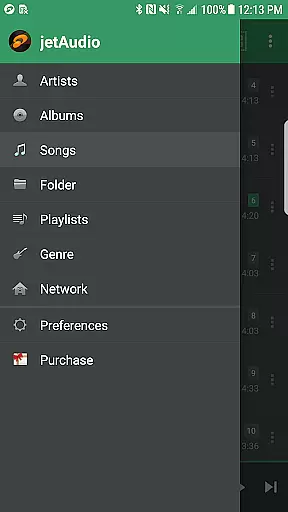
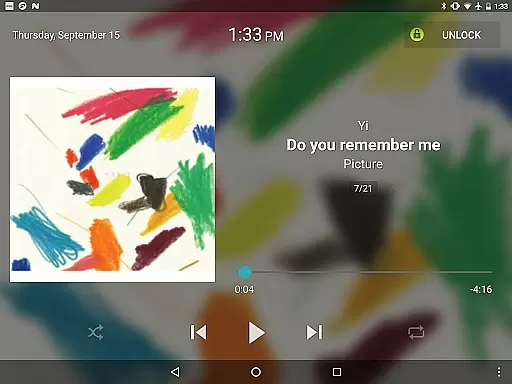
With the ability to stream music from local network shared folders or cloud services such as Google Drive, Dropbox, and OneDrive, jetAudio ensures seamless access to your music library. The Plus version offers additional functionalities including a 20-band graphic equalizer, tag editing, and various lock screens, enhancing user experience significantly.
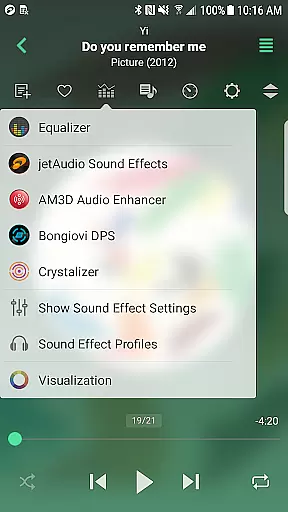
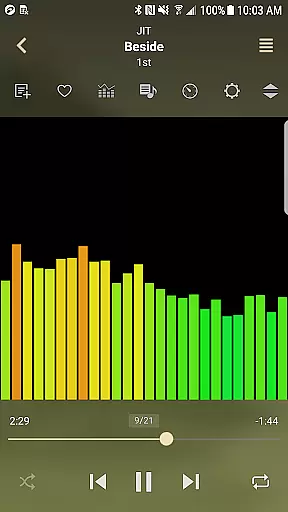
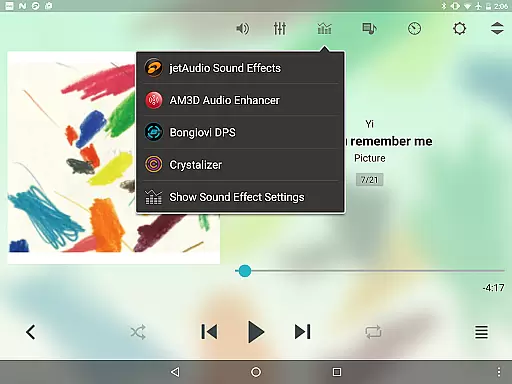
One of jetAudio's standout features is its capability to play almost any type of digital music file, including high-resolution formats. The app incorporates advanced sound effects and visualization plugins like Crystalizer and AM3D Audio Enhancer, which can be purchased separately. These enhancements provide users with an immersive listening experience.
For audiophiles who demand precise control over their audio output, jetAudio offers a 20-band graphic equalizer in the Plus version, alongside pitch shifter and playback speed control. Additional features include crossfading, AGC, and MIDI playback using the jetAudio WaveTable MIDI synthesizer engine, ensuring that every track sounds as intended by the artist.
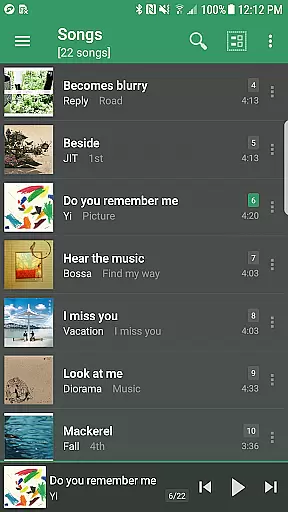
jetAudio+ Hi-Res Music Player offers an extensive music library that supports a wide range of audio formats including MP3, WAV, FLAC, and OGG. This ensures users have access to high-quality sound across various file types.
The application emphasizes copyright authenticity by enabling playback of legally purchased and downloaded music files. Users can manage their music collections with confidence knowing they are engaging with content in compliance with copyright laws.
With the inclusion of advanced features like Tag Editor for multiple formats and integration with cloud services such as Google Drive and Dropbox, jetAudio+ not only respects copyright but also enhances the user's ability to organize and enjoy their legitimate music library.
One of the standout features of jetAudio+ is its superior audio quality options. The app provides a 20-band graphic equalizer and various sound effects like X-Wide, Reverb, and X-Bass, allowing users to customize their listening experience precisely to their preferences.
In addition to the equalizer, jetAudio+ includes playback speed control and pitch shifter functionalities. These tools enable listeners to adjust the audio output dynamically, ensuring an optimal experience whether they're enjoying music or audiobooks.
Furthermore, the app supports gapless playback and crossfading between tracks, which significantly enhances the continuity and richness of the audio experience. Such meticulous attention to detail underscores jetAudio+'s commitment to delivering top-tier audio quality.
High-quality sound
Wide format support
Advanced equalizer
Cloud streaming
Customizable interface
Paid plugins
Complex UI
Ads in Basic
Heavy on resources
Limited free features

Fun & Easy Voice Changer – Record, Edit & Add Hilarious Effects!
 4.50
4.50
Listen to live FM radio stations, sports, music and news on global radios online
4.70
Slow music down without changing pitch.
3.70
The iconic iOS metronome app is now on Android.
3.70
MilkDrop for Android TV
3.00
Ringtone Maker is free app create ringtone from music files or your recording.
4.40
Reverse your voice & songs instantly! Fun singing challenge with cool effects.
4.60
Sing, record, and create music together — enhanced by smart voice tools.
4.00
Be a true music maker: create beats, mix and make music like a real DJ!
4.30
Tune in to the greatest hits on UK Radio | The home of Capital, Smooth & Heart.
4.90
Your song collections with lyrics and chords on Android smartphones and tablets.
4.80
Gorgeous UI, Powerful music Search and Equalizer, the great choice for you!
4.70
Most Advanced AI Song Generator and Music Creator. Rap, Pop, Rock, Gospel & more
4.70
Enjoy singing any song, no matter how high or low it is
4.30
A sleek, no-frills player designed for true music lovers.
4.20
Offline and always ad-free - stream in the highest quality available.
4.10
Background pads for your band
3.80
The Skullcandy App Experience
3.20
Remove ads permanently from Music Visualizer
4.1


User Reviews