
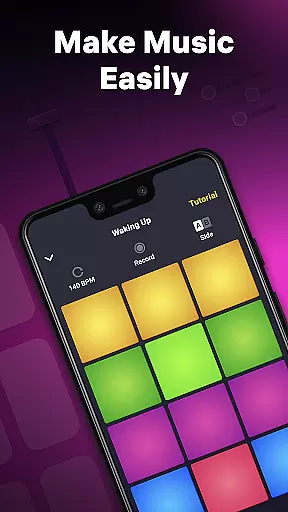
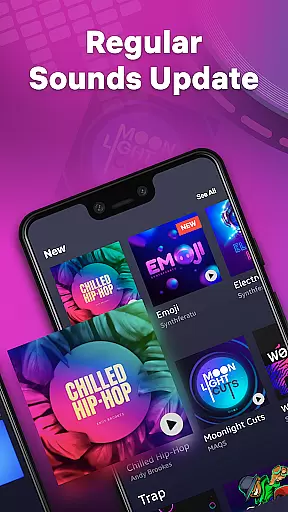
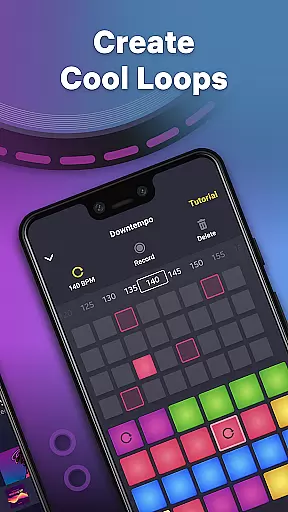
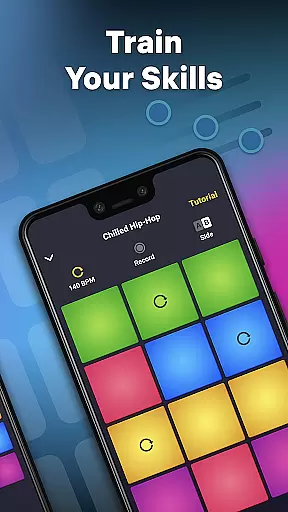
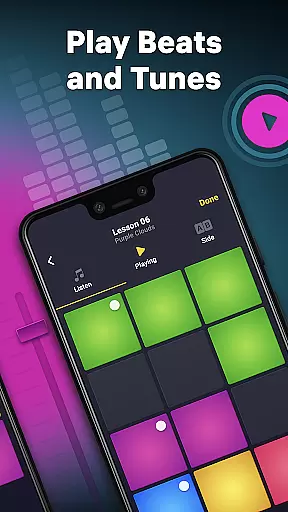
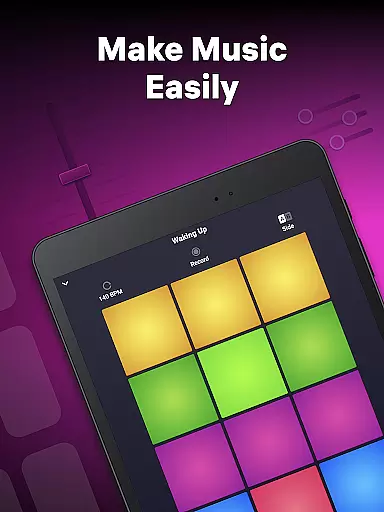
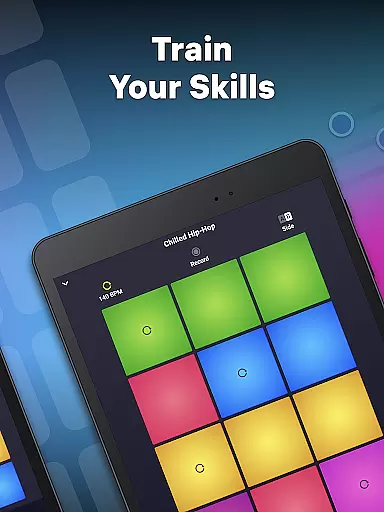
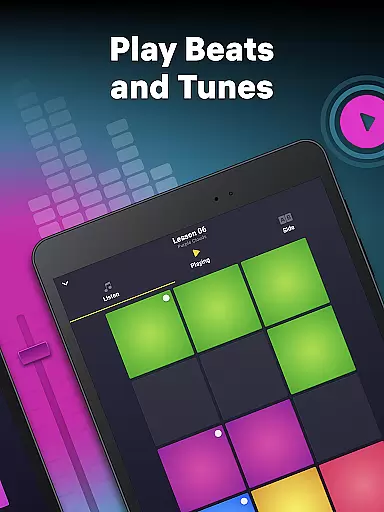
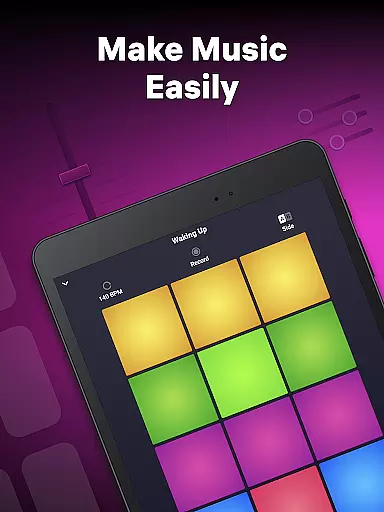
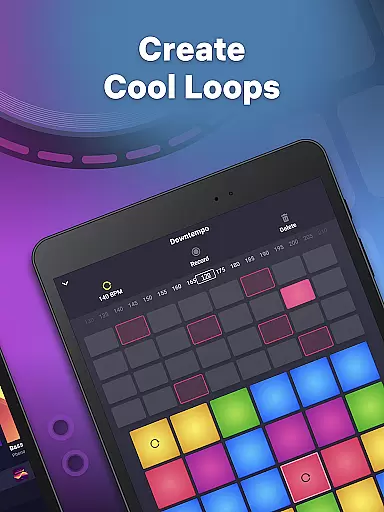
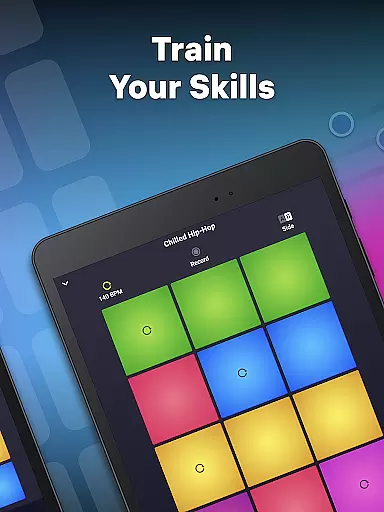
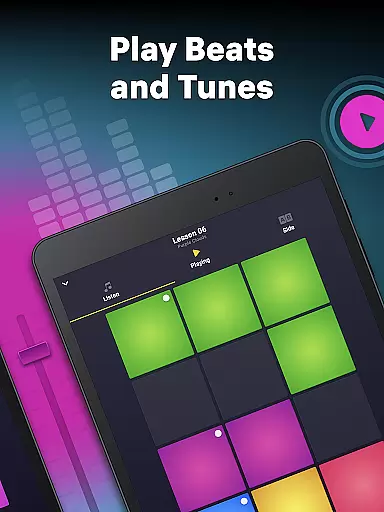
Drum Pad Machine is a dynamic music creation app designed for both aspiring and professional DJs. This application allows users to produce high-quality beats across various genres including Trap, Dubstep, EDM, and more. With an intuitive interface featuring colorful pads, each representing unique sounds, users can easily mix loops, record melodies, and create custom tracks.
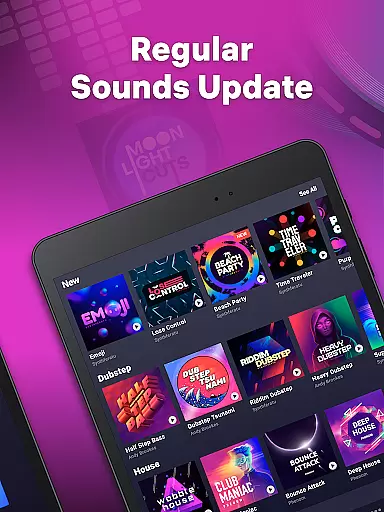
The app stands out with its comprehensive sound library developed by professional musicians, offering diverse sound packs for different music styles. Whether you're at home, in a studio, or on the go, Drum Pad Machine provides the tools needed to craft music anytime, anywhere. Its detailed tutorials further enhance user experience, making it accessible even for beginners while still offering advanced features for seasoned producers.
Ideal for creative expression, this app enables users to share their compositions directly with the world, fostering a community of music enthusiasts who can collaborate and inspire one another.
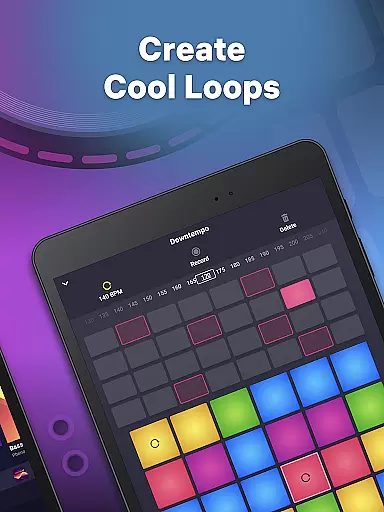
Drum Pad Machine boasts an array of powerful features tailored for music production. The app includes a vast library of professional music samples and sound effects suitable for creating chords for instruments like piano and guitar. Users can experiment with tempo adjustments and utilize the built-in sequencer for loop creation, providing endless possibilities for beat making.
One of the standout functionalities is the launchpad's finger drumming option, which simulates real drum playing. Additionally, the app offers robust recording capabilities, allowing users to save their creations and revisit them later. Detailed video tutorials guide users through the process of mastering these tools, ensuring that even novices can quickly learn how to navigate and utilize the app's full potential.
Furthermore, Drum Pad Machine supports real-time music play and loop creation, making it not only a practical tool for music production but also an engaging drum game. This dual functionality ensures users remain entertained while honing their musical skills.
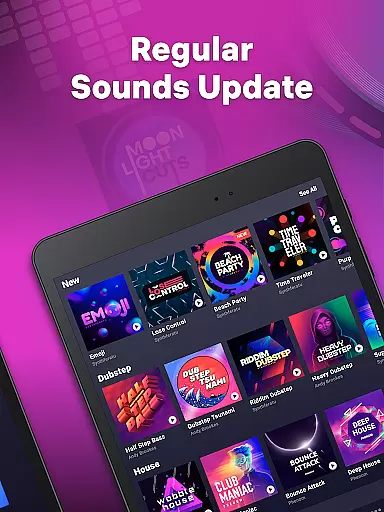
Drum Pad Machine offers an extensive music library that caters to various styles including Trap, Dubstep, EDM, House, Drum & Bass, Hip-Hop, Electro, and Future Bass. This wide selection ensures that users have access to a rich diversity of sounds and beats.
The app provides professionally developed samples and sound packs created by seasoned musicians. This guarantees not only the quality but also the authenticity and legality of the music content available for users to explore and utilize in their compositions.
With such a comprehensive library at their disposal, users can experiment with different genres and sounds, thus enhancing their music production skills while enjoying peace of mind regarding copyright issues.
Audio quality is paramount when producing music, and Drum Pad Machine excels in delivering pristine audio outputs. The app supports high-quality audio formats, ensuring that every beat and note is captured with clarity and precision.
Users can adjust tempo settings and create sounds via the beatbox recorder, allowing for customized audio experiences tailored to individual preferences or project requirements. These features contribute to making each track unique while maintaining top-notch audio standards.
In addition to its robust audio capabilities, Drum Pad Machine enables users to record their own tracks using the launch pad finger drumming option. This feature empowers creators to produce professional-grade recordings that meet industry standards, elevating their music-making endeavors.
User-friendly interface
Wide range of music styles
Professional sound samples
Detailed tutorials
Real-time music creation
Limited free content
In-app purchases required
Occasional bugs
High learning curve
Ads may disrupt workflow

Walkout Song DJ is the most intuitive app to manage your sports music.
 4.70
4.70
Your song collections with lyrics and chords on Android smartphones and tablets.
4.80
More downloads than any other metronome. Includes drum machine & tempo trainer.
4.80
Brian Eno and Peter Chilvers’ acclaimed music app Bloom, radically reinvented.
4.80
The best music and audio player, with beautiful UI, music search and equalizer.
4.60
AI Music Maker: Generate And Compose AI Tunes & AI Songs & AI Music & AI Melody!
4.60
Turn your Android phone into a professional audio analyser with up to 120 bands.
4.00
Play KORG’s revolutionary touch-based instrument on a variety of devices.
4.40
One-tap booster for max volume - enjoy powerful sound with this audio booster
4.50
24,000 free audio books and no ads!
4.90
Record, Mix & Master with all n-Track effects, 64-bit audio and Stem Separation.
4.70
Bass Booster & Volume Equalizer Pro improves your music and video sound quality
4.60
A synth that really lets you shape your sounds!
4.50
Advanced 10-Band Audio Graphic Equalizer Sound Booster Pro
4.30
Enjoy singing any song, no matter how high or low it is
4.30
Network/Cloud Streaming, Visualization, Graphic Equalizer and Sound Effects.
4.20
The ultimate media player for Android devices
3.90
Background pads for your band
3.80
The Skullcandy App Experience
3.20


User Reviews