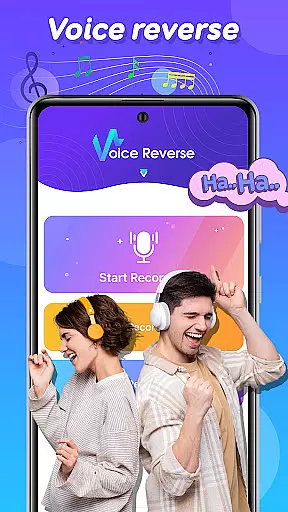
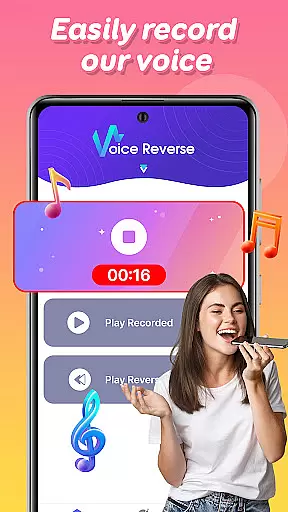
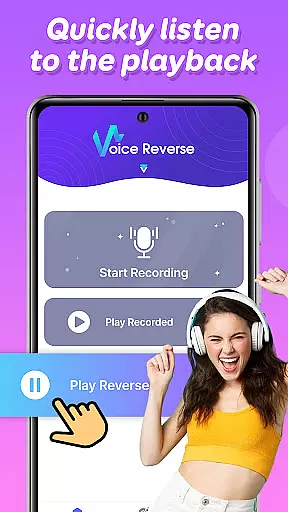

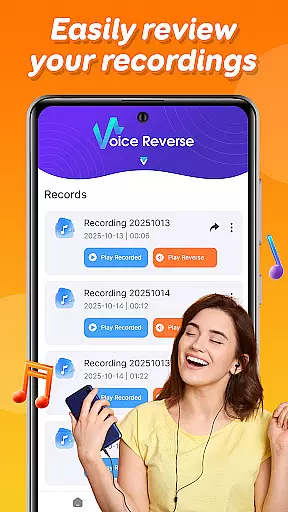
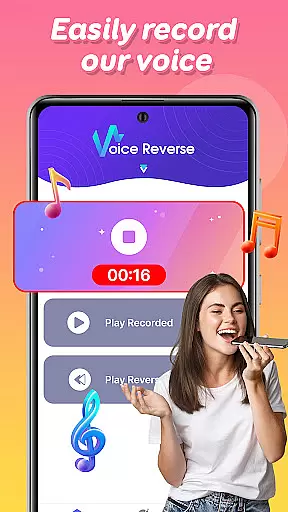
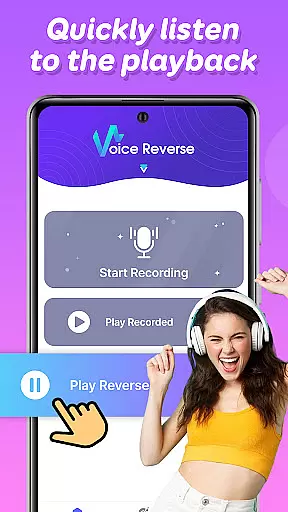

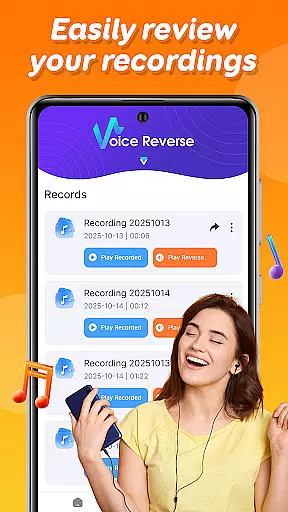
Voice Reverse is a unique audio application designed to transform your voice recordings into reversed audio clips. This app allows users to record their voice and instantly play it backward, creating a humorous and entertaining experience. With its simple interface, the app is suitable for casual fun, creative experimentation, or even professional audio projects that require reverse playback.
The core functionality includes quick tap-to-record features, enabling users to capture audio effortlessly. Once recorded, the app processes the audio in real-time and plays it back in reverse. This feature is particularly popular among content creators, educators, and anyone looking to add a playful twist to their audio projects. Whether you're challenging friends to guess reversed phrases or experimenting with sound design, Voice Reverse delivers an engaging user experience.
Voice Reverse stands out with its intuitive and straightforward feature set tailored for both entertainment and creativity. The app's primary feature is its instant reverse playback capability, which processes audio clips within seconds of recording. This ensures a seamless user experience without any lag time between recording and playback.
Additional functionalities include customizable recording settings, allowing users to adjust input levels and recording quality. The app also supports sharing options, enabling users to export reversed audio files directly to social media platforms or messaging apps. These features make it versatile for various use cases, from casual fun to professional audio editing tasks. The ability to experiment with reversed audio opens up new possibilities for musicians, podcasters, and sound designers seeking innovative ways to enhance their projects.
When it comes to music and audio applications, the size and authenticity of the music library are crucial factors. Funny Voice Reverse does not rely on a traditional music library but focuses on user-generated content.
The app allows users to record their own audio clips and instantly reverse them, creating unique sound bites that are original and personalized. This ensures that all audio content is authentic and free from copyright restrictions.
Users can enjoy unlimited creativity without worrying about legal issues related to pre-recorded music tracks. The absence of a conventional music library also means that every sound produced is fresh and tailored to individual preferences.
This innovative approach provides a dynamic and engaging experience, making it an ideal choice for those who value originality and personal expression in their audio creations.
Audio quality is a significant aspect of any music and audio application, determining the clarity and richness of sound output. Funny Voice Reverse offers various audio quality options to enhance user experience.
Upon recording a voice clip, the app processes the audio swiftly while maintaining decent sound quality. Although the primary focus is on reversing audio, the app ensures that the output remains clear and audible, preserving the essence of the original recording.
While advanced equalizer settings or high-fidelity options may not be the main features, the app delivers satisfactory audio performance suitable for its intended purposeu2014fun and entertainment.
With an emphasis on simplicity and speed, Funny Voice Reverse strikes a balance between functionality and audio quality, ensuring users have an enjoyable and hassle-free experience when experimenting with reversed sounds.
User-friendly interface
Instant audio processing
High-quality reverse playback
Customizable settings
Social sharing capabilities
Limited advanced tools
No batch processing
Few customization options
Ads may interrupt usage
Premium version required for full features

Make music anywhere. Turn your device into an instrument.
 4.2
4.2
Formerly known as Spotistats! View your top tracks, artists, albums and more!
4.40
Powerful beat maker & DJ mixer to remix tracks, make music, & perform DJ mix
3.70
Save hundreds of dollars for a physical strobe tuner and instead use this app.
4.50
Recording studio w/ 10k beats, pro vocal FX and a network of 20M rappers & fans!
4.60
A sleek, no-frills player designed for true music lovers.
4.20
Smart piano keyboard, Classical to Pop, Real-time multiplayer connection!
4.20
Uninterrupted Tunes, Unmatched Vibes
3.90
Customize Your Favorite Songs and Videos with booster.
4.70
Play your hearts out on TouchTunes jukeboxes & connect with fellow music lovers.
4.80
Unleash your creativity! Turn simple prompts into full fledged songs.
4.70
Offline Music Player&MP3 Player with themes, equalizer, lyrics, music play mode
4.60
Reverse your voice & songs instantly! Fun singing challenge with cool effects.
4.60
Full featured mp3 and audio player with Chromecast and Android Auto support.
4.40
The Music Journey in Your Hands
4.30
Master Salsa Rhythm quickly and with a lot of fun!
4.30
A High-Precision Audio Spectrum Analysis App
4.20
Turn your Android phone into a professional audio analyser with up to 120 bands.
4.00
Remove ads permanently from Music Visualizer
4.1


User Reviews