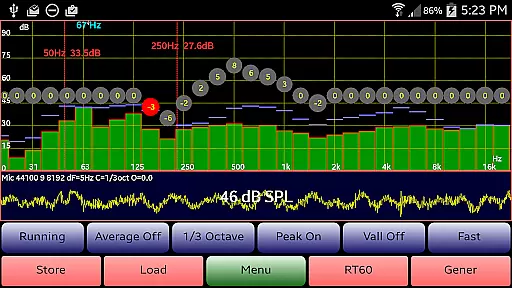
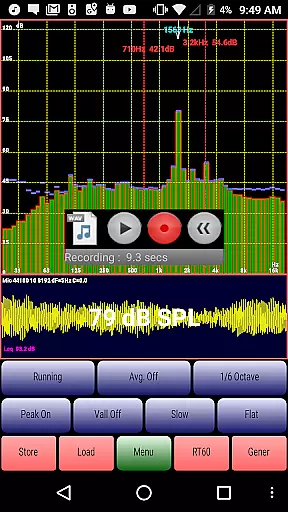
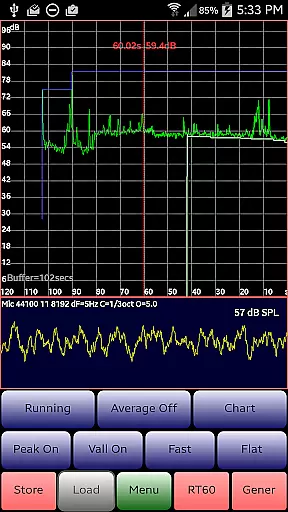
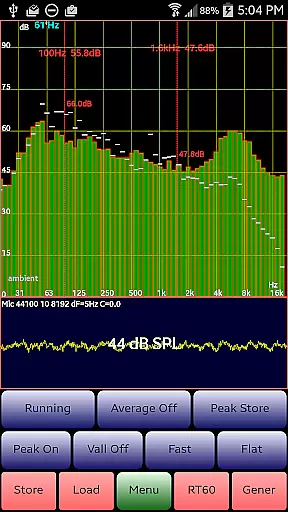
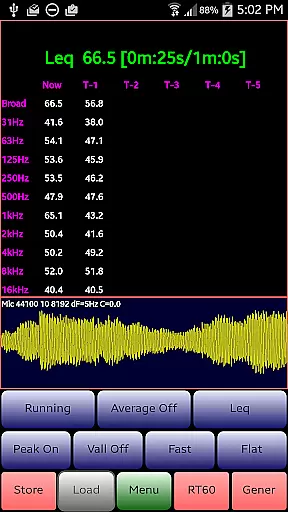
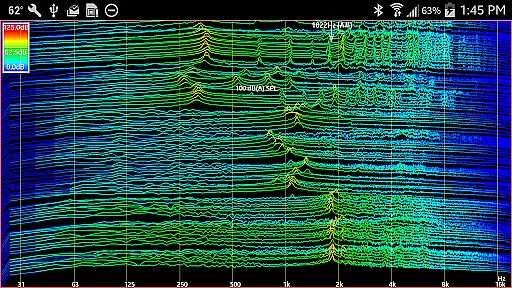
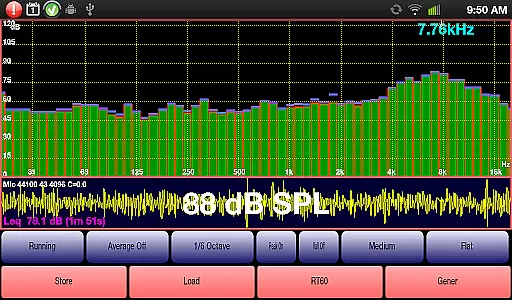
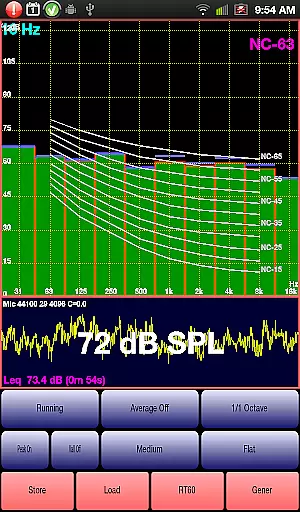
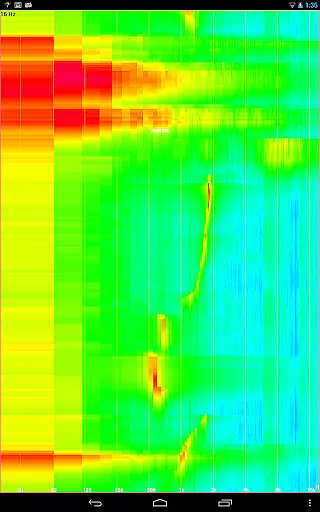
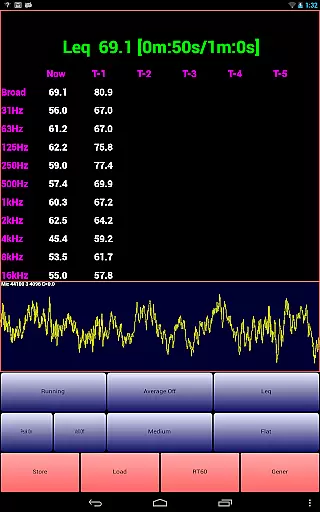
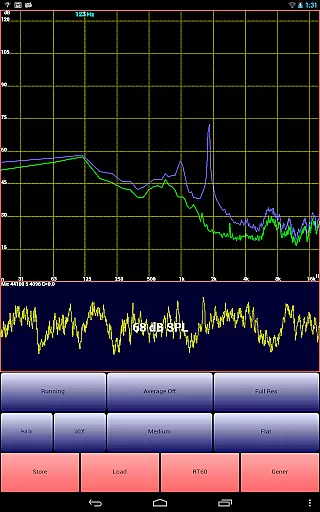
AudioTool is a comprehensive audio measurement application designed for audio engineers and enthusiasts. This app features an SPL (Sound Pressure Level) meter with RT60, Leq, Sone, Spectrum Analyzer, Spectrogram, Chart Recorder, Signal Generator, Polarity Checker, and Mic calibration functionalities.
The app supports various octave RTA modes, signal generation, and loudspeaker polarity checking, making it suitable for gig measurements, home theater calibration, acoustics analysis, and more. Loved by audio professionals worldwide, AudioTool provides the tools necessary for detailed audio analysis and correction.
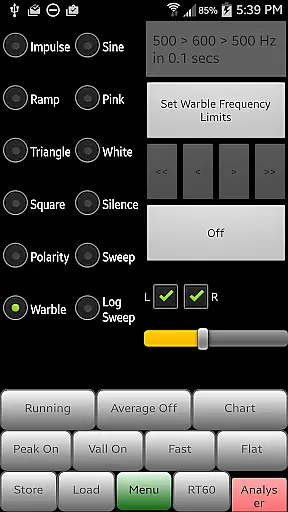
AudioTool stands out with its extensive range of professional audio tools. The app offers 1/1, 1/3, 1/6, and 1/12 octave RTA modes, multiple SPL calculation methods, and advanced signal generation options including White/Pink Noise, Sine, Square, Triangle, Sweep, Log Sweep, Warble, Ramp, and Impulse signals.
One of the unique features is the exclusive ISO 1/3 Octave Calibration, which corrects for your phone's microphone response. The app also includes a loudspeaker polarity checker, noise criteria function, chart recorder, and RT60 measurement capabilities. These features ensure accurate and reliable audio measurements across different environments and use cases.
AudioTool offers an extensive range of audio functionalities that can be considered as a comprehensive music and audio library. The app includes features such as Signal Generator, which produces White and Pink Noise, Sine, Square, Triangle, and Ramp waves, catering to a wide array of audio testing and generation needs.
The inclusion of multiple signal types like Sine Linear and Log Sweeps, Warbles, and Impulses ensures that users have access to a versatile selection of audio signals. This diversity in the music library empowers audio engineers and enthusiasts to conduct thorough sound evaluations and experiments.
Regarding copyright authenticity, AudioTool provides assurance by supporting popular external microphones such as Dayton Audio iMM-6 and MicW i436. It also allows for ISO 1/3 Octave Calibration, enabling precise adjustments to match professional standards, thus respecting the integrity and authenticity of copyrighted audio materials.
By offering these advanced capabilities while accommodating calibration files for different devices, AudioTool not only expands its functional repertoire but also aligns with legal standards concerning audio reproduction and measurement.
One of the cornerstones of AudioTool is the high level of audio quality it delivers across various functions. The app's Signal Generator boasts a frequency accuracy typically around 1%, ensuring reliable and consistent audio output that professionals can depend on.
Sine wave fidelity remains robust through most of the audible spectrum, providing clear tones that are crucial for accurate audio testing. Although higher frequencies might exhibit some artifacts, the overall quality sustains professional-grade expectations.
AudioTool employs true randomization techniques for generating White and Pink noise using multiple cycled buffers refreshed randomly. This approach guarantees that there is no repetitive pattern in the noise produced, enhancing the authenticity and usability of these signals in real-world applications.
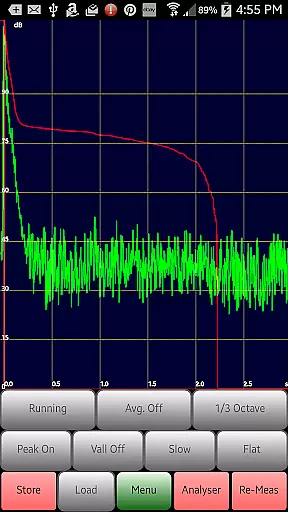
Additionally, features such as RT60 measurements for assessing reverberation levels and the Noise Criteria function displaying NC contours further underscore the appu2019s commitment to delivering top-notch audio analysis tools. These options collectively ensure that users receive detailed insights into their acoustic environments with precision and clarity.
Comprehensive audio tools
Exclusive ISO calibration
Wide range of RTA modes
Advanced signal generation
Real-time SPL measurement
Complex for beginners
Requires quality microphone
Interface not user-friendly
High battery consumption
Occasional inaccuracies

Permanently backup Now Playing. Maps, filters & listening stats.
 4.00
4.00
The only true audiophile music player with Hi-Fi audio rendering and DSP engine
3.90
USB audio recording and playback finally possible on Android 3.1 or higher!
3.90
The alternative folder based music player.
4.20
Listen radio AM / FM Stations. Live AM / FM Radio App Station. Radio Com.
4.70
No wifi music app. Mp3 offline. Tuner radio, young radio music. Music downloader
4.20
Turn your Android phone into a professional audio analyser with up to 120 bands.
4.00
PowerAudio is a powerful offline music player.
4.20
MilkDrop for Android TV
3.00
24,000 free audio books and no ads!
4.90
Pay Once, no monthly payment
4.60
Super Sound Editor, Song Maker & Mixer, Vocal Remover, Voice Recorder & Changer!
4.60
A synth that really lets you shape your sounds!
4.50
Enhance the sound quality of your devices, listen to what you want
4.50
Guzheng Master supports many playing techniques as an acoustic Guzheng
4.50
Smart piano keyboard, Classical to Pop, Real-time multiplayer connection!
4.20
The ultimate media player for Android devices
3.90
Background pads for your band
3.80
The Minimalistic Premium Music Player. Handmade with passion for music
2.20


User Reviews