


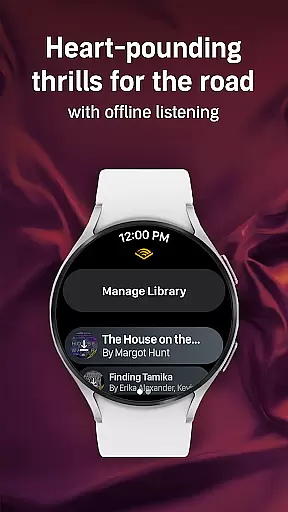
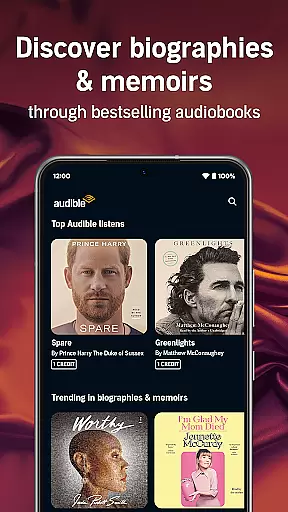
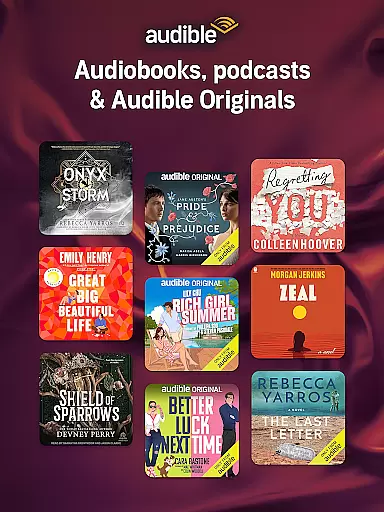
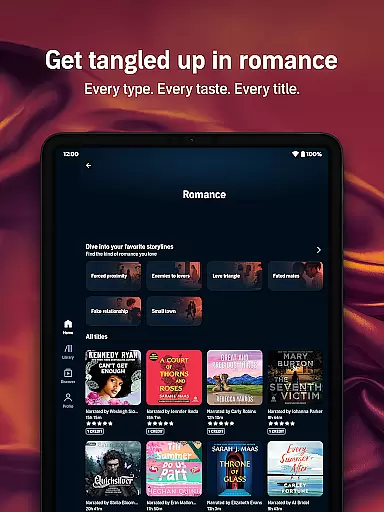
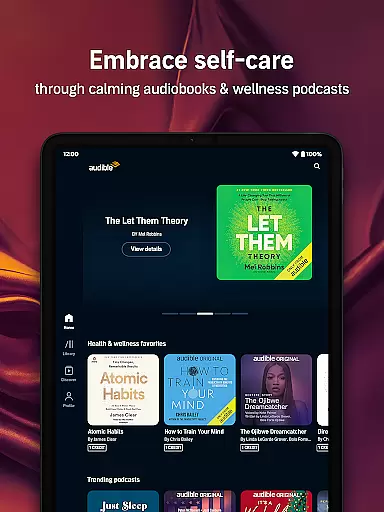

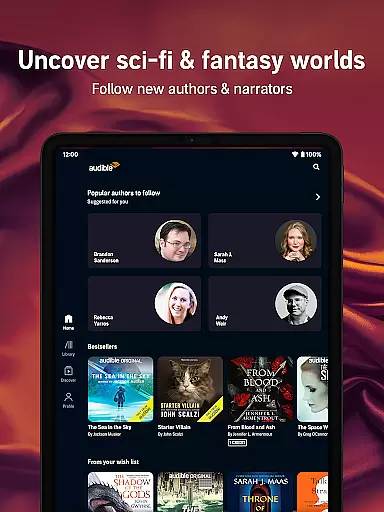
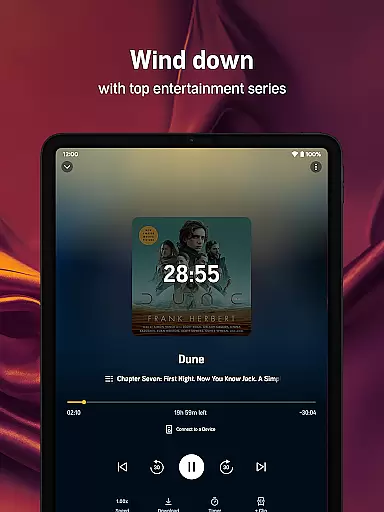
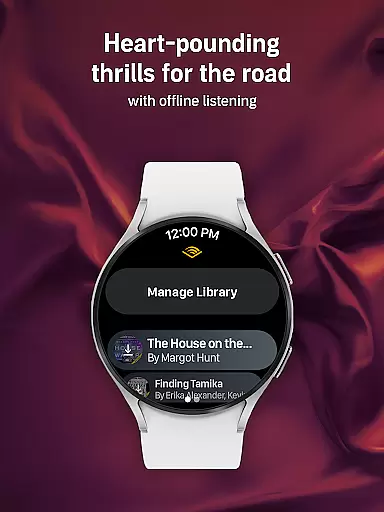
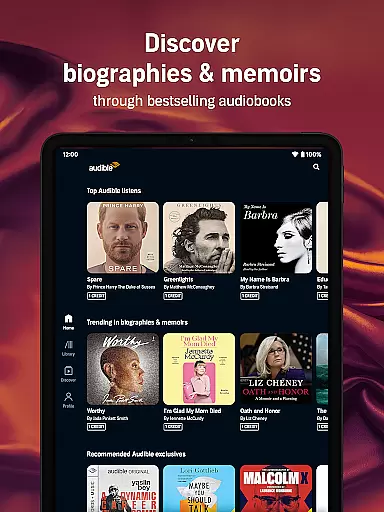
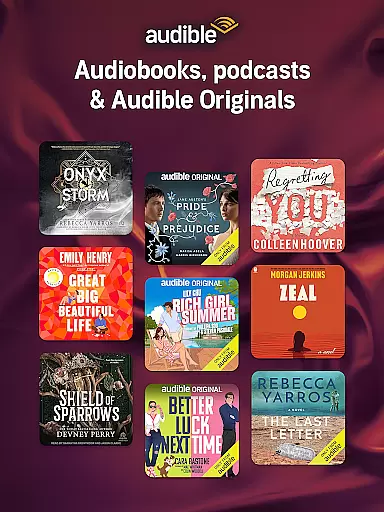
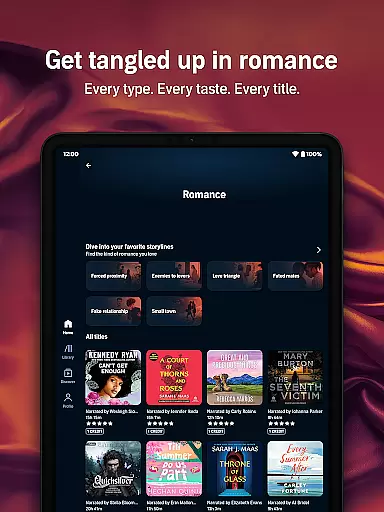
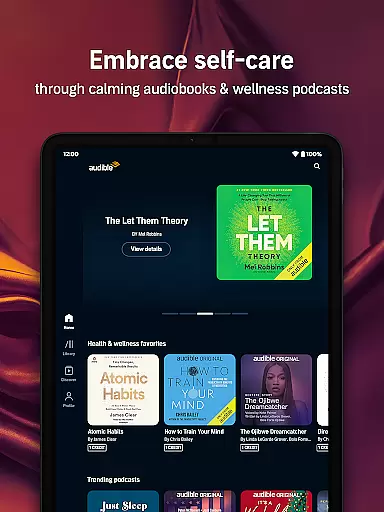

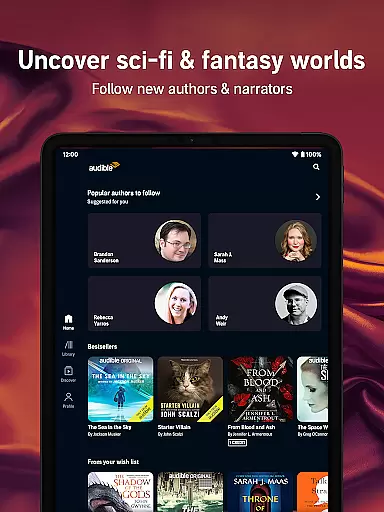
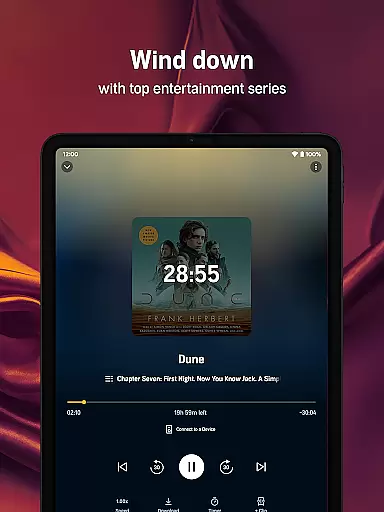
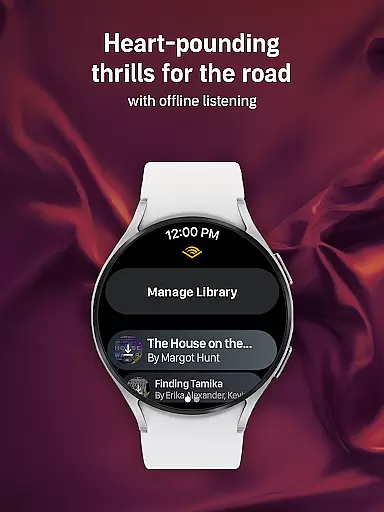
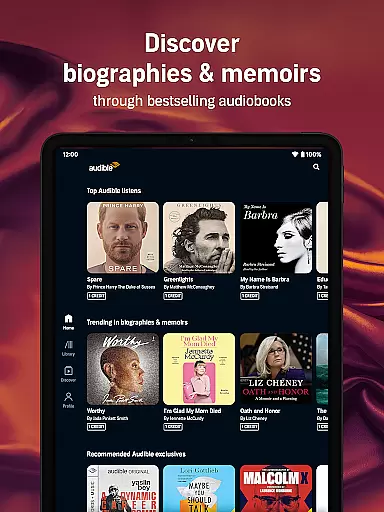
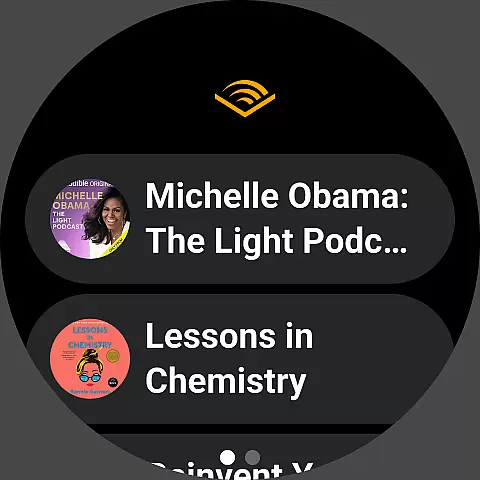
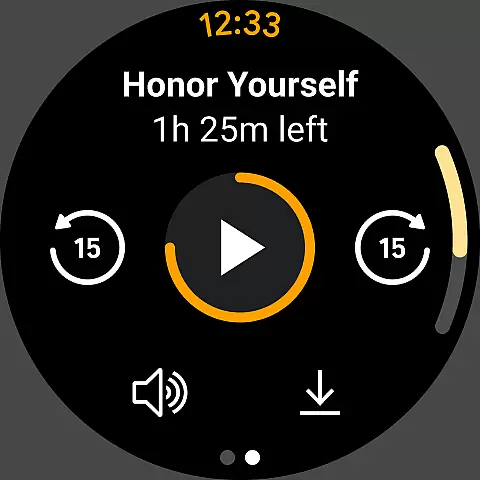
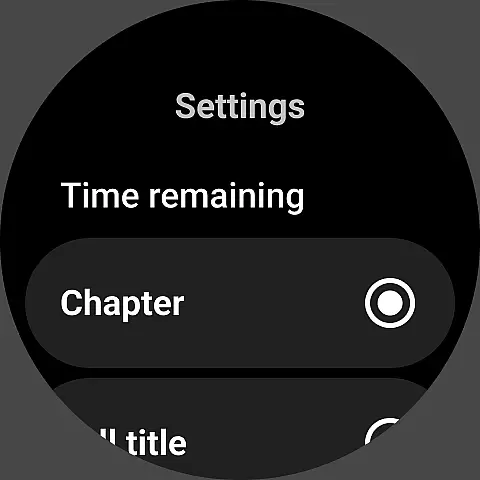
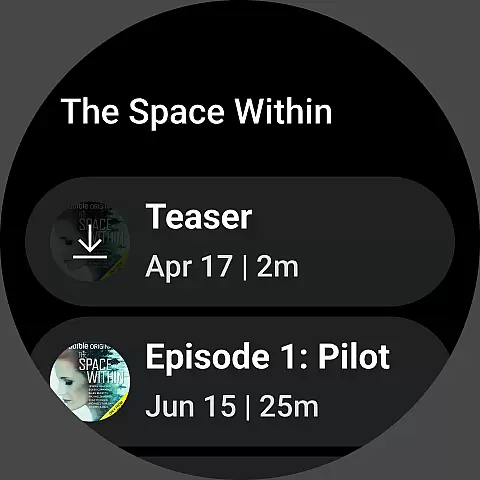
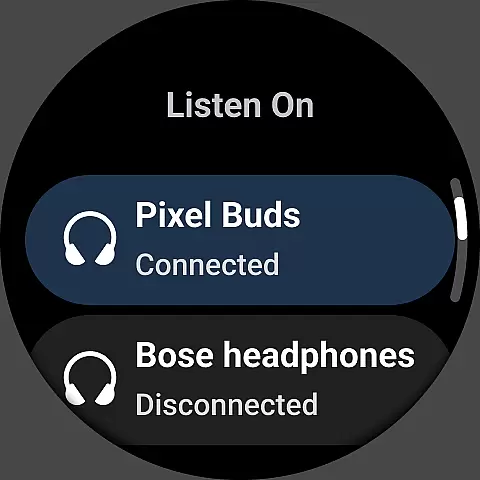
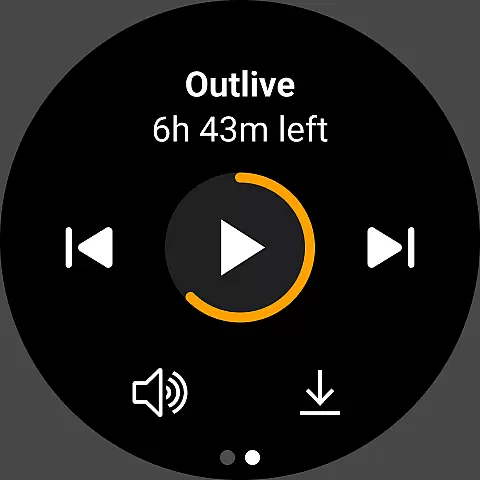


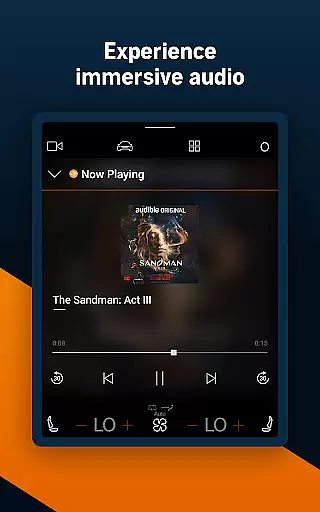

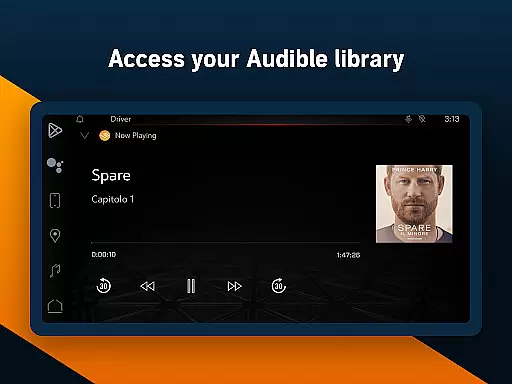
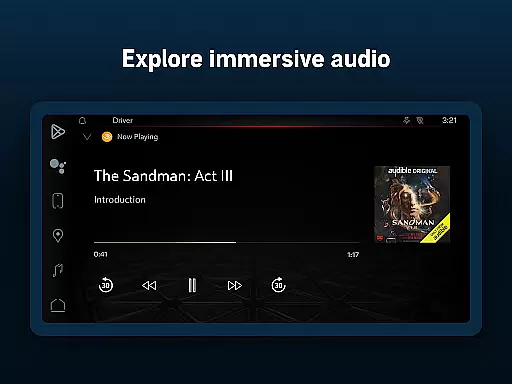
Audible is the premier destination for immersive audio content, offering a vast selection of audiobooks, exclusive podcasts, and original programming. Designed for Android Wear, this app allows users to enjoy their favorite stories hands-free while on the go. With features like adjustable narration speed, offline downloads, and Car Mode, Audible ensures an optimal listening experience across devices.
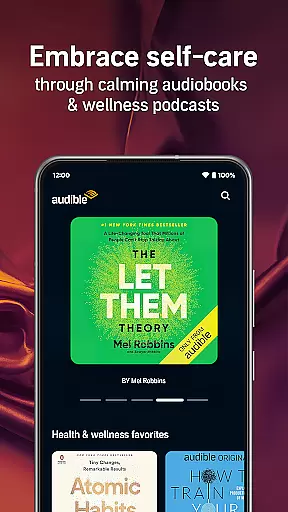
Whether you're commuting, working out, or relaxing at home, Audible transforms daily routines into opportunities for learning and entertainment. The Plus Catalog provides access to thousands of titles without credits, while Premium Plus members receive monthly credits for even greater flexibility. From bestsellers to wellness-focused content, Audible caters to diverse interests and helps users build better habits through the power of storytelling.
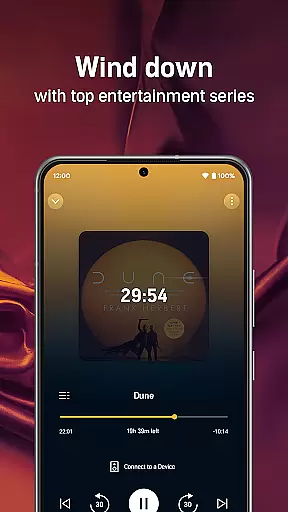
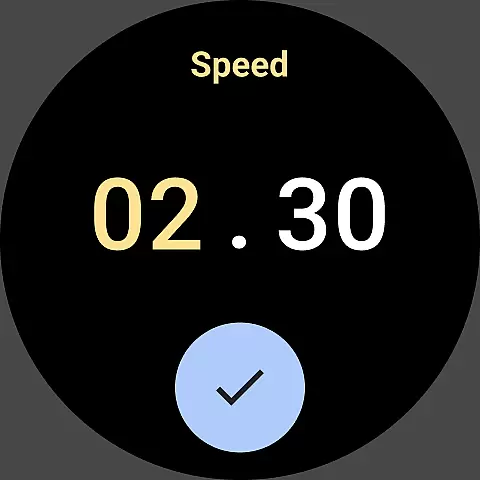
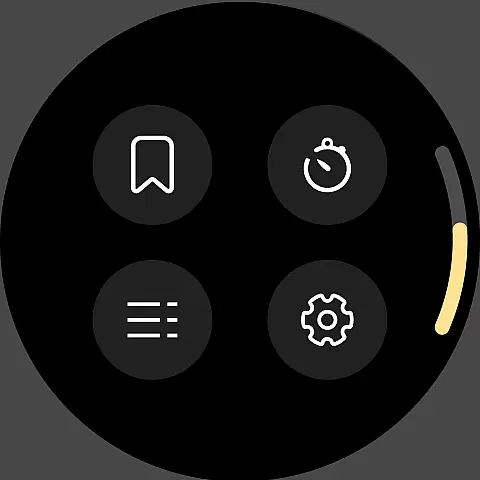
Audible stands out with its robust feature set tailored for seamless integration with Android Wear. Users can download audiobooks and podcasts for offline playback, ensuring uninterrupted listening regardless of connectivity. The app's intuitive interface includes adjustable narration speeds up to 3.5x, sleep timers, and bookmarking capabilities, empowering listeners to customize their experience.
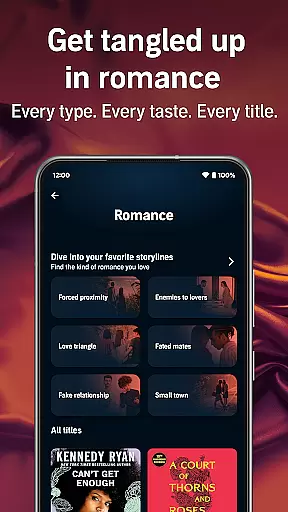
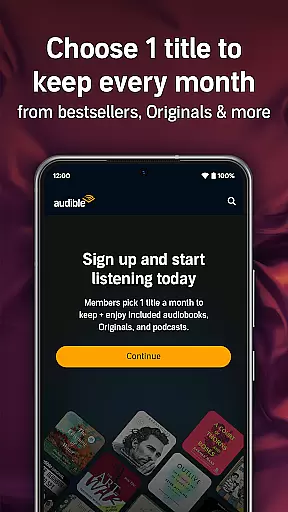
For those seeking variety, Audible offers an extensive library spanning multiple genres, including novels, self-development guides, and children's content via Kids Profiles. Original programming narrated by renowned voices adds another layer of engagement. Additionally, Audible's membership plans cater to different preferences, from free trials for newcomers to Premium Plus subscriptions that unlock exclusive benefits such as permanent libraries and extended catalogs.
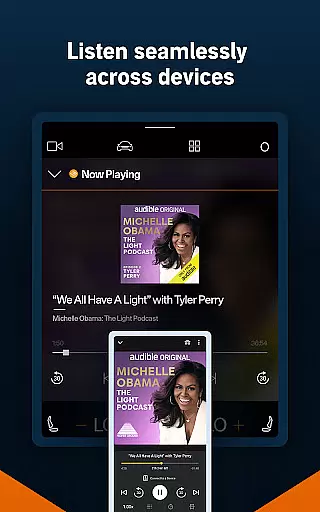
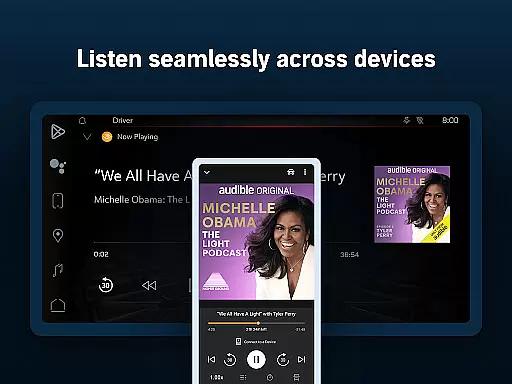
For Audible users, the seamless integration between the main app and its Wear OS companion app is a standout feature. This functionality ensures that your audiobooks and podcasts are synchronized across all devices, allowing you to transition smoothly from listening on your phone to your smartwatch without losing your place.
The Audible app achieves this by maintaining real-time data sharing between devices. Whether you're at home or on the go, your listening progress, bookmarks, and preferences are updated instantly. This means you can start listening to an audiobook on your phone during your commute and continue right where you left off on your Wear OS device when you hit the gym.
This level of synchronization offers immense value to users who lead active lifestyles. It eliminates the need to manually update or sync devices, providing a hassle-free experience. With everything linked, you have the freedom to enjoy your favorite content anytime, anywhere, making your storytelling experience truly uninterrupted.
Audible's compatibility with Wear OS and other devices is a crucial aspect of its appeal. The app supports a wide range of devices, ensuring that no matter what type of smartwatch or smartphone you own, you can access Audible's vast library of audiobooks and podcasts.
The developers have optimized the app to work seamlessly with different versions of Wear OS, ensuring that features like offline downloads, adjustable narration speed, and Car Mode are fully functional. This optimization extends to various Android devices, guaranteeing a smooth user experience regardless of your hardware.
By prioritizing cross-device functionality, Audible enhances user convenience. Whether you're using a high-end smartwatch or an older Android model, you can expect consistent performance and access to all key features. This commitment to compatibility underscores Audible's dedication to delivering an accessible and versatile audio entertainment platform.
User-friendly design
Extensive audiobook library
Offline listening support
Customizable playback options
Premium member benefits
Limited free content
Subscription costs
Occasional syncing issues
Heavy storage usage
Complex navigation for new users

Calming & relaxing sounds for sleeping and stress relief. Stay focused all day!
 4.20
4.20
an Analog Watch Face for winter season with freeze winter background for Wear OS
4.0
Rose gold watch face with festive lights & customizable features.
4.60
3 Complications. All shadow on/off. 30 Themes color palette...
4.1
Monitor health with the stress test and pulse checker in the heart rate app.
4.60
Nutrition, Macro tracker: Food, fitness & healthy diet tracking for weight loss
4.60
Reliable phone calls with spam protection, caller ID and more helpful features
4.40
Viewer for Wyze/Yi/Eufy/Arlo/ONVIF/RTSP/P2P IP cams w/ adv. features & DIY DVR
4.00
Hybrid Vibrant Health Watch Face for Wear OS
4.4
Gym Log & Workout Tracker | Fitness Journal, Training & Weight Lifting Planner
4.90
Diet tracker for weight loss - track calories, food and macros. Simple and easy!
4.70
The most customizable minimal watch face. For Wear OS 5.0, API 34+ and later
4.70
Your second brain for organizing your life: to-do, calendar, reminder.
4.70
Real-time results, stats, schedules and player profiles for all leagues
4.60
Retro digital watch face with customizable colors and a unique lighting effect
4.60
A full-featured Amazon Alexa voice assistant that can show you things.
3.70
A Wintery Snow Globe on Your Wrist; now celebrating Christmas!
4.0
Simple Analog-Digital Watchface For Wear OS 3.0 and Up Smartwatches
4.1
Fitness interactive virtual pet super fighter boy watch face
4.4


User Reviews