
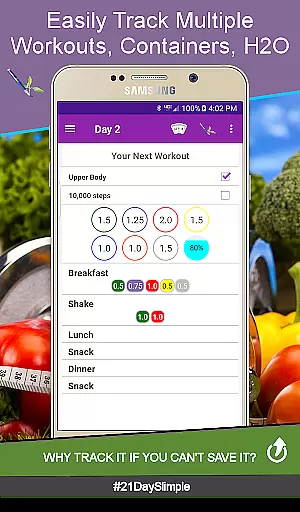
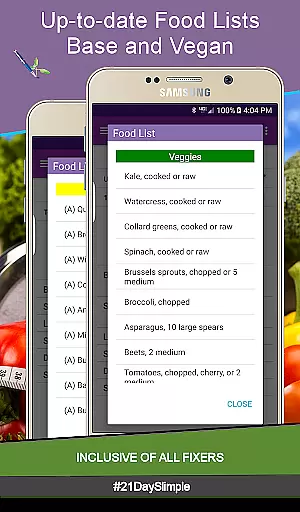
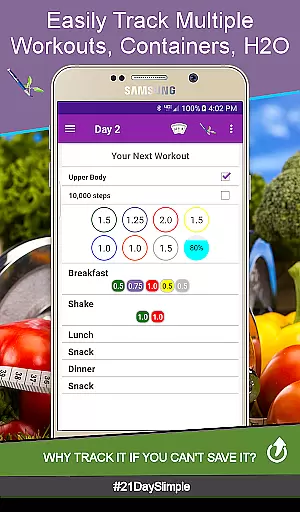
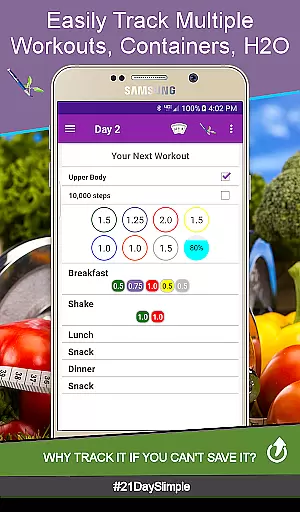
21 Day Slimple is a comprehensive fitness tracking app designed specifically for users following the 21 Day Program. The app allows you to track workouts, food containers, water intake, and even includes features like before-and-after photo comparisons. With its user-friendly interface, it offers more functionality than other similar apps, including the official Beachbody app.
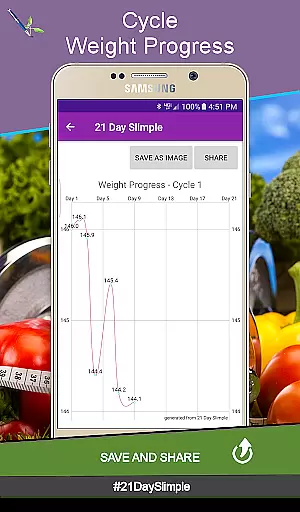
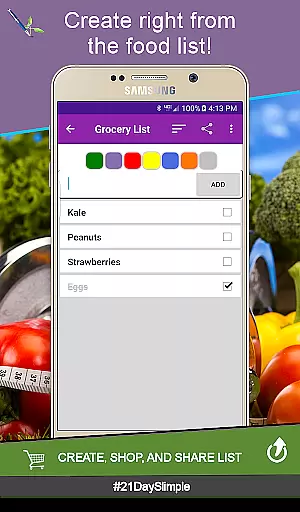
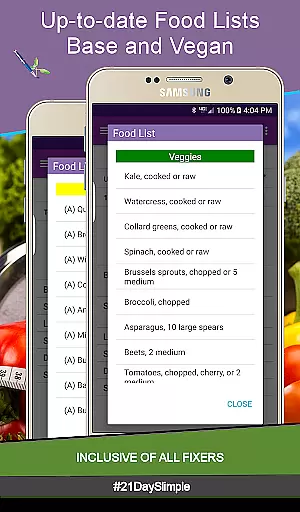
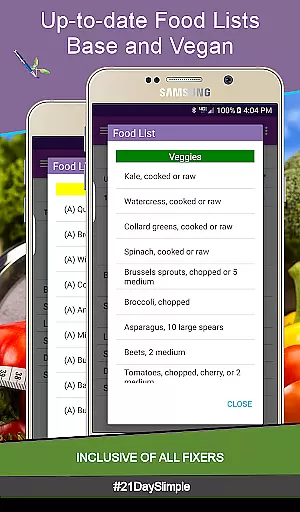
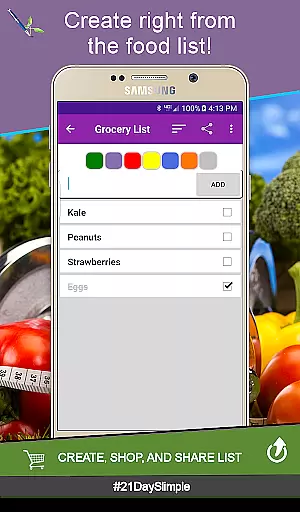
The application provides multiple scheduling options, weight tracking reports, measurement charts, and reminders that can be sent to your smartwatch. It also supports creating grocery lists directly from the food database and enables portion tracking with 0.25 increments. Whether you're looking to compare your progress or share your achievements, 21 Day Slimple has the tools to support your fitness journey.
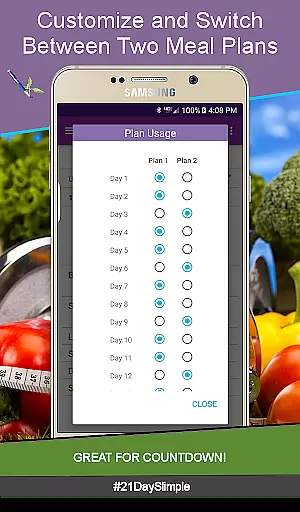
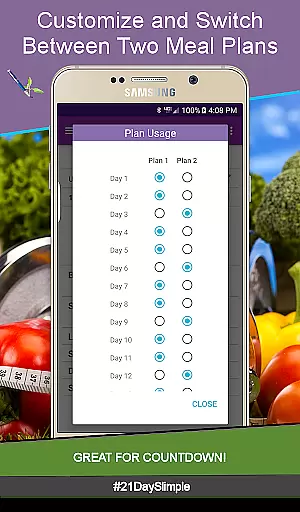
This app is ideal for anyone participating in fitness challenges or boot camps, as it allows switching between meal plans and tracking detailed measurements. Its unique features make it an invaluable tool for staying motivated and achieving your health goals efficiently.
21 Day Slimple stands out with its robust feature set tailored for fitness enthusiasts. One of its key highlights is the ability to switch between different workout schedules, such as the base 21-day schedule, extreme schedule, and even a 30-day deluxe option. This flexibility ensures that users can customize their routines according to their specific needs.
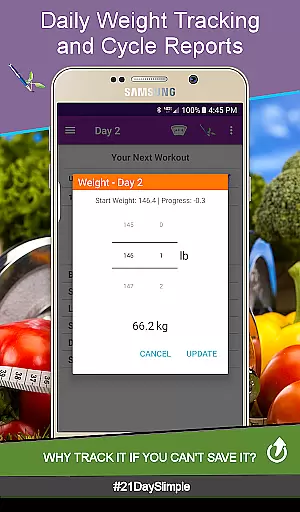
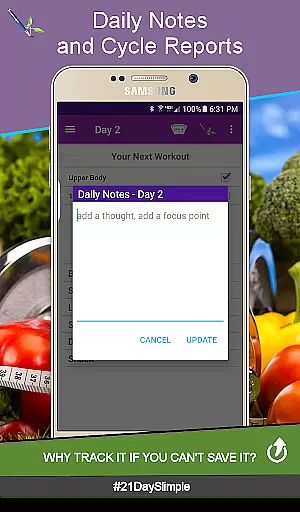
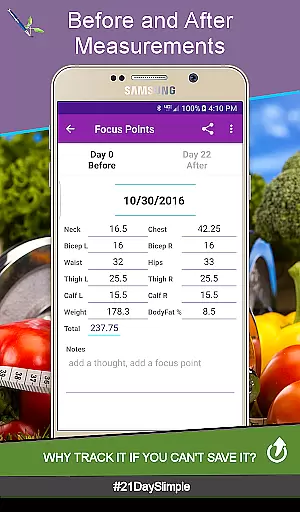
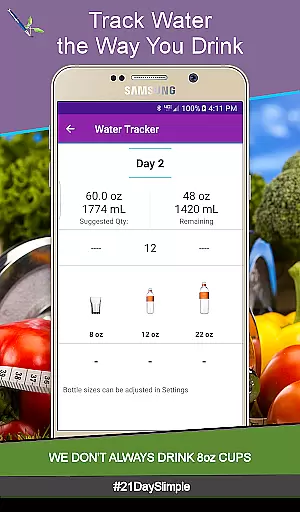
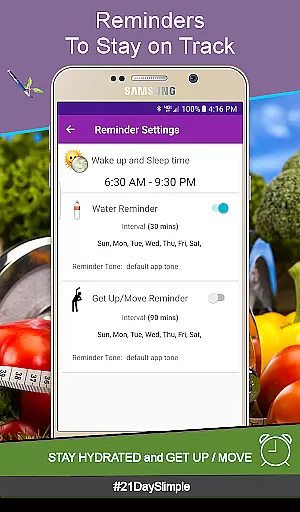
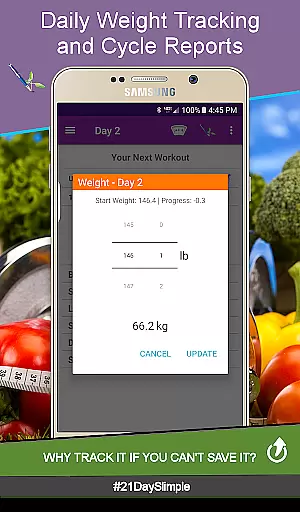
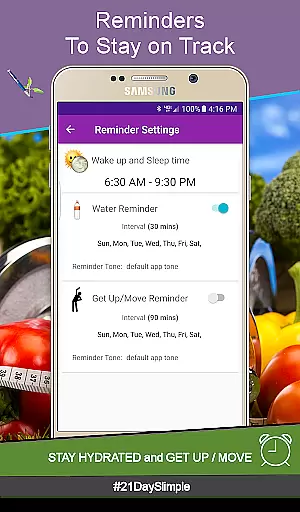
In addition to scheduling, the app excels in tracking capabilities. Users can log daily weights, track body measurements with progress photos, and generate detailed reports. The water tracker is highly customizable, allowing users to select from various bottle sizes and edit quantities anytime. Furthermore, the app's reminder system helps users stay hydrated and active throughout the day.
Another innovative aspect is the Cycle Manager, which lets users seamlessly transition between cycles without losing data. This feature is particularly useful for those participating in multiple rounds of the program. Overall, 21 Day Slimple combines powerful tracking tools with user-centric design to deliver an exceptional fitness experience.
Personalized planning is a cornerstone of any effective fitness application, and 21 Day Slimple excels in this area. This feature allows users to tailor their workout schedules and meal plans according to their unique needs and goals. With options like switching between cycles and choosing from multiple meal plans, the app ensures that each user's journey is as individual as their fitness aspirations.
The app provides two distinct 21-day schedules along with an extended 30-day option, catering to varying intensity levels and preferences. Users can customize meal names and track portions with 0.25 increments, ensuring precision in dietary management. Such detailed personalization empowers users to adapt their nutrition and exercise routines seamlessly, promoting long-term adherence and success.
Moreover, the ability to add custom workouts and build personalized programs enhances the flexibility of the fitness regimen. Whether preparing for a competition or gradually adjusting portion sizes, these features offer a dynamic approach to health management. The app's cycle manager further simplifies starting new cycles without losing valuable data, making it an indispensable tool for continuous improvement.
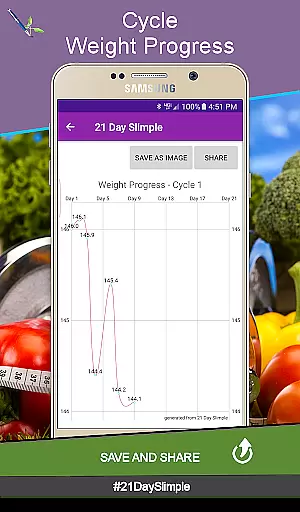
Visualizing progress is crucial for maintaining motivation and achieving fitness goals, and 21 Day Slimple offers robust tools for tracking and displaying advancements. The app includes comprehensive weight and measurement reports, allowing users to view changes over time and celebrate milestones. These visual representations provide tangible evidence of progress, reinforcing commitment to the program.
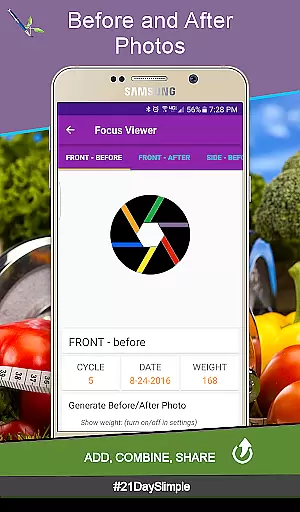
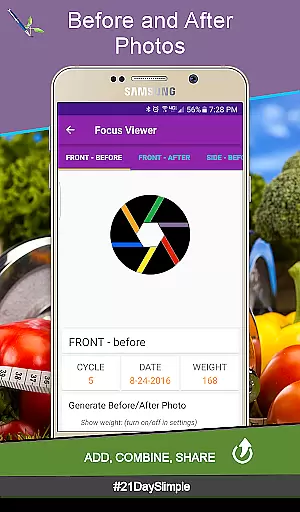
One standout feature is the before-and-after photo comparison tool, which lets users capture and share their transformation journey. By flipping between images or combining them, individuals can see physical changes that might be less noticeable day-to-day. This visual documentation not only serves as a motivational boost but also enables sharing achievements with the community, fostering support and encouragement.
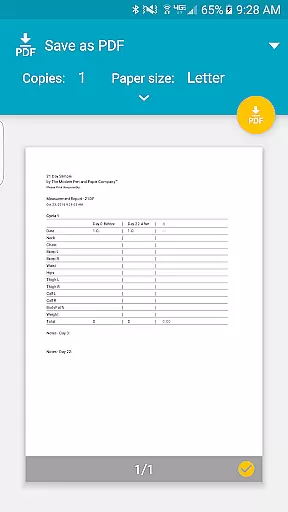
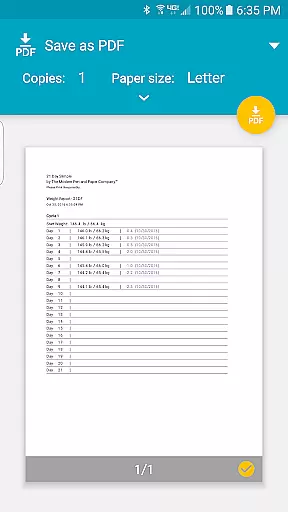
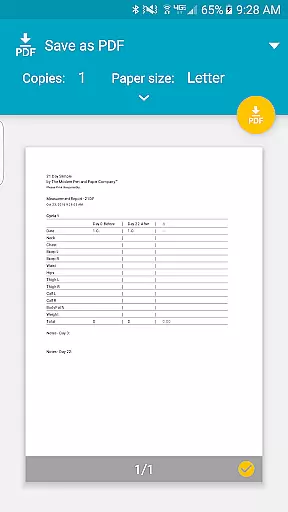
In addition to photos, the app generates detailed charts and reports on body measurements and weight fluctuations. Users can generate PDFs of their entire 21-day cycle, providing a clear overview of their progress. These documents are invaluable for reflecting on accomplishments and planning future goals. Overall, 21 Day Slimpleu2019s progress visualization tools empower users to stay engaged and committed to their fitness journeys.
User-friendly interface
Comprehensive tracking tools
Customizable meal plans
Detailed progress reports
Smartwatch integration
No offline functionality
Limited free trial period
Requires storage permission
No video tutorials
Premium version needed

Easy access to health benefits
 4.70
4.70
Relax to calm sounds, white noise, music, guided meditation and bedtime stories
4.40
For Absolute Novices to Strength Training. Simple. Effective.
4.40
Meditation app, head space app provides calm music to help you meditate & sleep
5.00
Binaural Beats - Fully Customizable Waves - Pure Sound - No Loops
4.50
Wall Pilates at home & Pilates workout for beginners for core and weight loss.
4.80
Your AI pet BFF. Talk, play, and beat anxiety in this calming game.
4.60
Step Counter, track steps when you walk or run
4.70
Make sense of your health data.
3.80
Easy to use step counter, calorie counter helps lose weight, count steps offline
4.80
Build Healthy Habits!
4.60
Interval timer for High Intensity Interval Training, Tabata and Circuit Training
4.20
Create powerful subliminal audio with custom affirmations and background music.
4.00
Control your sleep in real-time wearing Garmin device
3.60
HRV4Training helps you optimize goals and improve performance. No sensors needed
3.30
Live Heart Rate Pro - Real Time Heart & Workout Data For Wear OS & Bluetooth BLE
3.20
Use your watch as a bike computer, heart rate monitor and cycling power meter
2.50
The Wear OS BeechBand app is designed to alleviate anxiety and other conditions
4.0
Using Recognise™ has been shown to reduce pain and improve performance.
4.3


User Reviews