
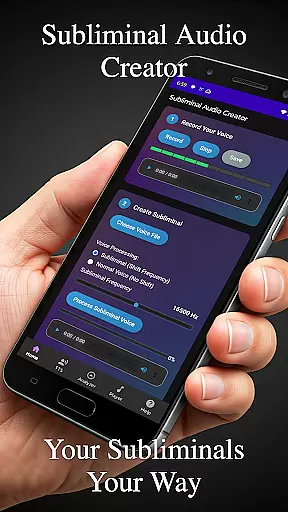
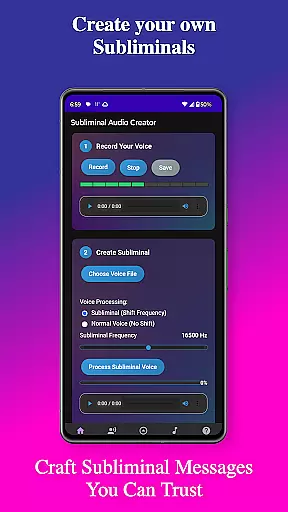
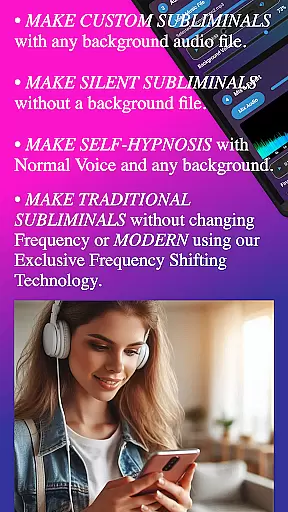
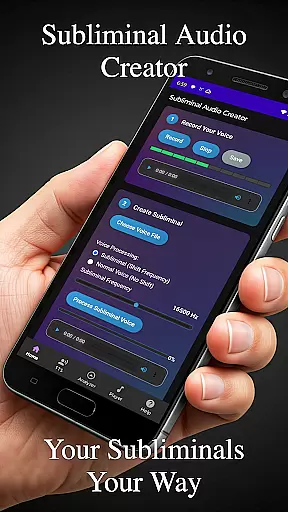
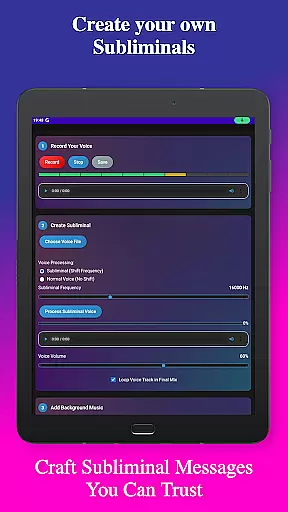
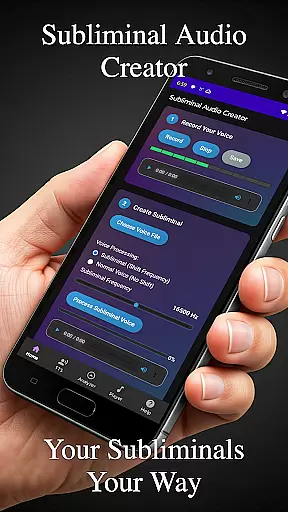
Subliminal Audio Creator is a comprehensive tool designed for creating personalized subliminal audio tracks, self-hypnosis recordings, and meditation music. This professional-grade app allows users to craft powerful affirmations by either recording their voice or converting text to speech, then mixing these with background music or ambient sounds. The result is high-quality subliminal audio files that can be used for various purposes including positive affirmations, self-improvement, meditation enhancement, motivation boosting, and personal development.
The app features an intuitive interface with advanced controls for adjusting frequencies, volumes, and creating seamless loops. It also includes a real-time audio analyzer for visualizing subliminal frequencies and ensuring optimal mix quality. With support for both MP3 and WAV formats, plus integration with Chromecast and Bluetooth devices, Subliminal Audio Creator offers flexible playback options. Its organized file management system makes it easy to save, load, and export projects in preferred formats.
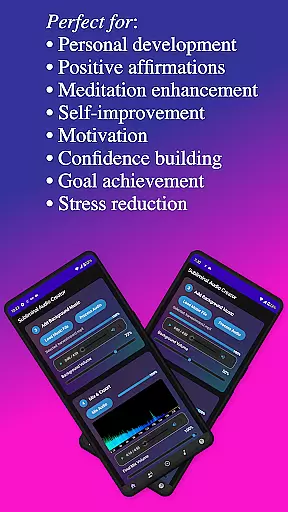
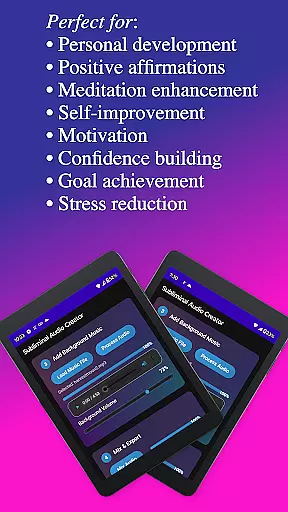
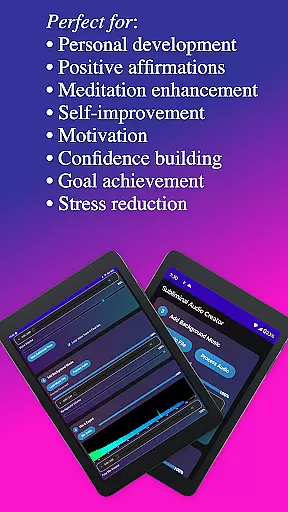
Whether you're looking to enhance your meditation practice, boost confidence, reduce stress, or achieve specific goals, this app provides the tools needed for personal transformation. The one-time purchase grants lifetime access without ads or subscriptions, making it a valuable investment for those committed to self-improvement.
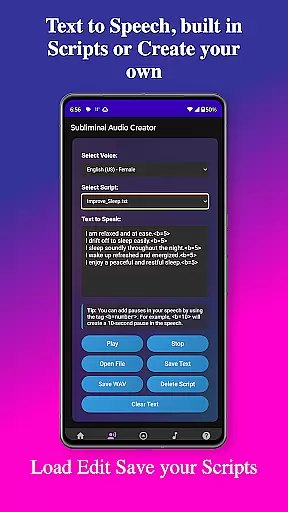
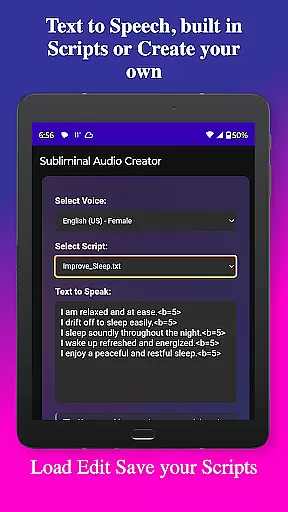
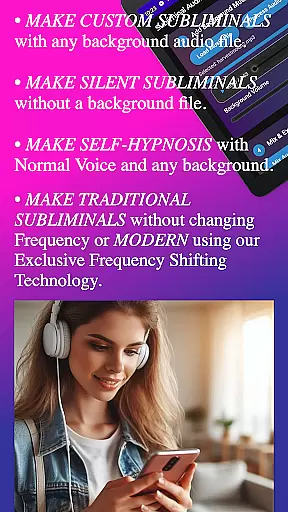
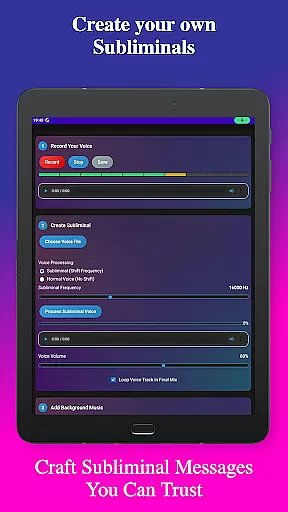
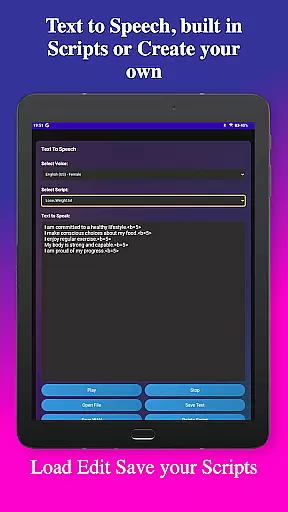
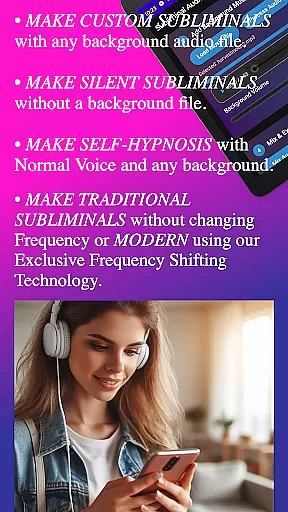
Subliminal Audio Creator stands out with its robust set of features tailored for creating professional-quality subliminal messages. One of its core capabilities is the ability to record custom affirmations using crystal-clear audio technology. Users can preview and re-record until they achieve perfection, ensuring their affirmations are exactly as desired. Additionally, the app supports text-to-speech functionality with multiple voice options and customizable pauses between affirmations, allowing for greater personalization.
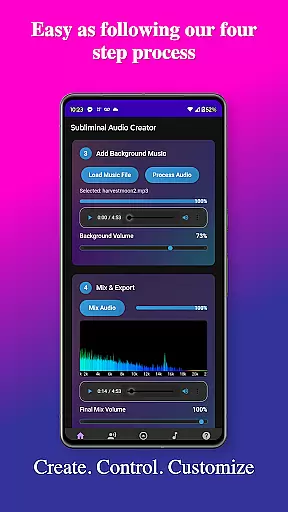
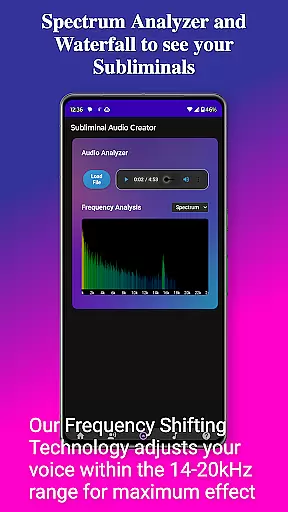
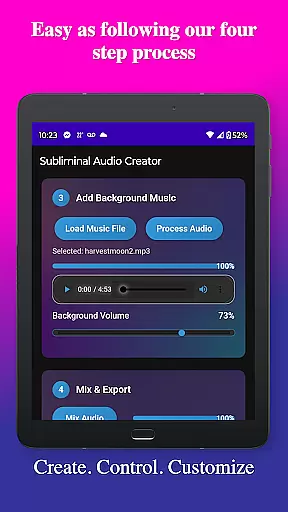
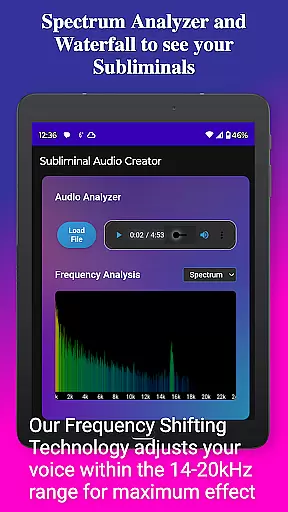
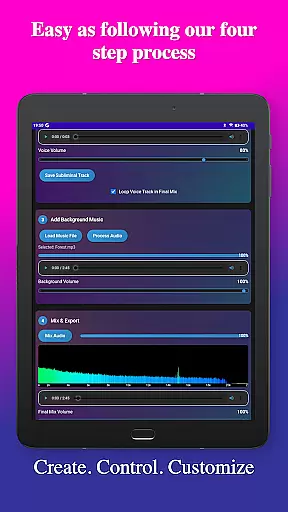
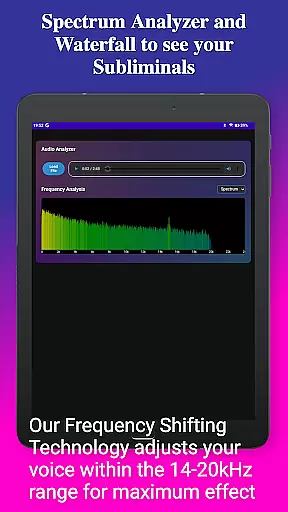
Beyond basic recording, the app excels in audio mixing and analysis. Users can blend their affirmations with background music or ambient sounds, adjusting volumes independently for the perfect balance. The built-in audio analyzer provides real-time frequency spectrum visualization and waterfall displays, enabling users to verify subliminal frequencies and monitor audio quality. Advanced controls allow fine-tuning of subliminal and background volumes, creation of seamless loops, and encoding in high-quality MP3 format.
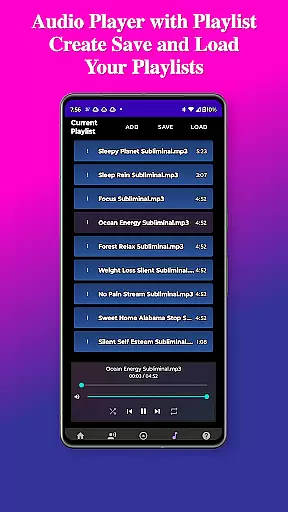
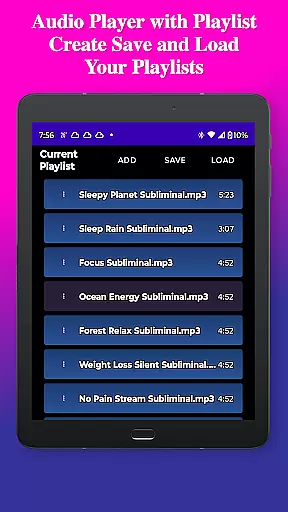
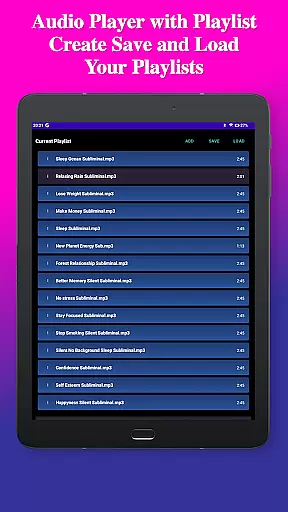
The app's user-friendly interface ensures a smooth experience from start to finish. It features a clean, modern design with step-by-step creation processes and easy-to-use controls. Playback capabilities include a full-featured MP3 player with playlist support, Google Cast streaming, and background playback. File management is streamlined with organized structures for saving, loading, and exporting projects in MP3 or WAV formats, all while maintaining an ad-free environment.
Personalized planning in the realm of subliminal audio creation involves tailoring affirmations and audio tracks to meet individual goals and aspirations. Subliminal Audio Creator excels in this area by providing users with the tools necessary to craft personalized audio experiences.
The app allows for recording custom affirmations, converting text to speech with multiple voice options, and even adding custom pauses between affirmations. This level of customization ensures that each subliminal track is perfectly aligned with the user's specific needs and preferences, enhancing the personal development journey.
Users benefit from the ability to adjust subliminal frequencies and mix background music or ambient sounds with their affirmations. The built-in audio analyzer further aids in creating the perfect mix for manifestation and growth, ensuring that each audio track is not only personalized but also optimized for quality and effectiveness.
Progress visualization is crucial for maintaining motivation and tracking the effectiveness of subliminal audio tracks. Subliminal Audio Creator addresses this need through its advanced audio analysis features, offering users a clear view of their progress over time.
The real-time frequency spectrum analyzer and waterfall display provide detailed visualizations of subliminal frequencies within mixes. These tools allow users to verify the presence and accuracy of subliminal messages, ensuring that their audio tracks are having the intended effect.
By monitoring audio quality and subliminal frequencies, users can make informed adjustments to their creations, leading to more effective personal growth tools. This visual feedback loop empowers users to refine their subliminal audio tracks continuously, supporting their journey toward achieving personal development goals.
User-friendly interface
High-quality audio output
Flexible customization options
No ads or subscriptions
Comprehensive feature set
Requires storage permission
Microphone access needed
One-time purchase cost
Limited free features
Advanced settings may overwhelm beginners

Your plan in your pocket 24/7
 3.00
3.00
The Wear OS BeechBand app is designed to alleviate anxiety and other conditions
4.2
Meditation app, head space app provides calm music to help you meditate & sleep
5.00
Optimization for TRT & Enhanced Athletes
4.5
Drink water reminder app. Track water intake. Smart simple hydration tracker.
4.70
beat yesterday.
4.00
Easy to use step counter, calorie counter helps lose weight, count steps offline
4.80
Workouts for everyone
4.70
Comprehensively record and manage your health
4.50
Effortlessly and naturally release anxiety by harnessing the power of your brain
4.60
Mind on steroids - relaxation, productivity, meditation and sleep!
4.60
The Crunch Mobile app - Find a gym, manage favorites, reserve & cancel classes.
4.60
The Official Blood Type Diet® App - know your categorized foods anytime.
4.50
The OFFICIAL Couch to 5K® running training app! A 9 week walk-run workout plan.
4.50
Chair Workout: Women's Edition for safe, flexible, and personalized fitness.
4.40
50 HD sounds to help you relax during the day and sleep great at night!
4.40
Eat smarter with Eato, your personal calorie counter and nutrition tracker!
4.40
Download MadMuscles to start your positive body transformation!
4.30
Walk, track, and burn calories with step counter & GPS walking tracker
4.20


User Reviews