
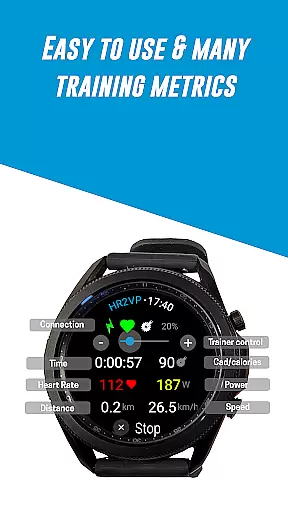
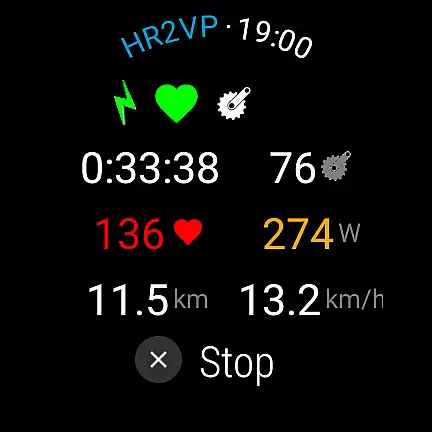
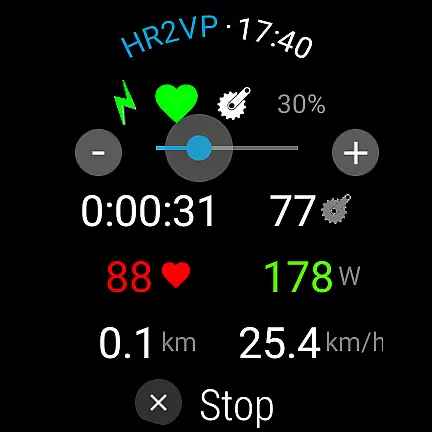
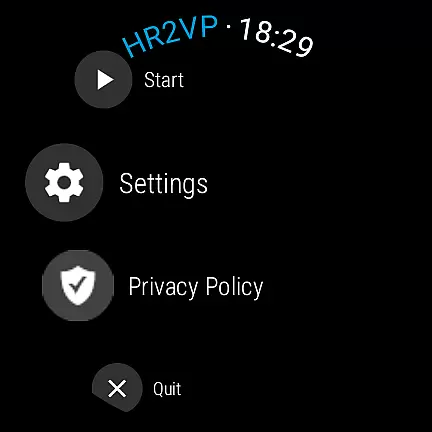
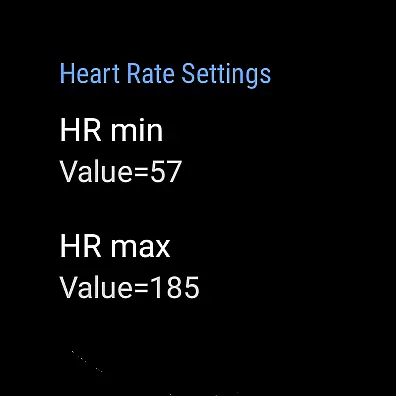
HR2VP Watch Bike Computer is a cutting-edge fitness application designed to transform your Wear OS watch into a powerful heart rate monitor and cycling tracker. This app enables users to connect their smartwatches with bike computers or indoor training platforms, broadcasting vital stats like heart rate and power over Bluetooth Low Energy or ANT+. Whether you're an avid cyclist or a fitness enthusiast, HR2VP provides real-time data crucial for optimizing workouts.
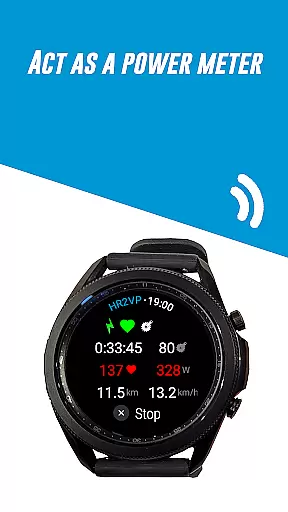
The app's standout feature is its ability to compute power based on heart rate using advanced algorithms, factoring in individual parameters such as FTP, resting heart rate, and maximum heart rate. Additionally, it supports integration with external sensors, including power meters and cadence sensors, offering comprehensive metrics for both indoor and outdoor rides. With seamless Strava connectivity, users can effortlessly upload and visualize their ride data on maps, enhancing post-workout analysis.
Designed for convenience, HR2VP Watch Bike Computer functions as a standalone app during rides, eliminating the need for constant phone connectivity. Its compatibility with various devices, including Garmin Edge bike computers and popular indoor cycling apps like Zwift, makes it a versatile tool for athletes seeking accurate performance tracking. By bridging the gap between wearable technology and cycling equipment, this app empowers users to achieve their fitness goals efficiently.
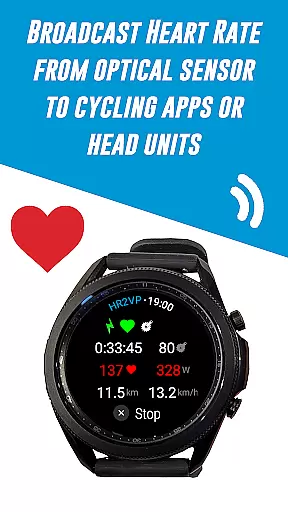
HR2VP Watch Bike Computer boasts an array of innovative features tailored for cyclists and fitness aficionados. One of its primary capabilities is transforming a Wear OS watch into a BLE heart rate monitor, utilizing the device's built-in optical sensor to measure and broadcast heart rate data during workouts. This functionality ensures that users have access to precise heart rate information without needing additional equipment.
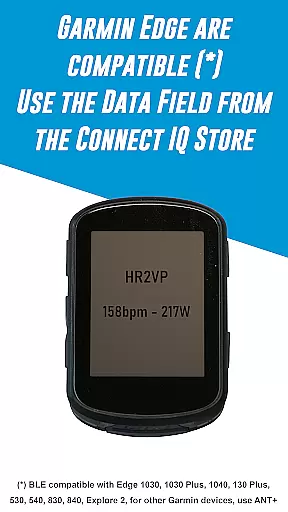
In addition to heart rate monitoring, the app facilitates seamless connectivity with Garmin Edge bike computers through its dedicated Connect IQ data field. Users can download the HR2VP data field from the Connect IQ store and integrate it into their bike computer displays. The app also supports ANT+ broadcasting, allowing for broader compatibility with various cycling head units and ensuring uninterrupted data transmission even when using non-native ANT+ devices.
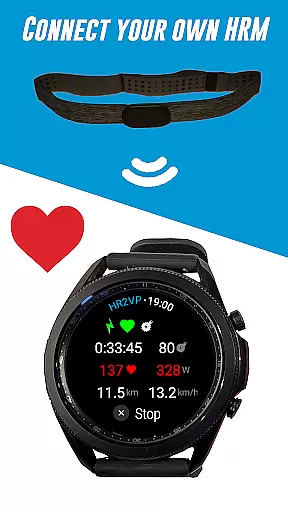
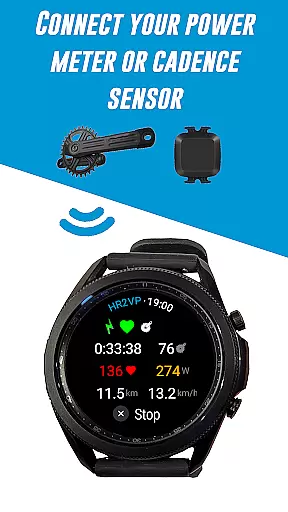
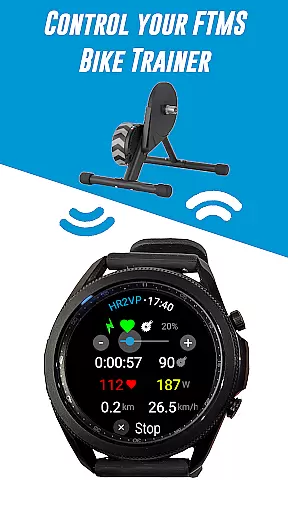
Another remarkable feature is the app's advanced algorithm that computes power output based on heart rate measurements. By considering individual parameters such as FTP, resting heart rate, and max heart rate, HR2VP delivers a more accurate estimation of power expenditure. Furthermore, the app's ability to connect with external sensors—such as power meters, cadence sensors, and FTMS bike trainers—enhances its utility by providing a holistic view of workout metrics. These features collectively make HR2VP Watch Bike Computer an indispensable tool for cyclists aiming to maximize their training efficiency.
Personalized planning in fitness applications refers to the ability to create tailored workout plans based on individual user data. This feature is crucial as it adapts training programs to match personal fitness levels, goals, and progress.
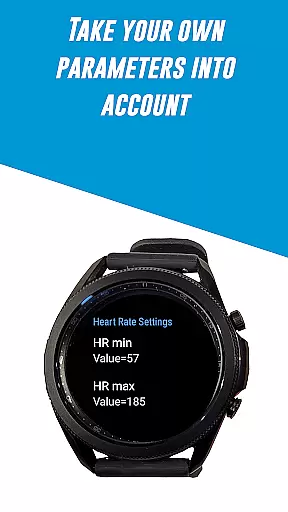
HR2VP Watch Bike Computer excels in personalized planning by utilizing advanced algorithms that compute power output based on heart rate. The app takes into account individual parameters such as Functional Threshold Power (FTP), resting heart rate, and maximum heart rate to offer improved accuracy in training metrics.
Users benefit from this feature by receiving customized feedback and suggestions that align with their unique physiological responses during workouts. This ensures that each session is optimized for personal growth and performance enhancement.
The true value of personalized planning in HR2VP lies in its ability to evolve with the user. As fitness levels change, so do the recommendations, ensuring continuous improvement and adaptation to new goals or circumstances.
Progress visualization is a critical component of health and fitness apps, providing users with graphical representations of their achievements and milestones. This feature helps maintain motivation by offering clear evidence of improvement over time.
In HR2VP Watch Bike Computer, progress visualization is executed through detailed tracking of calories burned, power output, and heart rate during workouts. Users can monitor their fitness journey, observing trends and patterns that indicate growth in endurance and strength.
The advantage for users is significant; visual cues make it easier to comprehend complex data like FTP and heart rate zones. By seeing tangible results, individuals are more likely to stay committed to their training regimen.
Ultimately, HR2VP's progress visualization stands out by not only displaying raw data but also contextualizing it within the user's overall fitness narrative, thus enhancing engagement and encouraging long-term adherence to health objectives.
Advanced power calculation
Seamless device integration
Real-time data broadcasting
Comprehensive sensor support
User-friendly interface
Limited device compatibility
Occasional disconnections
Battery optimization issues
Dependent on external sensors
Short interval inaccuracies

Chair Workout: Women's Edition for safe, flexible, and personalized fitness.
 4.40
4.40
Sync your activities of the most popular sports tracking services
2.70
a fun app full of surprises :)
4.70
Using Recognise™ has been shown to reduce pain and improve performance.
4.4
Beauty Care, Makeup & Skin Care Scanner | Pregnancy App For A Mom | Healthy Baby
5.00
Protect your healthy sleep
4.80
Track heart rate & HRV in 30s! Get live health insights and anomaly alerts
4.40
Your personal BP tracking companion, focus on helping you achieve wellness goal.
4.10
Pedometer that gives you sweatcoins for steps. It pays to walk!
4.10
Home workouts for fitness & fast bodybuilding at home - no equipment needed.
4.90
Show your support for the development of FitNotes - Gym Workout Log
4.90
App to stop smoking slowly or now with a motivational badges and helpful tips
4.80
Easy to use step counter, calorie counter helps lose weight, count steps offline
4.80
The Crunch Mobile app - Find a gym, manage favorites, reserve & cancel classes.
4.60
Raccoon AI Calorie Counter. Intermittent Fasting & Timer. Macro, Carb, Protein
4.50
Download MadMuscles to start your positive body transformation!
4.30
Fast Body building & Weight Loss. Home Workouts with Daily Coach, No Equipment.
4.30
Your Health Has Met Its App (℠)
3.90
Pupillary distance PD with camera quick and easy, checking glasses frames on you
3.70


User Reviews