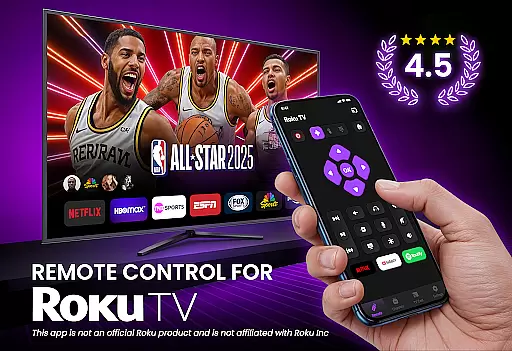
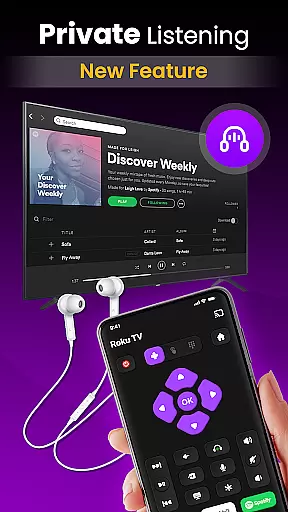
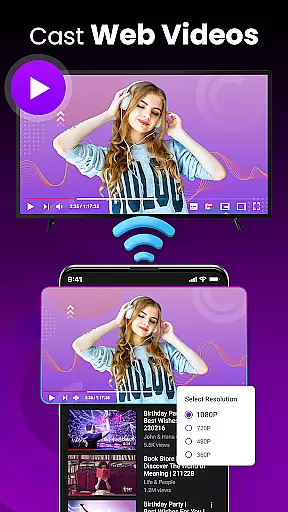
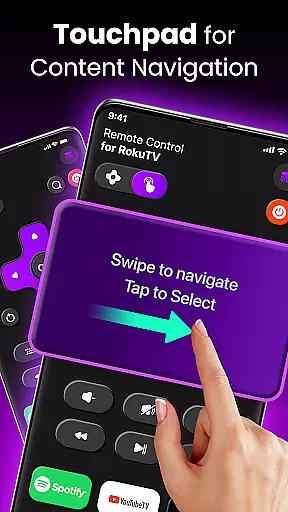
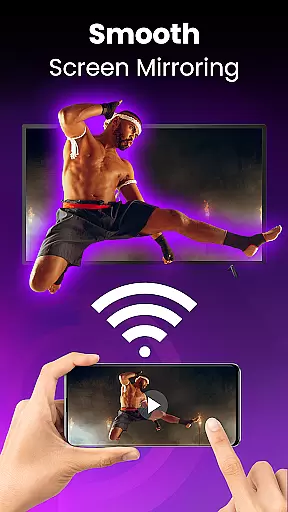
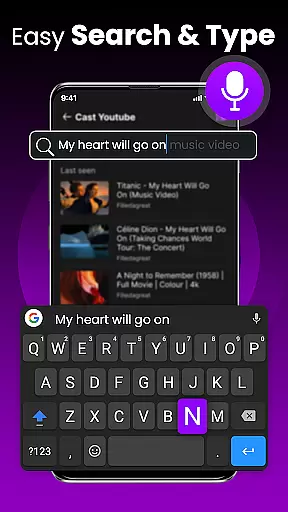
TV Remote Control for RokuTV transforms your smartphone into a universal remote, offering complete control over your Roku TV. The app provides essential functions such as navigation, media casting, and a smart keyboard for effortless typing. Designed for convenience, it eliminates the need for a physical remote by connecting seamlessly through Wi-Fi.
With its intuitive swipe pad, users can navigate menus smoothly while enjoying features like screen mirroring and quick-launch shortcuts to favorite apps. Compatible with all Roku TV models, this tool simplifies entertainment management from one device, enhancing user experience without hassle.
This app stands out with its full remote functionality, allowing users to play, pause, adjust volume, and switch channels easily. Its innovative swipe pad replaces traditional buttons for seamless navigation on Roku TVs. Additionally, the integrated smart keyboard speeds up searches and logins significantly.
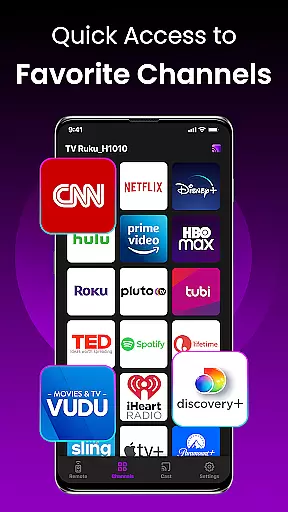
Unique features include screen mirroring capabilities that let you cast photos, videos, and music directly to your TV. Quick-launch shortcuts enable instant access to popular streaming services like Netflix and Hulu. With universal compatibility across various Roku models, this app ensures reliable performance every time you use it.
TV Remote Control for RokuTV ensures core function accuracy by providing users with a reliable and responsive remote control experience. The app's intuitive interface allows seamless navigation through Roku menus, ensuring every button press delivers the intended action without delay.
The application offers full remote functionality, including play, pause, fast forward, rewind, volume adjustment, and channel switching. Each feature is designed to respond instantly, making it an effective tool for managing your TV entertainment effortlessly. This precision in control enhances user satisfaction and eliminates the frustration often associated with physical remotes.
Moreover, the app includes a smart keyboard for fast typing, which simplifies searching for movies or entering passwords. By integrating these features, the app not only replaces a traditional remote but also significantly improves the efficiency of interacting with your Roku TV.
The interface of TV Remote Control for RokuTV is crafted to ensure simplicity and intuitiveness, allowing users to easily adapt to its functionalities. With a clean design focused on speed and ease of use, the app minimizes the learning curve typically associated with new technology.
A standout feature is the swipe-based touchpad, which replaces clunky buttons with a modern navigation method. This touchpad provides a smooth and seamless experience, enabling users to glide through Roku's interface effortlessly. Such intuitive controls make daily interactions with the TV more enjoyable and less cumbersome.
In addition, the app automatically connects to your Roku TV each time it's opened, provided both devices are on the same Wi-Fi network. This reliable connection process underscores the app's commitment to user-friendly design, ensuring that you can start controlling your TV within seconds of launching the app.
User-friendly interface
Fast connection setup
Comprehensive remote functions
Efficient smart keyboard
Seamless screen mirroring
Requires Wi-Fi connection
Limited to Roku devices
No physical buttons available
Dependent on phone battery
Third-party application

Quickly switch to an encrypted DNS server on Android TV
 4.50
4.50
Extremely fast, secure, and protects your privacy
4.80
Use your phone as a webcam on your computer over WiFi or USB.
4.40
Save any video in HD - paste the link, download fast and watch offline.
4.1
Carry a FTP server in your pocket and avoid USB cables for file transfer
4.20
Create your own live wallpaper or check out thousands already made presets
3.90
Create your own custom widget with endless possibilities
3.90
Creation, Learning, Entertainment & More — The All-in-One AI Search Engine
4.70
Fast VPN USA for any country. Super secure VPN for calls, streaming, games, TV.
4.40
Change your GPS location instantly. Simulate routes anywhere in the world.
4.90
The ultimate tool for network analysis, wifi scanning and problem detection.
4.90
Easily install aab(Android App Bundle) files on your Android device with our app
4.80
FV File Manager Pro, Fast and powerful file manager for Android
4.60
App to pay for FUTO Keyboard
4.60
Remote for Roku, Fire TV, Samsung TV, LG TV, Android TV, Chromecast and VIZIO TV
4.20
An open-source APK explorer for Android!
4.10
Detect hidden spy camera with advanced scanning {{ Premium version }}
4.00
Smart and comfortable browsing experience.
3.80
Transfer Files, APK from Phone to Watch & Install.
4.1


User Reviews