
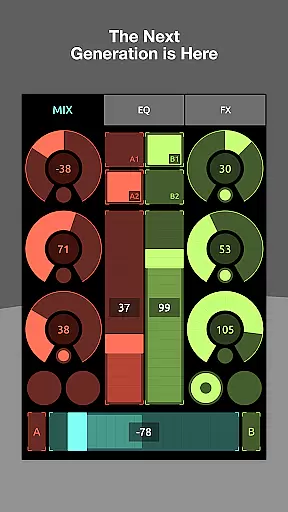
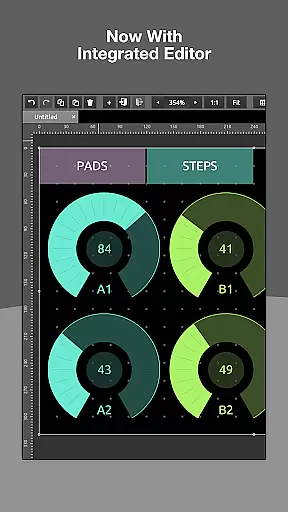
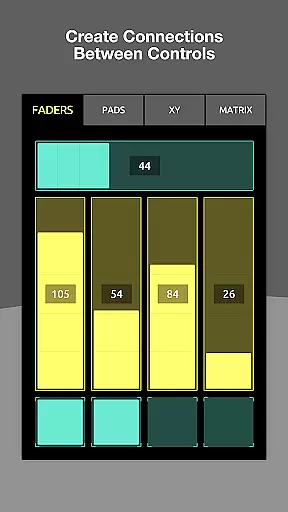
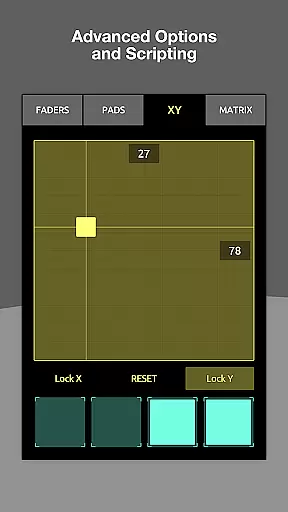
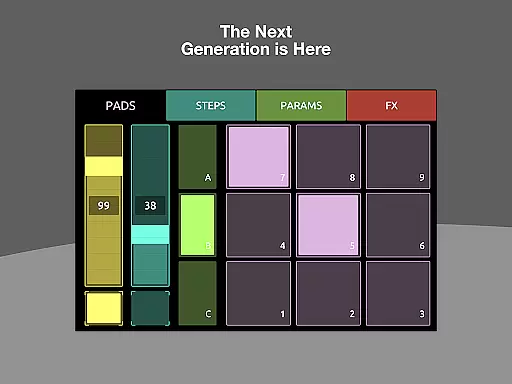
TouchOSC is a cutting-edge music and audio control application designed for both professional musicians and hobbyists. The app offers a powerful GPU-powered editor that allows users to create complex control layouts with remarkable ease and precision. Whether you are looking to manage MIDI, OSC, or other audio protocols, TouchOSC provides seamless integration across multiple platforms.
One of the standout features of TouchOSC is its ability to synchronize editing across a network, allowing multiple devices to be connected and controlled in real-time. This makes it an ideal tool for live performances and studio setups where precision and reliability are crucial. Additionally, the app includes a fast scripting engine that grants deep access to all aspects of your controller, enabling limitless customization and interactivity.
With over a decade of continuous support and updates, TouchOSC is committed to evolving and expanding its feature set. Users can expect regular updates and new functionalities, ensuring that the app remains at the forefront of music and audio technology. Whether you are controlling virtual instruments, mixing live sound, or experimenting with new audio effects, TouchOSC delivers unparalleled performance and flexibility.
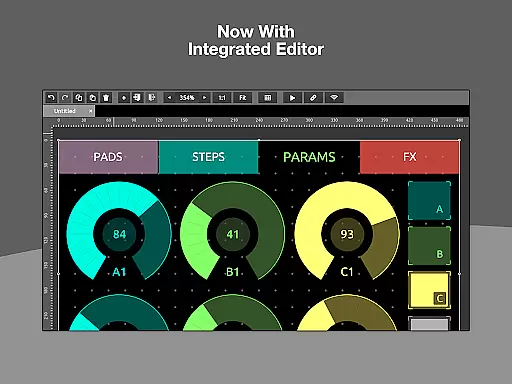
TouchOSC boasts a comprehensive suite of features tailored for music and audio professionals. At its core, the app includes a GPU-powered editor that ensures fast and precise creation of control layouts. This editor supports a wide range of protocols, including MIDI and OSC, which can be transmitted over various connections such as UDP, TCP, and MIDI over USB. This versatility makes TouchOSC suitable for a broad array of audio applications.
Another significant feature is the ability to connect multiple instances of TouchOSC on a network for synchronized editing. This functionality allows users to leverage the precision of a desktop mouse and keyboard while previewing changes in real-time on touch-screen devices. Such cross-network capabilities enhance collaborative efforts and streamline workflow efficiency.
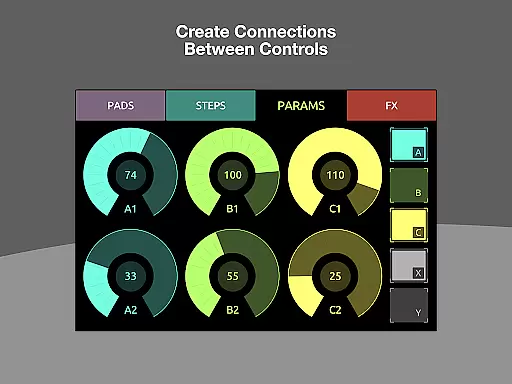
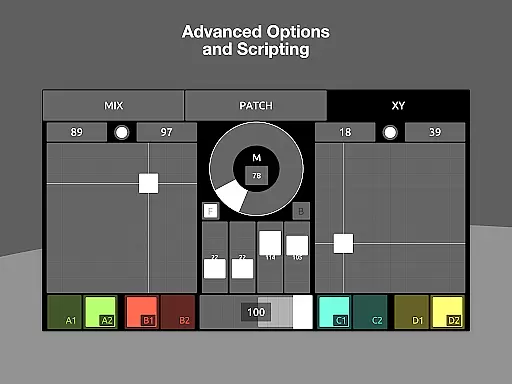
Furthermore, TouchOSC incorporates a lightweight scripting engine that provides extensive customization options. Users can script intricate interactions and automate tasks without needing extensive programming knowledge. For simpler tasks, the app offers local messages that allow straightforward wiring of controls to transmit or display values. These features collectively ensure that TouchOSC caters to both advanced users and those seeking simplicity in their audio control solutions.
TouchOSC offers a comprehensive and versatile platform for music creation and control, ensuring that users have access to an extensive range of MIDI and OSC messages. This capability allows for intricate compositions and control over numerous parameters within a music production environment.
The application supports various types of connections simultaneously, including MIDI over USB, which guarantees that users can work with their preferred devices without compatibility concerns. The assurance of copyright authenticity comes from the app's support for original compositions and creations within its environment, free from unauthorized use of copyrighted material.
With TouchOSC, musicians and producers can craft complex control layouts with ease, thanks to its GPU-powered editor. This feature not only enhances the speed and efficiency of the creative process but also ensures that all elements are legally used and properly credited, maintaining the integrity of intellectual property rights.
Audio quality is paramount in music production, and TouchOSC excels by providing options that cater to audiophiles and professionals alike. Its support for high-quality audio transmission across multiple formats means that users can maintain the fidelity of their sound throughout the production process.
The app facilitates both OSC over UDP & TCP and various MIDI connections, ensuring that audio data remains pristine from input to output. This flexibility in format support enables users to choose the best option for their specific audio needs, whether they require lossless audio for studio work or compressed formats for mobile use.
Furthermore, TouchOSC's advanced scripting engine allows for customized audio processing, enabling users to implement unique effects and modifications while preserving audio quality. This level of customization empowers creators to push the boundaries of their music without compromising on sound clarity or depth.
User-friendly interface
Extensive protocol support
Real-time synchronization
Powerful scripting engine
Regular updates and support
Steep learning curve
Requires compatible hardware
Advanced features may overwhelm beginners
Premium pricing
Limited offline functionality

Formerly known as Spotistats! View your top tracks, artists, albums and more!
 4.40
4.40
Powerful beat maker & DJ mixer to remix tracks, make music, & perform DJ mix
3.70
Super Sound Editor, Song Maker & Mixer, Vocal Remover, Voice Recorder & Changer!
4.60
Smart piano keyboard, Classical to Pop, Real-time multiplayer connection!
4.20
Learn and play 2M+ music tabs & chords on guitar, ukulele, bass, and more
4.30
Offline Music Player&MP3 Player with themes, equalizer, lyrics, music play mode
4.60
The original SP-1200 experience on your iPad
4.20
A complete sound package for the sound engineer or enthusiast
4.60
PowerAudio is a powerful offline music player.
4.20
24,000 free audio books and no ads!
4.90
Your song collections with lyrics and chords on Android smartphones and tablets.
4.80
Play your hearts out on TouchTunes jukeboxes & connect with fellow music lovers.
4.80
Recording studio w/ 10k beats, pro vocal FX and a network of 20M rappers & fans!
4.60
10-Band Audio Equalizer, Sound / Bass Booster for Spotify Users & Music Players
4.40
Help you quickly get started with Shokz headphones
4.40
Enjoy singing any song, no matter how high or low it is
4.30
USB audio recording and playback finally possible on Android 3.1 or higher!
3.90
Slow music down without changing pitch.
3.70
Remove ads permanently from Music Visualizer
4.2


User Reviews