
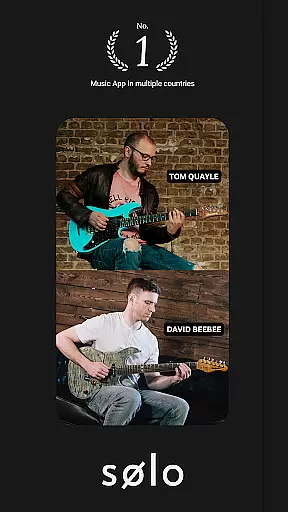
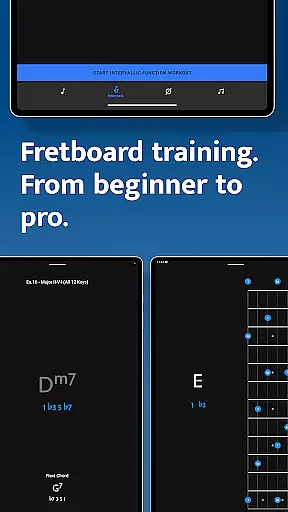
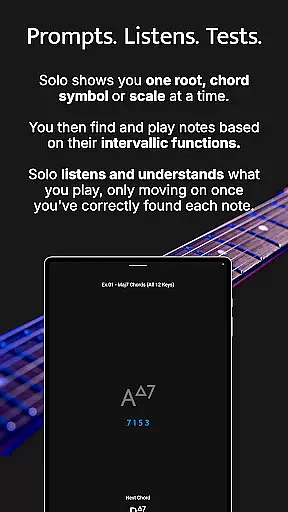
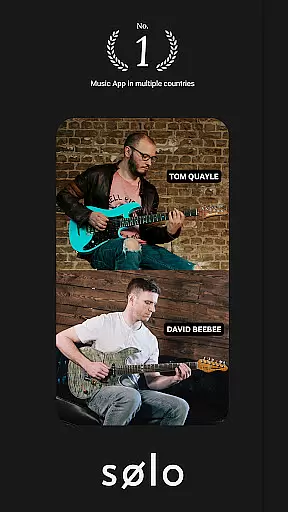
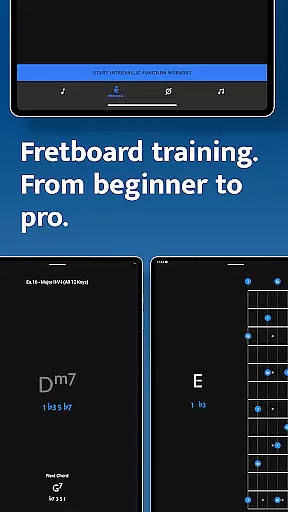
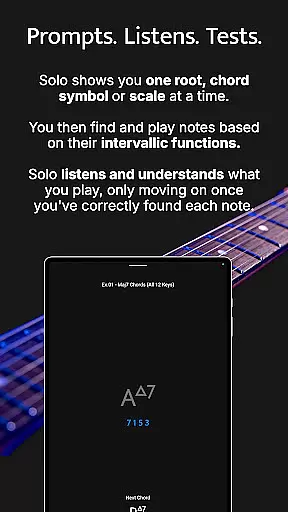
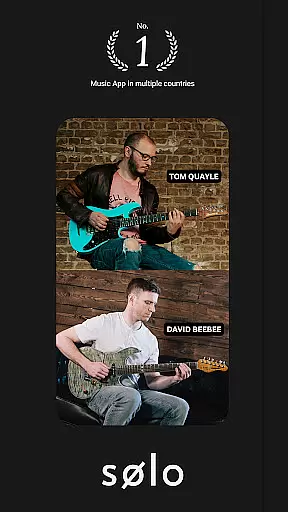
Solo is a revolutionary music practice application designed to help guitarists and bassists master fretboard visualization. Developed by renowned musicians Tom Quayle and David Beebee, this app provides a systematic approach to learning note names, interval shapes, chord changes, and scales through interactive training modules.
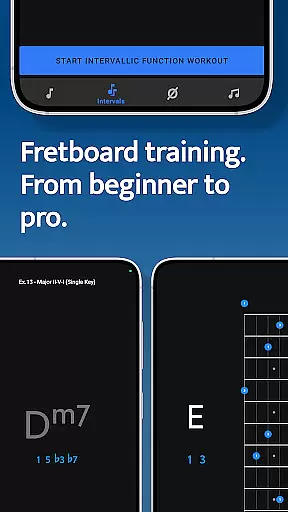
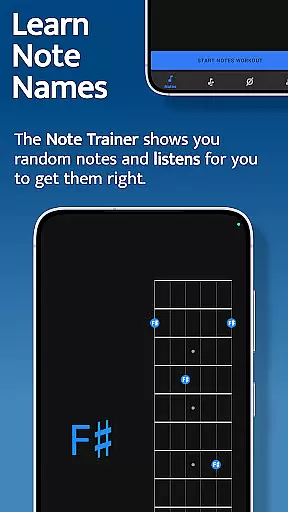
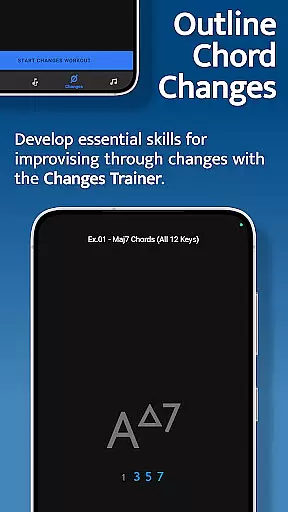
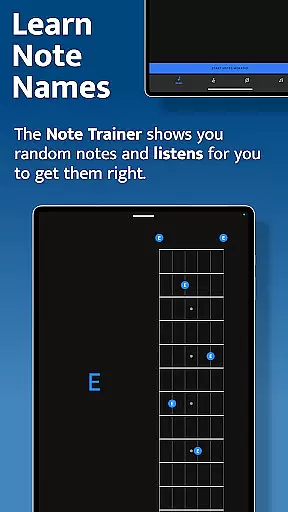
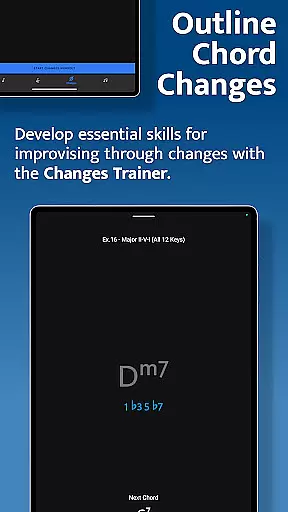
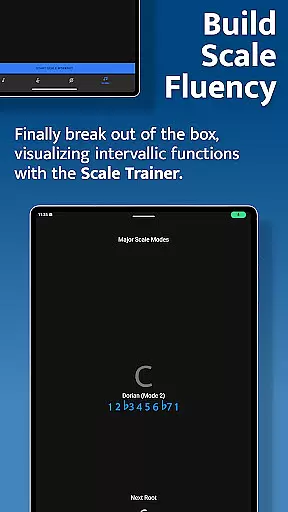
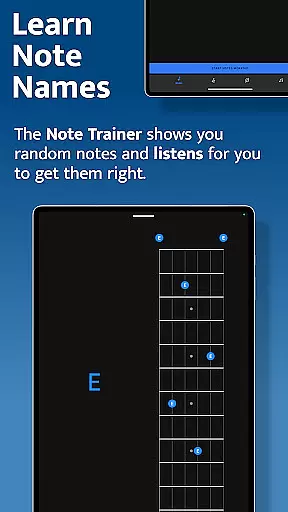
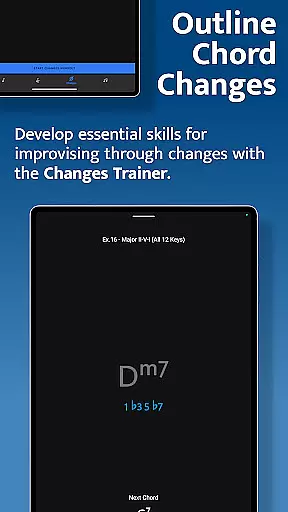
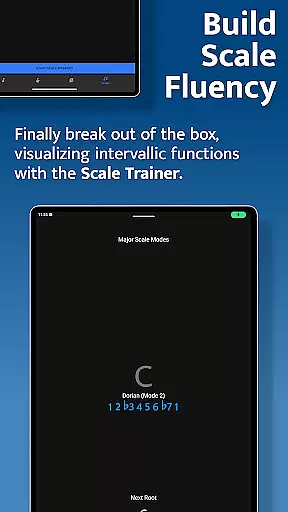
The app features four specialized trainers - Note Trainer for beginners, Interval Trainer for intermediate players, Changes Trainer for chord progression mastery, and Scale Trainer for scale proficiency. Each trainer uses interactive fretboards and intelligent feedback systems to guide users through structured practice sessions.
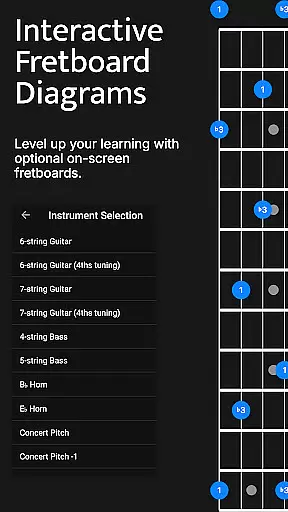
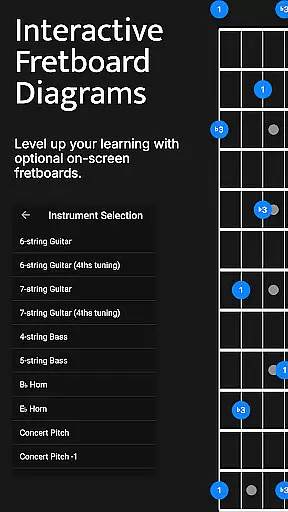
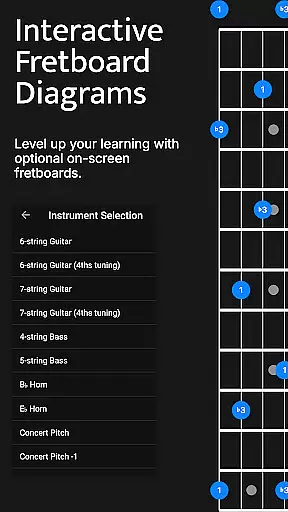
Whether you're a beginner learning basic notes or an advanced player working on complex melodic structures, Solo offers customizable practice options across various string configurations including 6-string guitars, 7-string guitars, and 4/5-string basses.
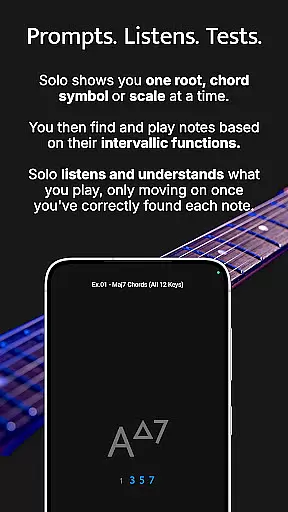
Solo stands out with its comprehensive suite of training tools designed for serious musicians. The app's core feature is its ability to listen to user input and provide real-time feedback on accuracy and progress.
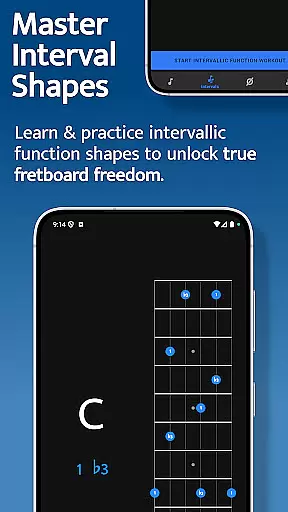
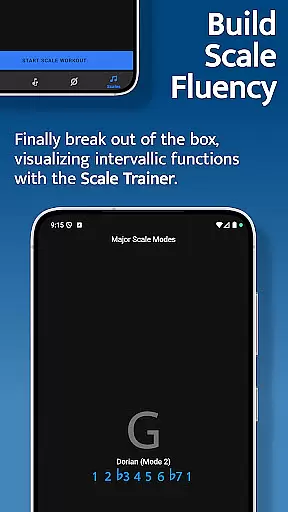
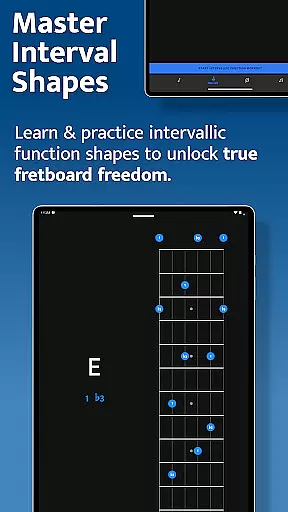
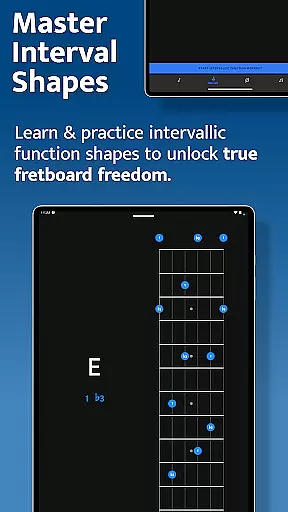
The Interval Trainer allows users to create custom interval groups and practice against fixed or random root notes. Advanced functionality includes mapping intervals across the entire fretboard and studying alternative fingering options. The Changes Trainer offers over 100 chord progressions with 50 intervallic function levels, while the Scale Trainer contains more than 50 scales and modes.
Unique capabilities include duration-based workouts, transposition options, voice leading practice, and melodic sequence customization. These features work together to create a personalized learning experience that adapts to each musician's skill level and practice goals.
When it comes to music and audio applications, the size and authenticity of the music library are crucial factors. Solo - Fretboard Visualization offers an extensive collection of scales and modes, boasting over 50 variations. This vast array ensures that musicians have access to a wide range of musical resources tailored to enhance their fretboard mastery.
The app's content is carefully curated by world-renowned guitarists Tom Quayle and David Beebee, ensuring not only quantity but also quality and authenticity. The inclusion of copyright-authentic materials means users can practice with confidence, knowing they are engaging with legitimate educational content.
Moreover, the diversity within the music library supports various learning styles and levels, from beginners to advanced players. Whether you're working on interval shapes or breaking out of scale boxes, the comprehensive library provides the necessary tools for growth and exploration in musicianship.
Audio quality is paramount in any music-related application, especially one focused on training and development like Solo - Fretboard Visualization. The app integrates advanced audio features that allow users to experience high-quality sound during their practice sessions. This attention to audio detail enhances the learning process, as clear sound reproduction is essential for accurate pitch recognition and interval training.
Solo offers multiple audio quality options, catering to different preferences and device capabilities. Users can choose settings that best suit their equipment, ensuring optimal performance whether they're using high-end studio gear or standard mobile devices. These options contribute to a more immersive and effective practice experience.
In addition to adjustable audio settings, the app provides real-time feedback on played notes. This feature listens to the user's input and verifies correctness, reinforcing proper technique and helping musicians develop a keen ear for detail. Such precision in audio feedback is invaluable for mastering fretboard visualization and advancing musical skills.
Developed by professional musicians
Real-time audio feedback
Customizable practice sessions
Comprehensive scale library
Cross-platform compatibility
Steep learning curve
Requires external instrument
Premium price point
Complex interface
Limited genre focus

Simple & Intuitive Metronome
 4.70
4.70
More downloads than any other metronome. Includes drum machine & tempo trainer.
4.80
Advanced 10-Band Audio Graphic Equalizer Sound Booster Pro
4.30
Next generation modular control surface
4.10
Listen radio AM / FM Stations. Live AM / FM Radio App Station. Radio Com.
4.70
Voice recorder - Audio recorder. Best recorder for recording
4.90
Slow music down without changing pitch.
3.70
Uninterrupted Tunes, Unmatched Vibes
3.90
Customize Your Favorite Songs and Videos with booster.
4.70
Offline Music Player & MP3 Player.Powerful equalizer, Lyrics, Themes, Tag Editor
4.80
Unleash your creativity! Turn simple prompts into full fledged songs.
4.70
Help you quickly get started with Shokz headphones
4.40
Ringtone Maker is free app create ringtone from music files or your recording.
4.40
Powerful 10-Band equalizer pro with sound booster improves Android audio quality
4.30
Smart piano keyboard, Classical to Pop, Real-time multiplayer connection!
4.20
The original SP-1200 experience on your iPad
4.20
Offline and always ad-free - stream in the highest quality available.
4.10
Sing, record, and create music together — enhanced by smart voice tools.
4.00
MilkDrop for Android TV
3.00


User Reviews