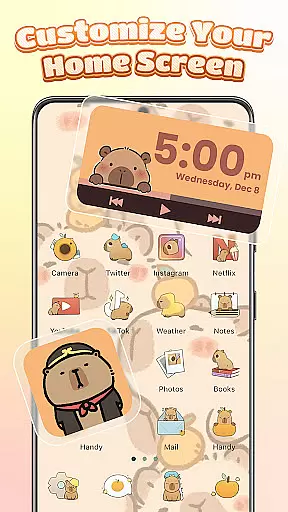
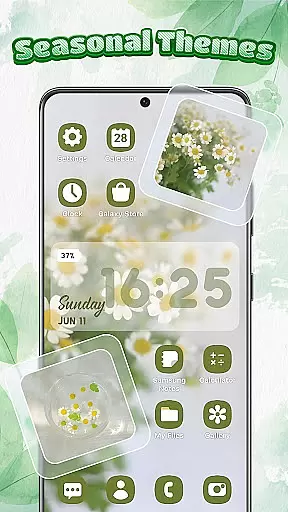
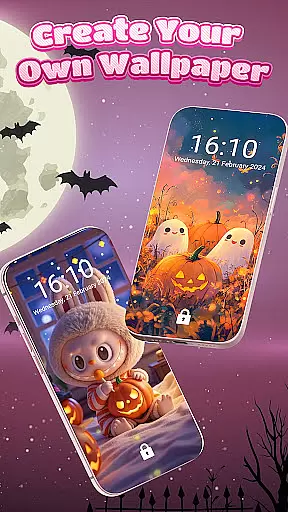
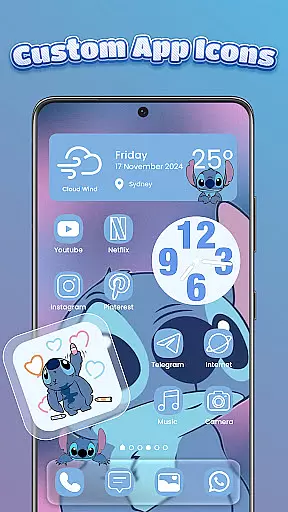
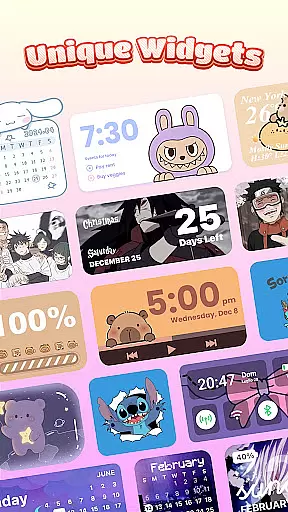
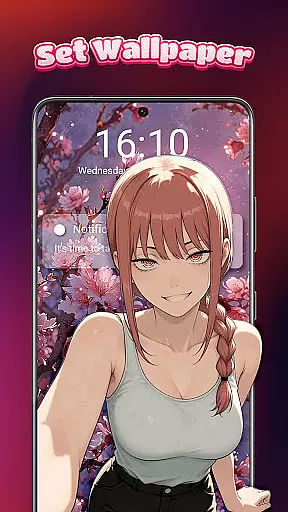
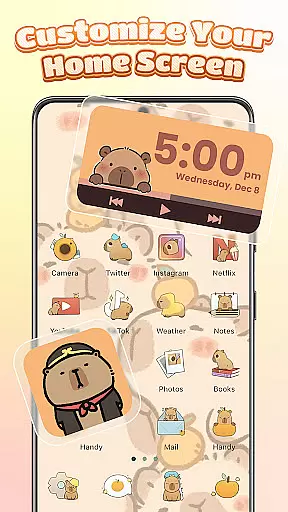
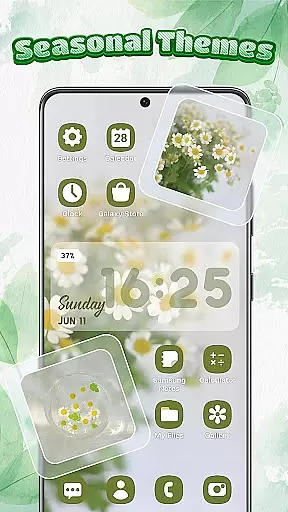
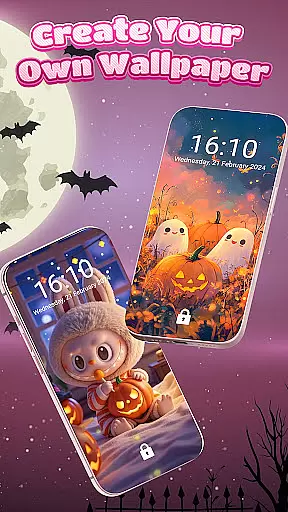
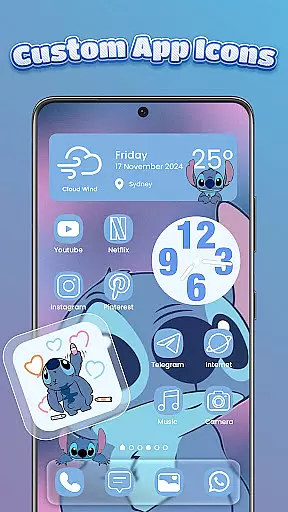
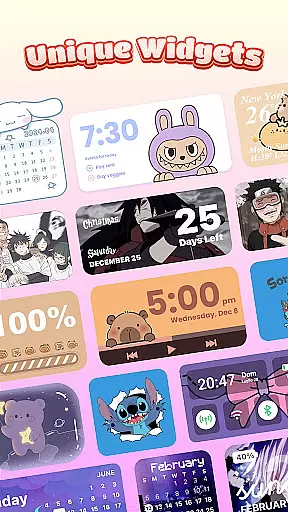
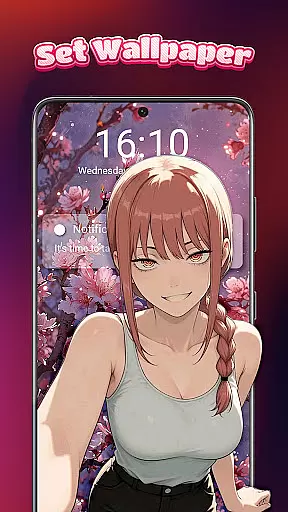
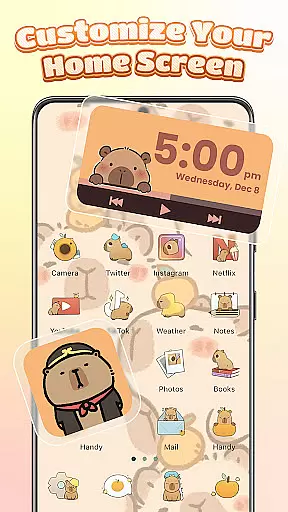
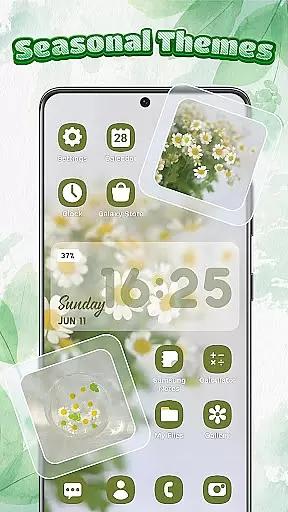
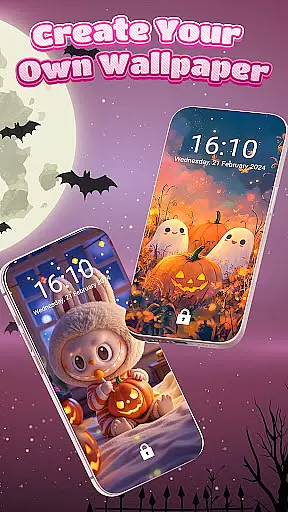
Themebox is a comprehensive personalization app that allows users to fully customize their smartphone's appearance. With over 1000 beautifully designed themes, the app provides complete control over every visual aspect of your device.
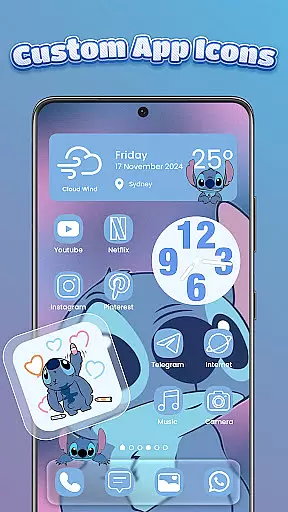
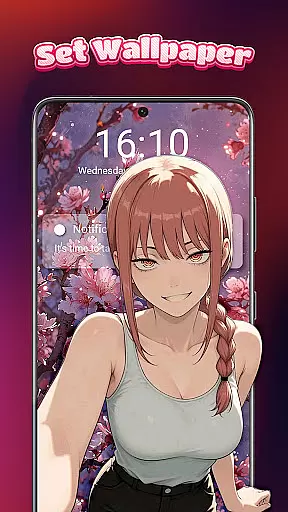
The app's core functionality includes an advanced icon changer, customizable color widgets, and a wide selection of wallpapers. Users can modify app icons with various styles, fonts, and transparency levels while matching them with coordinated themes and widgets. The built-in smart control center offers quick access to essential system settings through a stylish floating panel.
This level of customization proves particularly valuable for users seeking to create unique, personalized home screens that reflect their individual style. Whether you prefer minimalistic designs or vibrant anime themes, Themebox enables you to craft a distinctive mobile experience tailored to your preferences.
Themebox distinguishes itself through its extensive range of customization features. The app offers multiple icon packs with different styles, allowing users to change both the appearance and name of their app icons. This flexibility extends to font selection, color schemes, and background transparency settings.
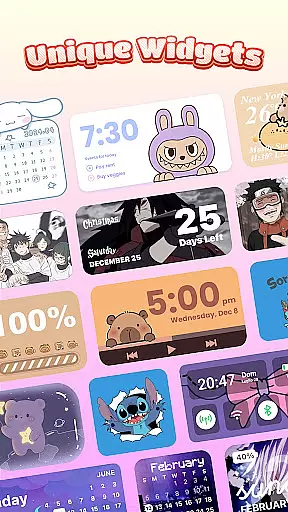
A key innovation is the collection of interactive color widgets that display battery status, weather information, calendar events, and more. These widgets are highly customizable and can be matched with user-selected themes. The app also includes a floating smart control center that streamlines device management through quick-access system controls.
What sets Themebox apart from similar apps is its regular theme updates and exclusive releases. The platform maintains a diverse library of aesthetic themes ranging from vintage to neon styles, ensuring users always have fresh options to explore. This combination of depth and variety makes it a standout choice for Android personalization.
Themebox stands out in the personalization category by offering an extensive range of customization options that cater to every user's unique style and preferences. With over 1000 beautifully designed themes, users can choose from a plethora of styles including anime, neon, minimalist, pastel, and vintage themes.
The app icon changer feature allows for creative freedom, enabling users to alter app icons with different styles, fonts, transparency levels, and backgrounds. This level of personalization ensures that each user's home screen is not only functional but also a true reflection of their personality.
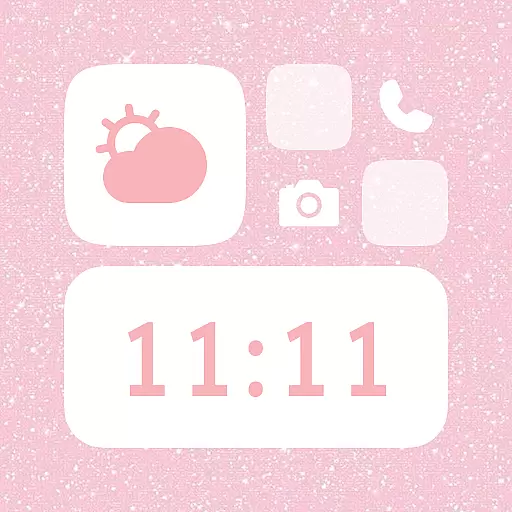
In addition to themes and icons, Themebox provides color widgets and wallpapers. Users can customize battery status, calendar, weather, and even image widgets with personal gallery photos, ensuring a cohesive and personalized home screen aesthetic.
By delivering daily theme updates and exclusive releases, Themebox keeps the content fresh and engaging, encouraging users to continually explore new customization possibilities and refine their digital space according to their evolving tastes.
Themebox excels in theme compatibility, ensuring that all customizations work seamlessly across various devices and screen sizes. The app supports a wide array of Android devices, allowing users to apply their personalized themes with confidence, knowing that their selected designs will look great on any device.
Compatibility extends to the integration of control center functionalities, which are accessible through a floating panel. This smart control center is designed to be stylish yet unobtrusive, providing quick access to essential system settings without disrupting the visual harmony of the user's chosen theme.
Moreover, Themebox's dedication to compatibility is evident in its regular updates and optimization efforts. These ensure that as operating systems evolve, the app remains a reliable tool for users who wish to maintain a personalized and visually appealing home screen environment.
With Themebox, users enjoy peace of mind, knowing that their customization choices will not only enhance the appearance of their device but also remain functional and visually consistent, regardless of future technological advancements or changes in device usage.
User-friendly interface
Extensive customization options
Regular theme updates
Lightweight performance
Versatile widget selection
Requires accessibility permission
Premium themes available
Some features may drain battery
Occasional compatibility issues
Learning curve for beginners

A Colorful and Minimal icon pack in an Outline Style - Over 13,600 icons!
 4.70
4.70
Add cute Shimeji pets to screen, interact with them and relax with cute motions
4.60
More than 3000+ themes and 9000+ wallpapers for everybody!
4.10
Wallpaper HD 4K Live - Thousands of high-quality Anime backgrounds for you.
4.80
⭐ OneUI inspired Fluffy Icon Pack – Soft. Stylish. Standout. ⭐
4.4
Nothing Icon pack with more than 3750+ highly crafted icons.
4.70
Vibrant Adaptive Icons with Material You and Enhanced Monet Colors.
4.50
Adorable pets roam and play right on your phone screen!
3.30
300+ widgets inspired by Material You and Material 3 expressive design.
4.60
Classic analogue watch face. For wear os devices.
4.60
A retro cartoon style watch face and a punch right in the face of the copyright
4.60
Customize your home screen with stunning themes, blur, widgets & icons.
4.60
Stylish Pink Cute Hippo keyboard with 10000+ customized keyboard themes!
4.60
Ninja Turtles Cowabunga SE watch face for Wear OS
4.50
Turn text & photos into stunning AI videos, art, and creative visual stories.
4.50
Color phone with cool effects for call screen, flash alert & ringtones music
4.50
The definitive Icon pack maker and editor
4.30
Unique Fonts, typefaces and stylish text. Fonts for Instagram, Whatsapp & others
4.20
Design your screen with unique, vibrant clocks
3.80


User Reviews