
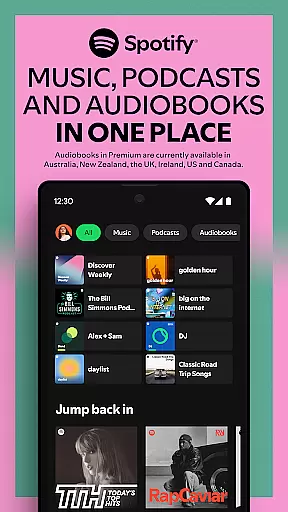

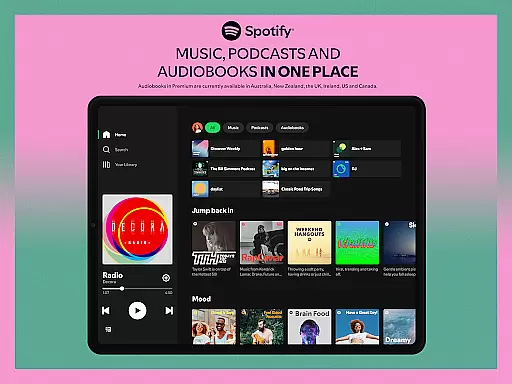
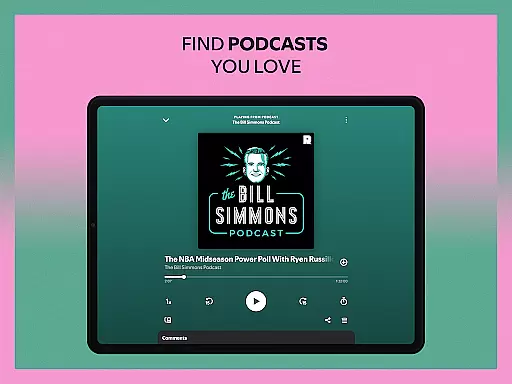
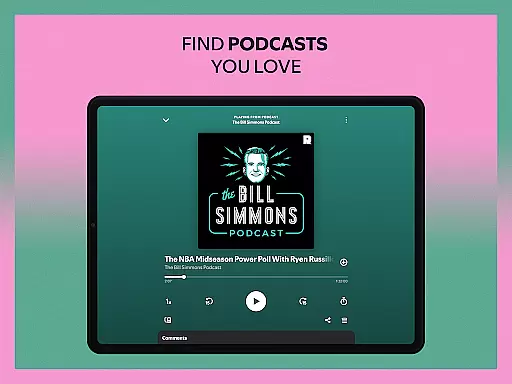
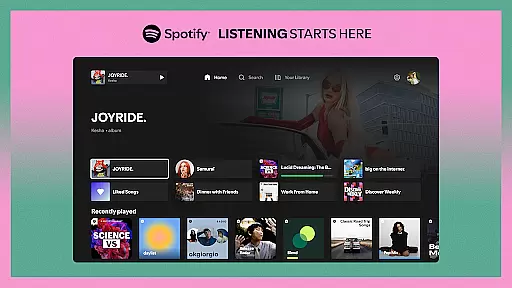

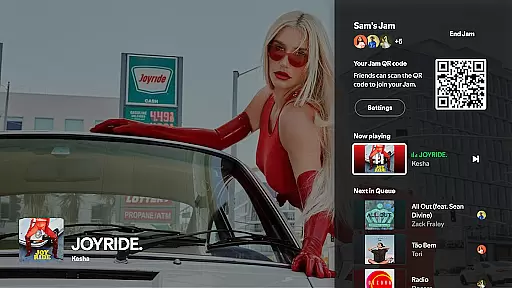

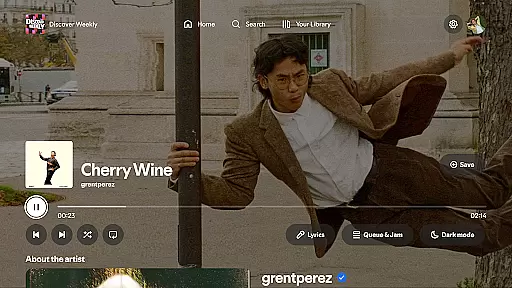
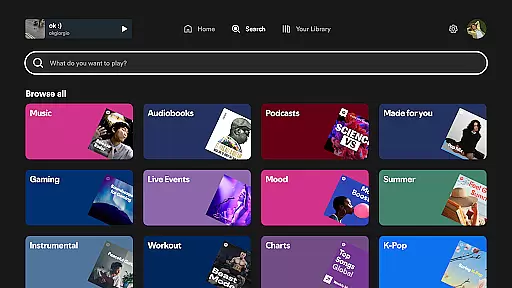
Spotify for Android TV transforms your living room into a dynamic entertainment hub. This app allows users to stream millions of songs, curated playlists, and a wide range of podcasts directly on their TV screens. With features like on-screen lyrics and the ability to control playback using either the TV remote or a mobile device, it offers an immersive audio-visual experience. Whether you're hosting gatherings, relaxing after work, or exploring new content, Spotify enhances every moment with its vast media library.
Premium subscribers can enjoy additional benefits such as hosting Jams where friends can queue up their favorite tracks, ad-free listening, and enhanced audio quality. The app also supports Google Assistant for hands-free operation on compatible devices. By bringing together music, podcasts, and video podcasts in one platform, Spotify on Android TV creates a versatile environment that adapts to various user needs and preferences.
Spotify for Android TV boasts several standout features that cater to diverse entertainment needs. One key aspect is its extensive media library, which includes millions of songs and a variety of curated playlists tailored to different moods and activities. Additionally, users can access popular podcasts and video podcasts, making it a comprehensive source for both music and spoken content. The inclusion of on-screen lyrics adds an interactive element, allowing users to sing along to their favorite tunes.
For those with a Premium subscription, advanced functionalities become available. These include hosting Jams where friends can collaboratively build playlists, seamless control via Spotify Connect from other devices, and improved sound quality without advertisements. Integration with Google Assistant enables voice commands for easier navigation and playback control. Such features collectively ensure that Spotify not only meets but exceeds expectations by providing a rich, customizable, and engaging user experience right from the comfort of home.
When it comes to music streaming services, the size and authenticity of the music library are crucial factors. Spotify on Android TV offers an extensive collection of millions of songs, ensuring that users have access to a vast array of music genres and artists. This wide-ranging library allows listeners to explore new tracks or enjoy old favorites, all from the comfort of their living room.
The platform's commitment to copyright authenticity means that every song, podcast, and video podcast is properly licensed. Users can trust that they are accessing content legally and supporting artists in the process. This dedication to legitimate content not only enhances user experience but also ensures compliance with international copyright laws.
For those who appreciate lyrics while enjoying their favorite tunes, Spotify provides on-screen lyrics where available. This feature enriches the listening experience by allowing users to sing along or simply follow the words as they listen. With these capabilities, Spotify transforms any TV into a dynamic entertainment hub for music lovers.
Audio quality is a significant aspect of the music streaming experience, and Spotify on Android TV excels in this area. The service offers various audio quality settings, catering to audiophiles and casual listeners alike. With Spotify Premium, users can enjoy enhanced audio quality, which delivers richer sound and deeper bass, elevating the overall auditory experience.
Moreover, the ability to control playback using either the TV remote or through Spotify Connect adds another layer of convenience. Listeners can seamlessly switch between devices without interrupting their music flow, ensuring that their favorite tracks continue uninterrupted. This flexibility in controlling audio output enhances user engagement and satisfaction.
On supported devices, integration with Google Assistant allows for hands-free operation. Simply ask Google to open Spotify or play a specific song, making it easier than ever to manage your music library. Whether you're hosting a party or unwinding after a long day, Spotify's superior audio quality options ensure that every note sounds just right.
User-friendly interface
Extensive media library
Seamless device integration
Interactive on-screen lyrics
Premium enhancements
Limited free version
Region-specific content
Requires stable internet
Premium subscription cost
Device compatibility issues

Formerly known as Spotistats! View your top tracks, artists, albums and more!
 4.40
4.40
Background pads for your band
3.80
Brian Eno and Peter Chilvers’ acclaimed music app Bloom, radically reinvented.
4.80
The ultimate media player for Android devices
3.90
24,000 free audio books and no ads!
4.90
Enjoy singing any song, no matter how high or low it is
4.30
Play your hearts out on TouchTunes jukeboxes & connect with fellow music lovers.
4.80
Manage your Sonos system directly from your home-screen!
4.40
Versatile MP3 recorder with auto-backup to Dropbox and Google Drive
4.10
JBL PartyBox APP works with 110/310/710/120/320/520/Encore/Encore 2/Encore Ess 2
4.80
Ultimate Sonos Controller
4.70
Over 100 million tracks available for high quality streaming and download
4.60
Taal player that lets you sing any Indian & Western song with Tabla & Tanpura
4.60
10-Band Audio Equalizer, Sound / Bass Booster for Spotify Users & Music Players
4.40
Your HD audio recorder on the go for music, meetings, ambience, animal sounds…
4.30
Equalizer, Bass Booster and Volume Booster (Eq & Bass) improve sound quality
4.30
A High-Precision Audio Spectrum Analysis App
4.20
The alternative folder based music player.
4.20
The official Sonos app
4.10


User Reviews