

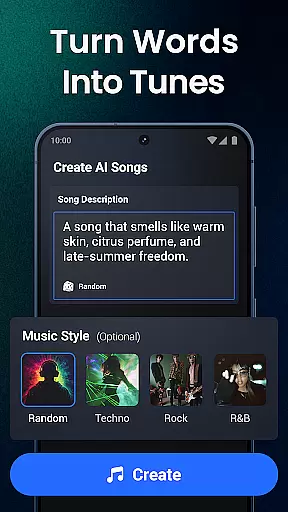





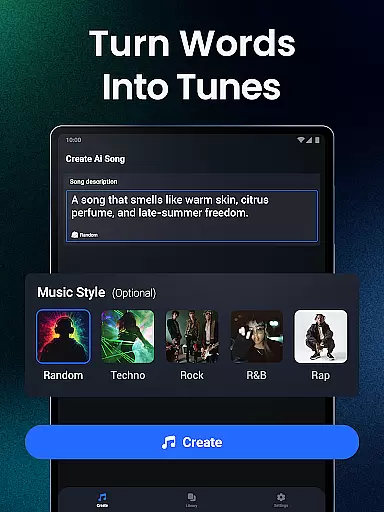
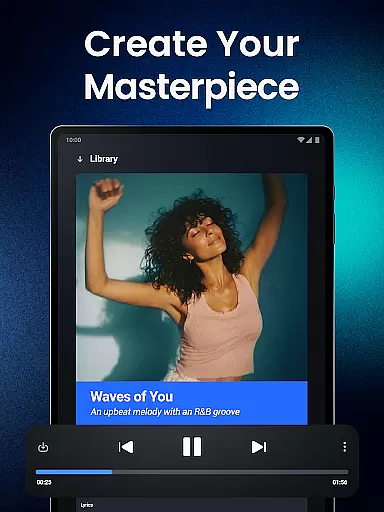



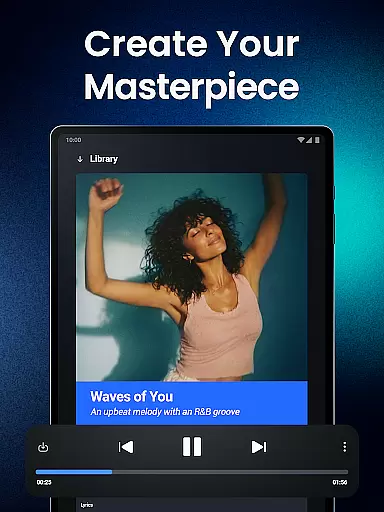



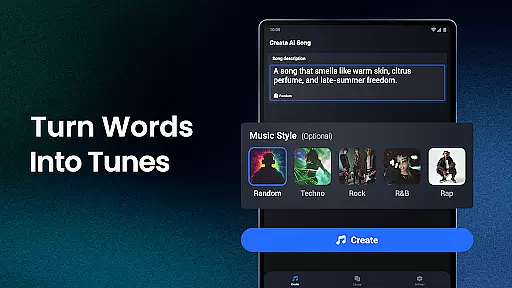
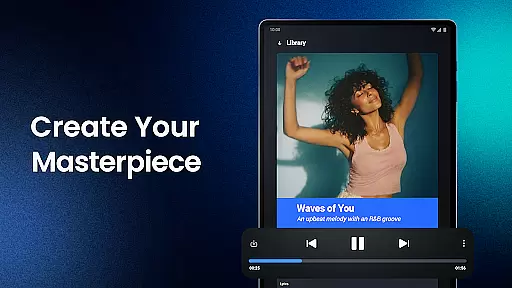


Shoom is an innovative AI music generator that revolutionizes the way people create music. This Music & Audio app allows users to craft songs across various genres, from AI rap to classical pieces, regardless of their musical background. The app's advanced AI technology understands diverse music styles and instruments, transforming creative ideas into fully-fledged tracks.
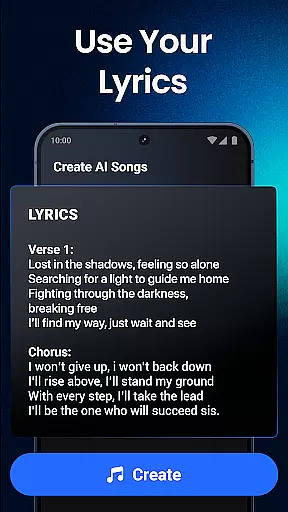
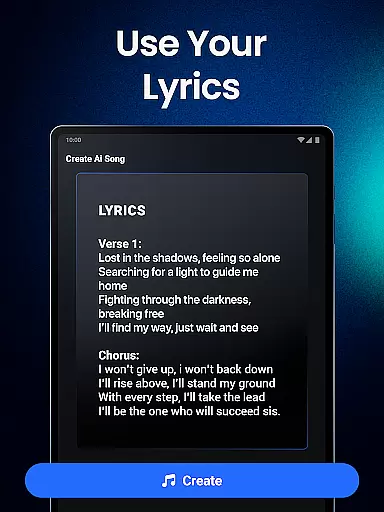
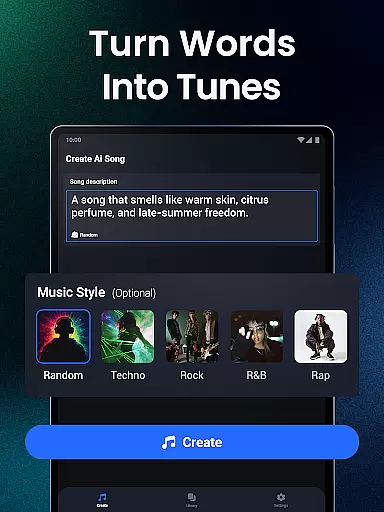
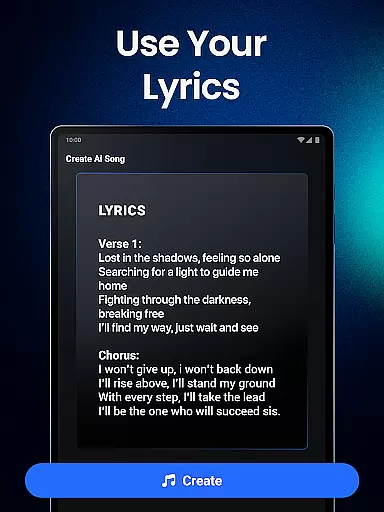
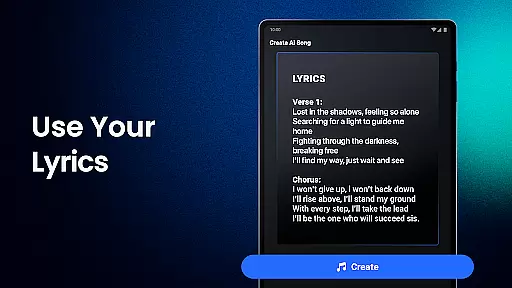
With its user-friendly interface and powerful features, Shoom serves as an essential tool for both aspiring and professional musicians. Users can describe their desired vibe, input lyrics manually or generate them using the built-in lyric writer, and let the AI handle melody creation. The app also provides personalized music generation, easy storage options, and sharing capabilities, making it a complete solution for modern music creation.
Whether you're looking to overcome creative barriers or seeking inspiration for new compositions, Shoom offers a comprehensive platform to explore the future of music production. Its ability to adapt to different musical styles and preferences makes it valuable for artists at any skill level, enabling them to unleash their full musical potential.
Shoom stands out in the Music & Audio category through its comprehensive feature set designed for effortless music creation. The app's AI music generator incorporates cutting-edge technology that understands complex musical elements, including various genres, instruments, and vocal patterns. This enables users to create professional-quality tracks without requiring extensive musical training or experience.
One of the app's key strengths is its personalized approach to music generation. Users can tailor their creations by specifying mood, style, and genre preferences. The built-in lyric generator helps craft meaningful song lyrics, while the AI composer adjusts melodies and arrangements accordingly. Additionally, Shoom offers seamless integration with various platforms for easy sharing and storage of musical projects.
The application also serves as a powerful source of inspiration for musicians. Its intuitive interface and creative tools help users break through artistic blocks and explore new musical directions. From generating basic song structures to refining complex compositions, Shoom provides musicians with the flexibility to experiment and innovate, making it an invaluable asset in the modern music production landscape.
Shoom offers an extensive music library that caters to a wide array of genres and styles, ensuring that users have access to a diverse selection of AI-generated tracks. This vast collection is not just about quantity; it's also about quality and legality. Every piece of music created with Shoom is backed by proper licensing and copyright clearance, giving users peace of mind when they create and share their compositions.
The app leverages advanced algorithms to generate music that fits various moods and themes, from serene classical pieces to dynamic rock anthems. Users can explore different musical landscapes, knowing that each track adheres to copyright laws. This feature is particularly beneficial for content creators and musicians who rely on original, royalty-free music for their projects.
By prioritizing copyright authenticity, Shoom empowers its users to focus on their creative process without worrying about legal repercussions. Whether you're crafting a personal playlist or producing music for commercial use, Shoom's commitment to copyright compliance ensures that your creations are both innovative and legally sound.
Audio quality is paramount when producing music, and Shoom excels in delivering top-notch audio options. The app provides various settings that allow users to customize the audio output according to their preferences and needs. From high-fidelity sound for professional studio work to compressed formats suitable for online sharing, Shoom covers all bases, ensuring that every note and beat sounds crisp and clear.
Shoom's flexibility extends to its compatibility with multiple audio formats, catering to different devices and platforms. Whether you're working on a desktop setup or creating music on-the-go with a mobile device, Shoom adapts to provide the best possible audio experience. This versatility makes it an indispensable tool for musicians who demand excellence in every aspect of their craft.
Moreover, Shoom's intuitive interface simplifies the process of adjusting audio settings, making it accessible even to beginners. With just a few taps, users can switch between different quality options, previewing changes in real-time. This seamless integration of advanced features with user-friendly controls underscores Shoom's dedication to enhancing the music creation journey for everyone.
User-friendly interface
Advanced AI capabilities
Versatile genre support
Powerful lyric generator
Easy sharing options
Premium subscription required
Limited free features
Occasional AI inaccuracies
Steep learning curve
Resource-intensive operation

Over 100 million tracks available for high quality streaming and download
 4.60
4.60
Permanently backup Now Playing. Maps, filters & listening stats.
4.00
More downloads than any other metronome. Includes drum machine & tempo trainer.
4.80
Visualize the guitar fretboard, master scales & play through changes like a pro!
4.50
Guzheng Master supports many playing techniques as an acoustic Guzheng
4.50
Super Sound Editor, Song Maker & Mixer, Vocal Remover, Voice Recorder & Changer!
4.60
Enjoy singing any song, no matter how high or low it is
4.30
Turn your Android phone into a professional audio analyser with up to 120 bands.
4.00
Sing, record, and create music together — enhanced by smart voice tools.
4.00
Full-featured, High-Quality Groovebox Workstation, perfect for Live Performance!
4.80 4.70
4.70
Taal player that lets you sing any Indian & Western song with Tabla & Tanpura
4.60
AI Music Maker: Generate And Compose AI Tunes & AI Songs & AI Music & AI Melody!
4.60
Save hundreds of dollars for a physical strobe tuner and instead use this app.
4.50
DJ Music Mixer - DJ Remix: remix songs, make beat music & record mix of DJ.
4.40
Full featured mp3 and audio player with Chromecast and Android Auto support.
4.40
The ultimate media player for Android devices
3.90
Sheet music reader, piano & music note player. Play music score & learn to read.
3.90
Learn to play the piano using falling notes!
3.80


User Reviews