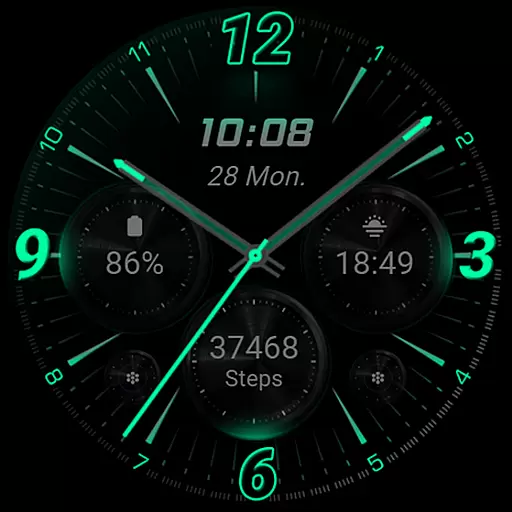
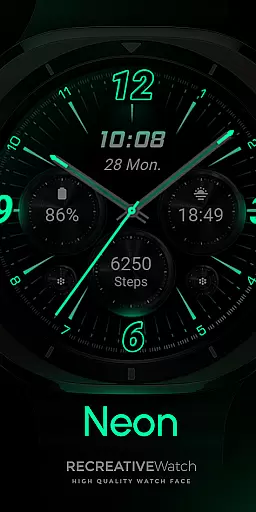
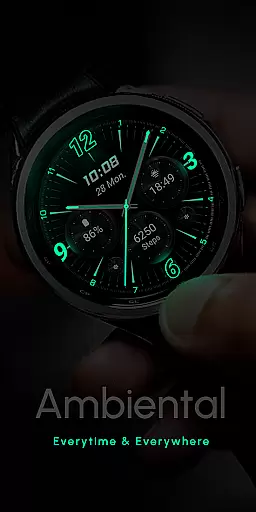
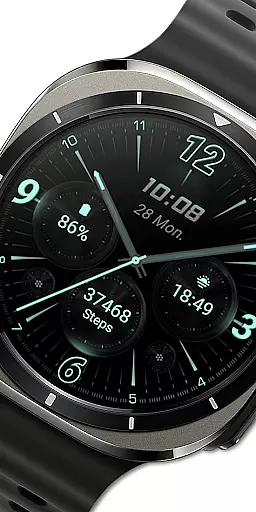
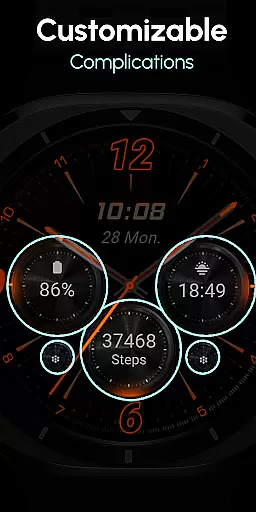
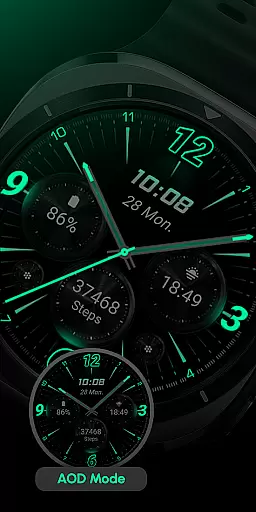
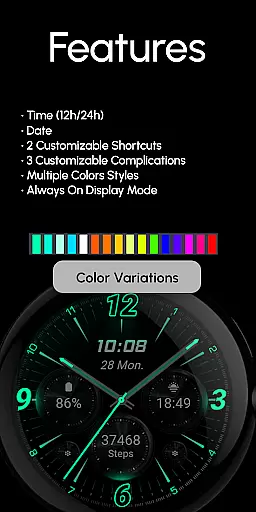
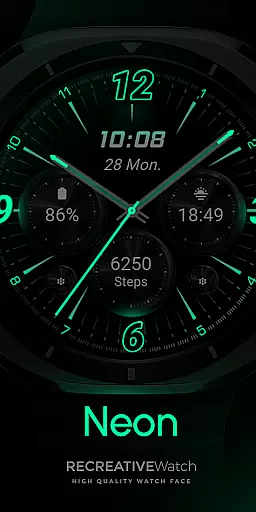
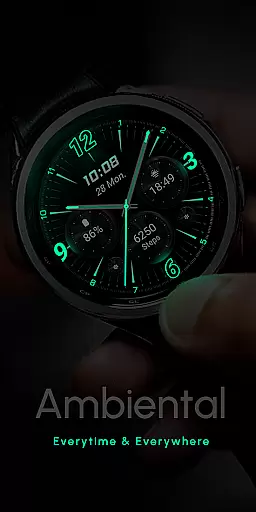
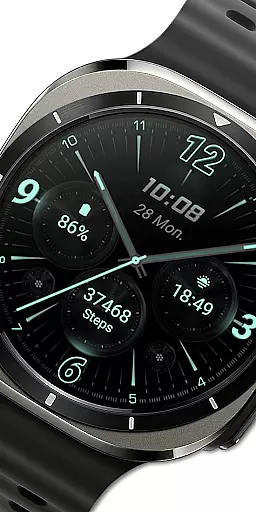
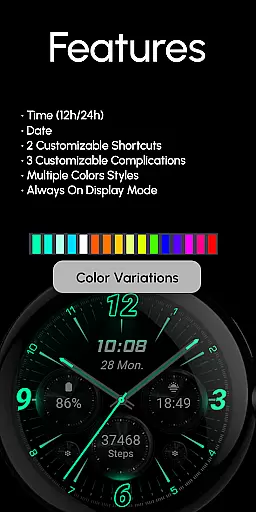
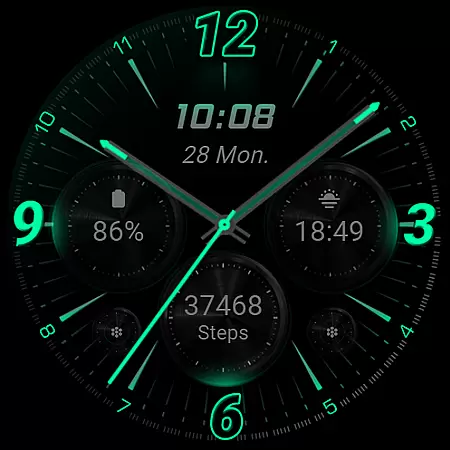
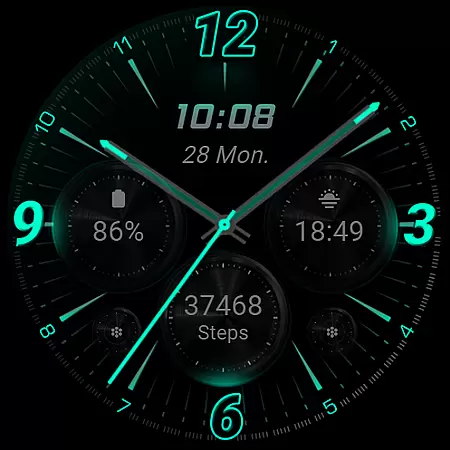
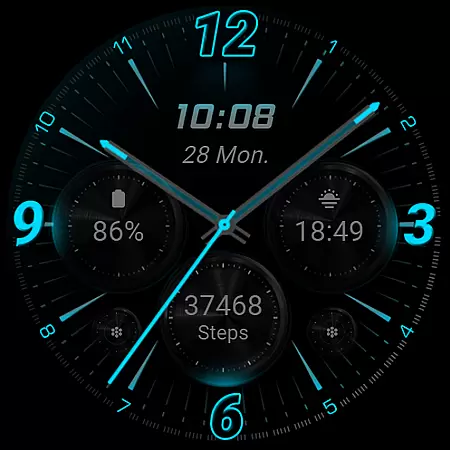
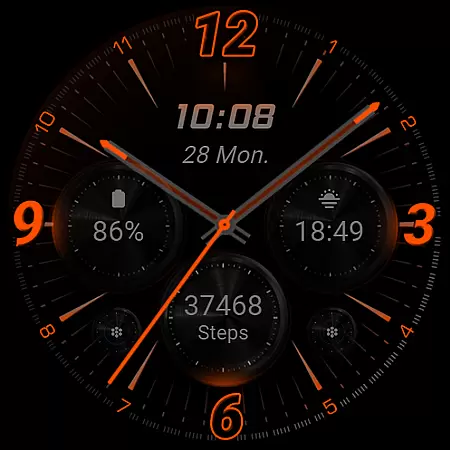
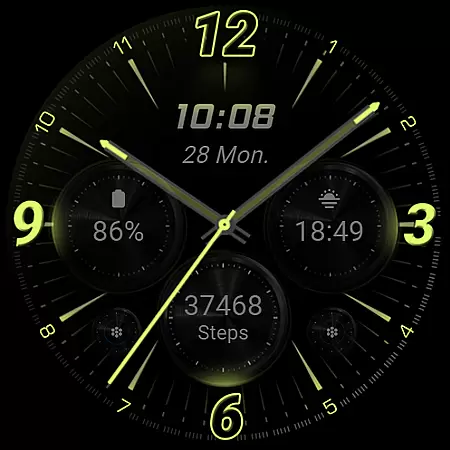
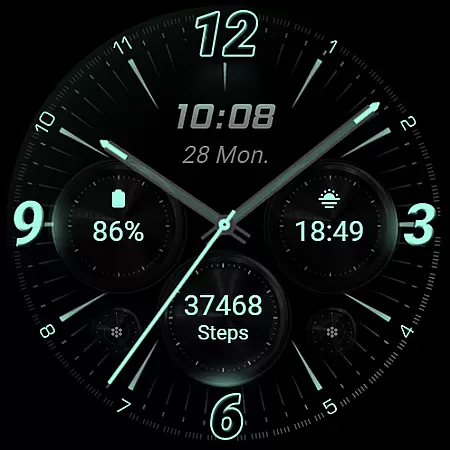
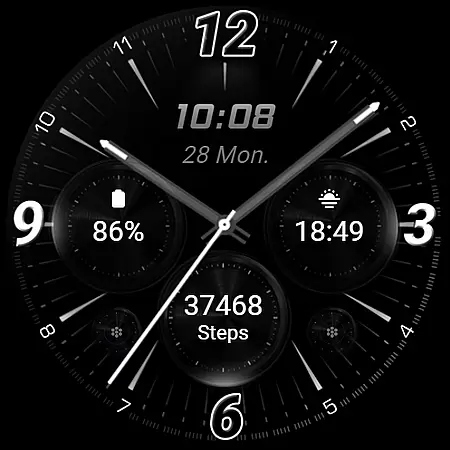
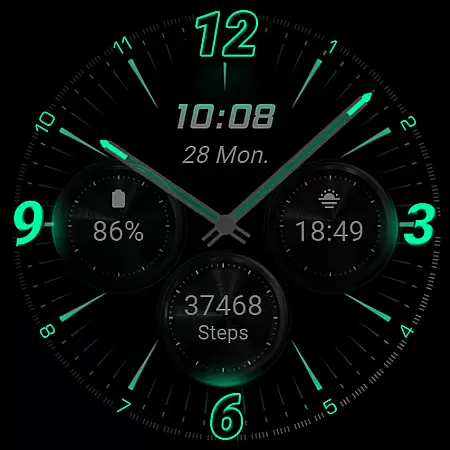
RE59 is a neon-inspired watch face designed specifically for Wear OS devices, offering users a sleek and modern aesthetic. With its true black background and realistic neon effects, this watch face makes timekeeping both functional and visually striking. The design ensures that the neon elements pop on your wrist, providing a perfect blend of style and utility.
The app includes a companion phone application to facilitate installation and customization of the watch face. While the mobile app contains ads, the core functionality remains focused on delivering an exceptional wearable experience. Compatible with API level 33+ devices such as Google Pixel and Galaxy Watch series, RE59 supports features like Always ON Display, customizable shortcuts, and complications, making it a versatile choice for smartwatch users seeking personalization options.
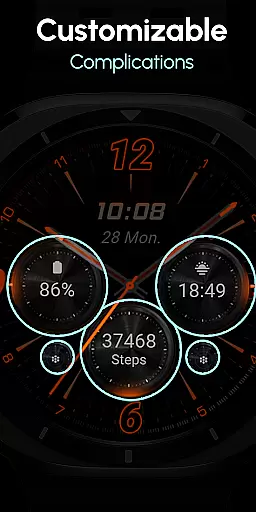
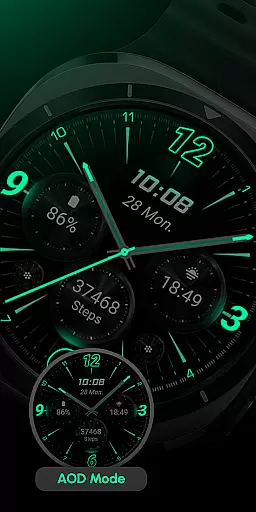
RE59 offers a comprehensive set of features tailored for Wear OS users. The watch face displays time in both 12/24hr digital formats and includes two customizable shortcuts along with three complications that can be personalized to show various data types. Its Always ON Display feature ensures that time and important information are always visible without needing to wake the screen.
Customization is intuitive; users can touch and hold the display to access settings where they can modify colors or adjust complication fields according to their preferences. For optimal battery performance, it's recommended to disable the Always ON Display mode when not needed. This thoughtful design prioritizes user convenience while maintaining device efficiency, ensuring a seamless experience across compatible devices like Google Pixel and Galaxy Watches.
Companion app integration is crucial for a seamless wearable experience. RE59 offers a dedicated mobile application that simplifies the installation process and helps users locate the watch face on their Wear OS devices.
The phone app serves as a facilitator, ensuring that users can effortlessly set up and manage their neon-inspired watch face. This integration allows for smooth synchronization between the mobile app and the watch face, enhancing usability.
While the mobile app contains ads, it ensures that the core functionality of the watch face remains unaffected. Users can access customization options directly from their phone, streamlining the personalization process.
This companion app approach provides a practical solution for managing watch faces, making it easier for users to maintain a sleek, modern look on their wearable devices.
Ensuring broad device compatibility is essential for any Wear OS application. RE59 is designed to work seamlessly with API level 33+ devices, including popular models like Google Pixel and Galaxy Watch series.
The watch face's compatibility extends to various Wear OS models, guaranteeing that users across different devices can enjoy its realistic neon effects and true black background. This wide-ranging support enhances the product's accessibility.
For optimal performance, especially concerning battery life, users are encouraged to customize their settings. Disabling the Always ON Display mode can significantly improve battery longevity across compatible devices.
By supporting a diverse range of Wear OS devices, RE59 demonstrates its commitment to providing a versatile and reliable user experience for tech-savvy individuals seeking a modern aesthetic.
Stylish neon design
True black background
Customizable shortcuts
Always ON Display
Versatile complications
Mobile app has ads
Limited to Wear OS
Battery usage concern
No automatic apply
API level 33+

"PER27 Galaxy Digital" is a digital Wear OS watch face designed by PERSONA
 4.10
4.10
WTW M17 is a premium and luxurious hybrid watch face
4.70
Animated Watch Face and Customizable with 24 Backgrounds. Perfect for Christmas!
3.90
Embrace the festive spirit with our Christmas Countdown watchface for Wear OS
4.10
Simple Analog-Digital Watchface For Wear OS 3.0 and Up Smartwatches
4.3
Stylish digital watch face for Wear OS devices with customizable features
4.2
A modern hybrid informative watch face for Wear OS designed by BALLOZI
4.80
Want to take charge of your health? Let Google Fit help you reach your goals.
3.50
Spam call blocker and caller ID for automatic call protection!
4.40
Hyperlocal rain alerts by MyRadar using patent-pending technology, radar & more
4.80
Rose gold watch face with festive lights & customizable features.
4.60
Beautiful artistic animated digital watch face, with a customizable layout!
4.40
A white realistic classic analog watch face with many customization options.
4.40
Your music, your playlists, and more—offline and unlimited.
4.20
Snowflake Rose Gold Watch Face - Digital, modern, & sleek with GYRO effect.
4.10
sleep, alarm, snoring, stress, healing, focus, sound therapy, circadian rhythm
4.10
Daily Weather forecast with 15 weather images for Day & Night plus Big Bold time
4.10
A digital watch face that celebrates Christmas.
4.00
A heartwarming Christmas scene featuring a cute image of Santa and Rudolf
4.3


User Reviews