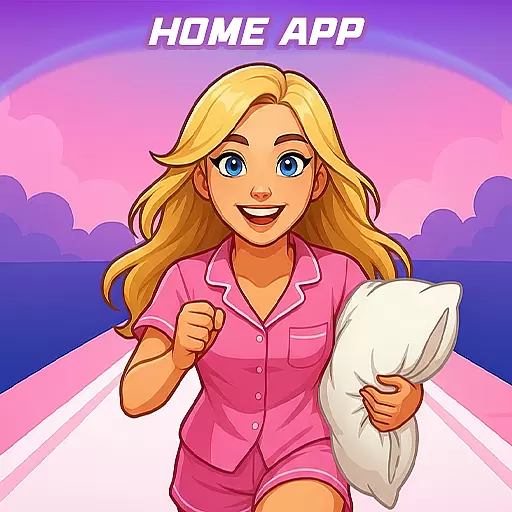
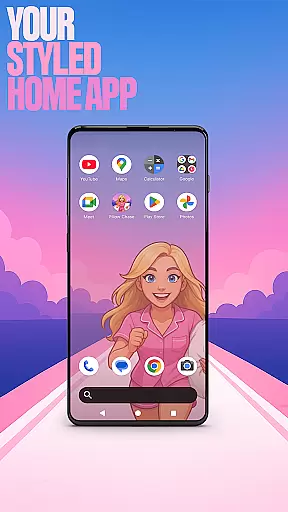

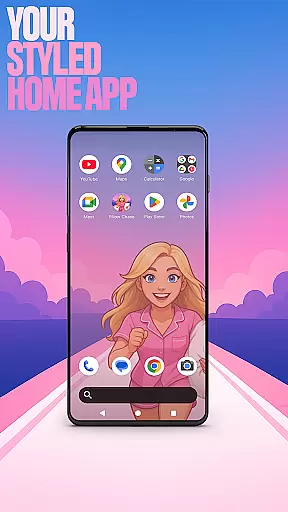

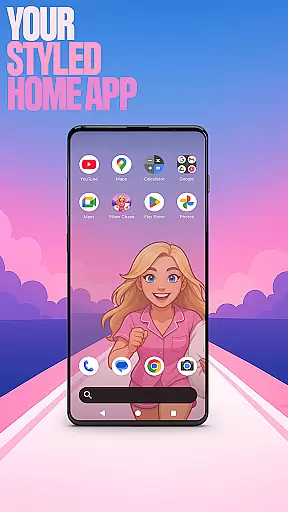

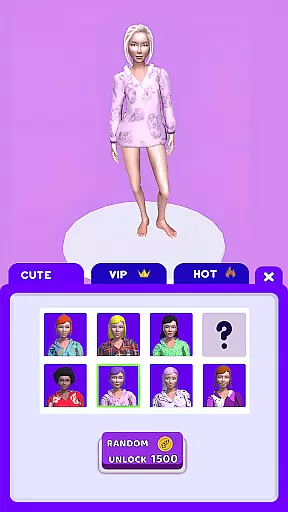
Pillow Chase Home App is a launcher app that allows users to create a personalized home screen experience. With the ability to fully customize the layout, create folders, and choose colors, this app offers a fresh style for everyday use. Users can set it as their default launcher via settings and switch back anytime.
In addition to its customization features, Pillow Chase Home App includes an exciting game called Pillow Chase. This fast-paced game lets players run, dodge, and race through obstacles while collecting pillows and avoiding alarm clocks and coffee cups. It's perfect for quick breaks and endless fun.
With unique wallpapers, custom icon shapes, gestures, hidden apps, and accent color options, Pillow Chase Home App provides a comprehensive personalization suite for your device.
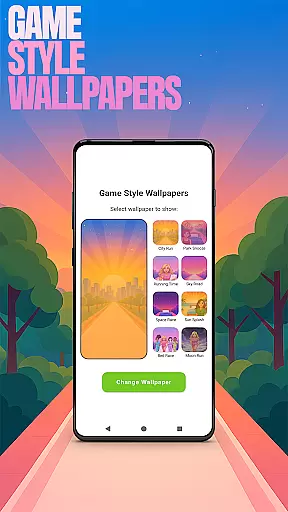
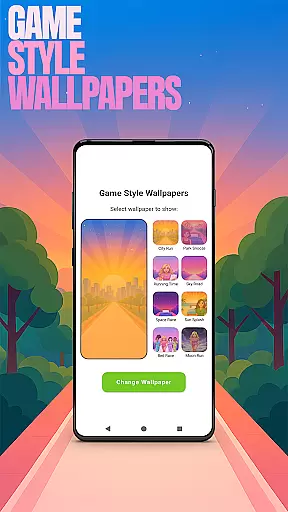
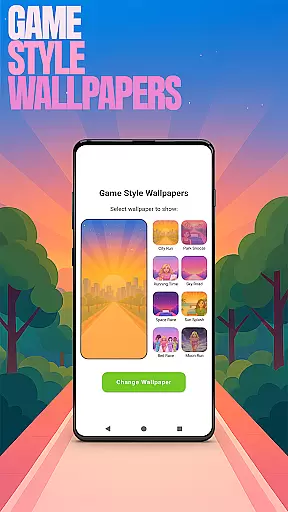
Pillow Chase Home App offers a variety of features designed to enhance user experience. The Game Style Wallpapers feature allows users to add unique wallpapers inspired by the Pillow Chase game, accessible by long-pressing on the home screen.
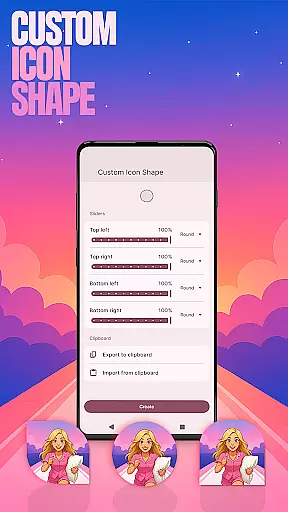
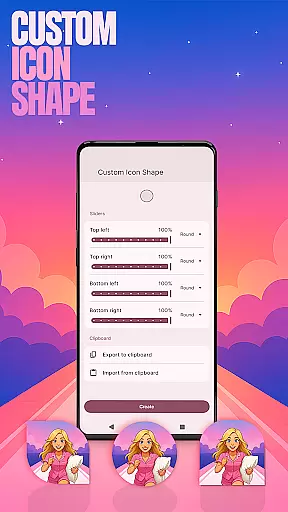
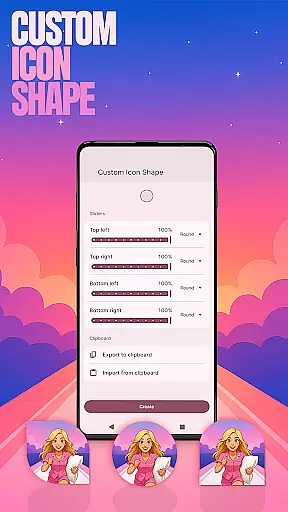
Custom Icon Shape enables personalization of device icons with fun shapes and custom looks. Custom Gestures let users swipe or tap to quickly open apps, settings, or the app drawer, providing a seamless navigation experience.
Users can also hide private apps using the Hide Apps feature, keeping them invisible while maintaining full control. The Accent Color option allows customization of home app colors with presets or custom styles, ensuring a personalized touch to every device.
Customization is at the heart of Pillow Chase Home App, offering users a wide array of options to personalize their home screens. This app allows for an unprecedented level of personal touch, enabling users to fully customize the home screen layout, create folders, and choose colors, making each user's interface truly unique.
The app provides features such as Game Style Wallpapers, Custom Icon Shape, and Accent Color settings. These allow users to add unique wallpapers inspired by the Pillow Chase game, personalize device aesthetics with fun icon shapes, and customize home app colors using presets or creating their own style.
By integrating these customization options, Pillow Chase Home App ensures that users can tailor their devices to reflect their personality and preferences. This extensive customization not only enhances the visual appeal but also improves the usability of the device, ensuring a fresh and exciting experience every time the phone is used.
Pillow Chase Home App excels in theme compatibility, providing users with the tools necessary to ensure a cohesive and visually pleasing interface. The app supports various themes through its customizable features like Custom Icon Shape and Accent Color, which help maintain visual consistency across the user's device.
Users can select from different icon shapes and color schemes, ensuring that their chosen theme is uniformly applied throughout the home screen. This flexibility allows for seamless integration of themes, whether users prefer a playful look with game-inspired wallpapers or a more subdued, professional appearance.
This level of theme compatibility empowers users to design a home screen that is not only aesthetically pleasing but also functionally intuitive. By allowing users to adjust every visual element to their liking, Pillow Chase Home App guarantees that the device remains a true extension of the useru2019s personal style, enhancing both satisfaction and engagement.
Highly customizable
Unique game integration
Variety of personalization options
User-friendly interface
Fun and engaging design
May change existing layout
Limited to Android devices
Some features may require technical knowledge
Game might distract from main function
Switching launchers could confuse new users

Beautiful realistic hybrid watch face with numerous customization options.
 4.50
4.50
3D, live, and moving wallpapers & themes in 4K and HD for your device.
4.50
App Icon Changer & Shortcut Creator. Customize your icons without any watermarks
4.30
Unleash Your Creativity and Connect with Loved Ones with Lockscreen Drawing!
4.20
One 8 icons glass color version
4.80
Transform your device in a game console
4.40
Customize phone with anime themes, 3D icons, aesthetic widgets & wallpapers
4.80
Fast SMS & group chat - use GIFs and emojis from your home screen launcher.
4.50
Cool custom fonts & keyboard themes! Symbols & font changer for Instagram
4.50
Enjoy a variety of amazing live wallpapers and colorful EDGE lighting borders!
4.80
300+ Stunning and well-designed widgets inspired by NOTHING.
4.70
Choose your keyboard with RGB colors effect, themes, fonts, emojis.
4.60
Stylish Pink Cute Hippo keyboard with 10000+ customized keyboard themes!
4.60
Handcrafted pixel art icons, widgets & wallpapers
4.60
Turn text & photos into stunning AI videos, art, and creative visual stories.
4.50
Color phone with cool effects for call screen, flash alert & ringtones music
4.50
Fingerprint Lock Screen & Live Animations with 4K Wallpapers as Live Wallpaper
4.40
Transform your phone with stunning video wallpapers and a unique, personal touch
3.80
Adorable pets roam and play right on your phone screen!
3.30


User Reviews