

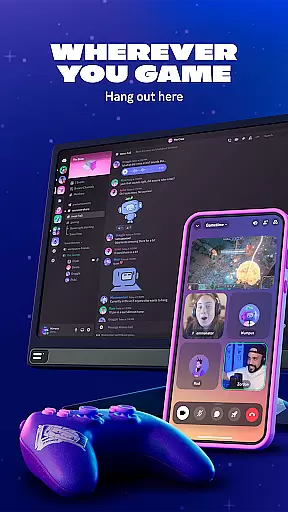
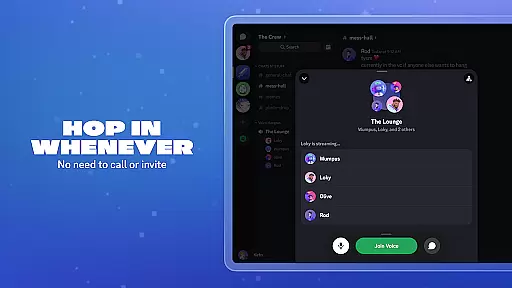
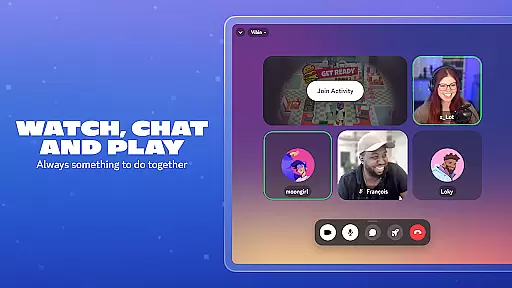
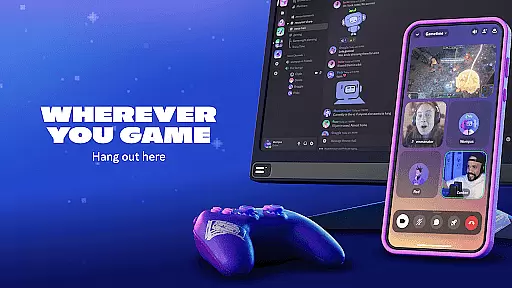
Discord is a versatile communication platform designed primarily for gamers but suitable for any community. It offers text, voice, and video chat capabilities, allowing users to create customized spaces for their groups. The app supports seamless interaction across multiple devices, including PC, phone, and console, making it easy to stay connected with friends regardless of the platform they use.
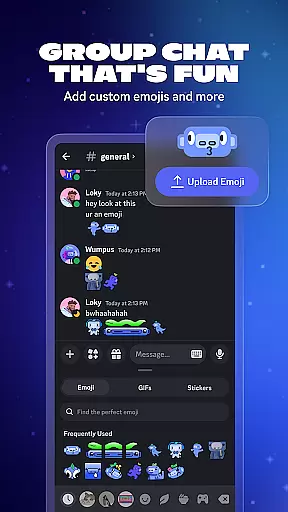
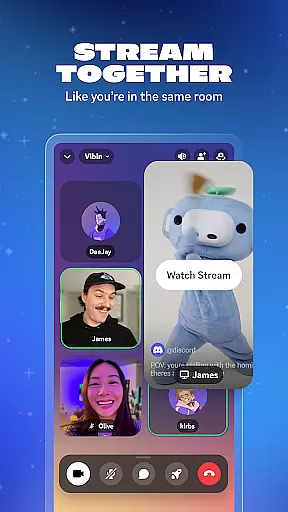
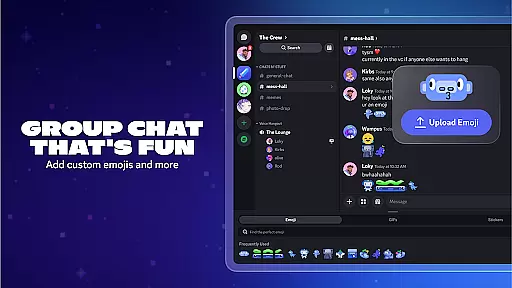
One of Discord's standout features is its ability to enhance group chats with custom emoji, stickers, and soundboard effects. Users can personalize their profiles and avatars, adding a unique touch to their interactions. With high-quality streaming and low-latency connections, Discord makes it feel like you're in the same room with your friends, whether you're gaming, watching shows, or just hanging out.
This app is particularly useful for gamers who want to connect with friends while playing their favorite games. Its intuitive interface and robust customization options make it an ideal choice for building communities and fostering engagement among members.
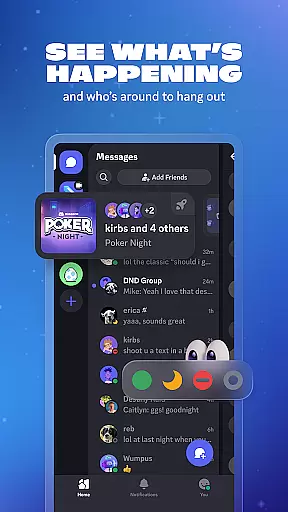
Discord offers a wide array of features that cater to both casual and serious users. One of its key strengths is the ability to create custom emoji, stickers, and soundboard effects, allowing users to add personal touches to their chats. This level of customization extends to user profiles, where individuals can set avatars and statuses to reflect their current mood or activity.
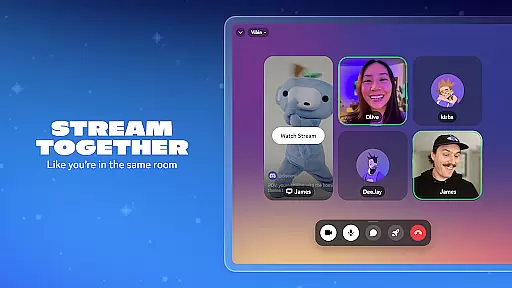
The platform excels in providing high-quality, low-latency streaming services. Whether you're gaming, watching videos, or sharing photos, Discord ensures that the experience feels as if you're physically present with your friends. This feature is complemented by the app's seamless switching between voice, video, and text chats, enabling users to hop in and out of conversations effortlessly.
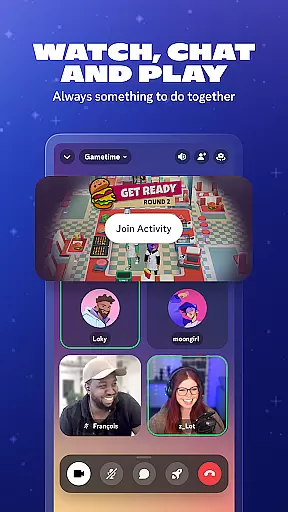
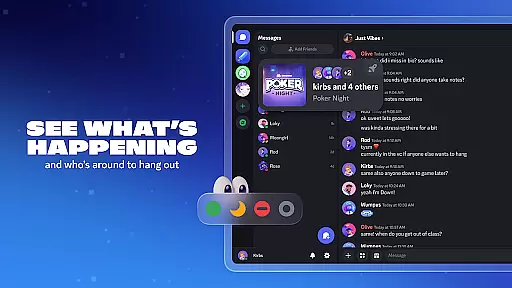
Additionally, Discord supports a variety of built-in games and activities, ensuring there's always something to do together. From watching videos and listening to music to playing games and sharing memes, the app fosters a dynamic and engaging environment for all users.
Real-time messaging is a cornerstone of effective communication platforms, and Discord excels in this area. The speed at which messages are delivered and received can significantly impact the flow of conversation and collaboration.
Discord ensures that whether you're sending a quick text or engaging in an extended discussion, your messages appear instantly. This immediacy fosters a seamless environment where users can communicate as if they were in the same room.
The platform's infrastructure is designed to handle high volumes of messages without compromising on delivery times. Users can rely on Discord for consistent performance, even during peak usage periods when many conversations might be happening simultaneously.
This reliability extends to various forms of communication, including text chats, voice calls, and video interactions. By maintaining fast and dependable messaging across all these formats, Discord supports dynamic and engaging group chats that keep communities connected.
Media sharing has become an integral part of online communication, allowing users to express themselves more vividly through images, videos, and other file types. Discord recognizes this need by offering robust support for media sharing within its platform.
Users can easily share photos, videos, and documents directly in chat, enriching conversations with visual content or important files. Whether itu2019s game highlights, funny memes, or study materials, Discord makes it simple to distribute multimedia among friends and community members.
The service supports a wide range of file formats, ensuring compatibility with most user-generated content. From common image formats like JPEG and PNG to video files such as MP4, Discord facilitates diverse media exchanges without requiring external hosting services.
Moreover, Discordu2019s interface is designed for intuitive media handling, enabling quick previews and smooth playback experiences. This ease of use encourages active participation and interaction within groups, making every chat session lively and engaging.
User-friendly interface
High-quality streaming
Customizable profiles
Cross-platform support
Robust community tools
Occasional bugs
Learning curve
Limited offline functionality
Resource-intensive
Privacy concerns

Manage your data, talk & text - affordable phone plans & data usage made simple
 4.30
4.30
Manage BoostMobile Account
4.60
Our Black Friday sale is here. Unlock special discounts on Proton Mail now.
4.30
Message and video call your family and friends in HD!
3.80
Call Blocker app: Identify unknown callers, block spam calls, fraud & robocalls
4.30
Caller ID App! Add names & photos to unknown calls & Call Recording
4.40
Fast internet with AI, Adblock & VPN. Browse on a safe, incognito web browser.
4.70
Get through your inbox faster with the mail app designed to simplify your life.
4.40
Enhance browsing with AI-powered features and Copilot.
4.70
Manage your mobile phone plan, check unlimited 5g data usage and track rewards
4.50
Simplify texting with Messages SMS, offline messaging, themes & smart tools!
4.30
Chill zone on your phone: relax with fun reels & hype shorts!
4.20
SMS & MMS Messaging App to easily send messages or schedule SMS on Chat
4.10
Google's fast and secure browser
4.10
Messenger app for faster and simpler SMS text messaging, and personalized themes
4.10
WazzapMigrator: transfer your WhatsApp history from iPhone to Android
4.00
Fast Dialer & Contact Manager with Caller ID and Spam Protection
4.00
Secure Messaging App to Enhance Messenger Texting Experience and Organize SMS.
3.50
Official NDI app: turn your phone into a professional live-streaming IP camera.
3.20


User Reviews