
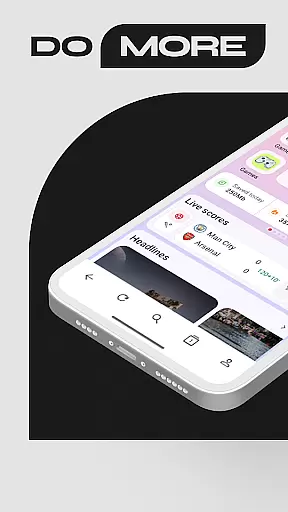
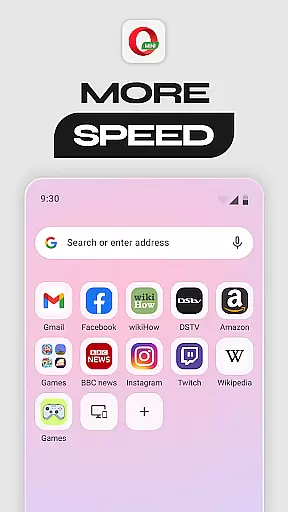
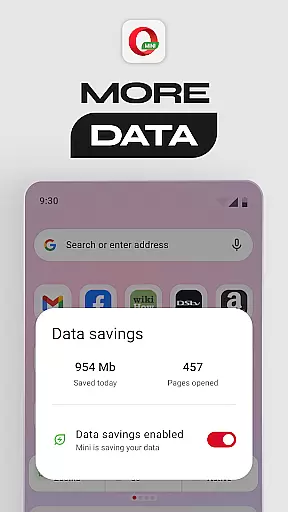
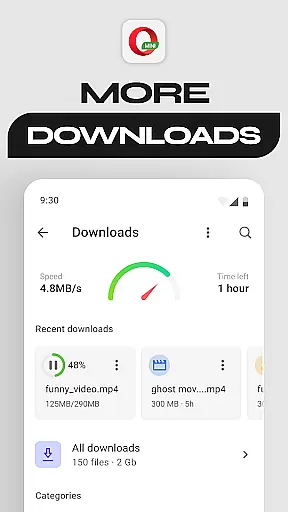
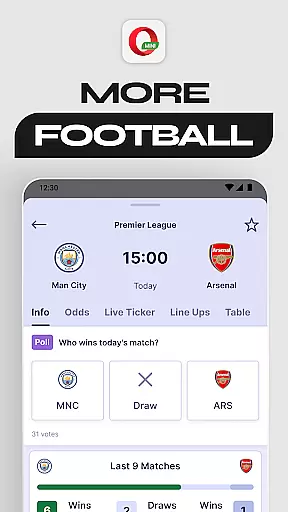
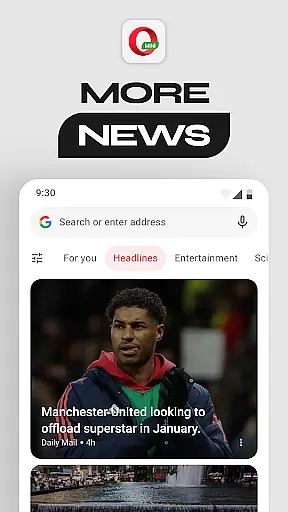
Opera Mini is a fast and efficient mobile web browser designed for smooth browsing experiences, even on slow networks. It offers up to 90% data savings, making it ideal for users with limited data plans. The app includes features like Football Mode for sports enthusiasts, Locked Mode for secure browsing, and an ad-blocker for uninterrupted browsing.
This browser is perfect for users who need reliable performance while consuming minimal data. With additional features such as personalized newsfeeds, offline pages, and night mode, Opera Mini ensures a versatile and user-friendly experience across various scenarios.
Opera Mini stands out with its unique set of features tailored for efficiency and customization. The Data Savings Mode significantly reduces data usage, allowing users to browse more with less. Fast Browsing & Downloads ensure that pages load quickly, even on slower connections, providing a seamless experience.
Football Mode delivers the latest sports updates directly within the browser, appealing to sports fans. Meanwhile, Locked Mode enhances security by protecting personal browsing behind a PIN. Additional functionalities include a personalized newsfeed, free ad-blocker, offline page saving, browser customization options, and a built-in video player, all contributing to a comprehensive browsing tool.
Opera Mini ensures real-time messaging speed and reliability, allowing users to stay connected without delays. The browser's optimized performance guarantees that messages are delivered promptly even on slower networks.
With its data-saving capabilities, Opera Mini maintains reliable communication while minimizing data usage. This means users can send and receive messages quickly without worrying about excessive data consumption.
The fast browsing feature of Opera Mini complements its messaging reliability by ensuring web pages load swiftly. Users experience seamless interaction with their favorite messaging platforms, enhancing overall connectivity.
Opera Mini offers robust media sharing support, enabling users to share images, videos, and files effortlessly. Its efficient compression technology reduces file sizes without compromising quality, making media sharing faster and more accessible.
The browser's integrated features like offline pages and video player enhance the media-sharing experience. Users can download content for later viewing or stream directly within the app, providing flexibility in how they engage with shared media.
Additionally, Opera Mini's free ad-blocker creates a cleaner environment for media sharing. By eliminating intrusive ads, users enjoy an uninterrupted experience when exchanging multimedia content across various platforms.
Fast browsing speed
Significant data savings
Enhanced security features
Sports updates integration
Customizable user interface
Limited advanced features
Occasional loading issues
Ads in free version
No desktop syncing
Basic UI design

 3.90
3.90
Chat on the Jabber network (XMPP protocol); support for SMS and other gateways
2.10
Messages is Private SMS Messenger 2023 with text message, instant messaging.
4.00
Send SMS and chat messages easily with a fast text messaging app for Android.
4.10
Faster version of Messages. Messenger for your contacts.
4.50
Watchgram for Telegram: Experience seamless Telegram messaging on your watch
1.80
Manage Phone Calls, call history, and contacts easily with Phone Pro.
4.3
Fast internet with AI, Adblock & VPN. Browse on a safe, incognito web browser.
4.70
Build your web browser around you with private search, and more.
4.60
Messenger for SMS - texting message app, faster, simpler & safer, for you.
4.70
Useful. Social. Expressive.
4.70
Caller ID App! Add names & photos to unknown calls & Call Recording
4.40
A web browser that respects your privacy.
4.30
Enjoy secure messaging & calling. Safe Messenger: group chats, calls, messages.
4.20
Threema is the messenger with the most consistent focus on security and privacy.
4.00
Call Forwarding is easy and simple application to use.
3.80
Manage and Fund Calling Accounts and Schedule and Join Video Sessions
3.60
At select facilities, you now have an easy way to video visit your loved ones!
3.30
Auto Reply SMS, Text Messaging, Away SMS Response, Busy SMS messages, Block Text
3.10


User Reviews