

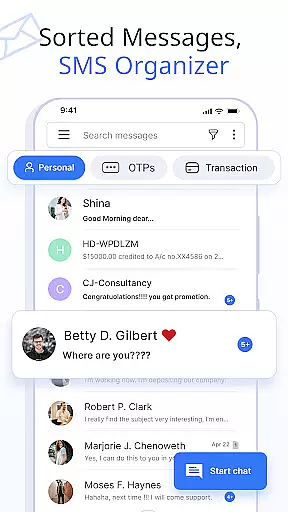
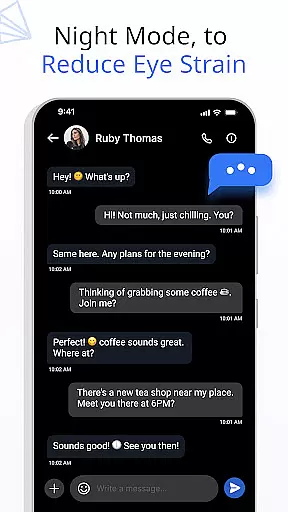






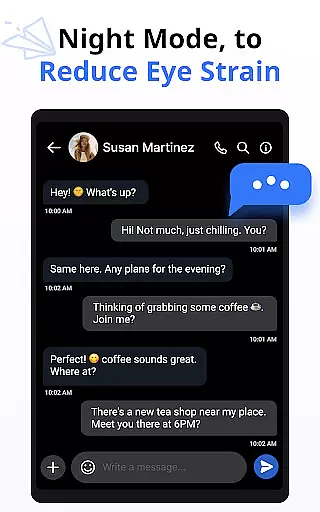
Messages is a feature-rich SMS and MMS messaging app designed to enhance your communication experience. This app allows users to stay connected securely with friends and family through an intuitive interface. The built-in SMS Organizer automatically categorizes all text messages into Personal, Transactions, OTPs, and Offers, streamlining message management.
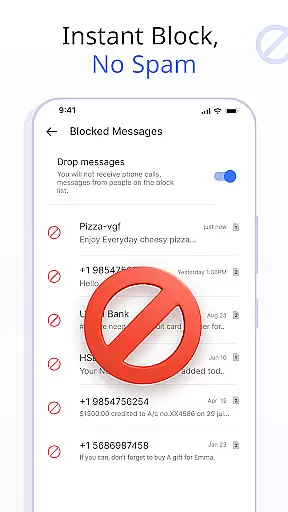
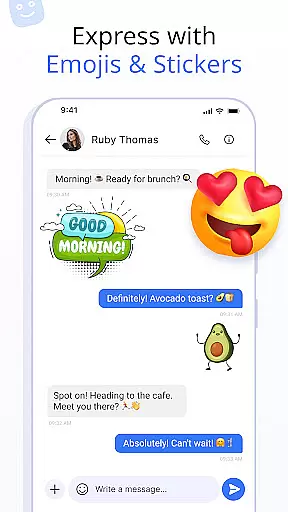
With over 16 million users, Messages offers advanced functionalities such as scheduling messages, customizing notification alerts, and backing up conversations. Users can express themselves better with emojis, stickers, and GIFs. Additionally, the app provides peace of mind with features like delivery confirmation and the ability to block unwanted contacts.
Whether you need to schedule a birthday message in advance or ensure your inbox remains clutter-free with auto-delete options, Messages has you covered. It supports all popular Android devices and versions, ensuring broad compatibility. Upgrade your messaging game today with this smart and fast messaging app.
Messages stands out with its comprehensive set of features tailored to improve your messaging experience. One of the key highlights is the ability to customize notification alerts for individual contacts and chats. Users can personalize notifications preview, ringtone, wake screen, vibrate, and Do Not Disturb settings, providing a highly customized interaction.
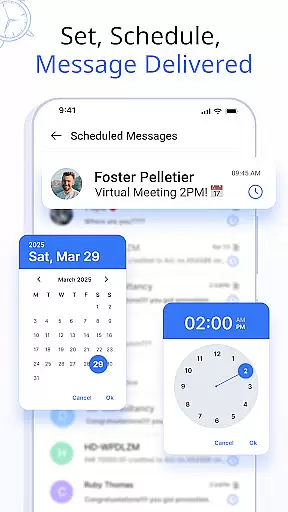
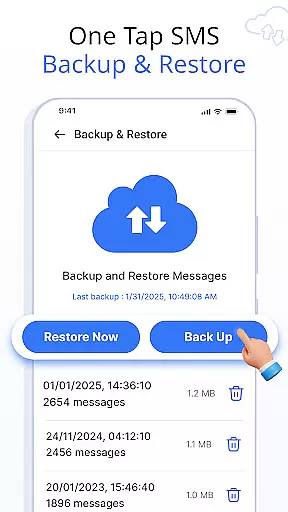
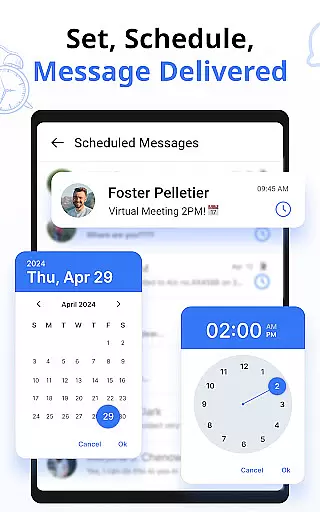
The app also includes a robust schedule message feature, allowing users to send SMS at a preferred date and time. This is particularly useful for sending timely reminders or greetings. Additionally, Messages offers secure backup and restore options, ensuring that your data is safe and easily recoverable. The delivery confirmation feature adds an extra layer of assurance that your messages are successfully sent.
Swipe actions further enhance usability by letting users archive, delete, call, or mark messages as read or unread with simple gestures. With support for emojis, stickers, and GIFs, along with crystal-clear voice calls, Messages ensures that you can communicate effectively and expressively. These features collectively make Messages a versatile and indispensable tool for modern communication needs.
Real-time messaging speed and reliability are crucial for maintaining seamless communication in any messaging app. The Messages app ensures that your texts are delivered instantly, providing a smooth experience whether you're having a casual chat or engaging in important conversations.
This application leverages advanced technology to optimize message delivery times, ensuring minimal delay between sending and receiving messages. With server networks strategically positioned around the globe, it guarantees fast transmission speeds regardless of geographical location.
For users, this means they can rely on the app for time-sensitive communications without worrying about lags or downtime. Whether scheduling future messages or participating in live discussions, the assurance of prompt delivery allows them to stay connected efficiently.
The dependable infrastructure supporting this messaging app also incorporates redundancy measures to maintain service availability even during peak usage periods. This steadfast performance makes certain that every interaction is met with consistent responsiveness, enhancing user satisfaction and trust in the platform's ability to keep them connected at all times.
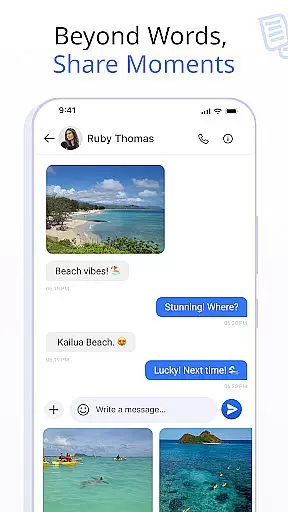
Media sharing support is an essential feature of modern messaging apps, allowing users to exchange photos, videos, and other files seamlessly within their conversations. The Messages app excels in this area by providing robust capabilities for media sharing that enhance communication beyond simple text exchanges.
With this app, you can effortlessly send high-quality images and videos without worrying about compression affecting file quality. It supports various formats, ensuring compatibility across different devices and operating systems while preserving the integrity of shared content.
Besides conventional media types, the application facilitates document transfers such as PDFs or Word files directly through chat windows. This versatility enables professionals and students alike to collaborate effectively without leaving the conversation interface.
Moreover, intuitive design elements like progress indicators for uploads/downloads and thumbnail previews improve user experience when dealing with larger files. Such thoughtful features not only streamline multimedia exchanges but also contribute significantly towards making digital interactions more expressive and efficient for everyone involved.
User-friendly interface
Advanced customization options
Secure backup and restore
Wide device compatibility
Expressive communication tools
Limited iOS support
Occasional bugs reported
Ads in free version
Requires storage space
Learning curve for new users

A web browser that respects your privacy.
 4.30
4.30
Fun, free app that lets kids video call and message family and close friends.
3.80
An agentic AI browser for Android, built by Perplexity
4.50
Watchgram for Telegram: Experience seamless Telegram messaging on your watch
1.80
Call & Text Anywhere With A Canadian Number.
3.60
SMS Messenger is a lightning-fast messaging app.
4.20
Get through your inbox faster with the mail app designed to simplify your life.
4.40
Simple tool for businesses to talk to their customers.
4.40
Share the moment!
4.10
A browser that does more than load page, like keeping your privacy safe.
4.70
فیلتر شکن قوی پرسرعت کلید جدید برای اندرویدسریع ترین وی پی ان برای همه اپراتورها
4.70
Simplify texting with Messages SMS, offline messaging, themes & smart tools!
4.30
2nd Phone Number Line for Anonymous Texting, Calling, and Picture Messages
4.30
Group Chat That’s Fun & Games
4.30
Fast Dialer & Contact Manager with Caller ID and Spam Protection
4.00 3.90
3.90
A softphone app with seamless SIP calling and an intuitive VoIP dialer
3.50
An app dedicated solely to marriage, not dating, and supported by a rigorous verification mechanism to ensure seriousness.
4.1
Bringing the functionality of Winlink to your Android device
4.4


User Reviews