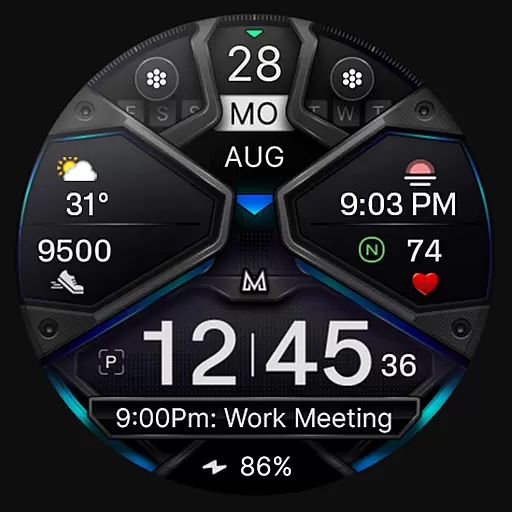
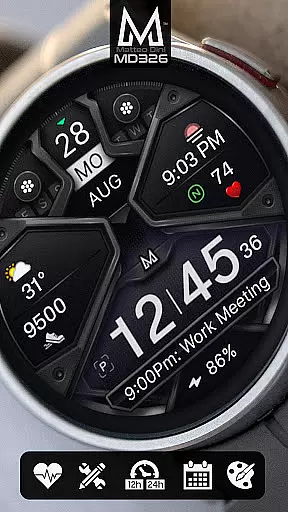
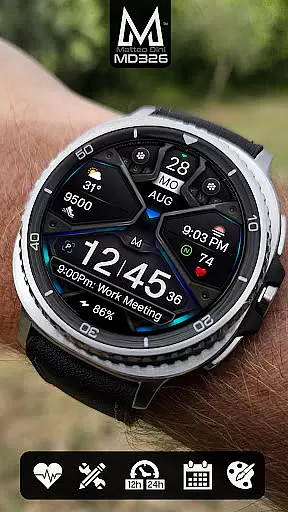
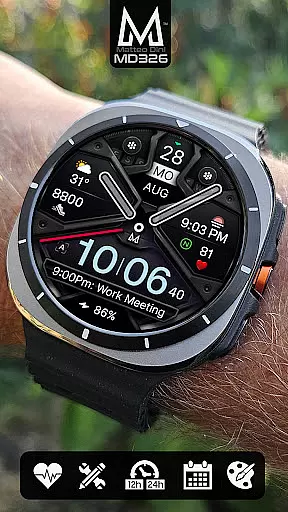
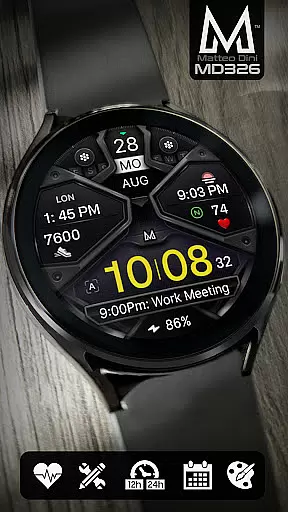
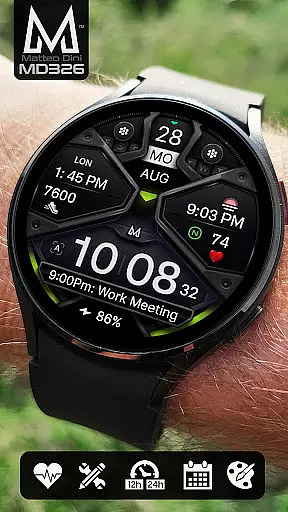
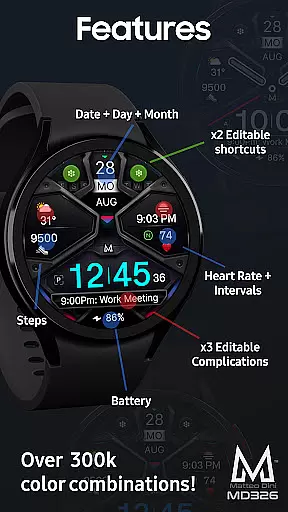
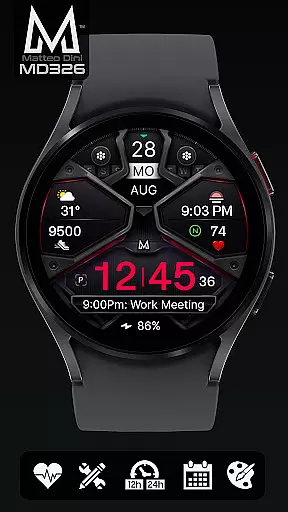
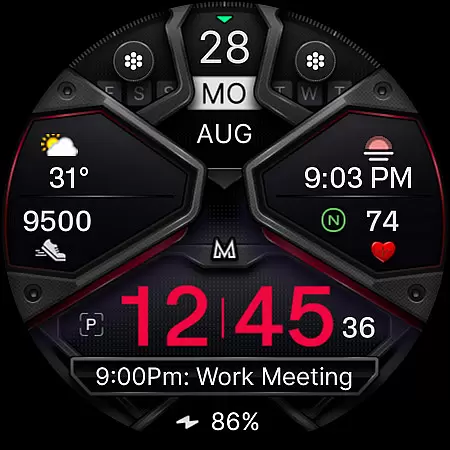
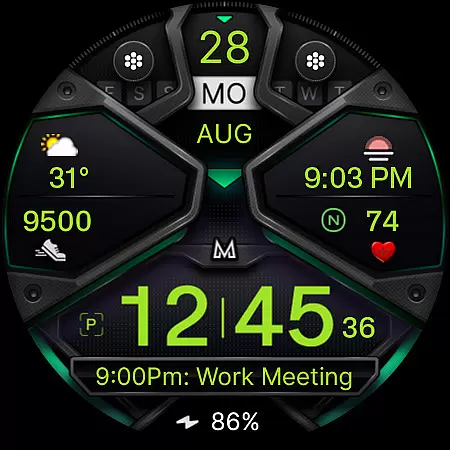
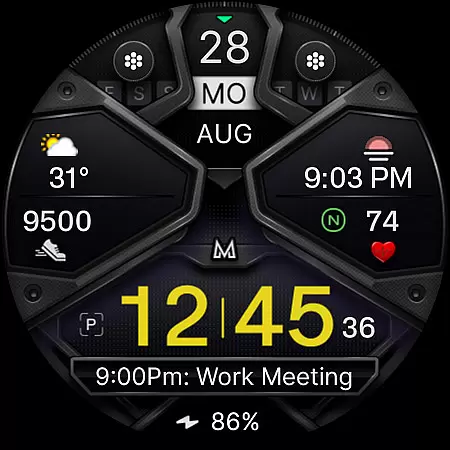
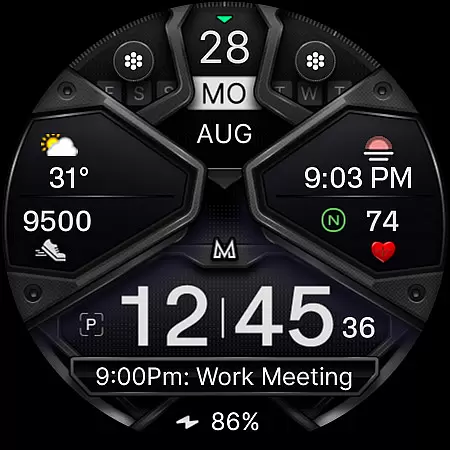
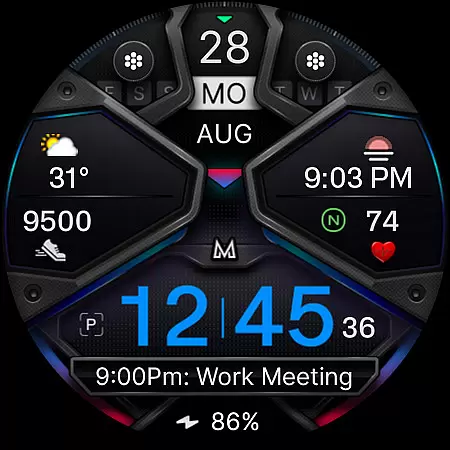
MD326 3D Modern Watch Face offers a sophisticated and customizable watch face experience for Wear OS devices. Designed with advanced features, it supports all Wear OS devices running API Level 33+ (Wear OS 4 and later), including Samsung Galaxy Watch 4-8, Ultra, and Pixel Watch models.
The watch face includes three preset app shortcuts, two customizable shortcuts, and three complications that can display various data types such as weather, barometer readings, UV index, and chance of rain. Users can personalize the appearance by changing colors of time, bezel, background, and more. With an Always ON Display option and hideable hands, this watch face combines functionality with aesthetics.
Ideal for users seeking both utility and style, MD326 enhances daily wearability by providing essential information at a glance while allowing extensive customization to suit individual preferences.
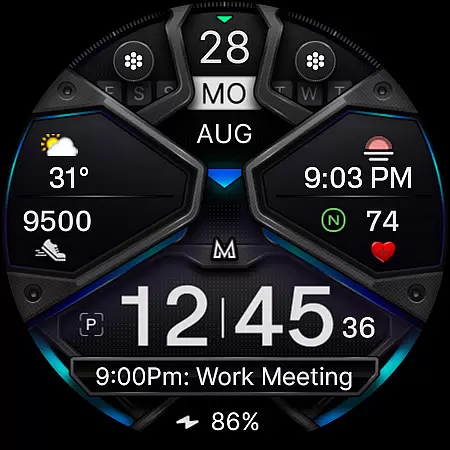
MD326 3D Modern Watch Face stands out with its comprehensive feature set tailored for tech-savvy users. It automatically adjusts to 12/24-hour formats based on phone settings and displays date, day, month, battery status, steps, and heart rate with intervals.
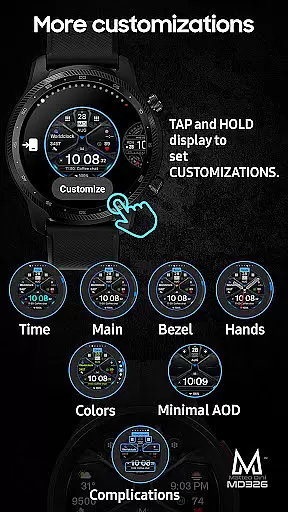
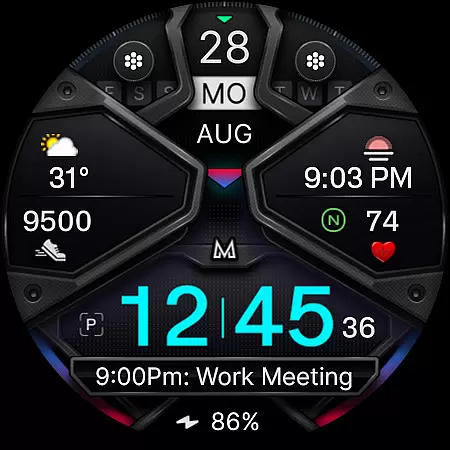
Customization is key, offering three preset app shortcuts (Calendar, Battery, Measure Heart Rate) and two additional customizable shortcuts. The three complications can be tailored to show various data like weather, world clock, or barometer readings. Users can modify the colors of time, bezel, background, and other elements, ensuring a personalized look.
For optimal use, customization should be done directly on the watch due to current limitations with the Samsung Wearable app's editor. This ensures smooth installation and configuration, making the most of the available features while maintaining performance and reliability.
Companion app integration is essential for a seamless wearable experience. The MD326 3D Modern Watch Face offers users the ability to customize their watch face directly on their Wear OS device, bypassing common issues with the Samsung Wearable app's editor.
This customization includes access to 3 preset app shortcuts and 2 customizable ones, allowing quick access to frequently used apps. Users can also modify 3 complications to display preferred data such as weather or heart rate.
By tapping and holding the screen on their watch, users can easily personalize the appearance of their watch face, including time, bezel, and background colors. This direct approach ensures that even if Samsung's editor has loading issues, the user's experience remains uninterrupted.
The result is an adaptable and personalized watch face that maintains functionality and style across all Wear OS devices with API Level 33+.
Ensuring broad device compatibility is crucial for any Wear OS application. The MD326 3D Modern Watch Face supports all Wear OS devices with API Level 33+, including popular models like the Samsung Galaxy Watch series and Pixel Watch.
This compatibility allows a wide range of users to enjoy features such as 12/24hr time display based on phone settings, date, day, month, battery status, step count, and heart rate monitoring.
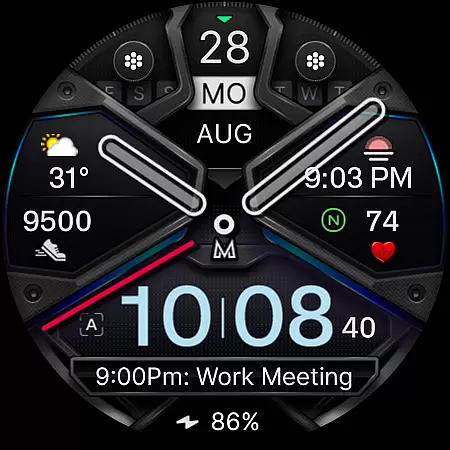
Additionally, the Always-On Display feature with optional minimal style and hideable hands caters to those who prioritize both aesthetics and usability. These elements are vital for maintaining visibility and conserving battery life.
With these capabilities, the MD326 3D Modern Watch Face guarantees a consistent and engaging user experience across various devices, enhancing both form and function.
Highly customizable
Modern 3D design
Wide device compatibility
Comprehensive data options
User-friendly interface
Complex setup process
Limited Samsung editor support
Preset shortcut limitations
Feature availability varies
Battery consumption concerns

Christmas - Festive - Christmas Village - Winter - Christmas lights
 5.00
5.00
Wear Os Watch Face - Animated Snow Effect & Magic Spark - 6 Scenes
4.10
A modern premium sporty hybrid watch face for Wear OS by Ballozi
4.70
3 Complications. All shadow on/off. 30 Themes color palette...
4.0
Bold, Modern Hybrid Watch Face for Wear OS. 10 Colors, Rich Info Display.
4.30
Ideal for surviving in the wasteland left after nuclear fallout
4.50
The Chevron App allows you to pay for fuel from the comfort of your car!
4.80
A modern hybrid informative watch face for Wear OS designed by BALLOZI
4.80
Fast and smart typing with Emojis, GIFs, and more
4.50
Hyperlocal rain alerts by MyRadar using patent-pending technology, radar & more
4.80
WTW M17 is a premium and luxurious hybrid watch face
4.70
Christmas watch face. For Wear OS devices.
4.30
Find EV charging stations
4.30
Watch face for Wear OS.
4.20
The #1 source of faces for your smartwatch!
4.00
Animated Watch Face and Customizable with 24 Backgrounds. Perfect for Christmas!
3.90
Wear Os Watch Face - Animated Snow Effect & Christmas Lights
4.1
Wear Os Watch Face - Animated Snow - Sesonal for Christmas & Winter
4.1
Fitness interactive virtual pet super fighter boy watch face
4.4


User Reviews