
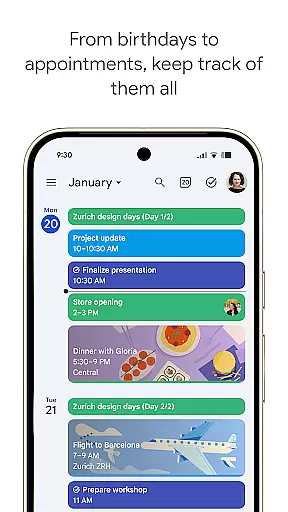
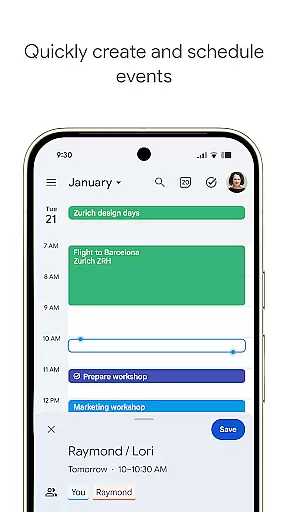
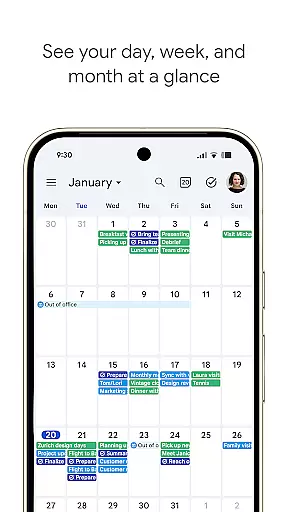
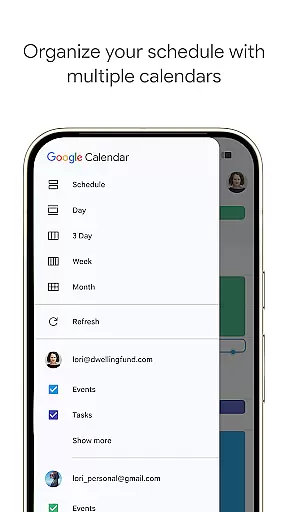
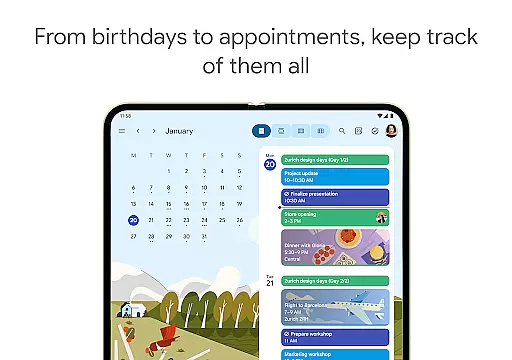
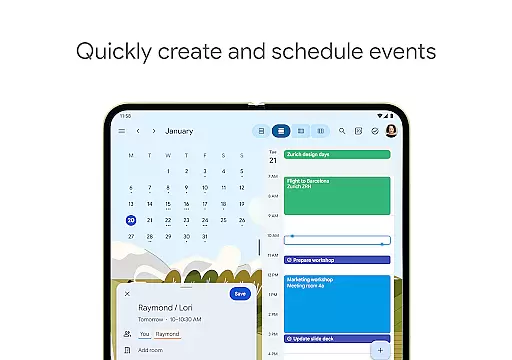
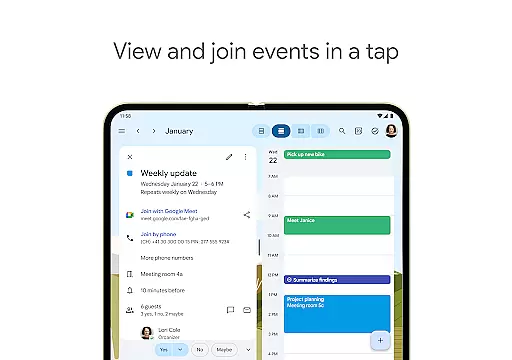
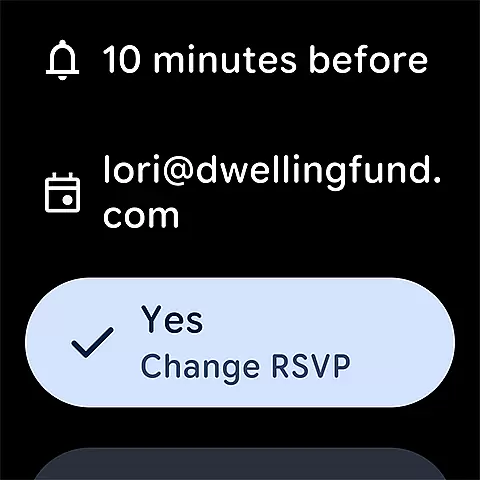
Google Calendar is the official calendar app designed for Android phones, tablets, and Wear OS devices. It helps users stay organized and plan their day efficiently. The app offers easy event creation, supports multiple calendars, and provides customizable views. Users can also take advantage of widgets and task management features.
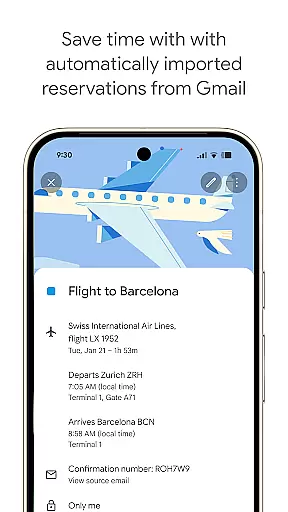
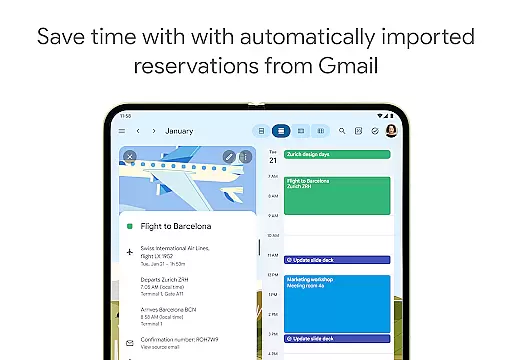
One of the key strengths of Google Calendar is its seamless integration with other Google services. Events from Gmail, such as flight and hotel reservations, are automatically added to the calendar. The app also allows users to sync across devices effortlessly when logged into the same Google account. This makes it an essential tool for both personal and professional use.
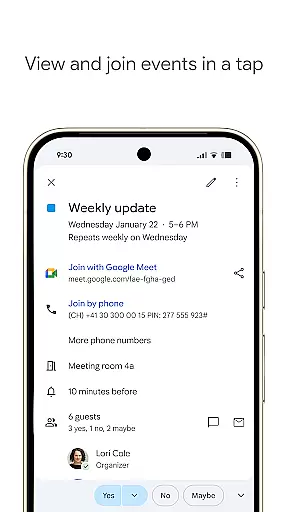
For professionals, Google Calendar is part of Google Workspace, enabling collaboration through shared calendars and Google Meet video calls. It also offers advanced features like booking pages and working location settings, making it ideal for hybrid work environments. With enterprise-level security, Google Calendar ensures that your data remains safe while you stay productive.
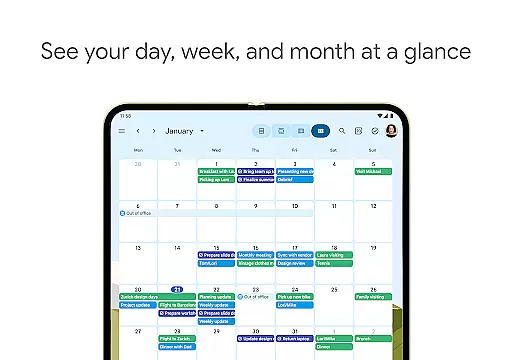
Google Calendar stands out with its robust feature set tailored for productivity. One of the notable features is the automatic addition of events from Gmail, including reservations and bookings. This eliminates the need for manual entry and saves time. Additionally, the app supports multiple calendar views, allowing users to switch between month, week, and day views effortlessly.
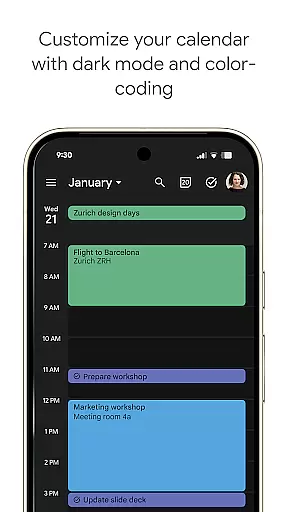
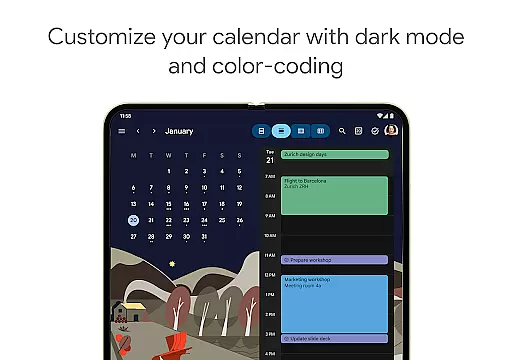
The app also excels in customization and collaboration. Users can personalize their calendar with light or dark mode and color-coded events. Shared calendars enable teams to collaborate effectively by viewing, adding, or modifying events. Integration with Google Workspace adds another layer of functionality, such as attaching documents to calendar events and scheduling meetings based on team availability.
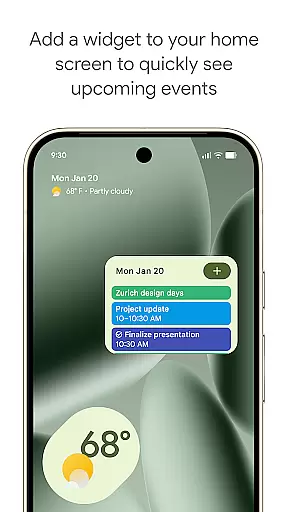
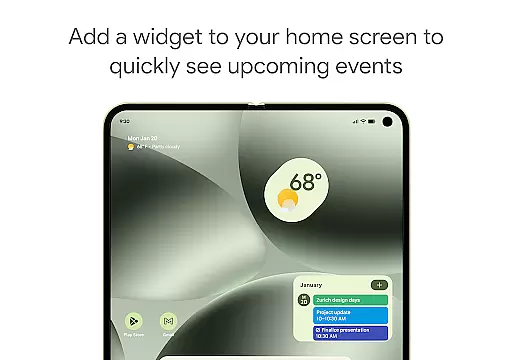
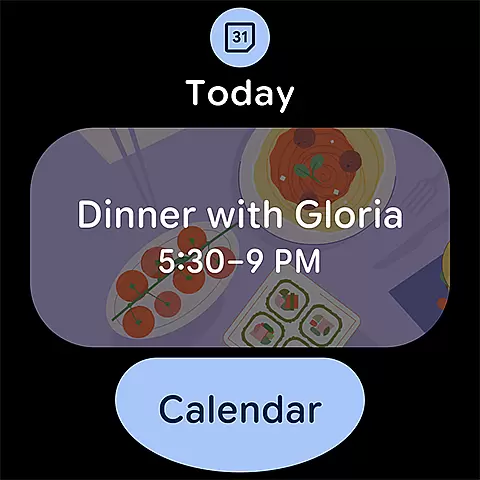
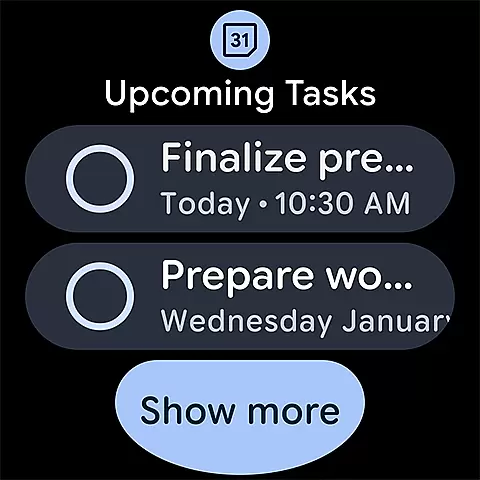
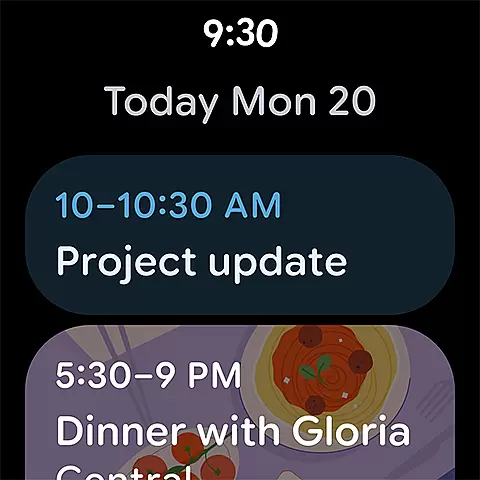
For those on the go, Google Calendar offers a Wear OS version that supports tiles and complications, ensuring that users can keep track of their schedule without needing to pull out their phone. Widgets provide quick access to the calendar from the home screen, and task management features help users stay on top of their to-do lists. These features collectively enhance productivity and streamline daily planning.
Companion app integration is a crucial feature for users who rely on multiple devices throughout their day. Google Calendar excels in this area by providing seamless synchronization across Android phones, tablets, and Wear OS devices. This ensures that your schedule remains consistent and up-to-date, regardless of the device you are using.
The app achieves this through real-time syncing when logged into the same Google account. Whether you're transitioning from your phone to a tablet or checking your agenda on a Wear OS smartwatch, the information is instantly accessible. This interconnected ecosystem allows users to manage their time effectively without missing important events or tasks.
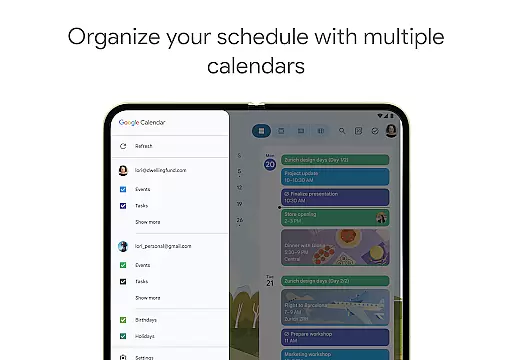
Additionally, Google Calendar supports integration with other calendars on your device, including Exchange. This means professionals can view their work and personal schedules side-by-side, streamlining their planning process. The ability to access and modify your calendar from any device enhances productivity and keeps you organized in today's fast-paced world.
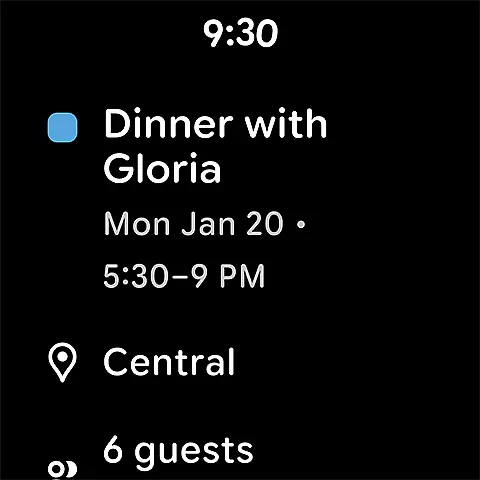
For users invested in the Wear OS ecosystem, Google Calendar offers exceptional device compatibility. The app is optimized for Wear OS, ensuring that all features are accessible and functional on your smartwatch. This compatibility allows you to stay informed about your schedule without needing to take out your phone.
Google Calendar on Wear OS supports tiles and complications, which means you can glance at your wrist to see upcoming events or tasks. These quick-access features provide essential information at a moment's notice, perfect for when you're on the move. You can also receive notifications directly on your watch, keeping you alerted to any changes in your schedule.
Moreover, the app maintains the same level of functionality across different devices. Whether you're using an Android phone, tablet, or Wear OS device, the experience remains cohesive and intuitive. This cross-device reliability ensures that no matter where you are or what device you have handy, your calendar is always within reach.
User-friendly interface
Seamless cross-device sync
Robust integration options
Comprehensive task management
Enterprise-level security
Limited offline functionality
Occasional sync delays
Basic mobile interface
Fewer customization options
Dependent on Google services

Analog watch face with 8 complications and expedition styling
 4.0
4.0
Deck out your Wear OS Watch face with a beautifully decorated pine wreath!
4.50
Easy Voice Recorder is your everyday companion to record important moments.
4.70
Watch face for Wear OS.
4.20
Let's celebrate Thanksgiving - Wear Os watch face
4.20
3 Complications. All shadow on/off. 30 Themes color palette...
4.5
Real-time results, stats, schedules and player profiles for all leagues
4.60
Hyper-Realistic Airplane Dashboard Watch Face With 10 Skins and Custom AOD
4.00
A realistic hybrid watch face with many customization options.
4.60
Christmas Theme Watch Face for Wear Os
5.00
Period, ovulation & pregnancy tracker. Fertility insights & menstrual calendar.
4.90
Be an elegant and classy secret agent, with this carefully detailed watch face
4.70
Fast and smart typing with Emojis, GIFs, and more
4.50
The ultimate destination for kids ages 3-8 to explore the Marvel Universe!
4.30
Calming & relaxing sounds for sleeping and stress relief. Stay focused all day!
4.20
Wear Os Watch Face - Animated Snow Effect & Magic Spark - 6 Scenes
4.10
Precision analog watch face with 7 complications and style options
4.5
A heartwarming Christmas scene featuring a cute image of Santa and Rudolf
4.4
Fitness interactive virtual pet super fighter boy watch face
4.3


User Reviews