
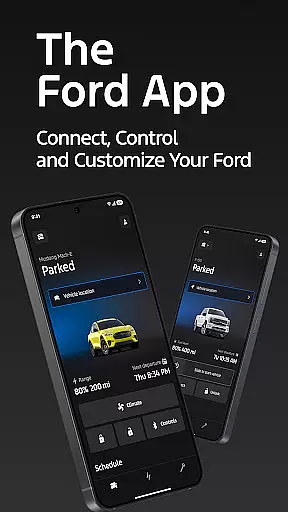
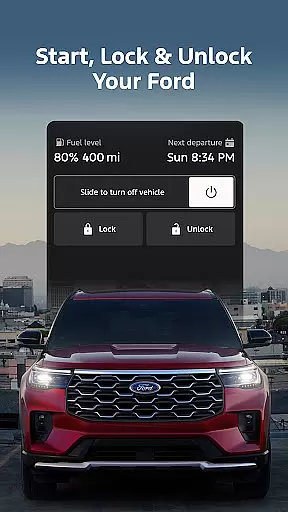
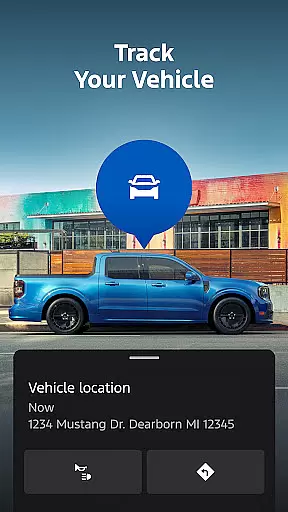
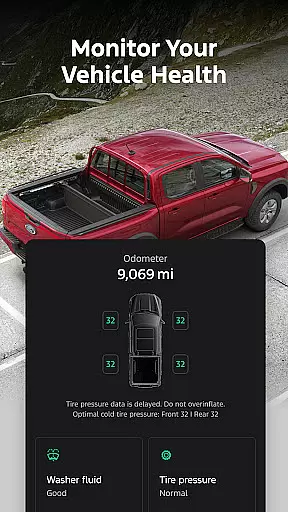
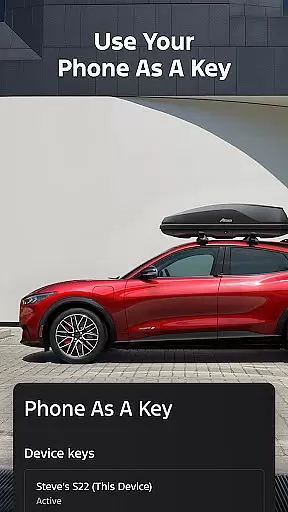
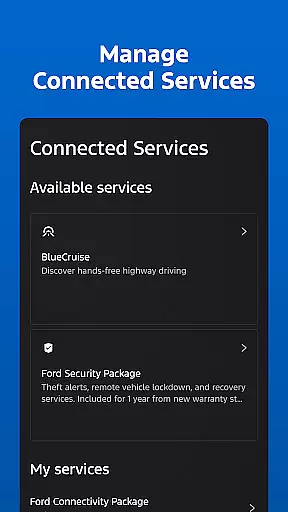
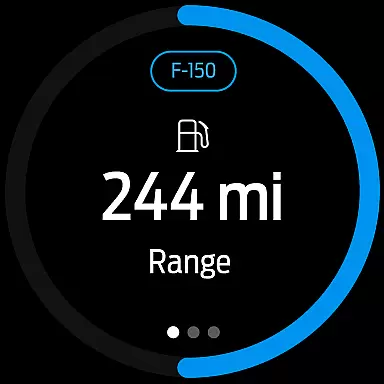
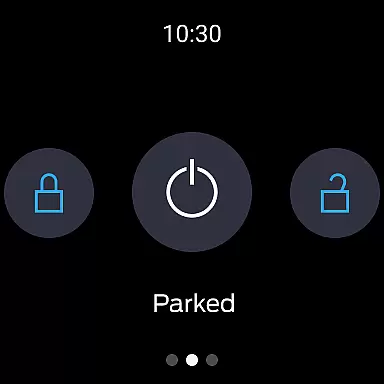
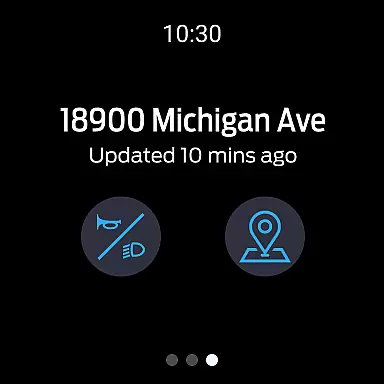
The Ford app is a comprehensive mobile solution designed to enhance the ownership experience for Ford vehicle owners. This application provides an all-in-one platform where users can access a variety of features at no extra cost, ensuring convenience and control over their vehicles. With functionalities ranging from remote start, lock and unlock capabilities, to detailed vehicle statistics and GPS tracking, it ensures that users have essential tools right in the palm of their hand.
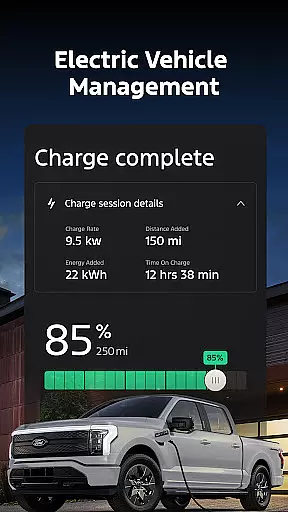
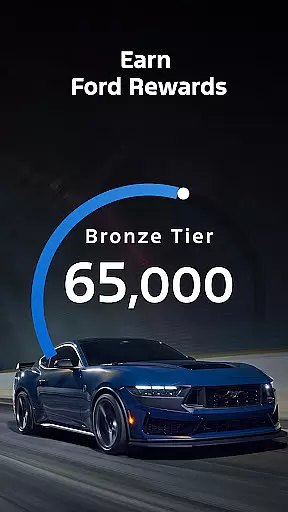
Additionally, the Ford app offers advanced features tailored for electric vehicles, service scheduling with preferred dealers, and connected services like BlueCruise. Users can also manage their Ford Rewards account, schedule over-the-air software updates, and even interact with their vehicle through Wear OS smartwatches. These capabilities make the app an indispensable tool for modern Ford drivers looking to maximize their vehicle's potential while staying connected on-the-go.
The Ford app stands out with its extensive range of features designed to provide maximum convenience and control. One of the key highlights includes remote functionalities such as starting your car, locking or unlocking it remotely - all accessible via your smartphone. This feature set empowers users by giving them complete command over their vehicle without physical proximity.
Another significant aspect is the vehicle management system which allows tracking fuel levels, monitoring vehicle stats, and using Phone As A Key technology. For electric vehicle owners, the app consolidates charge level checks, preconditioning options, and public charging station information into one place. Furthermore, regular updates ensure you always have access to the latest features while integration with Wear OS enables wrist-based commands and status checks enhancing user accessibility significantly.
Companion app integration is essential for users who want seamless connectivity between their smart devices and vehicles. The Ford app excels in this area by offering a comprehensive suite of features that work in harmony with Wear OS smartwatches.
Through the Ford app, users can send commands and check their vehicle status directly from their wrists. This integration allows for quick access to critical functions without needing to pull out a smartphone, making it convenient and efficient.
The benefits of this companion app integration include enhanced accessibility and real-time updates. Users can receive notifications about their vehicle's status, such as fuel levels or charging information, right on their smartwatch. This ensures they are always informed and can take immediate action if needed.
Ultimately, the Ford app's companion app integration provides a futuristic and streamlined experience, enhancing the overall utility and appeal of owning a Ford vehicle equipped with these smart technologies.
Wear OS/device compatibility is crucial for ensuring that smartwatch users can fully utilize the features offered by automotive apps like the Ford app. This compatibility enables a wide range of functionalities that enhance user convenience and vehicle management.
The Ford app supports Wear OS, allowing users to interact with their vehicle through their smartwatches. This includes sending commands to start the engine, lock or unlock doors, and even check the vehicle's location. Such features make daily interactions with the vehicle more intuitive and accessible.
By supporting Wear OS, the Ford app ensures broad device compatibility, catering to users with different smartwatch models. This inclusivity enhances user satisfaction as customers can choose their preferred devices while still enjoying the benefits of integrated vehicle control.
In summary, the Ford app's Wear OS/device compatibility not only expands its functionality but also enriches the user experience by providing versatile and reliable tools for managing Ford vehicles via smartwatches.
User-friendly interface
Comprehensive vehicle control
Regular feature updates
Integrated rewards program
Advanced EV support
Limited device compatibility
Dependent on cellular networks
Potential subscription costs
Varied feature availability
Data rate charges may apply

Gym Log & Workout Tracker | Fitness Journal, Training & Weight Lifting Planner
 4.90
4.90
Precision analog watch face with 7 complications and style options
4.0
A heartwarming Christmas scene featuring a cute image of Santa and Rudolf
4.0
Simple Analog-Digital Watchface For Wear OS 3.0 and Up Smartwatches
4.3
A modern premium sporty hybrid watch face for Wear OS by Ballozi
4.70
Be an elegant and classy secret agent, with this carefully detailed watch face
4.70
Digital watch face with big numbers and many customization for Wear OS devices
4.40
Digital watch face. For Wear OS devices.
4.40
From periods to pregnancy & perimenopause, Flo helps you track it all. Try now.
4.70
Hybrid watch face for Wear OS with customizable complications by Matteo Dini MD
4.70
The most customizable minimal watch face. For Wear OS 5.0, API 34+ and later
4.70
MyNISSAN® lets you remotely control your car from your phone.*
4.50
Ideal for surviving in the wasteland left after nuclear fallout
4.50
Connect to your Bluelink equipped Hyundai vehicle from your smartphone.
4.50
The ultimate destination for kids ages 3-8 to explore the Marvel Universe!
4.30
Daily Weather forecast with 15 weather images for Day & Night plus Big Bold time
4.10
Professional weather radar and more
3.90
Wear Os Watch Face - Animated Snow Effect & Christmas Lights
4.3
Contemporary digital watch face with five complications
4.1


User Reviews