
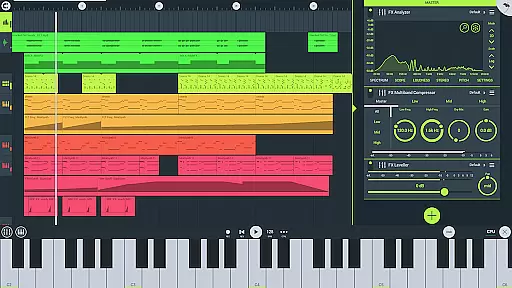
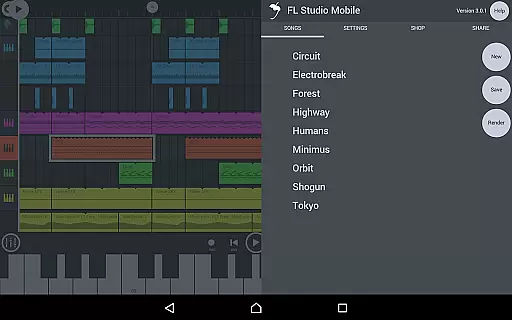
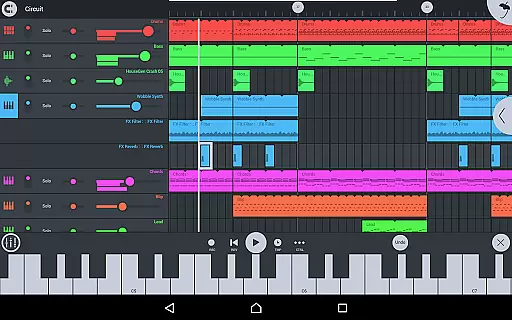
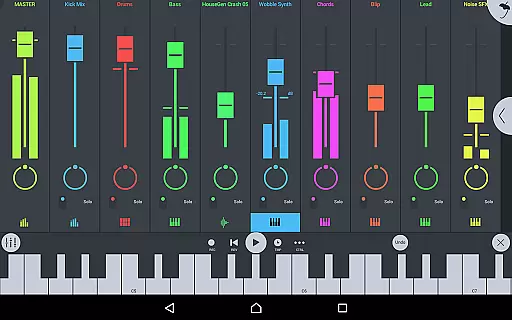
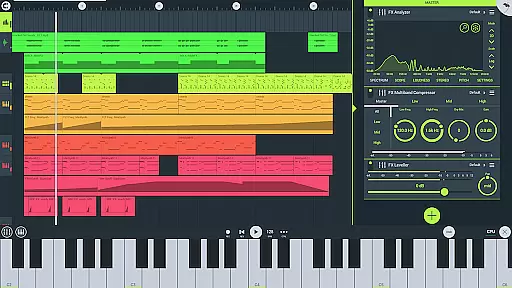
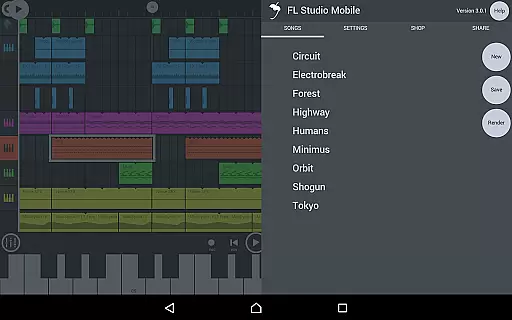
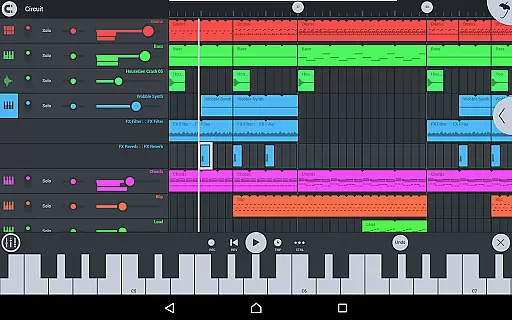
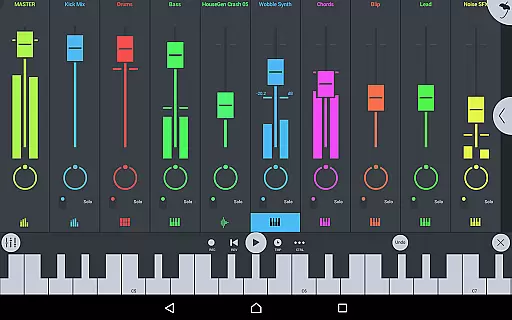
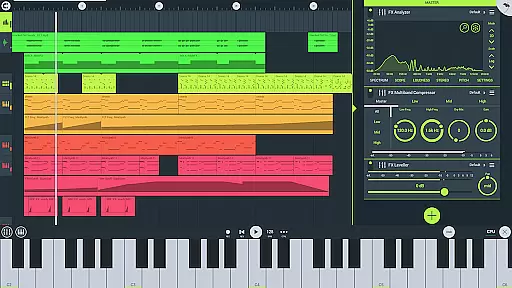
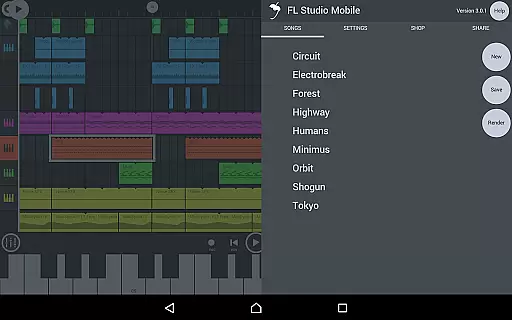
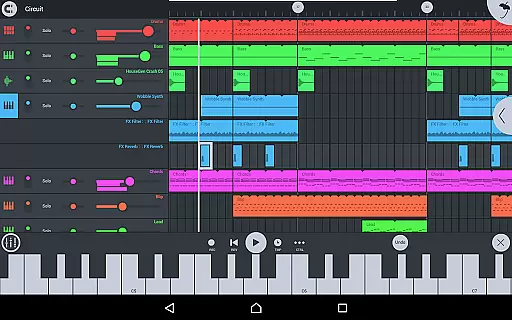
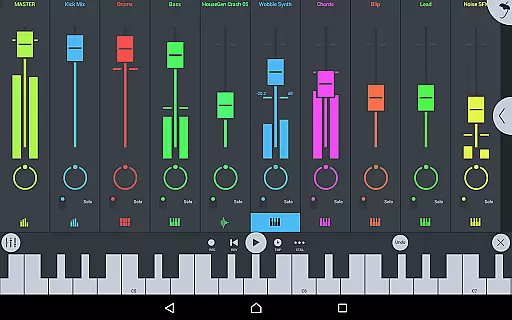
FL Studio Mobile is a powerful music production app that allows users to create and save complete multi-track music projects on their mobile devices. With features like audio recording, MIDI support, and a wide range of synthesizers and effects modules, it offers a comprehensive solution for musicians on the go.
The app supports various file formats including WAV, MP3, AAC, FLAC, and MIDI, enabling seamless sharing and exporting of songs. Its compatibility with FL Studio desktop enhances its functionality, making it an ideal tool for both beginners and professional music producers.
FL Studio Mobile stands out with its extensive set of features tailored for music creation. The app includes high-quality synthesizers, drum kits, and sliced-loop beats, along with a full-screen DeX and Chromebook support for enhanced usability.
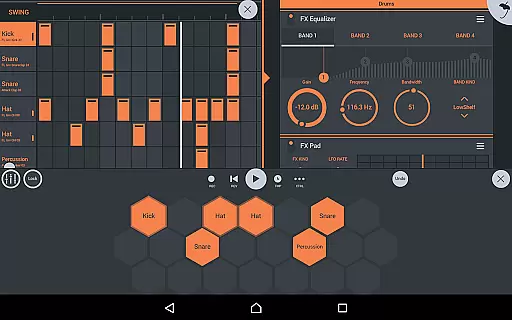
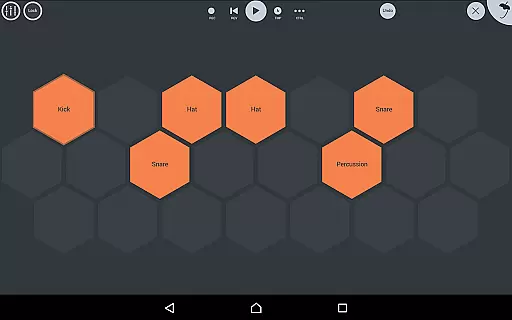
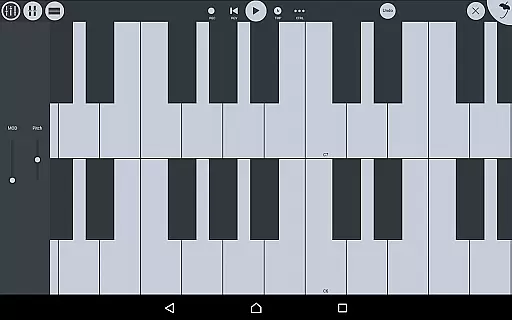
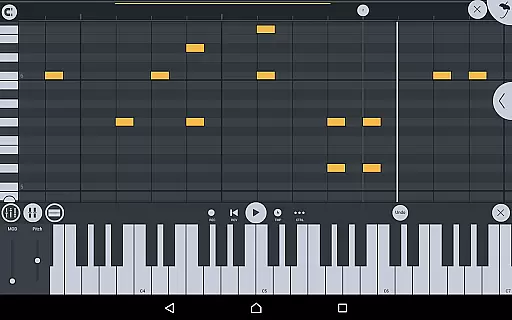
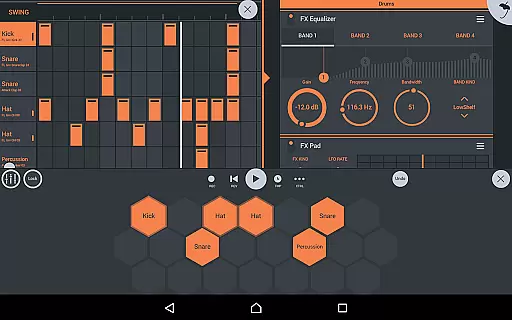
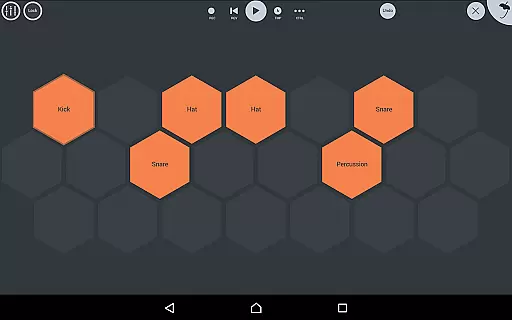
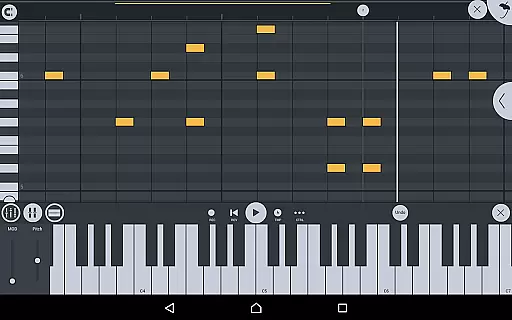
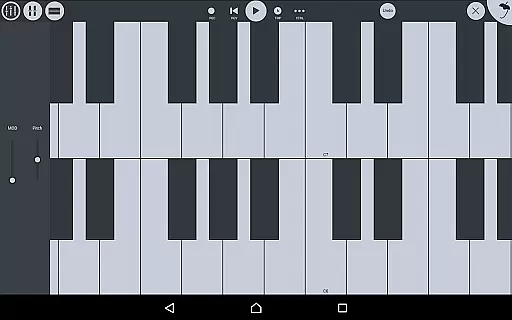
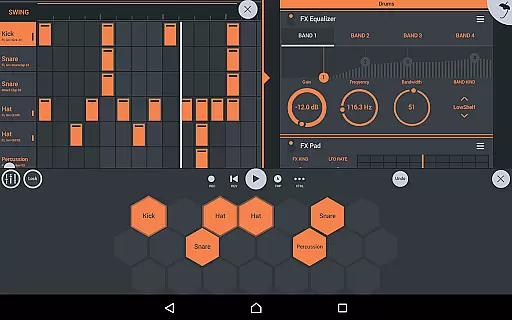
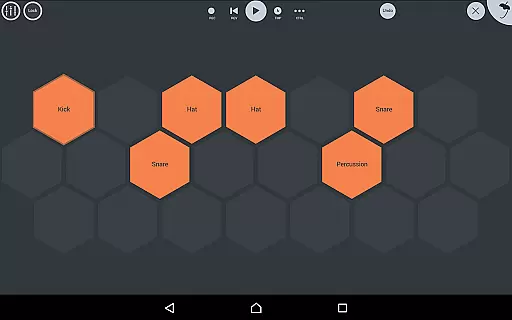
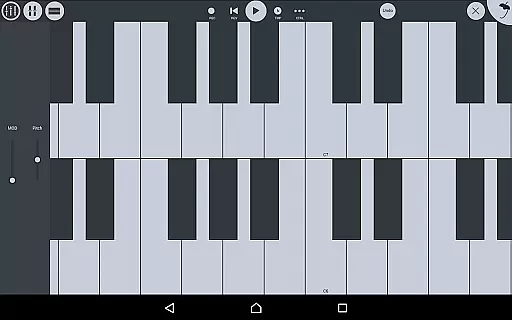
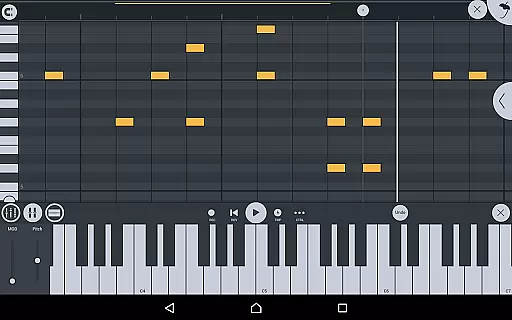
Users can take advantage of the built-in mixer for per-track mute, solo, effect bus, pan, and volume adjustments. The piano roll feature allows for detailed note editing and performance capture, while the step sequencer and virtual piano-keyboard provide versatile composition tools.
In-app purchases extend the capabilities further with additional instrument and effect modules, catering to diverse musical styles and preferences.
FL Studio Mobile offers an extensive music library that caters to a wide range of musical genres and styles. The app includes high-quality synthesizers, drum kits, sliced-loop beats, and a variety of instrument modules such as the Drum Sampler, DirectWave Sample Player, and others. These features ensure that users have access to a vast array of sounds and samples that can be used to create professional-grade music.
The app places a strong emphasis on copyright authenticity, ensuring that all included content is properly licensed. This means that musicians and producers can use the sounds and samples without worrying about legal issues. The comprehensive library covers everything from guitars, keyboards, orchestral instruments to synth leads and pads, providing users with the tools they need to express their creativity fully.
Furthermore, FL Studio Mobile supports in-app purchases for additional content like the DirectWave sample player, which allows users to import their own samples. This flexibility ensures that the music library can grow with the user's needs and preferences, making it a versatile tool for both amateur and professional music production.
FL Studio Mobile provides a variety of audio quality options that cater to different user requirements and device capabilities. Users can save and load projects in multiple formats including WAV, MP3, AAC, FLAC, and MIDI. This versatility in format support allows musicians to choose the best option for their specific needs, whether they prioritize file size, compatibility, or audio fidelity.
The app also includes a suite of built-in effects modules such as parametric equalizers, graphic equalizers, compressors, limiters, reverbs, and more. These tools enable users to fine-tune their audio output with precision, ensuring that the final mix meets their exacting standards. The availability of these high-quality effects contributes significantly to the overall sound quality produced by the app.
In addition to its robust feature set, FL Studio Mobile offers full-screen support for DeX and Chromebook environments, enhancing usability across various devices. With touch-to-audio output latency dependent on the device, users are encouraged to experiment with different settings to find the optimal balance between performance and audio quality. Overall, FL Studio Mobile delivers a powerful and flexible platform for creating high-fidelity music on the go.
User-friendly interface
Wide range of instruments
High-quality audio output
Seamless integration with FL Studio
Comprehensive MIDI support
Requires learning curve
Some features locked behind IAP
Occasional latency issues
Limited free content
Not suitable for all devices

Simply convert wav to mp3. Clear. Reliable. Safe.
 4.3
4.3
Control your MIDI USB or Bluetooth devices in app and avoid some trampling
3.30
Next generation modular control surface
4.10
Learn to play the piano using falling notes!
3.80
Listen radio AM / FM Stations. Live AM / FM Radio App Station. Radio Com.
4.70
Offline Music Player & MP3 Player.Powerful equalizer, Lyrics, Themes, Tag Editor
4.80
Offline Music Player&MP3 Player with themes, equalizer, lyrics, music play mode
4.60
PowerAudio is a powerful offline music player.
4.20
Reverse your voice & songs instantly! Fun singing challenge with cool effects.
4.60
Music, News & Sports Radio Tuner App. Tune in Live FM & AM Radio Stations.
4.80
More downloads than any other metronome. Includes drum machine & tempo trainer.
4.80
Listen to live FM radio stations, sports, music and news on global radios online
4.70
Record, Mix & Master with all n-Track effects, 64-bit audio and Stem Separation.
4.70
The best music and audio player, with beautiful UI, music search and equalizer.
4.60
Offline and always ad-free - stream in the highest quality available.
4.10
VB-AUDIO Software / VBAN-Receptor allows listening to any VBAN Streams
4.10
The iconic iOS metronome app is now on Android.
3.70
Remove ads permanently from Music Visualizer
4.1
Music Streaming suite for Ampache, Nextcloud Music and compatible backends.
4.1


User Reviews