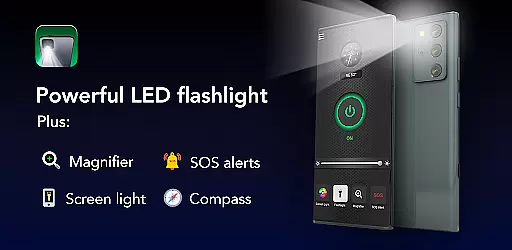
Brightest Flashlight Launcher is a versatile tool that transforms your smartphone into an essential utility device. This app provides users with instant access to a high-powered flashlight, magnifying glass, and various safety features such as a compass, SOS alerts, and screen light. Whether you're outdoors, facing a power outage, or simply need a reliable light source, this app ensures you are prepared for any situation.
Upon installation, the app revamps your home screen layout to optimize quick access to its features. It includes intuitive widgets displaying time and weather, customizable wallpapers, and multi-touchpoint search capabilities. With these tools at your disposal, Brightest Flashlight Launcher not only enhances your phone's functionality but also personalizes your user experience.
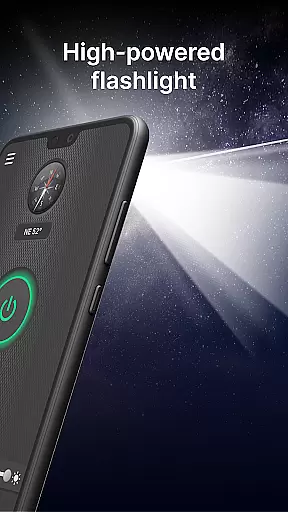
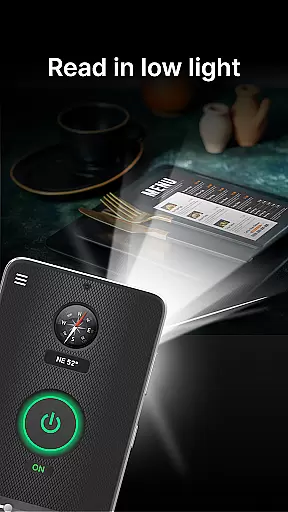
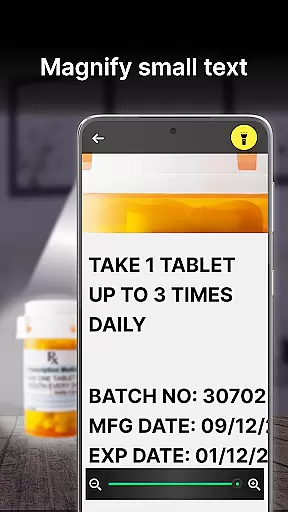
The Brightest Flashlight Launcher stands out with its comprehensive feature set tailored for both everyday use and emergencies. The app's primary feature is its brightest-in-class flashlight, activated with a single tap, which illuminates your surroundings effectively. Additionally, the built-in magnifier with adjustable zoom and lighting options makes reading small print or examining objects effortless, even in low-light conditions.
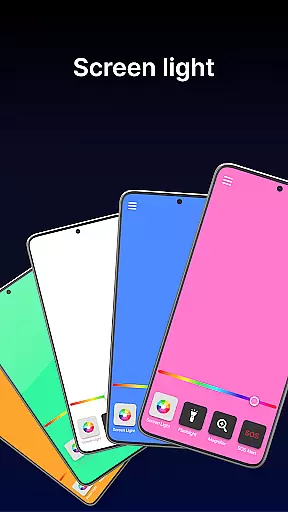
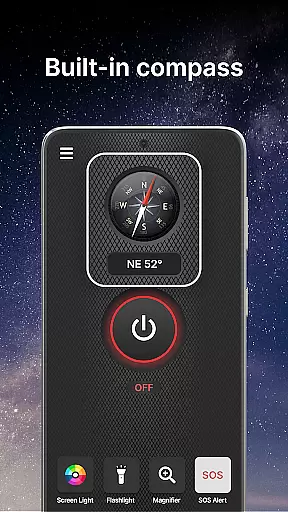
Safety is a priority with this app, offering a reliable compass for navigation and SOS alerts that can signal for help during emergencies. The screen light feature turns your entire display into a luminous source, ideal for visibility in dark environments. These practical tools ensure that whether you're hiking through the wilderness or searching for lost items at home, Brightest Flashlight Launcher equips you with everything necessary to handle the situation confidently.
Flashlight Launcher stands out for its precision and reliability in delivering core functionalities. The app transforms your smartphone into a versatile tool, offering a powerful flashlight, magnifying glass, compass, SOS alerts, and screen light. Each feature is designed with meticulous attention to detail, ensuring optimal performance.
The flashlight functionality provides the brightest illumination possible, making it ideal for navigating dark environments or finding lost items. The magnifier feature combines with an integrated light source, allowing users to zoom in on fine print or small objects with remarkable clarity, even in low-light conditions. This dual capability ensures that users can read product labels or examine objects up close without any hassle.
In addition to lighting features, the built-in compass offers accurate navigation assistance, whether you're hiking in the wilderness or exploring unfamiliar urban areas. The SOS alerts serve as a crucial safety feature, emitting a visible distress signal that could be life-saving during emergencies. Meanwhile, the screen light function turns the phone's display into a convenient light source, perfect for reading in dimly lit spaces.
These carefully crafted tools demonstrate Flashlight Launcher's commitment to providing practical, reliable solutions for everyday needs. Users benefit from having multiple essential functions readily accessible, enhancing both convenience and safety in various situations.
Flashlight Launcher excels in delivering an intuitive and user-friendly interface that makes accessing essential tools effortless. The app's design emphasizes simplicity without compromising functionality, ensuring that users of all technical backgrounds can navigate its features with ease.
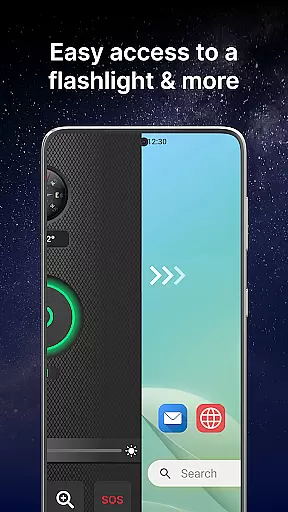
Upon installation, the app revamps the home screen layout to provide one-swipe access to critical functions like the flashlight, magnifier, and safety tools. This strategic placement allows users to activate these features instantly by simply swiping right from their home screen. Such accessibility is particularly beneficial in urgent situations where quick access to light or magnification is necessary.
The inclusion of a customized home screen widget further enhances usability by displaying time, weather, and other relevant information at a glance. Additionally, the app offers beautiful themed wallpapers and home screen shortcuts, enabling personalization while maintaining easy access to frequently used tools. These thoughtful design elements contribute to a seamless user experience.
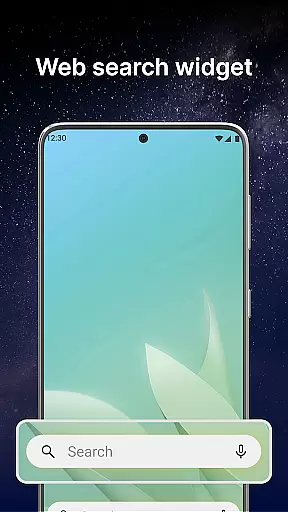
Moreover, Flashlight Launcher supports multi-touchpoint search functionality, allowing users to find installed apps or perform web searches (powered by Yahoo) from various access points. This comprehensive approach to interface design ensures that users can efficiently locate and utilize the app's diverse features, making daily tasks more manageable and enjoyable.
User-friendly interface
Comprehensive safety tools
Instant access to features
Customizable home screen
Reliable in emergencies
Home screen layout changes
Requires permissions
May drain battery faster
Limited design options
Potential learning curve

Change your GPS location instantly. Simulate routes anywhere in the world.
 4.90
4.90
Easily install aab(Android App Bundle) files on your Android device with our app
4.80
Connect instantly to a fast, encrypted VPN with one tap
4.60
A recovery soft,it features photo recovery, video recovery, file recovery.
3.40
Smart and comfortable browsing experience.
3.80
A non-root local ADB shell client. READ BELOW!
3.40
PC precision for mobile gaming: dominate with keyboard and mouse!
4.30
The Ultimate Bluetooth Keyboard & Mouse. Securely control your PC, Mac, and more
4.50
Your personal health butler
3.60
Excellent scientific calculator with symbolic algebra, integrals, derivatives
4.80
Mirror your screen to Chromecast and Android TV - Super fast and simple
4.60
Head tracking for PC sim games such as MSFS 2024 or Elite:Dangerous. No headset!
4.50
With videos, electrical calculators, and built-in ebook, Ugly’s has your answer.
4.50
Game Booster, GFX Tool is now compatible with newer game update
4.50
Just one-tap to easy translate in any language after calls within seconds.
4.20
Remote for Roku, Fire TV, Samsung TV, LG TV, Android TV, Chromecast and VIZIO TV
4.20
Carry a FTP server in your pocket and avoid USB cables for file transfer
4.20
MS-DOS in your pocket. Play old DOS games anywhere you are ;)
4.10
Transfer Files, APK from Phone to Watch & Install.
4.5


User Reviews