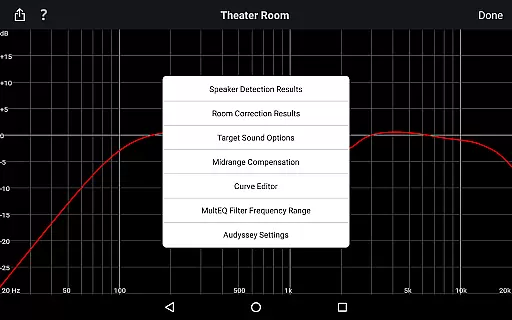
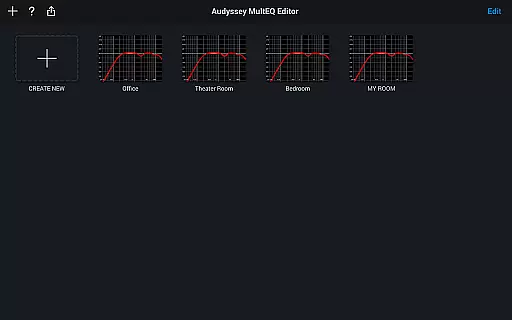
The Audyssey MultEQ Editor app is a powerful tool for audio enthusiasts who want to fine-tune their home cinema sound. This app works with the latest Denon and Marantz audio-video products, allowing users to go beyond basic calibration by accessing detailed settings for more precise sound adjustments.
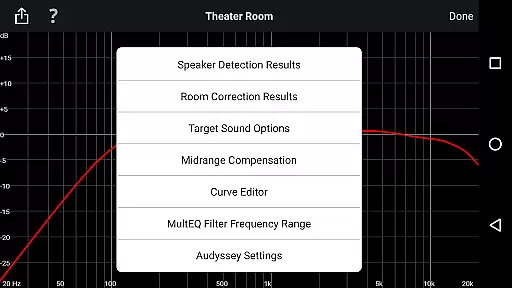
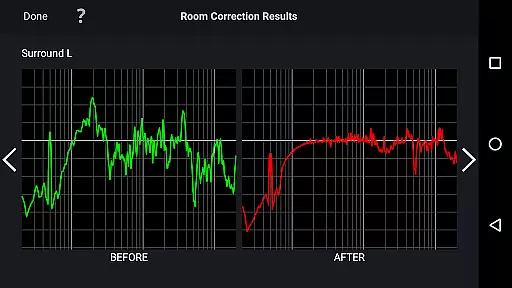
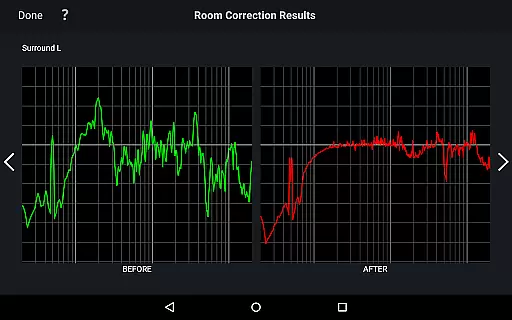
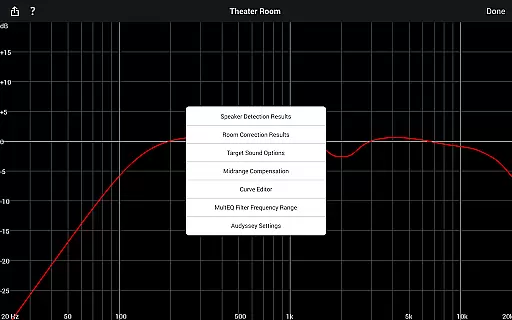
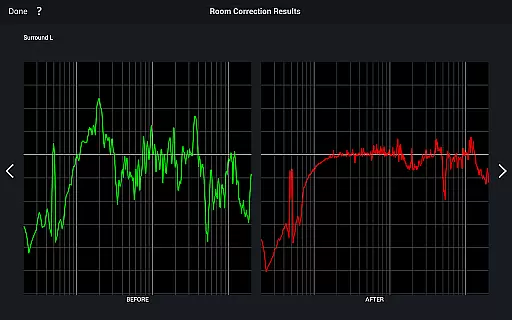
With this app, you can view speaker detection results, compare Audyssey calibration before and after results, edit target curves, adjust EQ frequency rolloff, switch between high-frequency rolloff curves, enable or disable midrange compensation, and save/load calibration results. It supports multiple languages and requires specific hardware compatibility.
This level of control is ideal for audiophiles who want to address specific acoustic issues in their room while tailoring the sound to their personal preferences. The app empowers users to optimize their audio experience, making it an essential tool for home cinema enthusiasts.
The Audyssey MultEQ Editor app offers a comprehensive set of features that give users unprecedented control over their audio setup. One of its standout capabilities is the ability to view detailed speaker detection results, helping ensure correct installation and optimal performance.
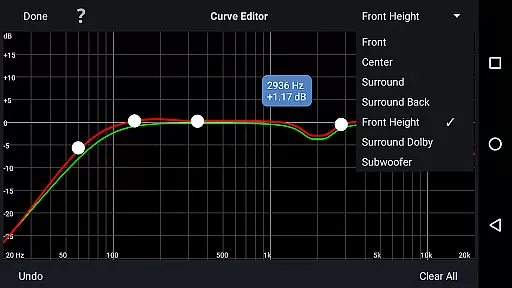
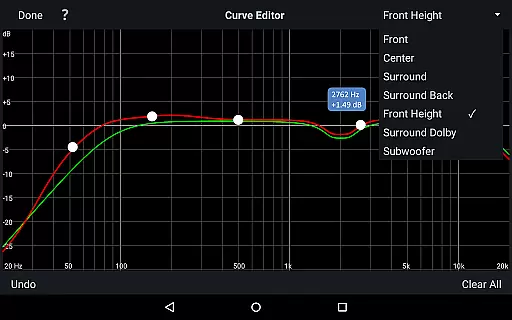
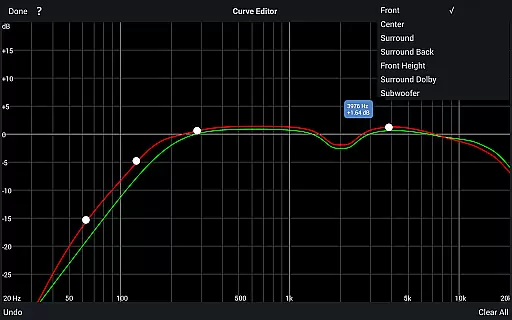
Users can also access advanced tuning options such as editing the Audyssey target curve for each channel pair, adjusting overall EQ frequency rolloff, switching between two high-frequency rolloff target curves, and enabling/disabling midrange compensation. These features allow for highly customized sound profiles tailored to individual room acoustics and personal preferences.
Additional functionality includes multi-language support, the ability to save and load calibration results, and compatibility with a range of Android devices. However, it's important to note that the app requires specific hardware from supported Denon and Marantz models to function properly, ensuring a seamless integration with your existing audio equipment.
The Audyssey MultEQ Editor app provides a comprehensive solution for users who want to take full control of their home cinema sound system. While it doesn't offer a traditional music library, it allows you to calibrate and customize audio settings with remarkable precision. This level of detail ensures that every sound produced is authentic and aligned with the original audio content.
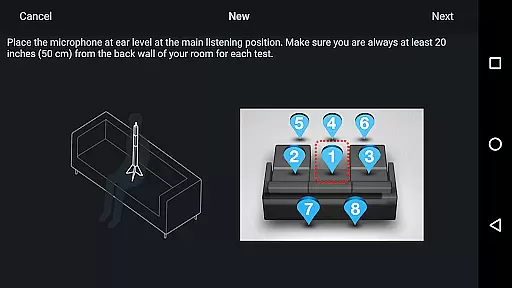
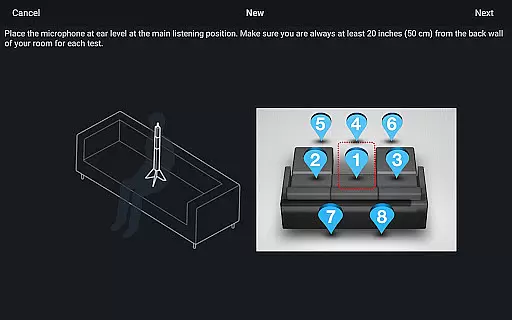
With compatibility across numerous Denon and Marantz AV receivers, this app supports a wide range of audio formats and sources. The calibration process uses advanced algorithms to detect and correct room acoustics, ensuring that your audio playback is as close to the creator's intent as possible. This meticulous attention to detail guarantees an authentic listening experience.
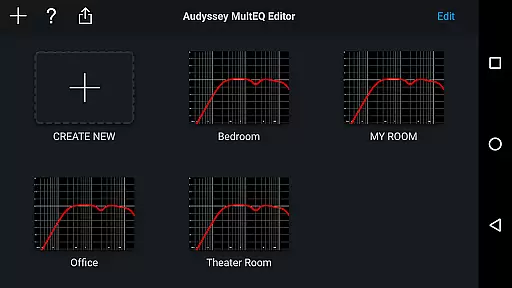
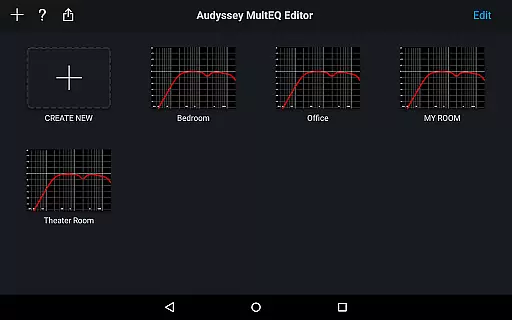
Users can save and load calibration results, allowing them to maintain consistent audio quality across different devices or setups. This feature is particularly valuable for those who take their audio experiences seriously and want to ensure they are getting the most accurate sound reproduction possible. The ability to switch between different calibration profiles makes it easy to adapt to varying audio content.
One of the standout features of the Audyssey MultEQ Editor app is the extensive control it offers over audio quality options. Users can edit the Audyssey target curve for each channel pair, allowing for precise adjustments that cater to personal preferences and room-specific issues. This level of customization ensures optimal audio performance tailored to individual environments.
In addition to target curve editing, the app enables users to adjust the overall EQ frequency rolloff for each channel pair. This means you can fine-tune how sounds transition between different frequencies, resulting in a smoother and more natural listening experience. The option to switch between two high-frequency rolloff target curves further enhances this capability.
Midrange compensation is another powerful tool provided by the app. By enabling or disabling this feature, users can make the sound brighter or smoother depending on their preference or room characteristics. These robust audio quality options empower users to achieve professional-grade sound adjustments without needing specialized equipment or expertise.
Highly customizable
User-friendly interface
Comprehensive tuning options
Multi-language support
Save and load calibration
Limited device compatibility
Requires specific hardware
No iOS version available
Advanced features may overwhelm beginners
Premium cost for full functionality

Walkout Song DJ is the most intuitive app to manage your sports music.
 4.70
4.70
A High-Precision Audio Spectrum Analysis App
4.20
Simple & Intuitive Metronome
4.70
Bass Booster Pro takes auto-equalizing to the next level!
4.30
Voice recorder - Audio recorder. Best recorder for recording
4.90
Play your hearts out on TouchTunes jukeboxes & connect with fellow music lovers.
4.80
Powerful 10-Band equalizer pro with sound booster improves Android audio quality
4.30
PowerAudio is a powerful offline music player.
4.20
Get alarms that fit your lifestyle and wake up to the sounds you love.
4.80
Tune in to the greatest hits on UK Radio | The home of Capital, Smooth & Heart.
4.90
Brian Eno and Peter Chilvers’ acclaimed music app Bloom, radically reinvented.
4.80
Gorgeous UI, Powerful music Search and Equalizer, the great choice for you!
4.70
Ultimate Sonos Controller
4.70
Record, Mix & Master with all n-Track effects, 64-bit audio and Stem Separation.
4.70
Pay Once, no monthly payment
4.60
Taal player that lets you sing any Indian & Western song with Tabla & Tanpura
4.60
Turn your phone into a musical instrument from the future!
3.90
Offline Tunes, Unlimited Vibes
3.90
Powerful beat maker & DJ mixer to remix tracks, make music, & perform DJ mix
3.70


User Reviews