
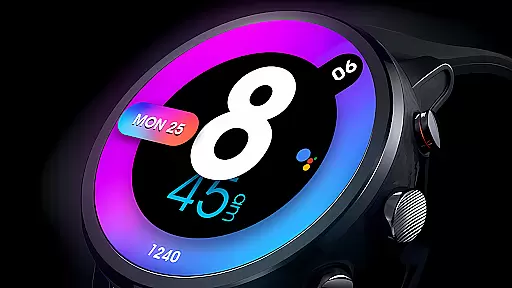
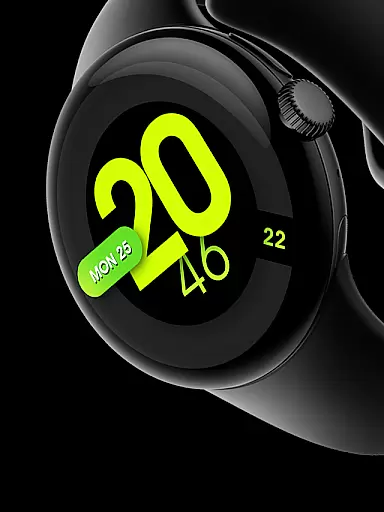
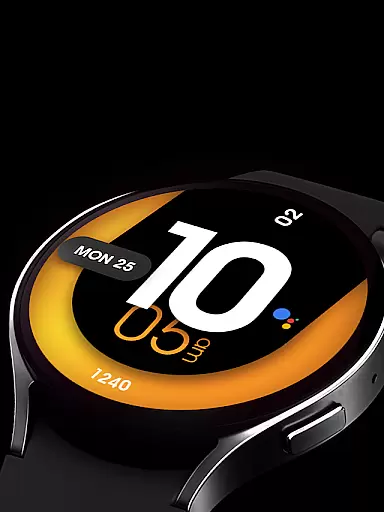
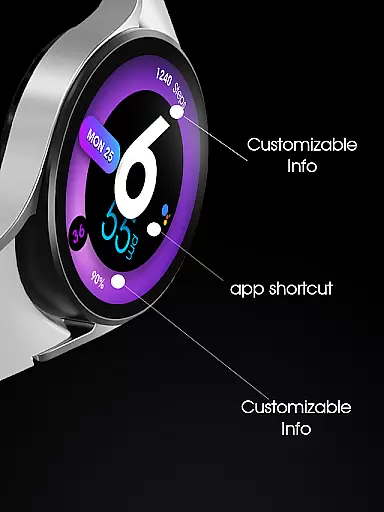
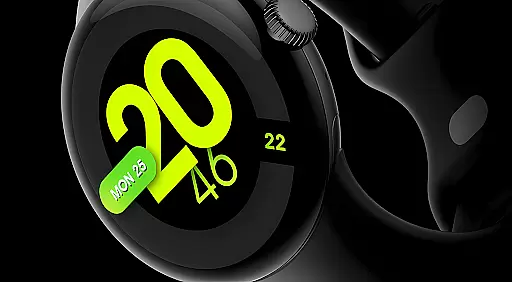
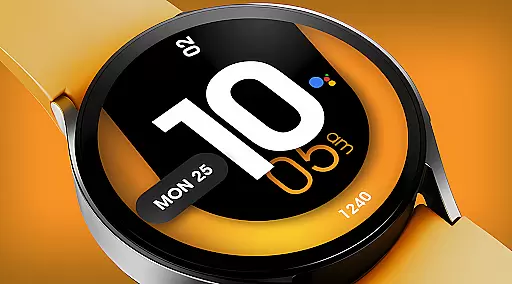
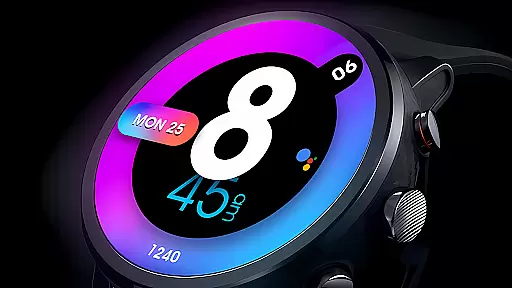
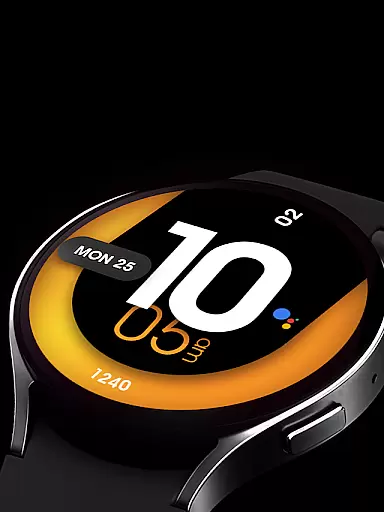
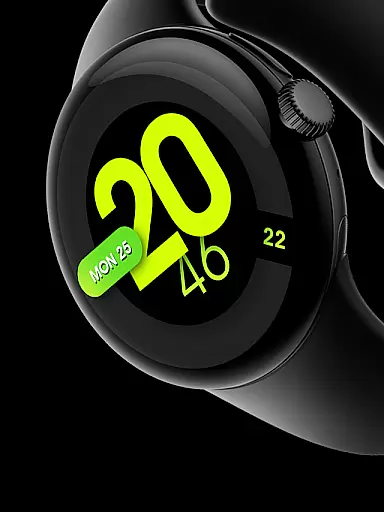
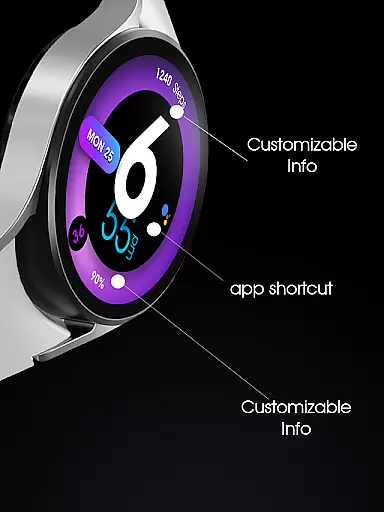
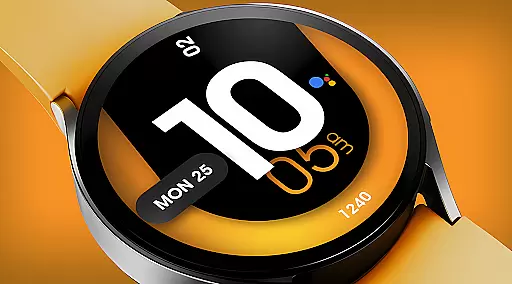
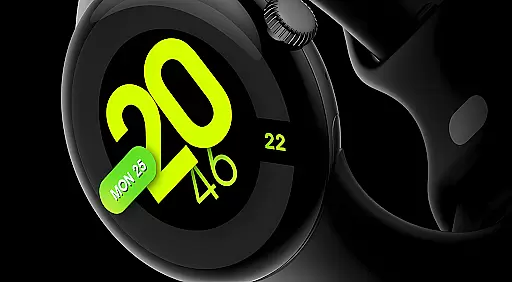
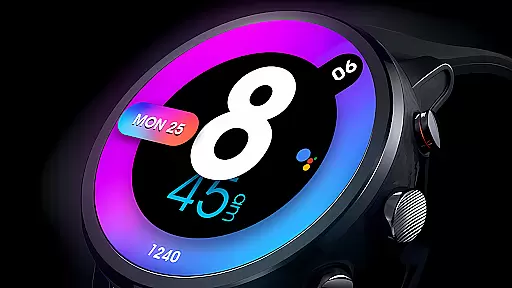
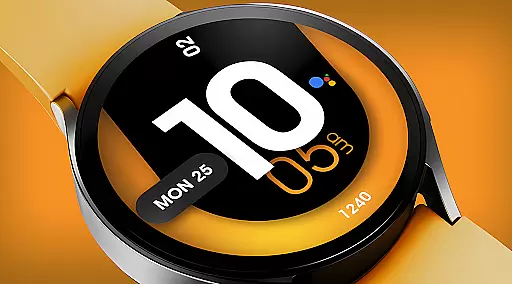
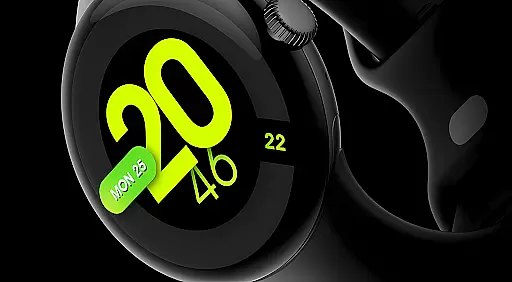
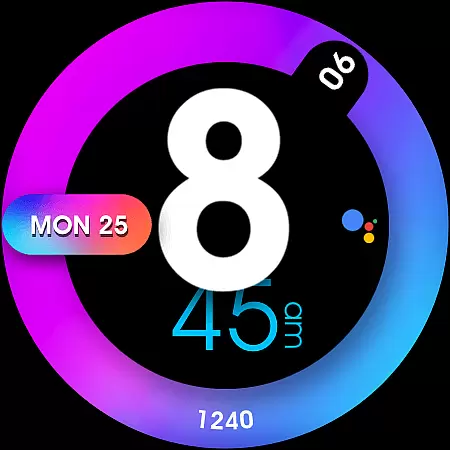
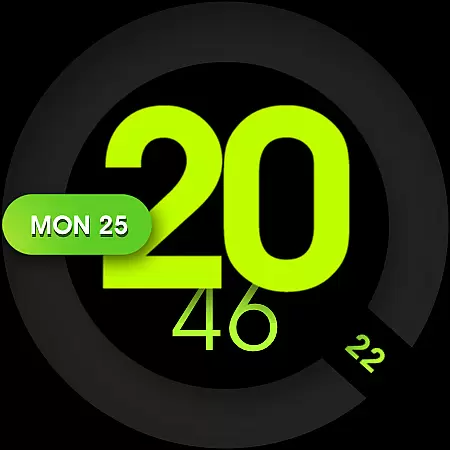
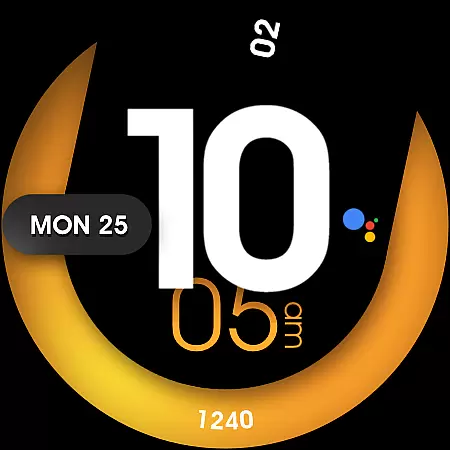
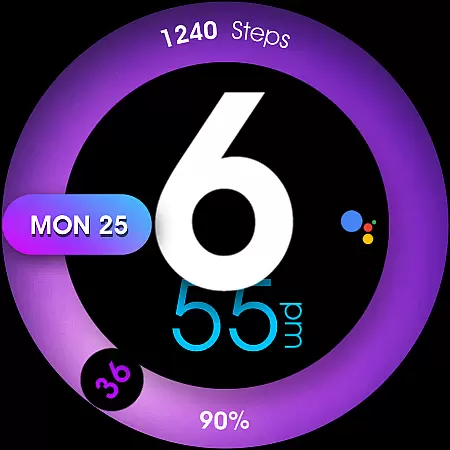
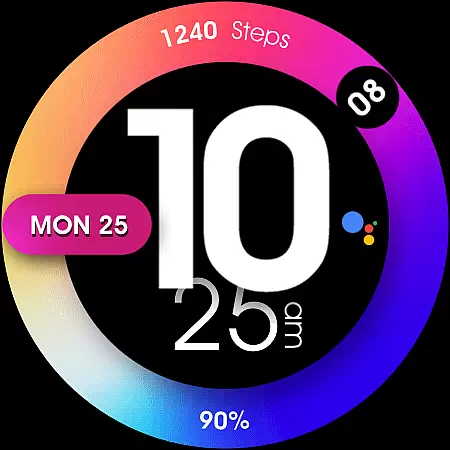
UsA Minimalist Digital is a vibrant and customizable watch face designed specifically for Wear OS devices. This digital watch face features a standout colorful design with complications that display health data and other useful information. Compatible with Wear OS 4 or newer, it supports Galaxy Watch 4/5/6/7/8 Series, Pixel Watch series, and other Wear OS 4+ devices.
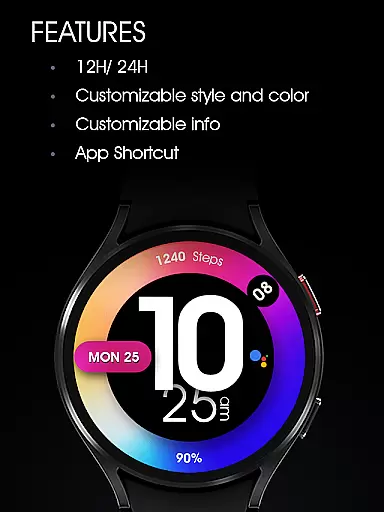
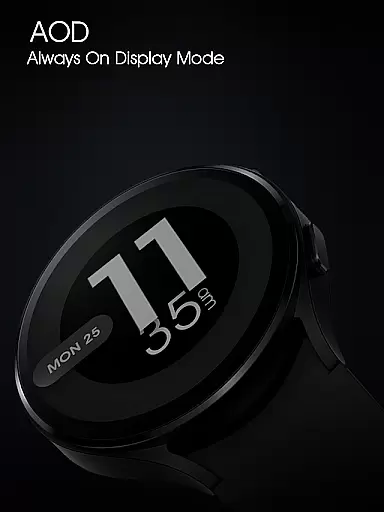
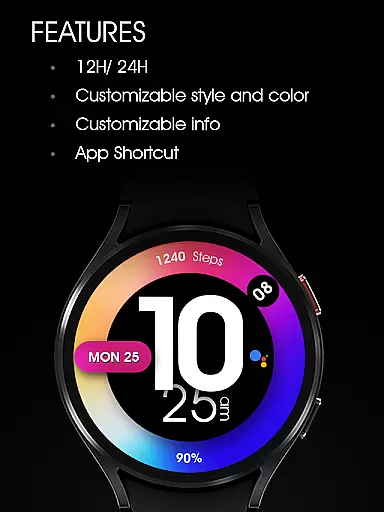
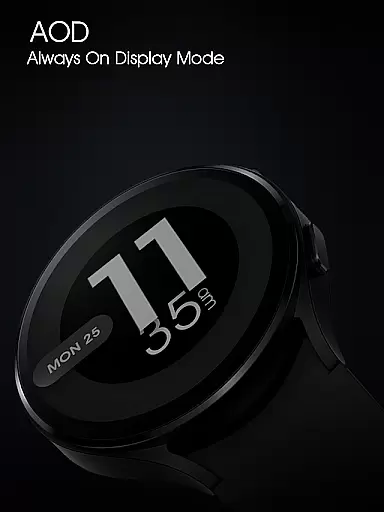
The watch face offers users the ability to personalize their smartwatch experience through various customization options. Users can choose between 12/24 hour digital time formats, select custom colors, and set up to two information complications and one app shortcut. Additionally, it includes an Always-On Display (AOD) mode for convenience. These features make it ideal for users seeking both functionality and style on their smartwatches.
UsA Minimalist Digital stands out with its array of features tailored for Wear OS users. The watch face syncs seamlessly with phone settings for 12/24 hour time format preferences and offers extensive customization options including color schemes and decorative elements to match individual styles.
Functionality is enhanced by two customizable information slots and one app shortcut, allowing users to access important data and apps directly from their watch face. An AOD mode ensures essential information remains accessible at a glance. To modify these settings, users can tap and hold the watch face, navigate to the 'customize' menu, and adjust styles or manage shortcuts as needed.
This level of personalization not only enhances usability but also allows users to tailor their smartwatch interface to better fit their lifestyle and preferences, making daily interactions more efficient and enjoyable.
UsA Minimalist Digital offers a comprehensive lifestyle experience through its diverse features tailored for Wear OS users. The watch face provides not only timekeeping but also integrates health complications, making it a versatile companion for everyday activities.
The app supports various customization options including 12/24 hour digital sync with phone settings, custom colors, and personalized shortcuts. These features ensure that users can tailor their watch face to match their personal style and needs, covering multiple aspects of a modern lifestyle.
Compatibility with Galaxy Watch 4/5/6/7/8 Series, Pixel Watch series, and other Wear OS devices ensures broad accessibility. This wide device support allows more users to enjoy the benefits of a customizable and stylish watch face that fits seamlessly into their daily routines.
Authenticity is at the core of UsA Minimalist Digital, providing users with genuine and reliable content. The design reflects a standout colorful digital aesthetic that is both modern and functional, ensuring an authentic user experience on Wear OS devices.
Expertise in crafting this watch face is evident through its advanced features like AOD mode, custom information display, and app shortcuts. Each feature has been carefully designed to offer practical value while maintaining visual appeal, showcasing the developer's commitment to quality.
For additional support and community engagement, users can join a dedicated Telegram group. This platform offers live assistance and discussions, reinforcing the credibility of the application by fostering a knowledgeable community around the product.
Colorful Design
Customizable Options
Syncs with Phone Settings
Health Data Complications
AOD Mode Available
Requires Wear OS 4+
Limited to Compatible Devices
No Free Trial Option
Installation Not Immediate
Complication Data May Vary

Big bold digital watch face with 30 colors, 6 complications and AOD.
 4.4
4.4
Get roadside help, discounts, travel tools & more — AAA is with you everywhere.
4.80
Turn your watch into a key fob for your Tesla
2.90
Immerse yourself in the serenity of lavender fields and white butterflies
4.3
Digital smart watch face made for Wear OS.
4.70
Celebrate the holidays with Advent Calendar: daily surprises and festive fun!
4.5
PARAVOX 4 is a professional ITC paranormal research application.
4.50
A unique and customizable watch face which rotates its layout every minute.
4.80
Decorate your home screen with custom icons, color widgets, themes & wallpapers
4.70
Get the news, events and savings that matter to you with AARP Now.
4.80
Vehicle ownership simplified. Get the myChevrolet® app today.
4.60
The go to app for taking unlimited notes!
4.50
Unique "Isometric" style digital watch face for Wear OS
4.50
Smart controls for your Ember Smart Mugs
4.10
Digital watch face design. Modern looking, hi-res & battery friendly.
4.00
Spiritus Ghost Box is an Audio and Visual ITC tool for paranormal research.
4.00
Easily manage your child's playtime, spending messaging and more.
3.50
Designed to delight, impress and energize your festive spirit every single day
4.0
The cutest Autumn watchface featuring the adorable Mr. Squirrel
4.2


User Reviews