
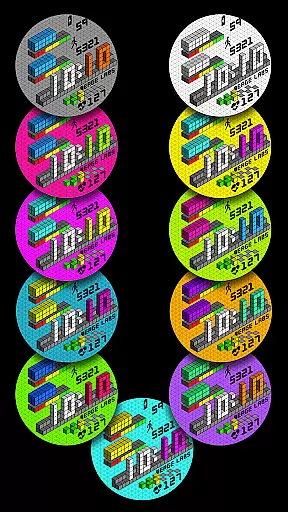
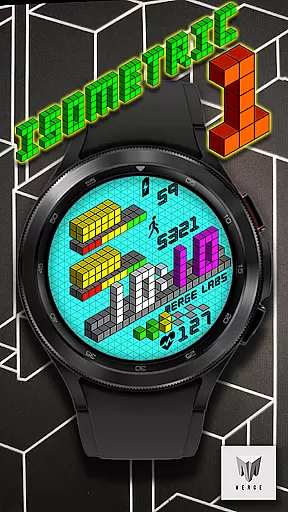
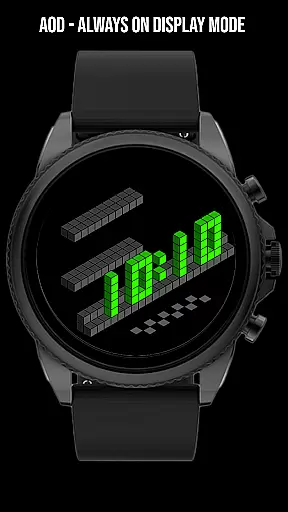
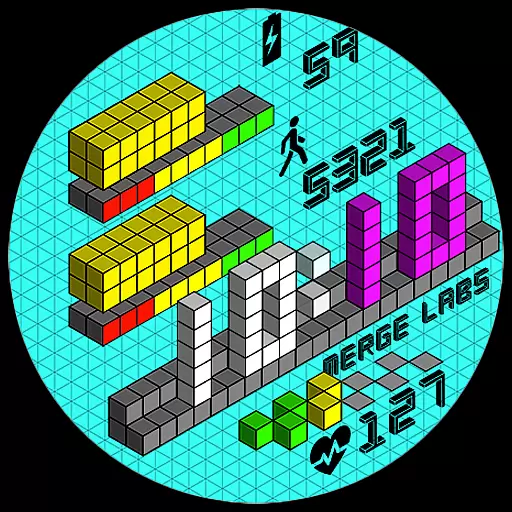
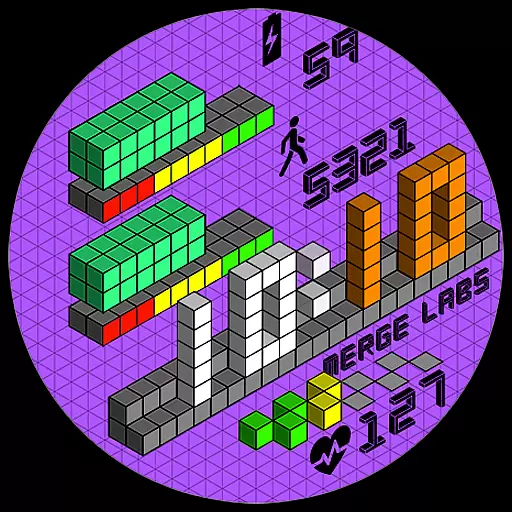
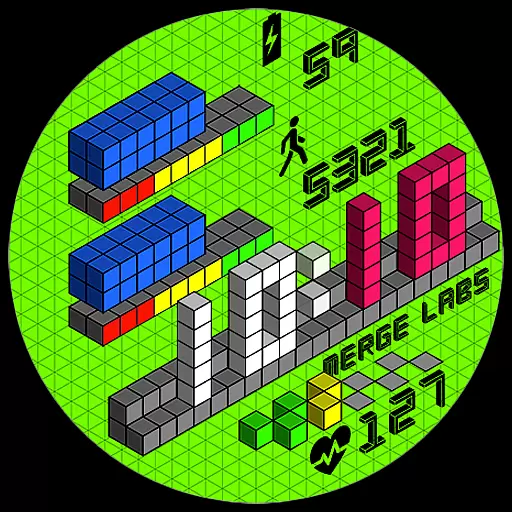
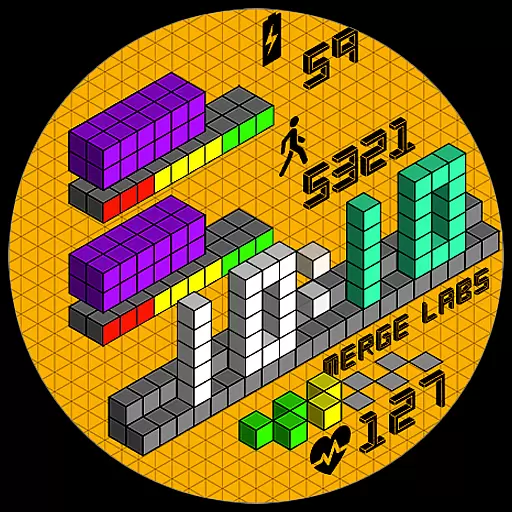
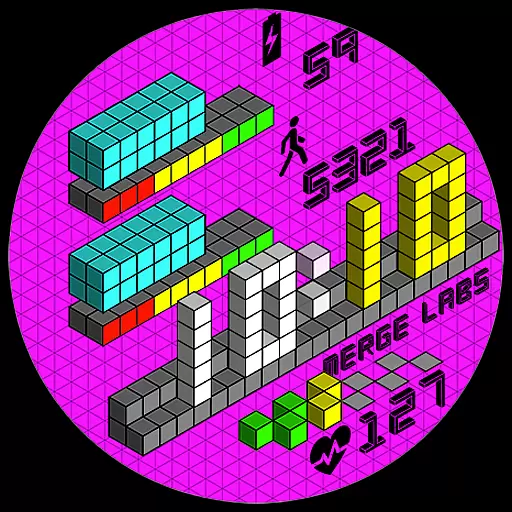
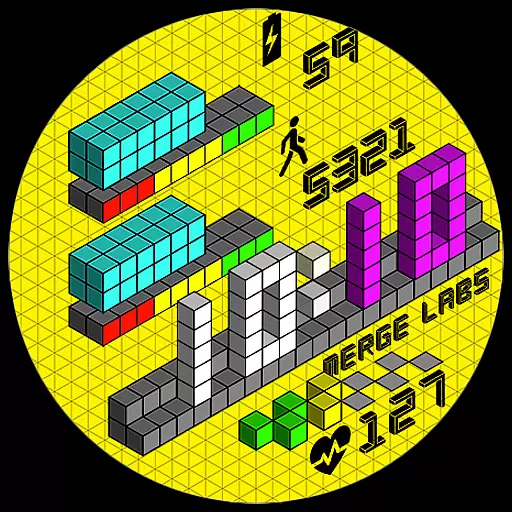
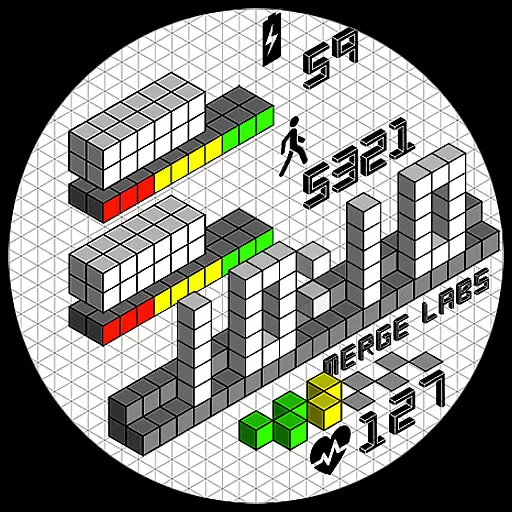
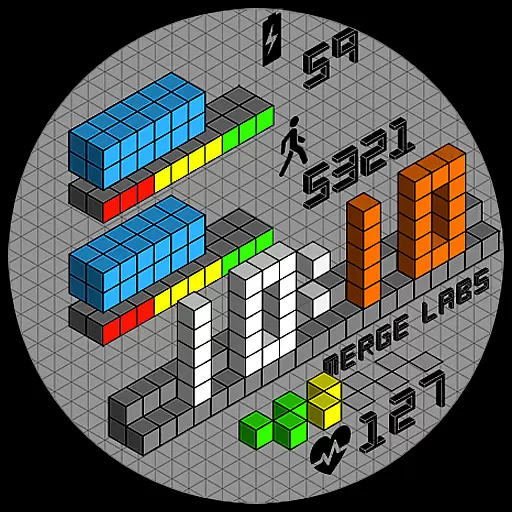
Merge Labs Isometric 1 is a uniquely designed digital watch face for Wear OS devices, featuring an innovative isometric design that creates a 3D effect using 2D tools. This Lifestyle app offers users a distinctive way to view time and access essential features directly from their smartwatch interface.
The app includes practical functionalities such as a 12/24 hour clock format that syncs with phone settings, battery level indication with a graphical progress bar, step counter, heart rate monitor, and customizable display options like toggling the blinking colon and showing or hiding the isometric grid.
Perfect for tech-savvy individuals who appreciate both form and function in wearable technology, this watch face enhances daily life by providing useful information at a glance while maintaining an aesthetically pleasing design.
Merge Labs Isometric 1 stands out with its 30 color combinations, allowing users to personalize their watch faces according to their preferences. The app supports both 12-hour and 24-hour clock formats, automatically adjusting based on the user's phone settings, which ensures convenience and familiarity.
Beyond timekeeping, it provides health and device management features through graphical progress bars for battery level, step count, and heart rate monitoring. Users can tap on these areas to quickly access related apps, enhancing usability and efficiency.
Customization is key in Merge Labs Isometric 1, offering options to toggle the blinking colon and show or hide the isometric grid within the settings. These features cater to individual tastes and needs, making it not just a tool but also a personal statement on your wrist.
Merge Labs Isometric 1 offers a unique lifestyle experience by bringing isometric design to your Wear OS device. This design style, which creates a 3D effect using 2D tools, has been popular in various media formats and now enhances your smartwatch's appearance.
The app provides users with 30 color combinations, allowing for personalization that fits individual tastes and moods. The inclusion of a 12/24 hour clock that syncs automatically with phone settings ensures the watch face meets the practical needs of users worldwide.
With features like a battery level indicator, step counter, and heart rate monitor - each with graphical progress bars - this app goes beyond aesthetics. These elements provide essential information at a glance, making it not just visually appealing but also highly functional.
The content delivered through Merge Labs Isometric 1 is crafted with authenticity in mind. Each feature, from the digital watch face to the health-related functionalities, is designed based on genuine user needs and expectations.
Expertise is evident in the execution of details such as the optional blinking colon and the customizable isometric grid. Users can trust that these elements are not only visually distinctive but also enhance usability and clarity.
Furthermore, the integration with health apps via tap interactions demonstrates a commitment to providing credible and useful content. By connecting directly to Battery, Steps/Health, and Heart Rate Apps, Merge Labs ensures that users receive accurate and timely information about their device and wellbeing.
Unique isometric design
Highly customizable
Syncs with phone settings
Health tracking features
User-friendly interface
Limited to Wear OS
No advanced fitness metrics
Requires compatible device
Premium features may cost extra
Some users may find it complex

Healthy eating timer app to track meal pace, improve habits, and eat slowly.
 4.2
4.2
Unique informative Dial with Live Moon Phase at a glance!
3.60
Pay your rent, submit work orders and much more with the RentCafe Resident App.
4.70
Play fun games, complete quick surveys, and earn money. It's fun and easy!
4.40
Kasa Smart is your portal to your TP-LINK Smart Home.
4.70
Falling Fruit is a massive collaborative map of food in our cities.
3.20
LineLearner, the quick way to learn lines.
2.90
Redecor your home with Home AI interior design, room planner and home designer.
4.50
Control your Tapo smart devices from anywhere.
4.60
Play. Earn. Repeat. Get rewarded for playing mobile games. Welcome to Mobius!
4.80
A unique and customizable watch face which rotates its layout every minute.
4.80
Digital smart watch face made for Wear OS.
4.70
The go to app for taking unlimited notes!
4.50
Chat, meet genuine singles in your area. Real connections start with being real.
4.30
Fly your Solo like a boss.
4.10
Use your device sensors to detect energy and convert it into spoken words.
4.10
Paranormal EVP, Ghost Box, Spirit box, ITC, Haunted, Spirit communication device
3.70
Smart home security protection
3.20
Big bold hybrid watch face with 30 colors, 5 fonts & 5 complications.
4.4


User Reviews