
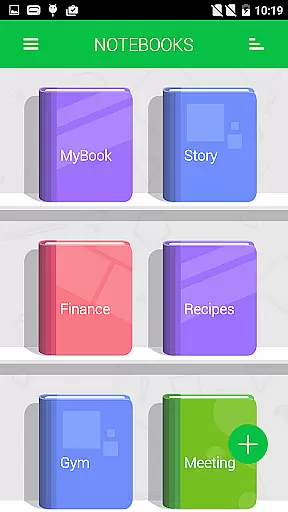
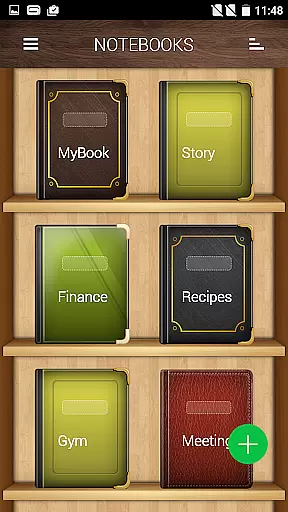
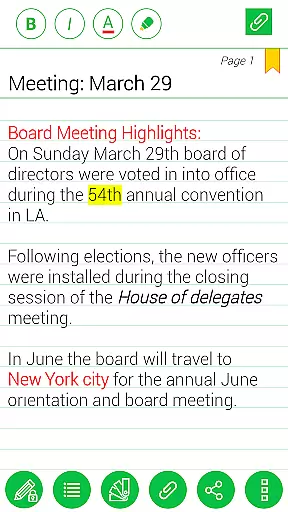
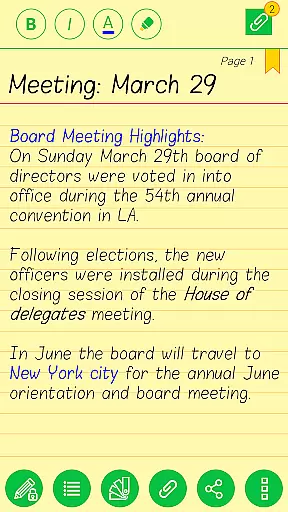
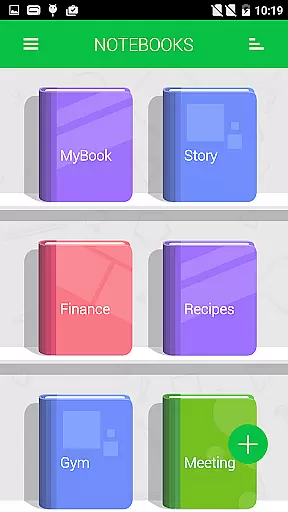
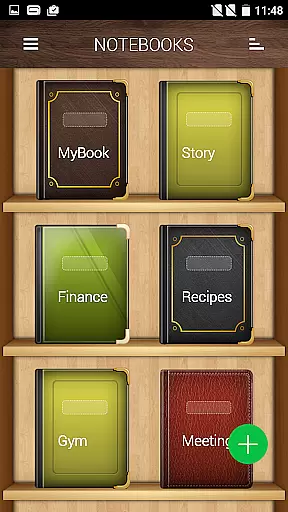
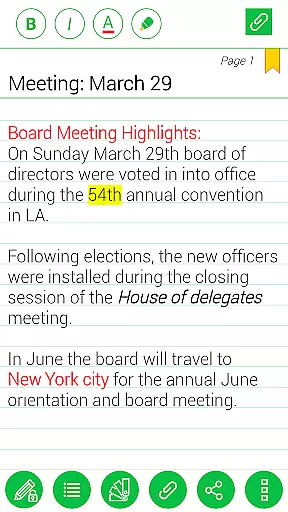
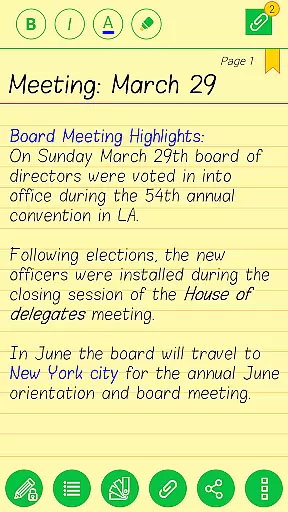
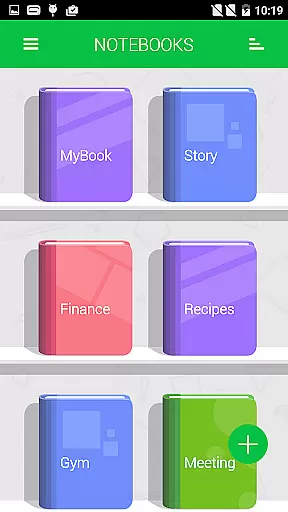
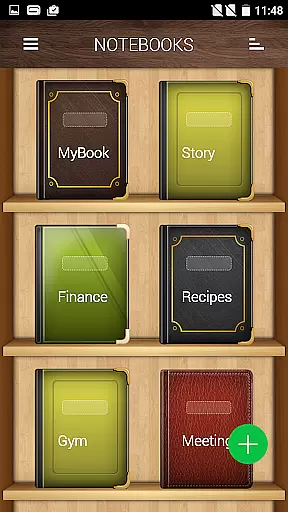
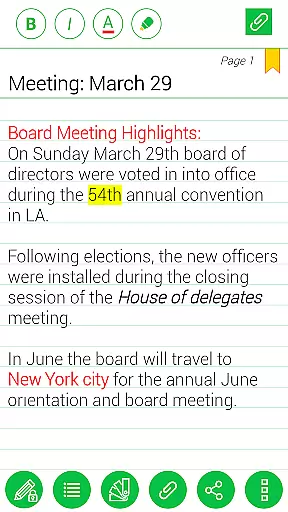
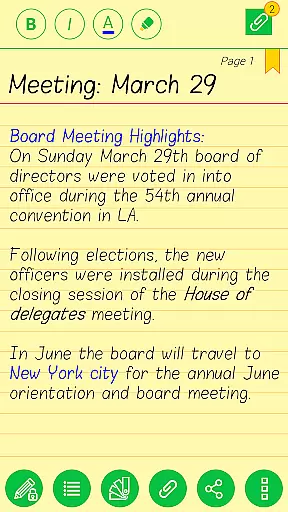
Notebooks Pro is a comprehensive note-taking application designed to help users organize their thoughts and ideas efficiently. This app allows you to create multiple notebooks for different subjects, ensuring that your notes remain well-structured and easy to find. With customizable covers, titles, and page styles, each notebook can be tailored to suit individual preferences. The inclusion of password protection and fingerprint unlocking adds an extra layer of security, making it ideal for both personal and professional use.
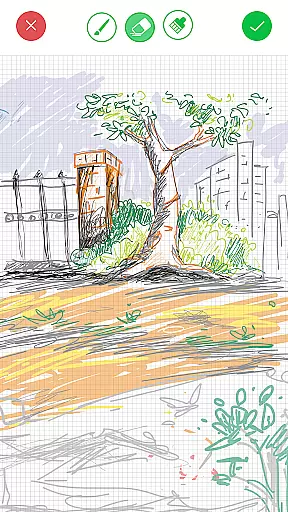
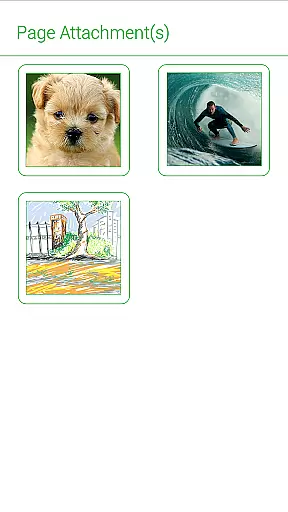
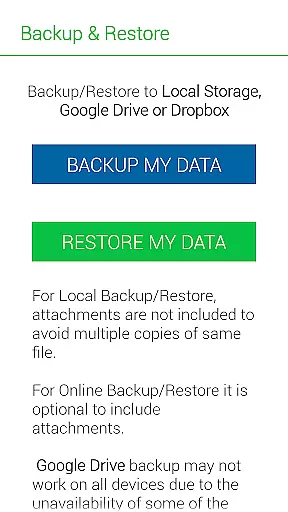
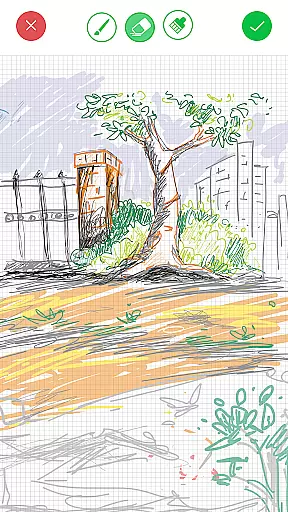
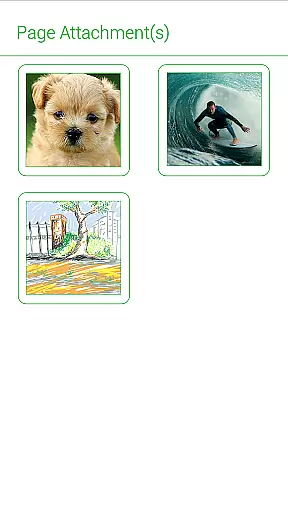
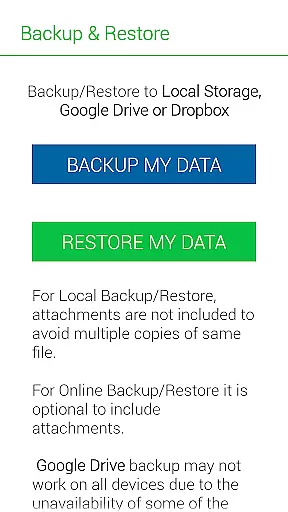
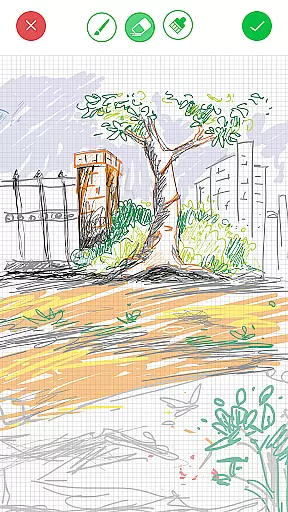
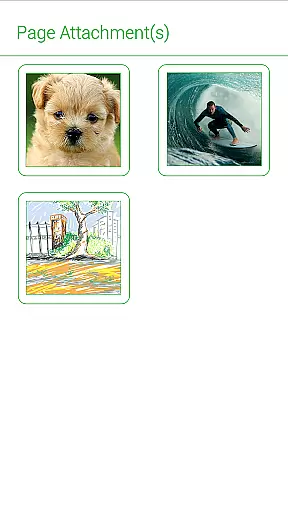
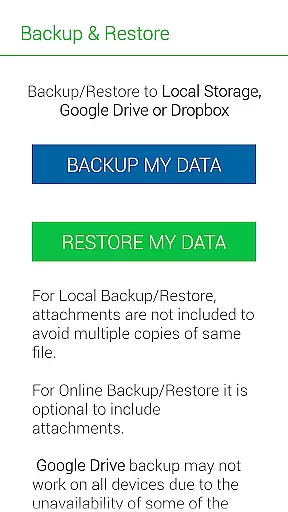
One standout feature of Notebooks Pro is its ability to attach freehand drawings and image files, allowing for a more expressive and versatile note-taking experience. Whether you're a student looking to manage lecture notes or a business professional needing to document meetings, this app provides the tools necessary to keep all your information in one secure place. Additionally, the option to backup and restore data to cloud services like Google Drive and Dropbox ensures that your notes are always safe and accessible from any device.
Notebooks Pro offers a wide array of features that cater to various note-taking needs. Users can create multiple notebooks, each with customizable covers, titles, and page styles. This flexibility allows for personalized organization, making it easier to categorize and retrieve information. The app supports instant search within each notebook, enabling quick access to specific entries without hassle.
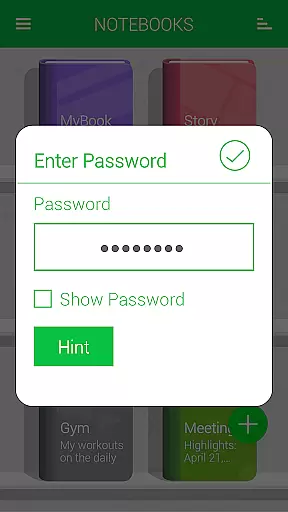
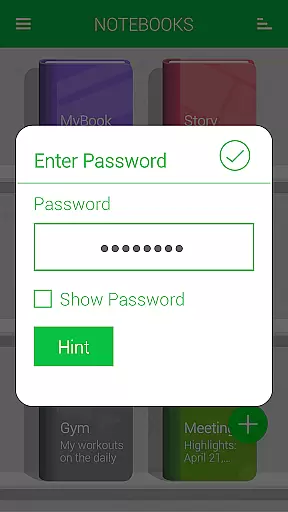
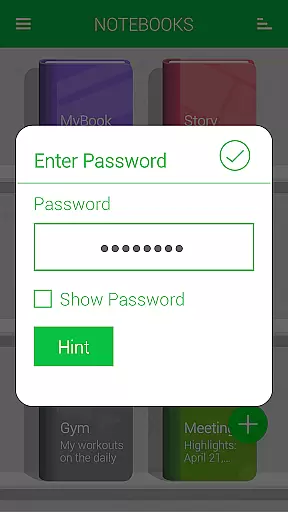
Security is a top priority, and Notebooks Pro addresses this with password protection and fingerprint unlocking. Users can also bookmark pages and apply text styles such as bold, italics, and colored highlights to emphasize important points. Furthermore, the app allows exporting entire books or individual pages to PDF format, complete with attachments. This feature is particularly useful for sharing notes or creating backups. With seamless integration with cloud services, Notebooks Pro ensures that your data is always backed up and available wherever you go.
Notebooks Pro offers an extensive range of features that cater to various lifestyle needs, ensuring users from different walks of life can manage their daily tasks efficiently.
Students, professionals, and creative individuals will find the app's ability to create multiple notebooks with customizable covers, titles, and page styles particularly useful for organizing information by subject or project.
The inclusion of password protection, fingerprint unlocking, and instant search functionalities within each notebook enhances personal security and accessibility, making it a versatile tool for both personal and professional use.
With options to attach images, create freehand drawings, and export content to PDF, Notebooks Pro ensures comprehensive lifestyle management in a stylish and paperless manner.
Authenticity and credibility are at the core of Notebooks Pro, providing users with reliable tools crafted by experts who understand the nuances of digital note-taking.
Each feature, from custom fonts and themes for individual notebooks to advanced text styling options like bold, italics, and colored highlights, is designed based on user feedback and industry best practices.
The app also supports backing up data to trusted cloud services such as Google Drive and Dropbox, reinforcing its commitment to safeguarding user information through verified and secure channels.
Regular updates and a comprehensive FAQ section further demonstrate the developer's dedication to maintaining high standards of content accuracy and expert validation.
User-friendly interface
Customizable notebooks
Secure data protection
Versatile note-taking options
Cloud backup support
Limited language support
No collaboration features
Premium version required
Occasional bugs reported
Learning curve for new users

Smart controls for your Ember Smart Mugs
 4.10
4.10
What is my face shape? Find out your face shape from picture, see fitting frames
3.90
Unique Dark Analog style for Wear OS watches.
4.1
Take Hobby Lobby with you wherever you go!
3.40
A watch face with transparency and fluid visuals inspired by liquid glass design
4.0
Get your life organized with My Agenda!
4.30
View over 160,000 line dance stepsheets from the CopperKnob website.
3.30
This is a simple and highly functional alarm clock "Smart Alarm" paid version.
4.20
Creativity and savings for kids, beginners and experts in arts and crafts
3.50
Simple, stylish & fresh watch face. Customize colors, gradients & complications.
4.70
Have your Tehillim with you at all times
4.70
Earn money & gift cards when you take surveys, play games, scan receipts & more.
4.50
Share opinions, get paid cash
4.30
Do you want to communicate with spirits?
3.80
Subwoofer school’s in session! You’ve now enrolled into KICKER U.
3.80
Design and brew great homebrewing beer, mead, cider and wine recipes on the go!
3.60
Unique Dual Colors with 6 Custom Complications for Wear OS watches!
3.40
Smart home security protection
3.20
Immerse yourself in the serenity of lavender fields and white butterflies
4.5


User Reviews