
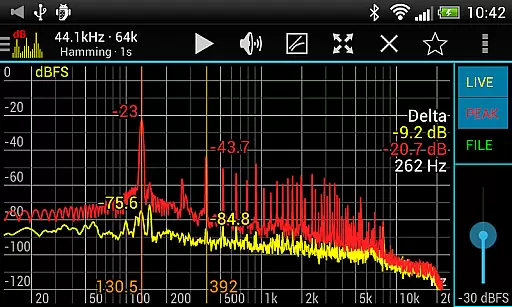
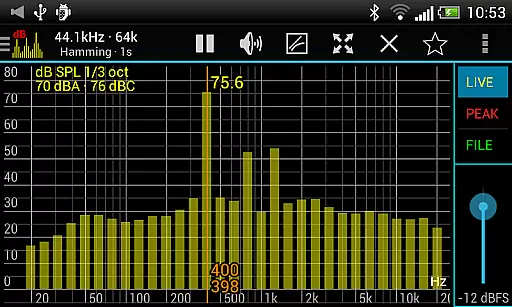
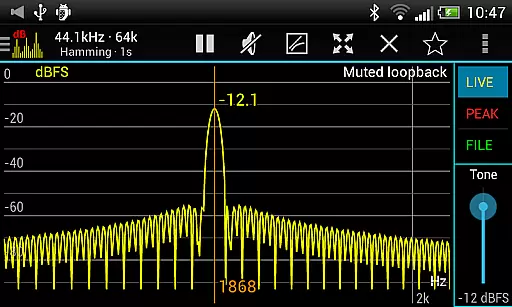
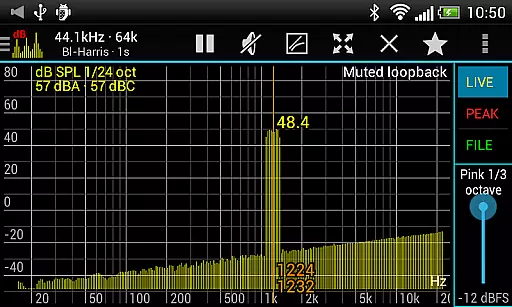
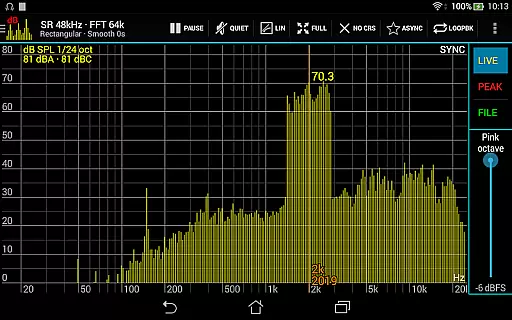
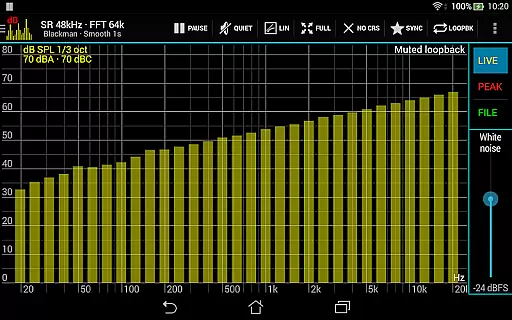
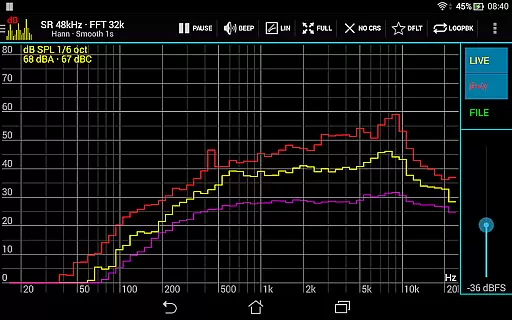
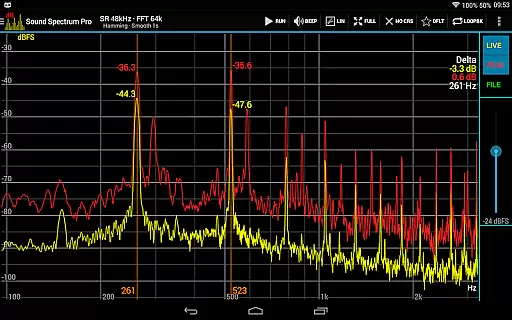
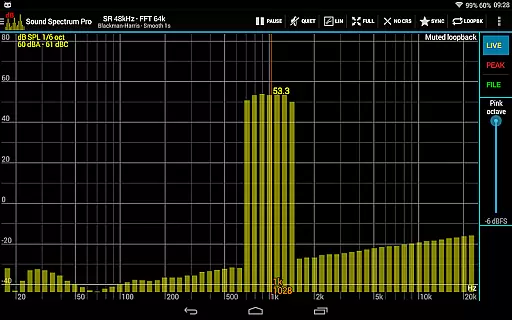
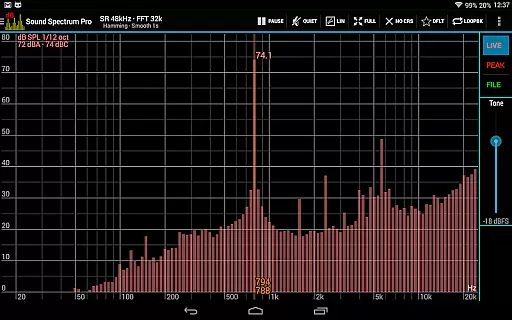
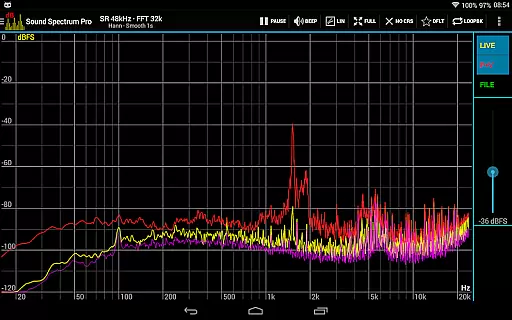
Sound Spectrum Pro is a comprehensive audio analysis tool designed for both professionals and enthusiasts in the music and audio industry. This application provides advanced real-time audio spectrum analysis through features like FFT (Fast Fourier Transform) and RTA (Real-Time Analyzer), enabling users to visualize sound frequencies with precision. With its user-friendly interface, Sound Spectrum Pro offers smooth real-time display and numerous on-screen controls, making complex audio measurements accessible.
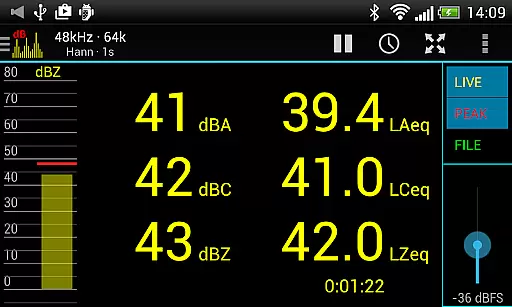
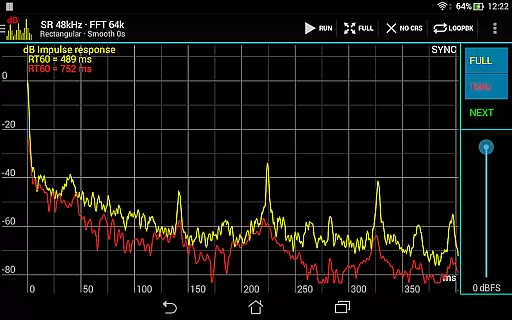
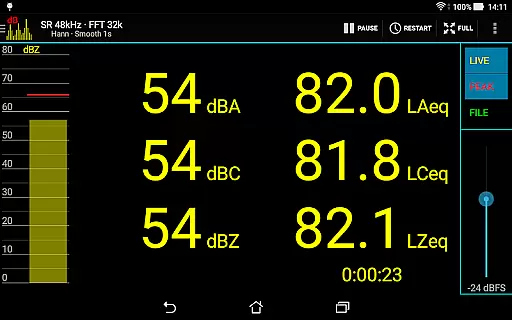
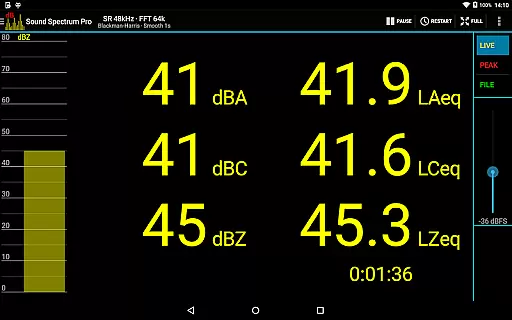
In addition to spectrum analysis, the app includes calibration tools, signal generators, and various measurement standards such as dBA, dBC, and dBZ sound pressure levels. Whether you're conducting professional acoustic measurements or exploring audio signals for personal projects, this app serves as an essential tool. Its ability to measure impulse responses, equivalent continuous sound levels, and total harmonic distortion ensures accurate and reliable results across different scenarios.
The app's versatility makes it suitable for multiple use cases, from studio sound engineering to live sound monitoring. By delivering detailed audio insights and supporting file load/save functionality, Sound Spectrum Pro empowers users to achieve precise audio calibration and analysis, enhancing their overall audio production quality.
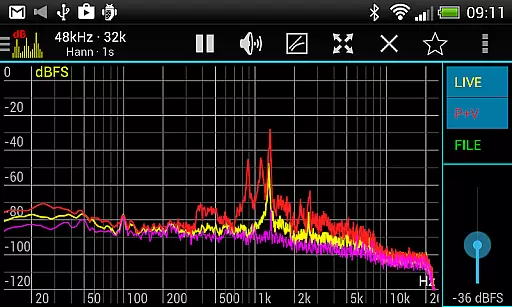
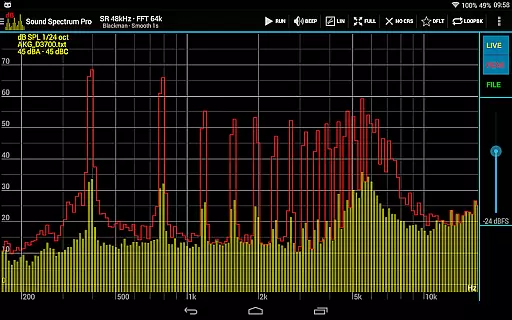
Sound Spectrum Pro stands out with its extensive feature set tailored for detailed audio analysis. The app supports multiple analysis modes including FFT for amplitude display and RTA with octave band options ranging from 1/3 to 1/24 octave. These features allow users to conduct in-depth frequency analysis with remarkable accuracy. Additionally, the inclusion of sound pressure level measurements (dBA, dBC, dBZ) and specialized metrics like Noise Criterion and Noise Rating ensures comprehensive acoustic evaluation.
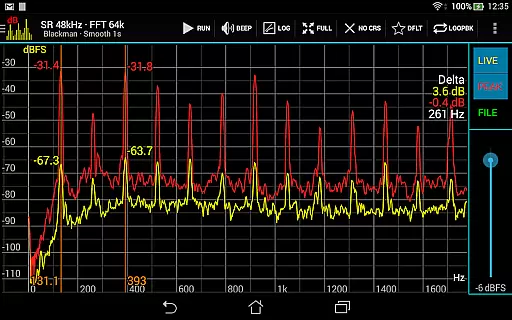
One of the app's key strengths is its lightning-fast FFT processing, which supports sizes from 16k to 1M, providing frequency resolutions as fine as 0.01Hz with downsampling. The app also offers various window functions, logarithmic or linear frequency axis options, and adjustable smoothing settings, giving users full control over their analysis approach. Advanced functionalities like peak and valley hold, highest peak display, and measurement cursors further enhance the precision of audio evaluations.
Practical usability is another highlight, with features like easy pan and zoom controls, signal generators for tones and noise types, and loopback mode for testing setups. Sharing and printing capabilities for screenshots ensure that users can effectively document and communicate their findings. Overall, these robust features make Sound Spectrum Pro an indispensable tool for anyone involved in professional audio work.
Sound Spectrum Pro offers an extensive range of audio analysis features that go beyond a traditional music library. With its powerful FFT and RTA capabilities, the app allows users to analyze sound in various formats and resolutions.
The application supports sample rates up to 48kHz, ensuring high-quality sound processing. This feature is crucial for professionals who require precise audio measurements and analysis.
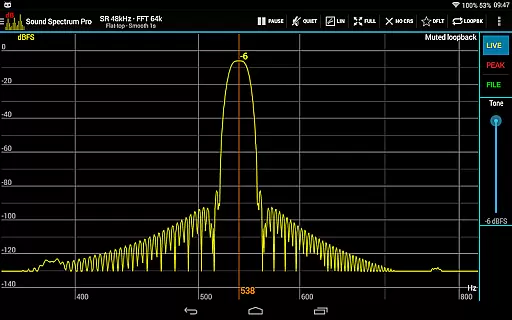
While Sound Spectrum Pro does not provide a conventional music library with tracks, it includes multiple signal generators such as tone, white noise, and pink noise. These tools are essential for creating and testing audio signals, which can be used in music production and acoustic research.
All the features within the app are designed with authenticity in mind. The calibration capability ensures accurate sound pressure level readings, making it a reliable tool for both amateur enthusiasts and professional audio engineers.
One of the standout features of Sound Spectrum Pro is its superior audio quality options. The app provides lightning-fast FFT with sizes ranging from 16k to 1M, delivering unparalleled frequency resolution down to 0.01Hz with downsampling.
Users have access to numerous window functions and can choose between logarithmic or linear frequency axes. This flexibility enables detailed customization of audio analysis, catering to specific user preferences and requirements.
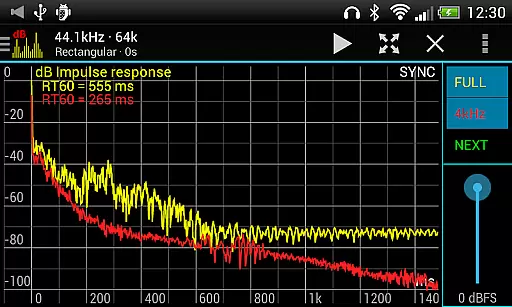
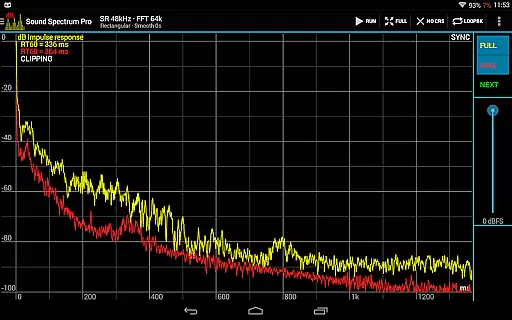
The equivalent continuous sound level measurements (LAeq, LCeq, LZeq) along with impulse response and RT60 measurement offer comprehensive tools for evaluating audio quality. These features ensure that users can perform precise and sophisticated sound assessments.
Additionally, the app's ability to handle different types of noise criterion and rating measurements makes it an indispensable tool for maintaining high audio standards across various applications, from studio recording to live sound engineering.
Comprehensive audio tools
User-friendly interface
High-frequency resolution
Multiple measurement standards
No ads
Complex for beginners
Device compatibility issues
Advanced features may be overwhelming
Limited customer support
Premium price point

Pay Once, no monthly payment
 4.60
4.60
Time Trainer: accurate metronome w tools to help you develop your internal time!
4.20
The alternative folder based music player.
4.20
Super Sound Editor, Song Maker & Mixer, Vocal Remover, Voice Recorder & Changer!
4.60
Enjoy singing any song, no matter how high or low it is
4.30
Make songs with AI! Any genre, custom lyric, song generator for music creation!
4.80
Smart piano keyboard, Classical to Pop, Real-time multiplayer connection!
4.20
Ringtone Maker is free app create ringtone from music files or your recording.
4.40
One-tap booster for max volume - enjoy powerful sound with this audio booster
4.50 4.70
4.70
Ultimate Sonos Controller
4.70
10-Band Audio Equalizer, Sound / Bass Booster for Spotify Users & Music Players
4.40
Your HD audio recorder on the go for music, meetings, ambience, animal sounds…
4.30
Learn and play 2M+ music tabs & chords on guitar, ukulele, bass, and more
4.30
A High-Precision Audio Spectrum Analysis App
4.20
The only true audiophile music player with Hi-Fi audio rendering and DSP engine
3.90
Sheet music reader, piano & music note player. Play music score & learn to read.
3.90
Background pads for your band
3.80
Remove ads permanently from Music Visualizer
4.0


User Reviews