
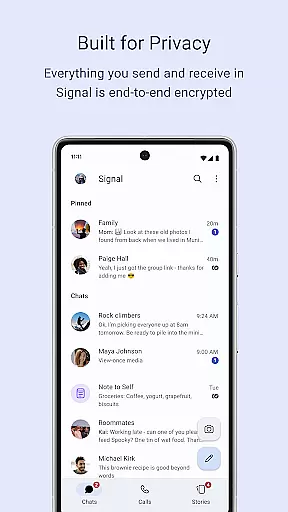
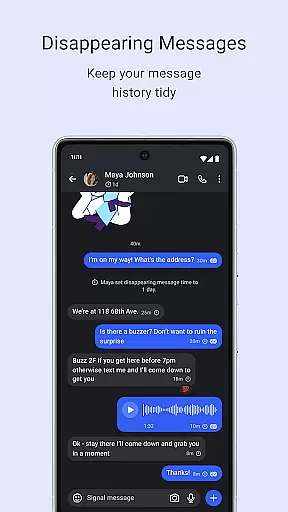
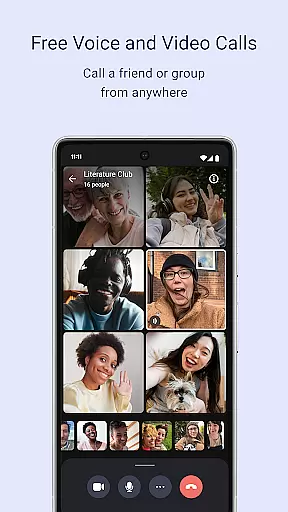
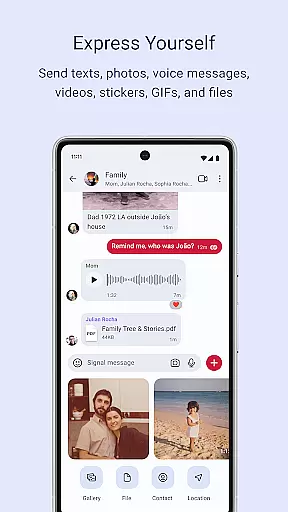
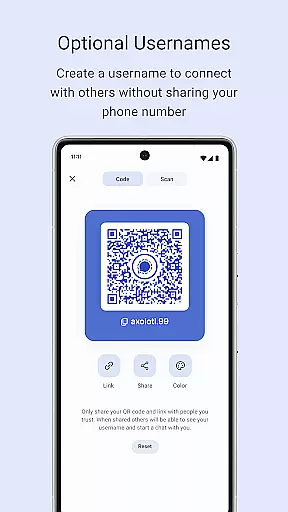
Signal Private Messenger is a secure communication app that prioritizes user privacy through end-to-end encryption. It allows users to send texts, make voice and video calls, and share media with complete confidentiality.
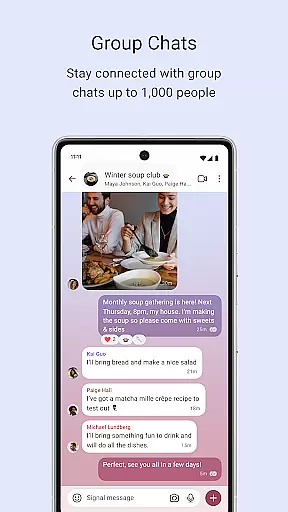
The app supports group chats of up to 1,000 participants and group calls with up to 50 people, making it ideal for both personal and professional use. Signal's commitment to privacy ensures that no one, not even the company itself, can access your messages or calls.
With features like disappearing stories and robust privacy settings, Signal empowers users to control their digital footprint while staying connected.
Signal Private Messenger offers a comprehensive suite of secure communication tools. Users can send various types of messages including texts, voice notes, images, videos, GIFs, and files without incurring SMS or MMS charges.
Voice and video calls are crystal-clear and encrypted, supporting groups of up to 50 participants. Group chats allow interaction among up to 1,000 members with customizable admin permissions to manage posting rights.
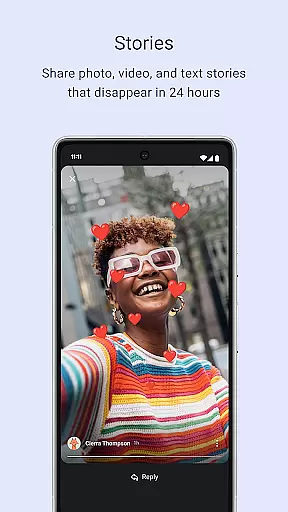
Stories shared on Signal disappear after 24 hours, ensuring temporary content sharing with full privacy control over who views each story. The open-source nature of Signal Protocol guarantees message security without backdoors or data collection.
Signal Private Messenger excels in providing real-time messaging with impressive speed and unwavering reliability. The app leverages your phone's data connection to ensure messages are delivered instantly, avoiding the common pitfalls of SMS and MMS such as delays and additional fees.
The core of Signal's messaging system is built on a robust infrastructure that prioritizes swift transmission. This means you can send texts, voice messages, photos, videos, GIFs, and files, all without experiencing lag or worrying about message delivery failures.
For users, this translates into seamless communication where messages appear on the recipient's device almost instantaneously after being sent. This immediacy fosters efficient and uninterrupted conversations, making Signal an ideal choice for those who value prompt and dependable messaging.
Beyond text-based communication, Signal Private Messenger offers comprehensive media sharing support, allowing users to exchange various types of content effortlessly. Whether it's photos, videos, GIFs, or documents, Signal ensures that all shared media is encrypted end-to-end, maintaining privacy while delivering rich multimedia experiences.
The app supports a wide array of file formats, giving users the flexibility to share what they need without worrying about compatibility issues. High-quality images and videos retain their clarity during transfer, thanks to Signal's optimized handling protocols.
This extensive media sharing capability enhances user interaction by enabling expressive and dynamic exchanges. With no compromise on security, Signal empowers its users to communicate freely using diverse forms of media, thus enriching the overall messaging experience.
End-to-end encryption
No data collection
Free to use
Supports large groups
Open source
Limited marketing
Fewer users than competitors
No ads can mean less revenue
Dependent on donations
Feature updates may be slow

Secure Messaging App to Enhance Messenger Texting Experience and Organize SMS.
 3.50
3.50
Fast and mini browser with Ad Blocker,Video Downloader and Video Player
4.40
This app enables the phone to receive and send FT8 traffic!
3.80
Comprehensive and powerful scan tool app with enhanced functions
3.00
Federated instant messaging for your mobile device (Jabber, XMPP, Snikket)
4.10
RemoteHams.com Android RCForb Client Pre-Release
4.30
A softphone with crystal clear SIP Calling & Reliable VoIP dialer
4.00
A browser that does more than load page, like keeping your privacy safe.
4.70
Talk & text free with a second phone number plus unlimited 5G data, no fees.
4.50
Fast internet with AI, Adblock & VPN. Browse on a safe, incognito web browser.
4.70
Save 10% automatically on your first international mobile top up.
4.60
Welcome to the future of phone service.
4.60
Faster version of Messages. Messenger for your contacts.
4.50
Phone Dialer with Caller ID, Address Book & Contacts Manager.
4.30
HD Video Meeting app is a fast & unlimited video conferencing app across world.
4.30
Use this SMS app standalone or as a TREK: Total Interface companion.
4.30
BE PRIVATE
Anonymous. No Trace. Fast.
4.20
Manage and Fund Calling Accounts and Schedule and Join Video Sessions
3.60
Weargram is an unofficial Telegram Client for Wear OS.
3.50


User Reviews