
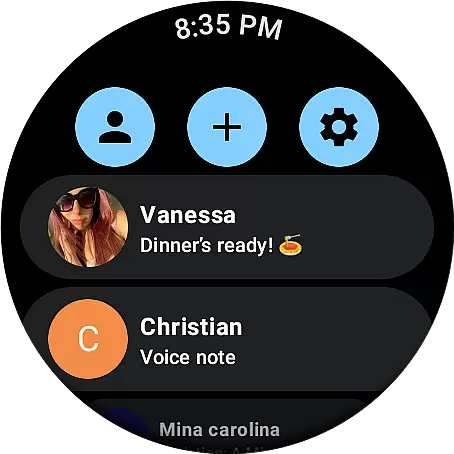
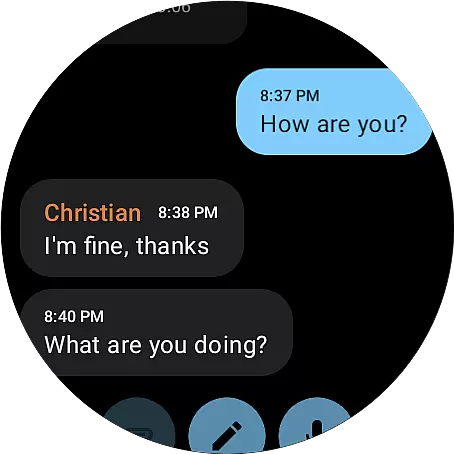
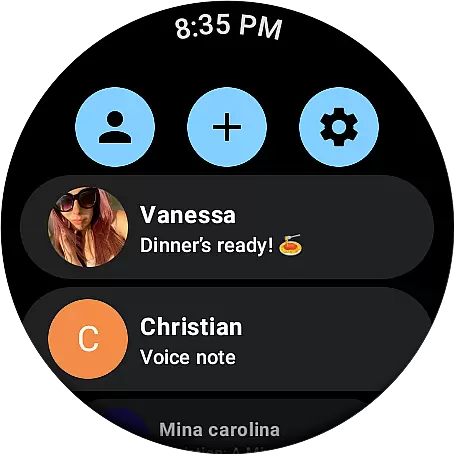
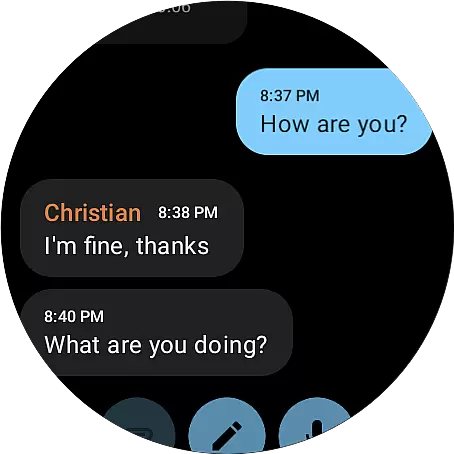
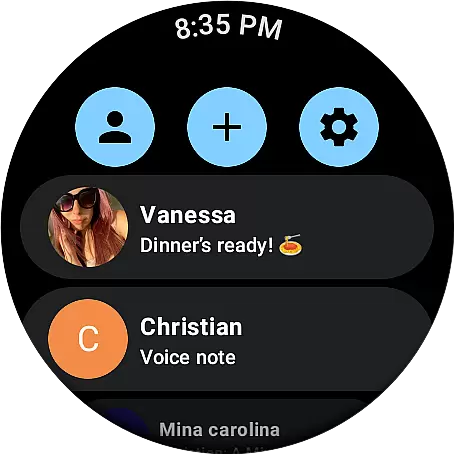
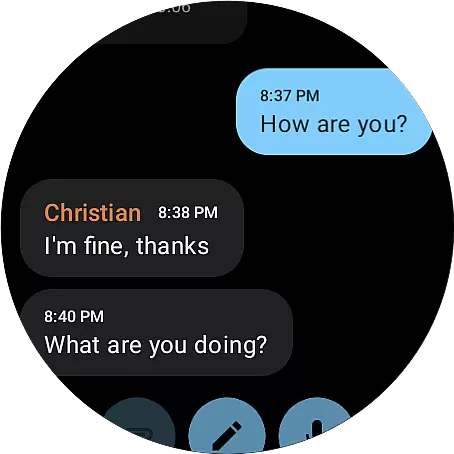
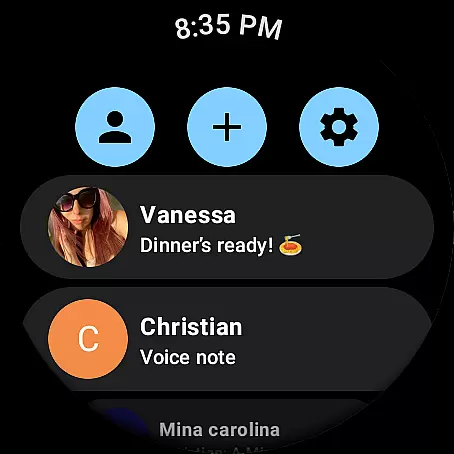
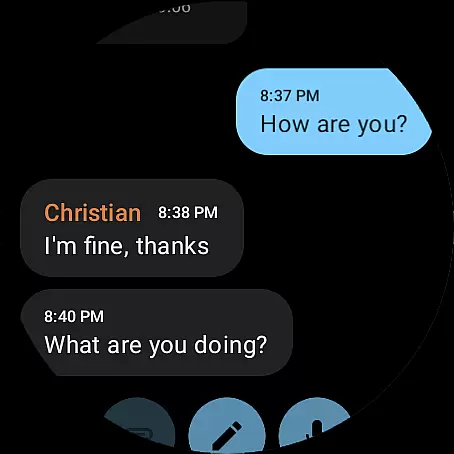
Weargram is an innovative communication app designed specifically for Wear OS devices. This unofficial Telegram client, powered by TDlib, allows users to access key Telegram features directly from their smartwatch while ensuring complete data privacy. The app supports seamless interaction with individual contacts, group chats, and even supergroups, making it a versatile communication tool for on-the-go users.
One of Weargram's standout capabilities is its ability to deliver news updates from favorite channels through various formats including text messages, images, and voice notes. This multi-format support enables users to stay informed and connected without needing their phone nearby. Whether you're exercising, commuting, or simply away from your device, Weargram keeps you engaged with your social and information networks.
Weargram distinguishes itself through several notable features that enhance wearable communication. The app maintains end-to-end encryption for all communications, ensuring that user data remains secure during transmission. Its intuitive interface is optimized for small watch displays, providing quick access to essential messaging functions through streamlined navigation.
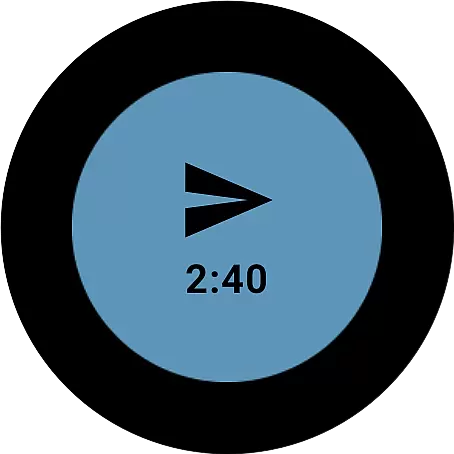
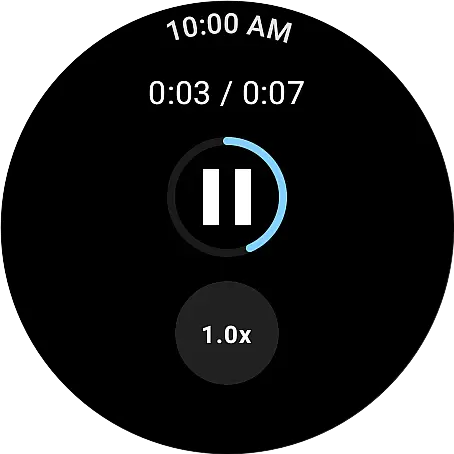
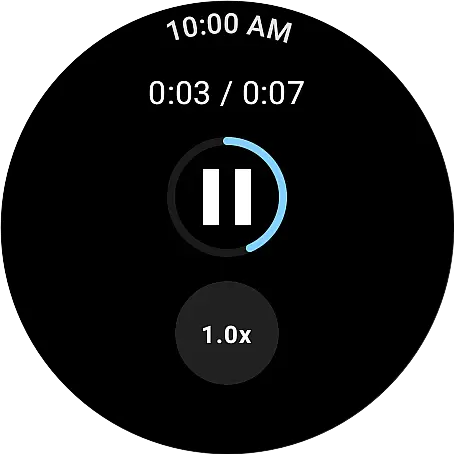
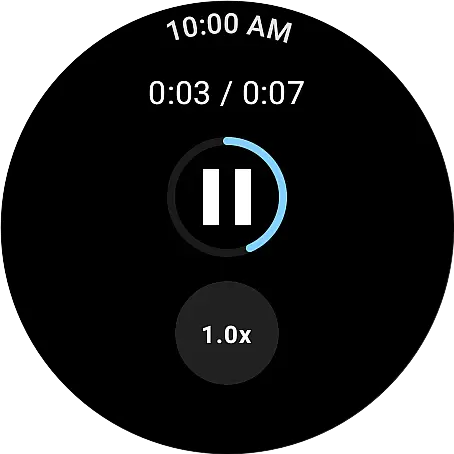
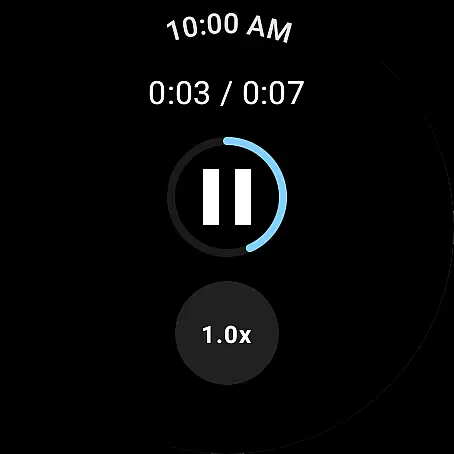
The application supports multimedia content viewing and sharing, allowing users to receive and view images as well as listen to voice notes directly on their smartwatch. Additionally, Weargram implements smart notification management, enabling users to customize alert preferences for different chat types. These features collectively create a comprehensive communication experience tailored specifically for wearable technology users.
Real-time messaging speed and reliability are crucial for seamless communication. Weargram ensures that messages are delivered instantly, allowing users to stay connected without delays.
The app leverages TDlib to maintain a stable connection, ensuring that chat interactions, group conversations, and supergroup discussions happen in real time. This minimizes latency and maximizes user engagement.
Users can rely on Weargram to receive text messages, images, and voice notes promptly, making it an efficient tool for staying updated with friends and channels. The consistent performance enhances the overall user experience.
Media sharing support is essential for modern communication apps. Weargram allows users to share various types of media, including text messages, images, and voice notes, directly from their Wear OS devices.
This feature eliminates the need to use a phone for sharing media, providing convenience and flexibility. Users can easily send and receive multimedia content, enhancing their interaction with friends and groups.
By supporting diverse media formats, Weargram ensures that users can express themselves fully and stay engaged with their favorite channels. This comprehensive media sharing capability enriches the communication experience on wearable devices.
User-friendly interface
Secure data transmission
Multimedia support
Smart notification system
Offline message access
Limited functionality compared to mobile app
Small screen navigation challenges
Battery consumption concerns
No video call support
Potential synchronization delays

Use this Dialer app alone or as a TREK: Total Interface companion.
 4.70
4.70
Adblock & VPN Browser: Blocks banners, pop-ups and video ads, fast downloader!
4.60
The ultimate productivity solution for all your email communication needs.
4.40
Messenger for SMS - texting message app, faster, simpler & safer, for you.
4.70
Caller ID App! Add names & photos to unknown calls & Call Recording
4.40
An agentic AI browser for Android, built by Perplexity
4.50
SMS Messenger is a lightning-fast messaging app.
4.20
Enhance browsing with AI-powered features and Copilot.
4.70
Caller ID, Spam Call & SMS Blocker
3.80
Fast internet with AI, Adblock & VPN. Browse on a safe, incognito web browser.
4.70
Fast and mini browser with Ad Blocker,Video Downloader and Video Player
4.40
Simplify texting with Messages SMS, offline messaging, themes & smart tools!
4.30
2nd Phone Number Line for Anonymous Texting, Calling, and Picture Messages
4.30
HD Video Meeting app is a fast & unlimited video conferencing app across world.
4.30
RemoteHams.com Android RCForb Client Pre-Release
4.30
Group Chat That’s Fun & Games
4.30
Google's fast and secure browser
4.10
A softphone with crystal clear SIP Calling & Reliable VoIP dialer
4.00
At select facilities, you now have an easy way to video visit your loved ones!
3.30


User Reviews