
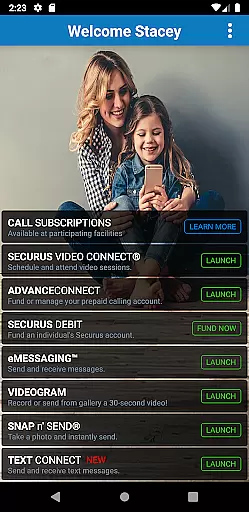
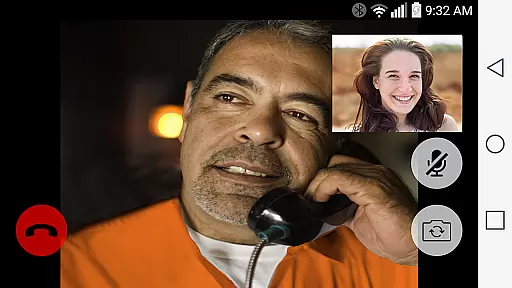

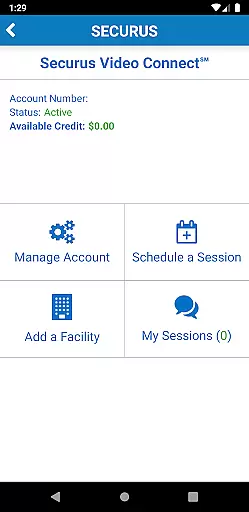
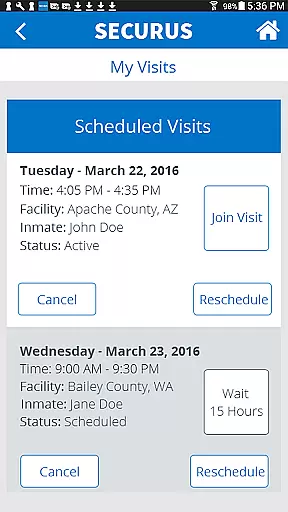
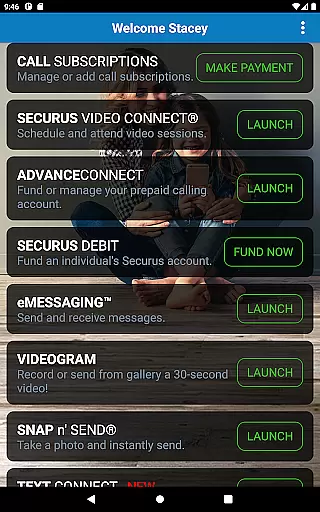
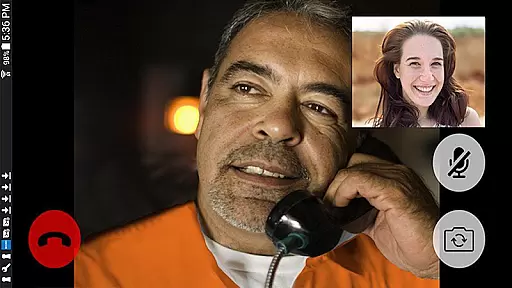

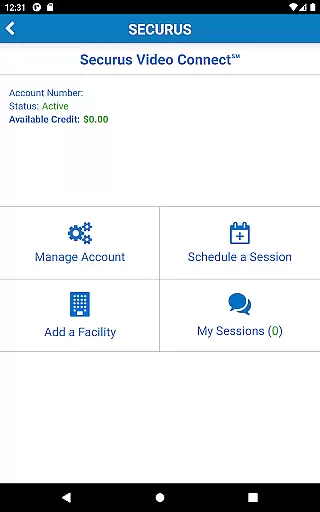
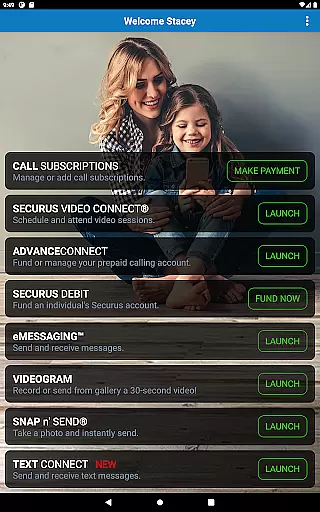
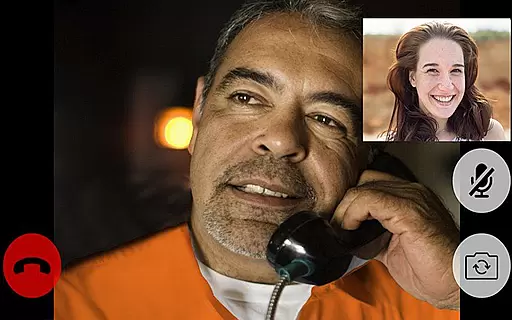

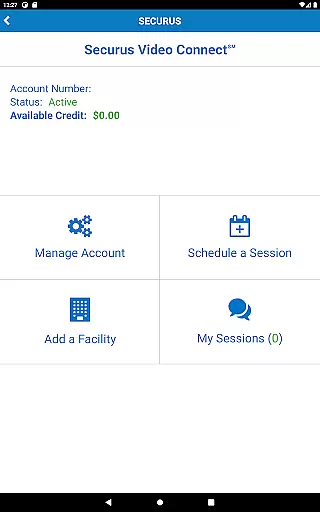
Securus Mobile is a comprehensive communication app designed specifically for staying connected with incarcerated individuals. The app offers multiple ways to maintain contact, including video calls, messaging services, and prepaid calling account management. With features like Video Connect, users can schedule and conduct video sessions from anywhere in the world with Wi-Fi or cellular data service. Additionally, the messaging services allow users to send and receive messages, eCards, and even short video messages called VideoGrams.
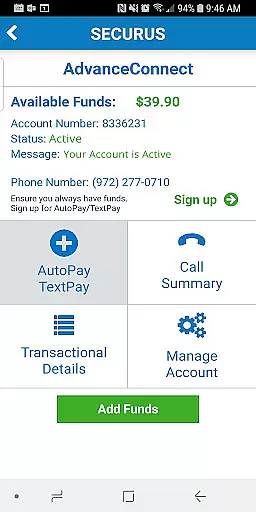
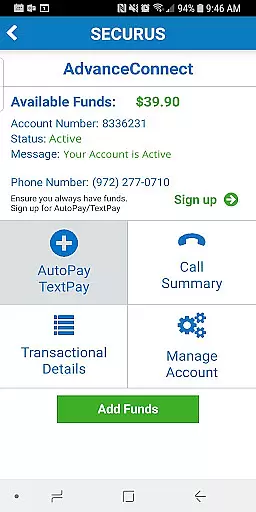
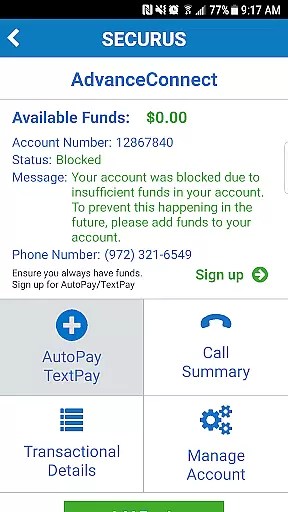
The app also provides robust account management tools, enabling users to create and manage Securus Online accounts, update passwords, and set up security questions. Users can fund their AdvanceConnect accounts to receive calls, view transaction histories, and manage credit/debit card information. Furthermore, Securus Debit allows deposits for contacts to use for various purposes such as making calls or purchasing digital content. This makes Securus Mobile an essential tool for anyone looking to maintain meaningful connections with incarcerated loved ones.
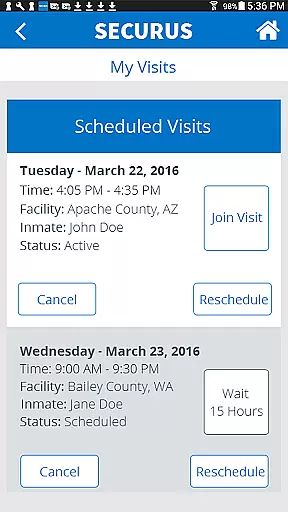
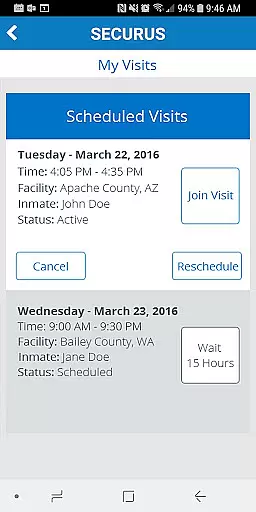
Securus Mobile stands out with its diverse range of features tailored to enhance communication with incarcerated individuals. One of the key highlights is Video Connect, which allows users to enroll, schedule, and manage video sessions. It includes functionalities like syncing session details with personal calendars, receiving notifications for upcoming sessions, and testing Wi-Fi/cellular connections to ensure quality.
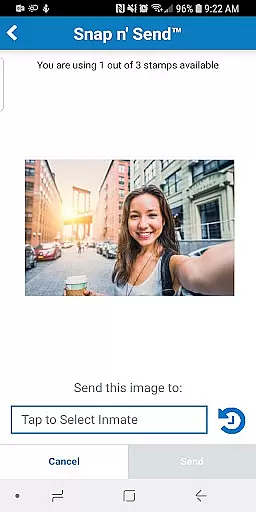
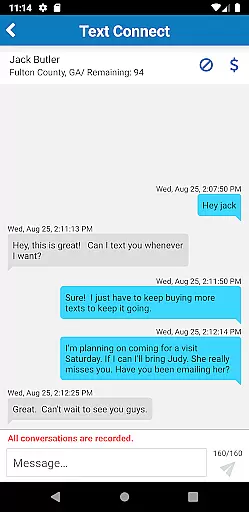
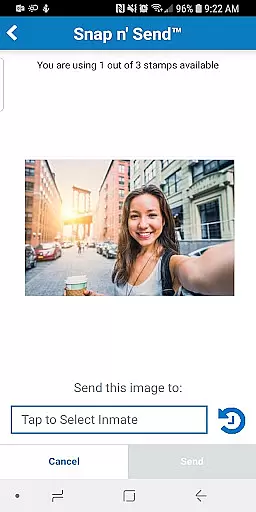
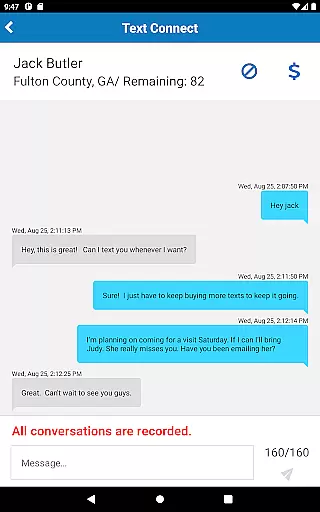
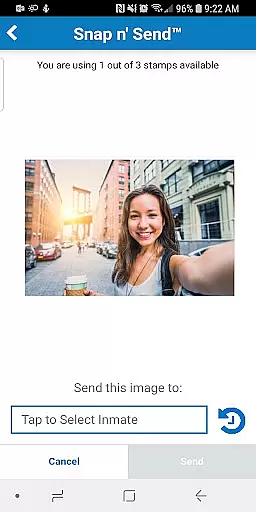
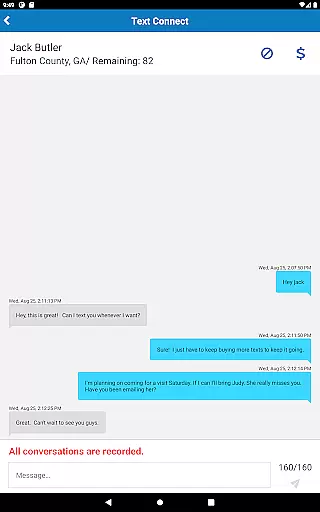
In addition to video capabilities, the app excels in messaging services. Users can sign up for eMessaging to send and receive messages, eCards, and photos. The Snap n’ Send feature lets users capture and send selfies directly from their gallery. Moreover, the Securus Text Connect feature facilitates real-time two-way text messaging, allowing users to purchase 'Connects' for continuous communication. These features collectively ensure that users have versatile and reliable means to stay in touch with their incarcerated contacts.
Real-time messaging speed and reliability are crucial for maintaining seamless communication, especially in sensitive environments like the Securus Mobile app. This application ensures that messages, whether text or multimedia, are delivered promptly and consistently.
The Securus Mobile app achieves this through its robust infrastructure that supports features such as eMessaging and Securus Text Connect. Users can send and receive messages, eCards, and even VideoGrams without worrying about delays or failures in delivery.
For users, this means they can stay connected with incarcerated individuals without unnecessary interruptions. The app's ability to handle multiple attachments and notify users of incoming texts adds to the overall reliable experience.
Moreover, the app provides options like AutoPay and Recharge, ensuring uninterrupted service. These features contribute to a dependable communication channel, which is essential for users who rely on the app to maintain personal connections.
Media sharing support is an integral part of modern communication apps, allowing users to share various forms of media effortlessly. In the Securus Mobile app, this feature is evident through functionalities like sending photos, eCards, and VideoGrams, enhancing the way users connect with incarcerated individuals.
The app enables users to attach up to five items, including photos and digital greeting cards, to a single message. This flexibility enriches conversations by allowing visual and emotional expression beyond plain text, making interactions more meaningful.
Additionally, features like Snap nu2019 Send allow users to capture and send selfies or choose images from their gallery. This ease of sharing personal moments helps maintain a sense of closeness and normalcy despite physical barriers.
By supporting diverse media formats and providing tools like Sync details with calendars and notifications for upcoming video sessions, the Securus Mobile app ensures that media sharing is not only possible but also convenient and user-friendly.
User-friendly interface
Comprehensive account management
Multiple communication options
Real-time notifications
Secure transaction handling
Requires Android 11.0+
Limited to specific facilities
Additional costs for premium features
Dependent on facility regulations
Potential connectivity issues

SMS Messenger ensures that communication become effortless and accessible.
 3.80
3.80
Adblock & VPN Browser: Blocks banners, pop-ups and video ads, fast downloader!
4.60
SMS & MMS Messaging App to easily send messages or schedule SMS on Chat
4.10
Google's fast and secure browser
4.10
Send SMS and chat messages easily with a fast text messaging app for Android.
4.10
Create a secure hotspot on-the-go with Portable WiFi - Mobile hotspot.
4.40
Smart and simple anti-wiring application - IMSI-catchers catcher
4.40
Say “hello” to privacy.
4.60
Telegram is a messaging app with a focus on speed and security.
4.00
Use this Dialer app alone or as a TREK: Total Interface companion.
4.70
Messenger, an MMS & SMS messages app with Blockers, Driving mode & Private box
4.60
Fast and mini browser with Ad Blocker,Video Downloader and Video Player
4.40
Phone Dialer with Caller ID, Address Book & Contacts Manager.
4.30
Call Blocker app: Identify unknown callers, block spam calls, fraud & robocalls
4.30
Enjoy secure messaging & calling. Safe Messenger: group chats, calls, messages.
4.20
Chill zone on your phone: relax with fun reels & hype shorts!
4.20
BE PRIVATE
Anonymous. No Trace. Fast.
4.20
Share the moment!
4.10
Chat on the Jabber network (XMPP protocol); support for SMS and other gateways
2.10


User Reviews