
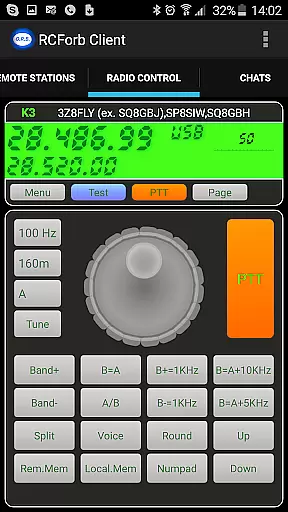
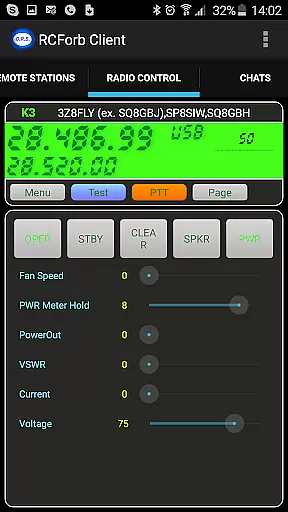
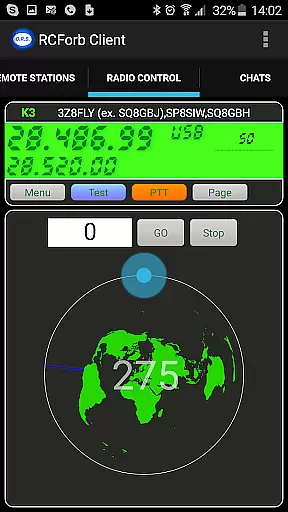
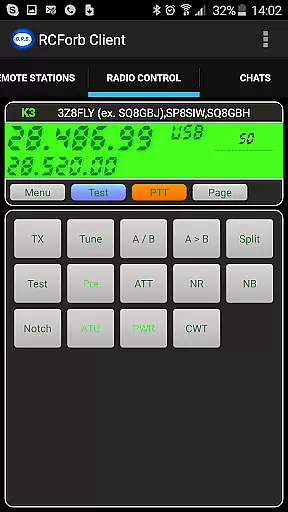
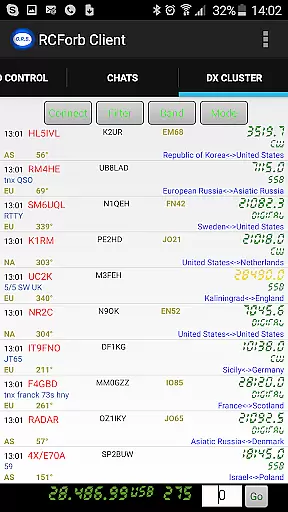
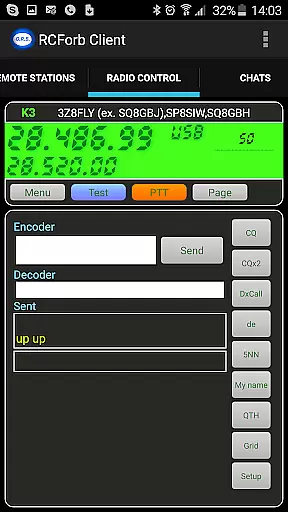
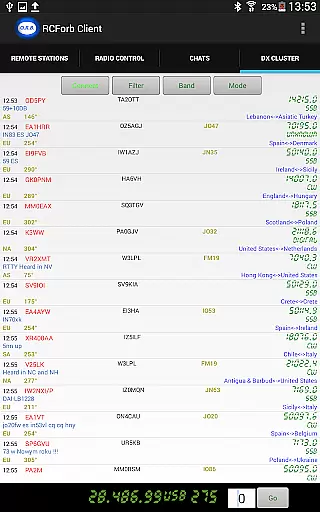
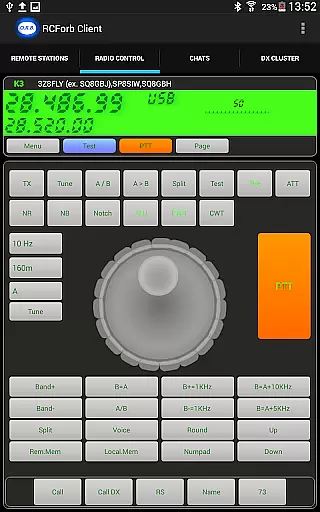
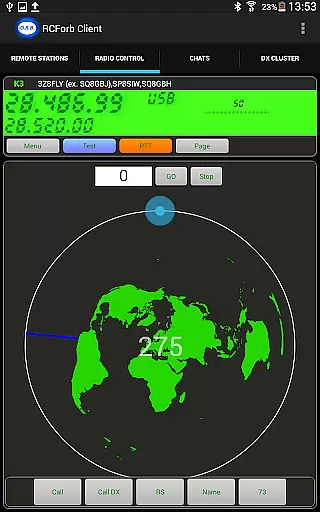
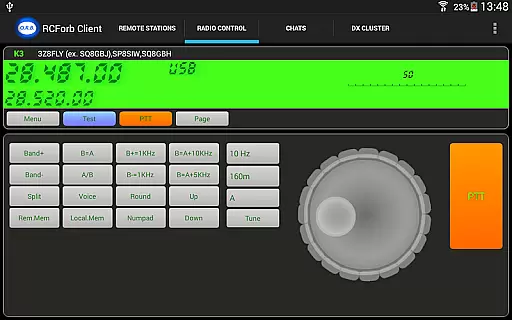
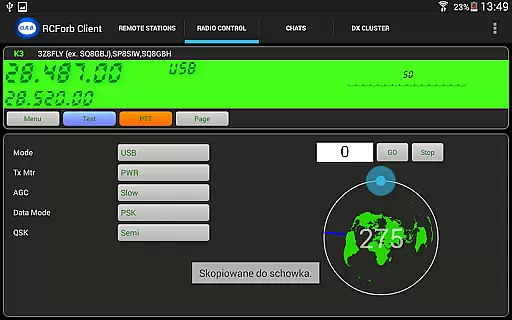
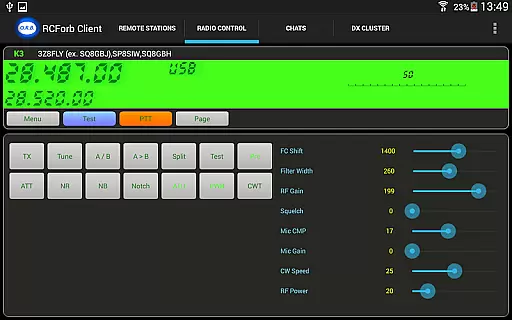
RCForb Client is a specialized communication application designed for amateur radio enthusiasts. This pre-release version allows users to remotely operate transceivers and test signal propagation, making it an essential tool for DXing and contesting.
The app's multiple operator support enables innovative ways of collaboration between RF and remote operators. Whether you're participating in nets or round table discussions, RCForb Client provides the connectivity needed to enhance your amateur radio experience.
By joining the RemoteHams.com community, users can access rare DX opportunities and ensure they never miss important transmissions. The app represents a significant advancement in remote amateur radio operation.
RCForb Client offers several distinctive features that cater to amateur radio operators. Its core functionality includes remote transceiver operation, allowing users to control their equipment from anywhere with an internet connection.
The app supports multiple operators, enabling new forms of contesting and group communication. This feature creates opportunities for coordinated operations between local and remote participants, enhancing both casual and competitive activities.
Additionally, RCForb Client facilitates signal testing and propagation analysis, helping users understand their reach and effectiveness. These capabilities make the app invaluable for both experienced operators and newcomers to the hobby.
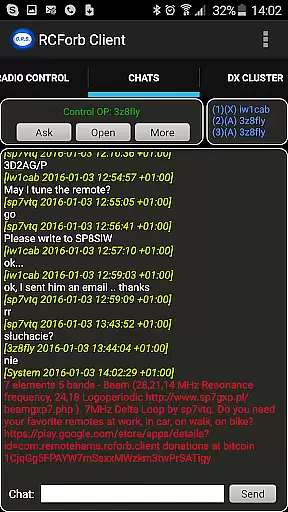
Real-time messaging speed and reliability are crucial for seamless communication in any platform. RCForb Client understands this need and offers a robust system that ensures messages are delivered instantly and consistently.
The application employs advanced algorithms to optimize data transmission, ensuring minimal delay between sending and receiving messages. This is particularly important for the amateur radio community, where timely communication can be critical.
Users will benefit from a stable messaging environment that supports their activities, whether they are coordinating with other operators or simply engaging in casual conversations. The reliability of message delivery means users can focus on their tasks without worrying about missing important updates.
This feature enhances the overall user experience by providing dependable communication tools that support both recreational and operational needs within the RemoteHams.com community.
Media sharing support is an essential feature for modern communication platforms, allowing users to exchange various types of content seamlessly. RCForb Client facilitates this by enabling users to share images, audio clips, and other media files effortlessly.
The app supports multiple file formats, ensuring compatibility across different devices and operating systems. This flexibility allows users to share their experiences and findings without worrying about format restrictions, enhancing collaboration among remote operators.
By integrating media sharing capabilities, RCForb Client empowers users to enrich their interactions. Whether it's sharing signal propagation test results or capturing rare DX moments, the ability to quickly disseminate media adds significant value to the community.
Ultimately, this feature fosters a more dynamic and interactive environment within the RemoteHams.com platform, encouraging users to engage more deeply and frequently with their peers.
User-friendly interface
Multiple operator support
Remote transceiver control
Signal propagation testing
DX opportunity access
Pre-release version
Limited feature set
Registration required
Internet connection needed
Platform restrictions

 3.90
3.90
Browse fast on Opera Mini, with Data Saving, News, Football Scores, and Download
4.60
The ultimate productivity solution for all your email communication needs.
4.40
Our Black Friday sale is here. Unlock special discounts on Proton Mail now.
4.30
Comprehensive and powerful scan tool app with enhanced functions
3.00
A softphone with crystal clear SIP Calling & Reliable VoIP dialer
4.00
Get through your inbox faster with the mail app designed to simplify your life.
4.40
Caller ID, Spam Call & SMS Blocker
3.80
Talk & text free with a second phone number plus unlimited 5G data, no fees.
4.50
Messenger, an MMS & SMS messages app with Blockers, Driving mode & Private box
4.60
Simple tool for businesses to talk to their customers.
4.40
Block spam calls & scam - no more annoying calls with the call blocker function
4.30
HD Video Meeting app is a fast & unlimited video conferencing app across world.
4.30
WazzapMigrator: transfer your WhatsApp history from iPhone to Android
4.00
Telegram is a messaging app with a focus on speed and security.
4.00
Tether to Windows, OS X, Linux PCs or Android tablets. No root. No tether fees.
3.90
SMS Messenger ensures that communication become effortless and accessible.
3.80
Weargram is an unofficial Telegram Client for Wear OS.
3.50
TeamSpeak - Secure Chat for Gaming & Business
3.10


User Reviews