
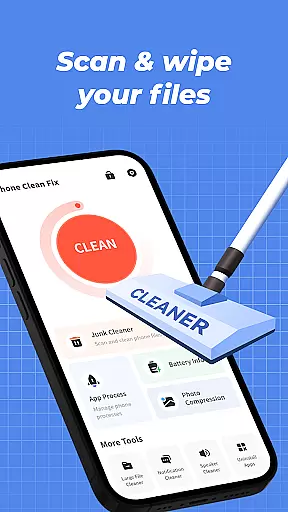

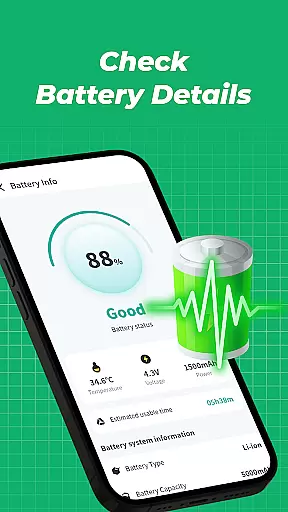
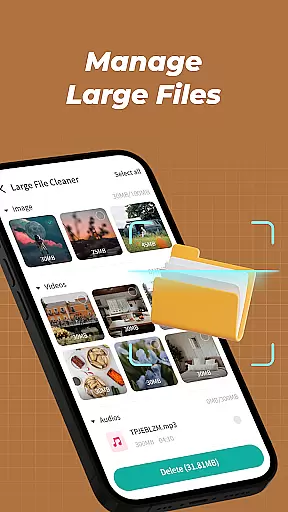
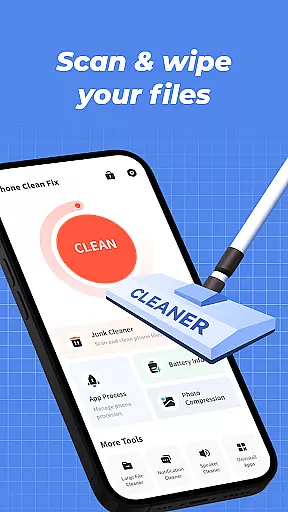


Phone Clean Fix is a comprehensive mobile cleaning tool designed to optimize device performance. The app focuses on four core functionalities: junk file cleaning, battery monitoring, app management, and background process control.
With its intuitive interface, users can easily scan and remove unnecessary cache and residual files, view real-time battery status, uninstall unwanted apps, and manage background processes for improved efficiency. This makes it an ideal solution for maintaining a clean and organized smartphone environment.
Whether you're looking to free up storage space or extend battery life, Phone Clean Fix provides practical tools tailored to meet everyday device maintenance needs.
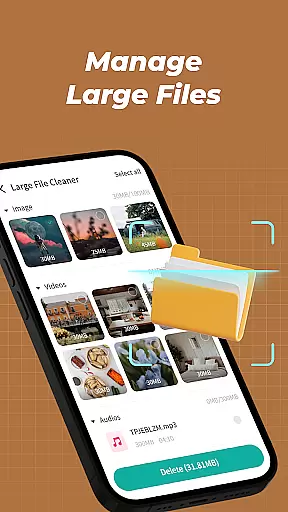
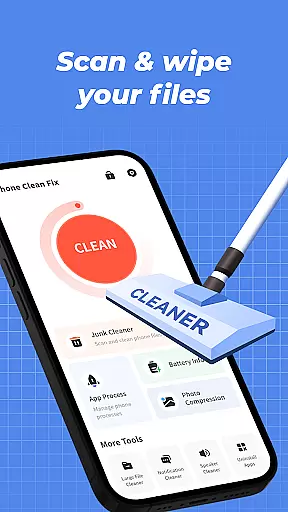
Phone Clean Fix offers a range of features that cater to both novice and advanced users. Its junk cleaner scans deeply into your device to identify and remove unnecessary files such as cache and residual data, ensuring optimal storage usage.
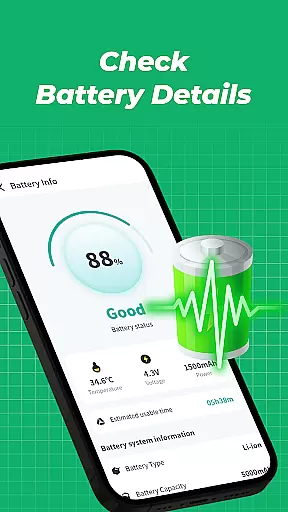
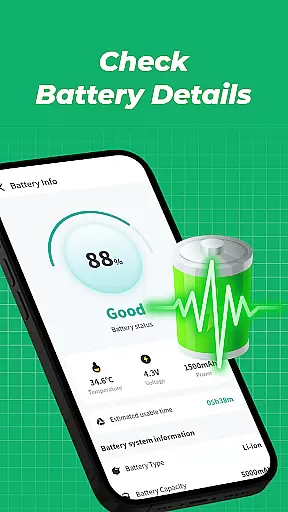
The app also includes a detailed battery information panel, allowing users to monitor their device's current battery level and health. Additionally, the uninstall feature simplifies app management by enabling quick removal of unused applications, while the background process manager helps users close resource-heavy apps running in the background.
These features collectively enhance device performance, making Phone Clean Fix a reliable choice for anyone seeking efficient phone optimization tools.
Phone Clean Fix delivers exceptional accuracy and effectiveness in its core functions, ensuring users can maintain their devices with confidence. The app's junk cleaning feature thoroughly scans and removes unnecessary files, including cache and residual data, which helps optimize device performance.
Battery information monitoring provides real-time data on battery levels, enabling users to manage power consumption effectively. This ensures that users are always aware of their device's current status and can take necessary actions to prolong battery life.
The app uninstallation tool is designed for simplicity and efficiency, allowing users to remove unwanted applications quickly. This streamlined process keeps the phone organized and free from clutter, enhancing overall usability.
Background process management offers a detailed view of running apps, empowering users to close unnecessary processes. This not only saves system resources but also improves device responsiveness, making Phone Clean Fix an essential tool for maintaining a smooth-running mobile device.
Phone Clean Fix boasts an intuitive interface that prioritizes user experience through straightforward navigation and clear visual cues. The design philosophy centers around simplicity, ensuring that even novice users can operate the app without a steep learning curve.
Each feature is easily accessible from the main dashboard, providing quick access to essential tools like junk cleaning, battery monitoring, and app management. This logical layout minimizes the time required to perform routine maintenance tasks.
The app employs familiar icons and labels, reducing the cognitive load on users when interacting with different functions. Such thoughtful design choices contribute to a seamless experience across various device types and user preferences.
Overall, Phone Clean Fix combines functional depth with an approachable interface, striking a balance between powerful capabilities and ease of use. This makes it an ideal choice for anyone seeking to keep their mobile device running smoothly without dealing with complex settings or confusing options.
User-friendly interface
Effective junk cleaning
Battery monitoring
App uninstallation
Background process management
Limited advanced tools
No cloud backup
Basic design
Few customization options
Occasional bugs

HD Camera captures every special moment.
 4.60
4.60
Complete kernel toolbox with features to manage and tweak your rooted device
4.30
Head tracking for PC sim games such as MSFS 2024 or Elite:Dangerous. No headset!
4.50
Save any video in HD - paste the link, download fast and watch offline.
4.3
Clean the junk files on your device
3.40
Small and simple app to Verify Root Access and BusyBox Install!
4.70
Create your own custom widget with endless possibilities
3.90
Automate everything from settings to photos, SMS to speech. ADC2 prize winner.
4.10
Clean up large files and similar photos, fast and easy to use
4.40
Best leveling tool for your Android device. Hang paintings like a pro.
4.90
Unit and currency converter with easy and simple UI.
4.80
WiFi Signal Strength Meter help you detect WiFi Signal Strength in real time.
4.80
NFC Tools can read and write NFC tags.
4.70
App to pay for FUTO Keyboard
4.60 4.50
4.50
Forza Tuning Calculator App for Forza Horizon 5, Motorsport and Earlier Titles
4.40
PC precision for mobile gaming: dominate with keyboard and mouse!
4.30
Introducing Smart Printer, your ultimate destination for printing solutions!
4.00
Amateur Radio app for APRS: Track friends, exchange messages, get tactical info.
3.90


User Reviews