
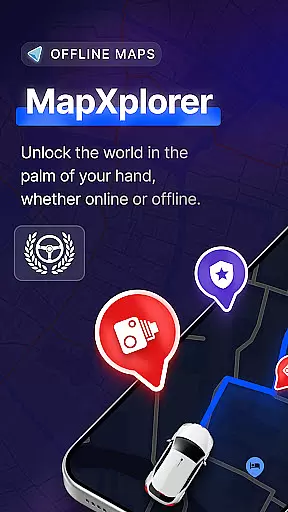
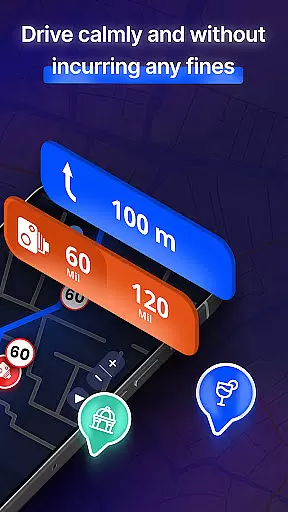
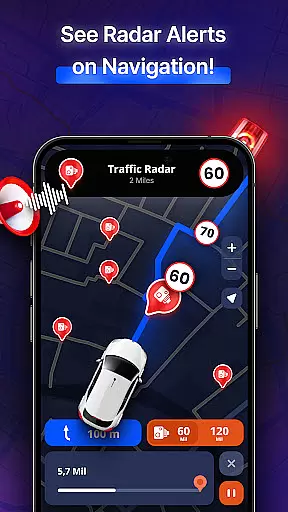
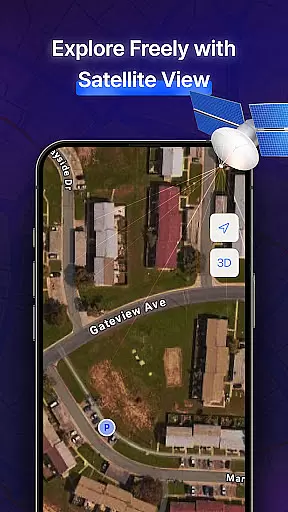


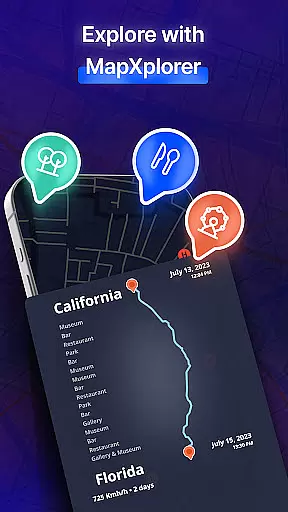
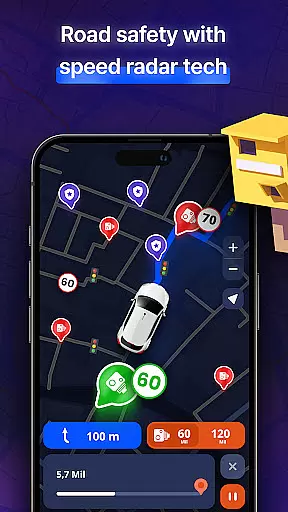
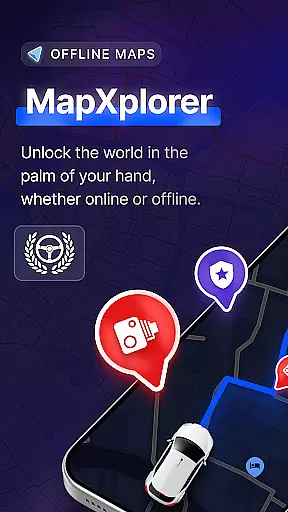
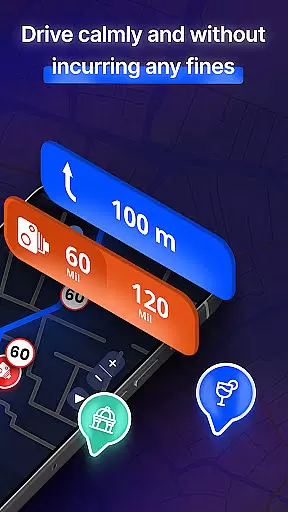

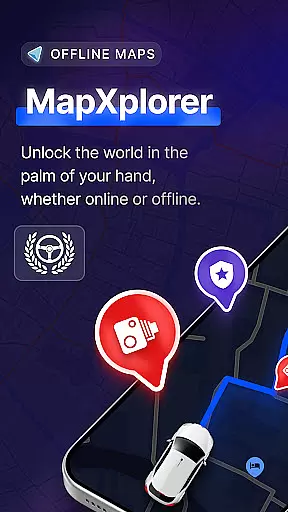

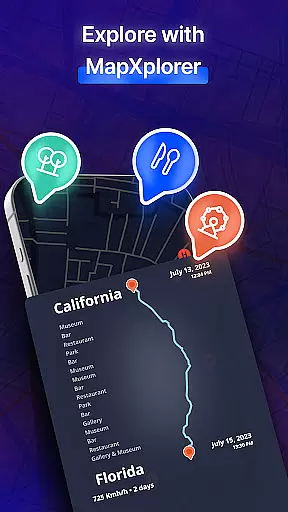
MapXplorer is a cutting-edge offline 3D map application designed to revolutionize your travel experience. This powerful navigation tool offers an array of features including offline maps, radar functionality, and smart tools that ensure seamless journeys even without internet connectivity. The app's comprehensive capabilities make it an essential companion for both urban exploration and remote adventures.
At its core, MapXplorer provides users with advanced 3D and satellite views, allowing for detailed exploration of cities and roads. The AI Co-Pilot feature enhances driving experiences through real-time voice guidance and personalized route recommendations. With reliable security measures and a user-friendly interface, this application ensures both safety and ease of use while navigating various terrains and road conditions.
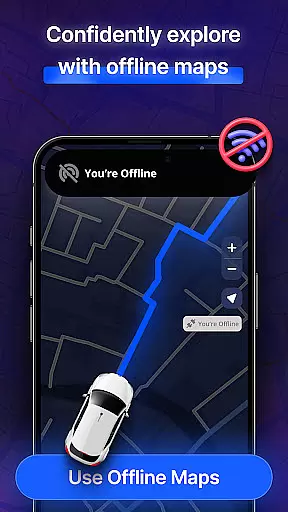
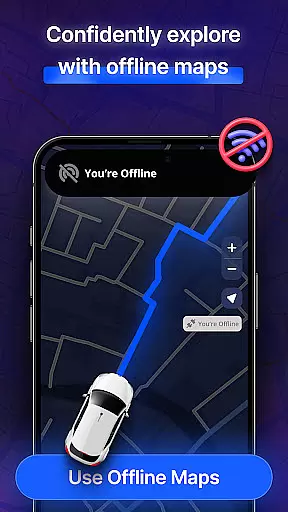
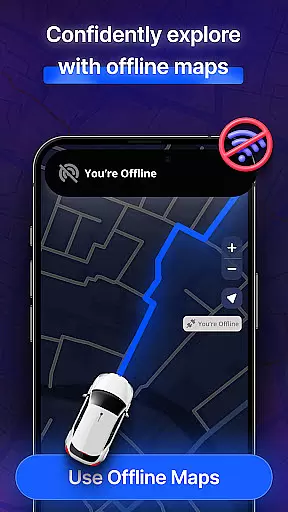
The app's offline functionality proves particularly valuable during international travels or in areas with limited connectivity. Users can download maps for their destinations beforehand, ensuring uninterrupted navigation throughout their journey. Whether you're a frequent traveler or occasional adventurer, MapXplorer's comprehensive features provide peace of mind and enhanced efficiency in all your navigational needs.
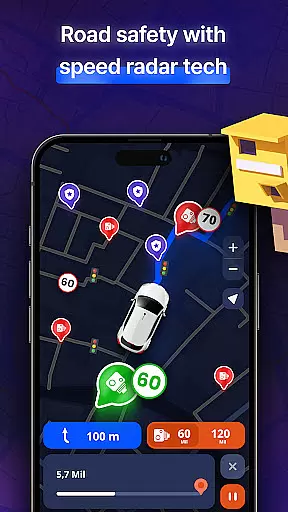
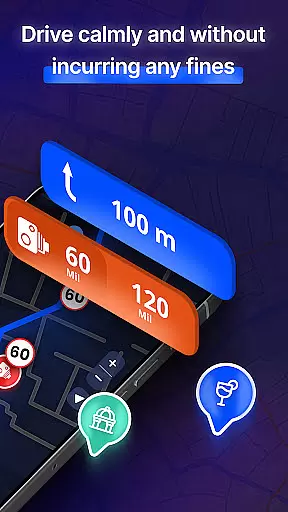
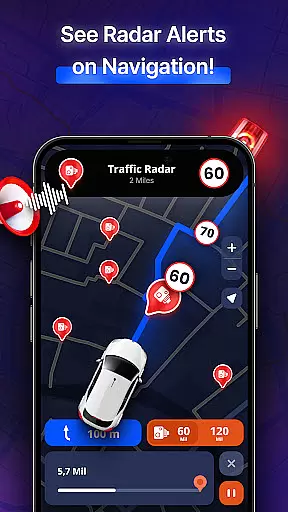
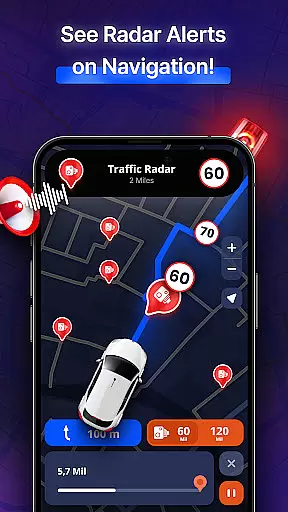
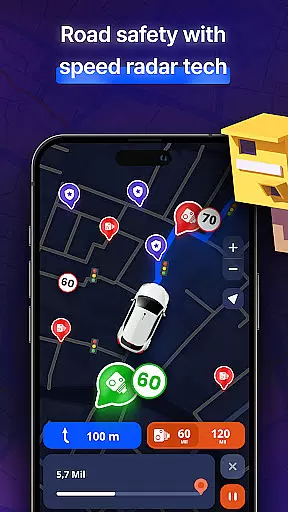
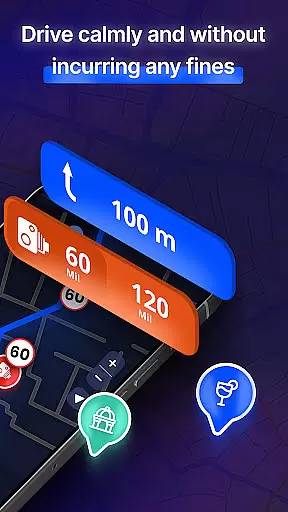
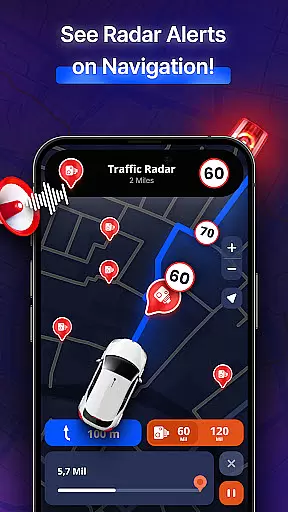
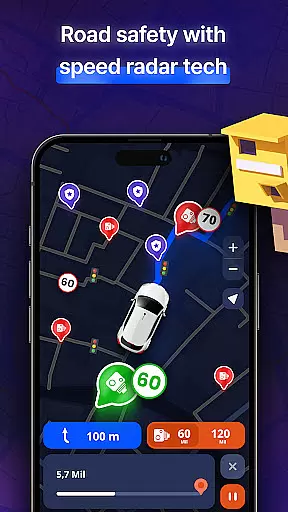
MapXplorer distinguishes itself through its innovative combination of features tailored for modern travelers. The application's radar functionality serves as a powerful speed camera detector, alerting users to nearby points of interest and potential hazards. This feature proves especially useful for maintaining situational awareness while driving in unfamiliar territories.
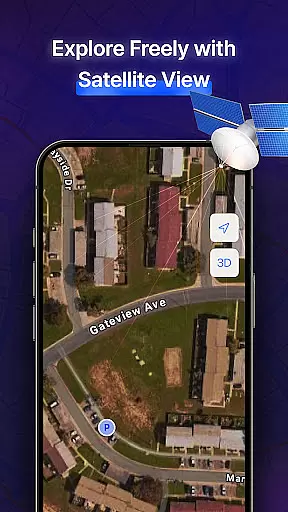
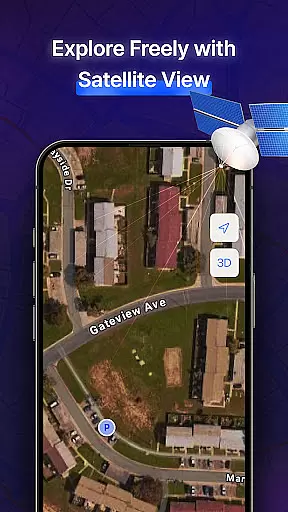
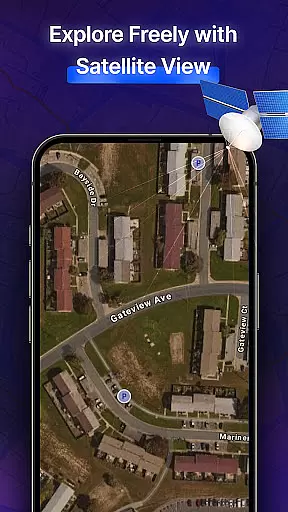
The 3D and satellite view capabilities offer unprecedented detail in map visualization. Users can explore realistic representations of urban landscapes and natural terrains, making trip planning more engaging and informative. The AI Co-Pilot represents another significant advancement, providing intelligent assistance through real-time voice guidance and adaptive route suggestions based on individual driving patterns.
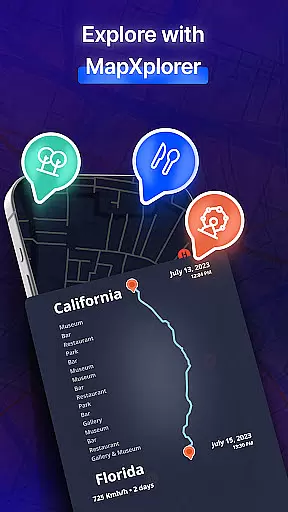
Additional notable features include comprehensive points of interest information, vehicle-specific route planning, and real-time alerts for road conditions. These elements work together to create a robust navigation system that caters to diverse travel needs. The application's commitment to data security and privacy further enhances its value proposition, ensuring users can navigate with confidence knowing their information remains protected.
Map accuracy is a crucial feature for any navigation app, and MapXplorer excels in this area. The application offers detailed 3D and satellite views that provide realistic representations of cities and roads, ensuring users can explore with confidence.
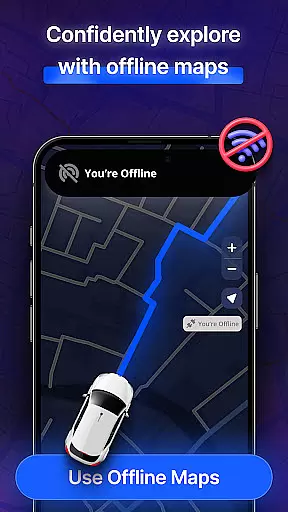
The offline maps functionality allows users to download maps for their destinations ahead of time, guaranteeing access even in areas without internet connectivity. This ensures that whether you're in a bustling city or a remote location, your map data remains reliable and precise.
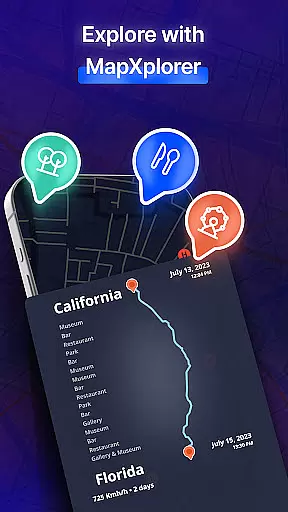
With the inclusion of points of interest and real-time alerts, MapXplorer enhances the accuracy by keeping users informed about their surroundings. From speed trap warnings to nearby amenities, the app provides essential information that helps maintain orientation and situational awareness on the road.
By prioritizing data security and privacy, MapXplorer ensures that location information is used solely for navigation purposes, giving peace of mind while using its accurate mapping services. This commitment to precision and user safety makes MapXplorer stand out as a trustworthy navigation tool.
Route planning is an integral part of MapXplorer's offerings, designed to make journeys efficient and stress-free. With features like AI Co-Pilot, users receive real-time voice guidance and smart route recommendations tailored to their driving style, which elevates the overall driving experience.
The app supports various vehicle types including cars, trucks, and motorcycles, allowing for customized route planning based on the specific needs of each vehicle type. Whether navigating through city traffic or embarking on long road trips, MapXplorer adapts to ensure optimal routing.
Offline functionality further enhances route planning capabilities by enabling access to maps without an internet connection. Users can download maps in advance and rely on the app's comprehensive offline search feature to find essential places even when connectivity is limited.
Real-time alerts for road issues such as traffic jams, accidents, and hazards keep drivers informed and allow them to adjust routes accordingly. These dynamic updates contribute to a safer and more reliable journey every time you use MapXplorer for your travels.
Offline functionality
AI-powered navigation
Detailed 3D mapping
Real-time alerts
User-friendly design
Premium subscription required
Occasional accuracy issues
High storage requirements
Limited free features
Device compatibility

Offline maps & GPS for hiking, travel, fieldwork & outdoor adventures
 4.70
4.70
Easy, Moderate and difficult offroad adventures.
4.00
Find 93 Octane Gas: Locate Gasoline Stations Selling Premium 93 Octane or Higher
4.3
Airport parking, with airport shuttle (TPS shuttle), reservations, and Spot Club
4.80
"Balad" is a map and navigator with a Persian voice assistant and a complete city guide
4.40
Parcel map, property lines, owner, acres, land use, zoning and more from Regrid.
4.60
NJ TRANSIT information and ticketing at your fingertips
3.70
Live Satellite view app for find GPS navigation Direction and live location map
3.70
Navigation, weather, offline maps & tools for smarter, safer travel planning.
4.00
LIRR and Metro-North tickets and trips
4.80
Find AI powered cameras, ALPRs, and other surveillance infrastructure near you
4.70
Find shortest way and save energy . Distance and area calculator.
4.70
Find EV & Tesla charging stations with PlugShare
4.70
Complete offline 1:50k South Island topo map including DOC Hunting Permit Areas
4.60
Navigate seamlessly with Real-Time Traffic, Offline Maps, and Voice Navigation.
4.10
Use GPS Maps and GPS Voice Navigation to find your way and get directions
4.10
MapQuest is your go-to app for maps, GPS, voice navigation & live traffic.
3.80
Play in the outdoors with Android as your Handheld GPS and offline topo maps!
3.50
Offline maps for phone and smart watch: topographic maps, satellite images...
3.30


User Reviews