
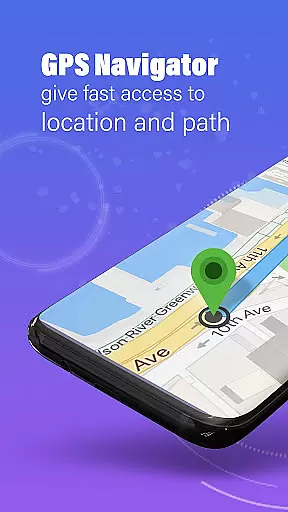
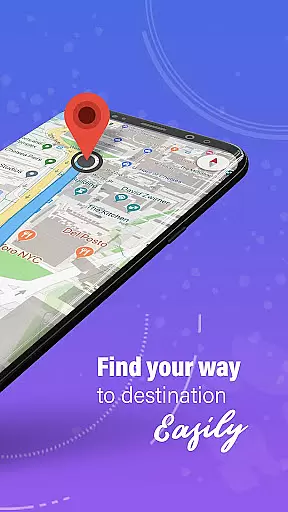
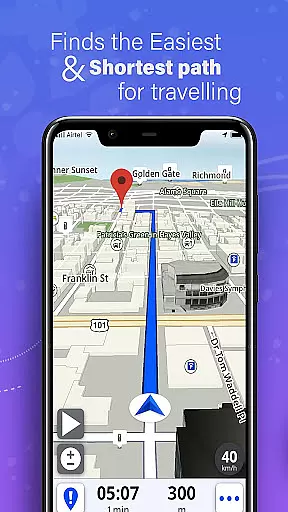
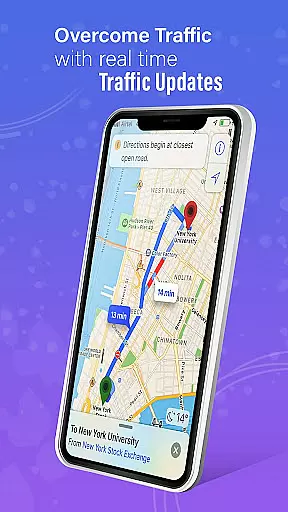
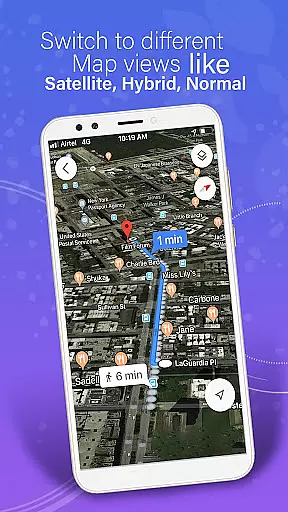
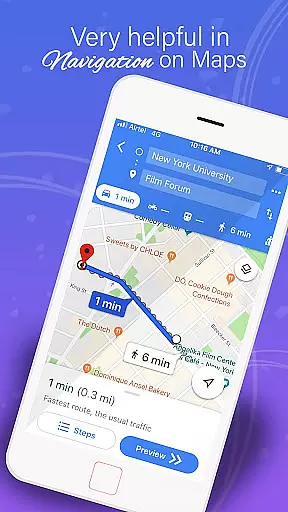
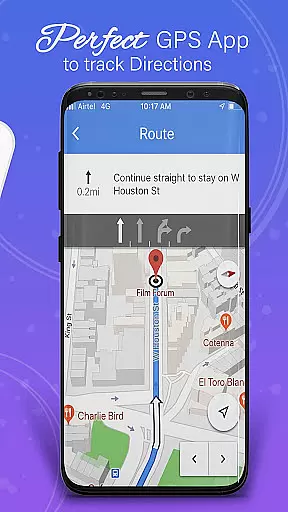
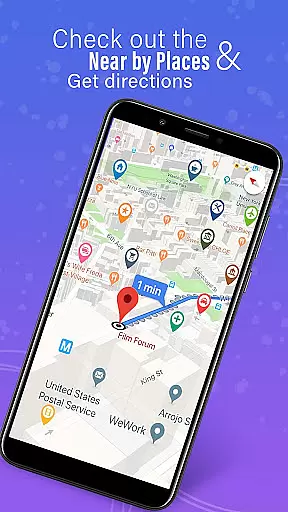
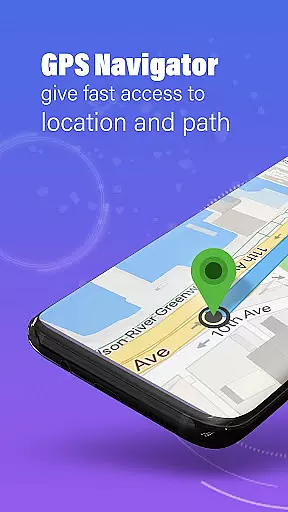
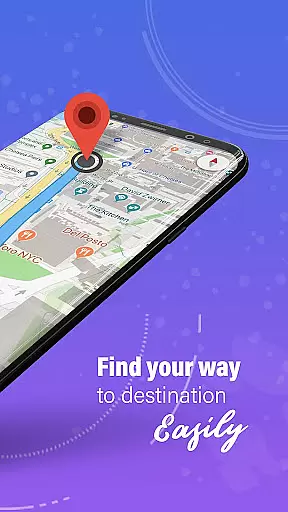
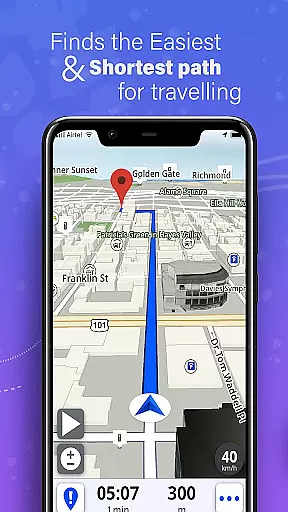
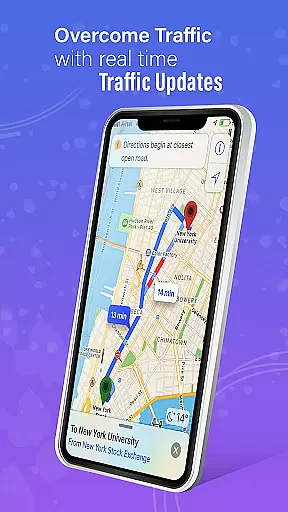
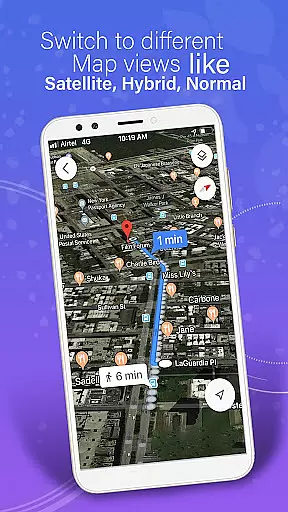
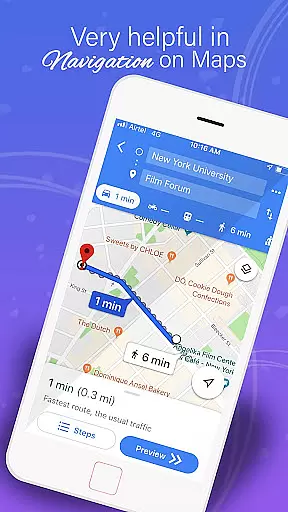
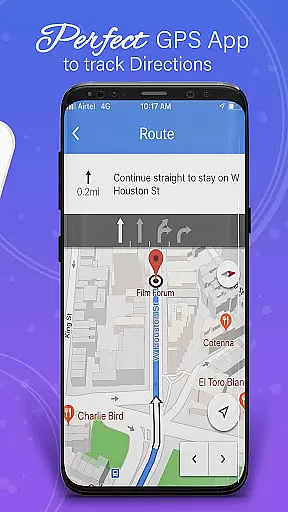
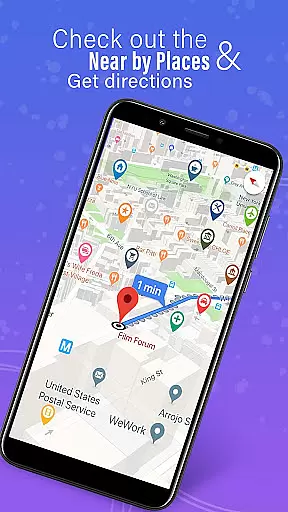
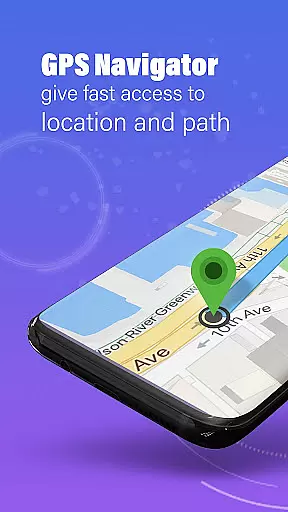
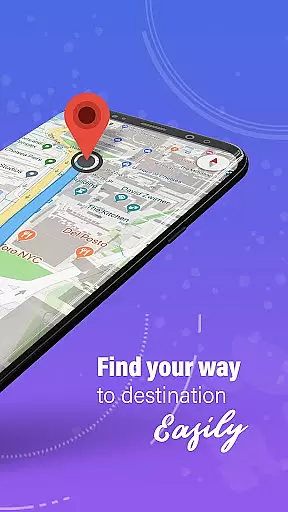
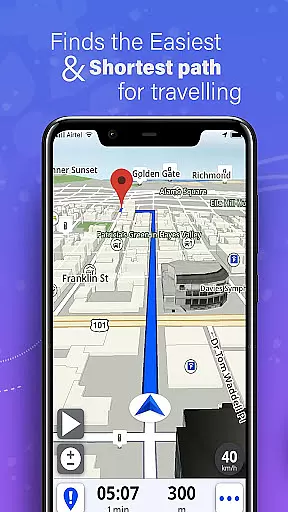
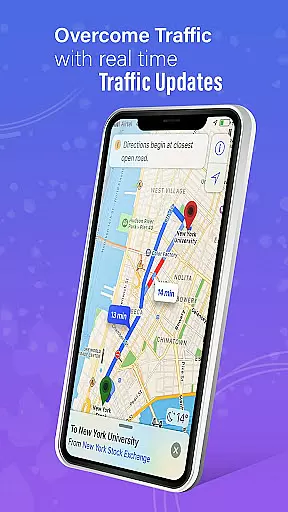
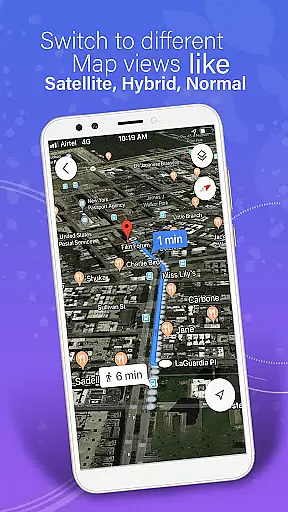
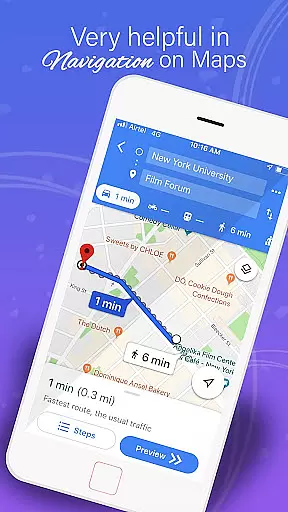
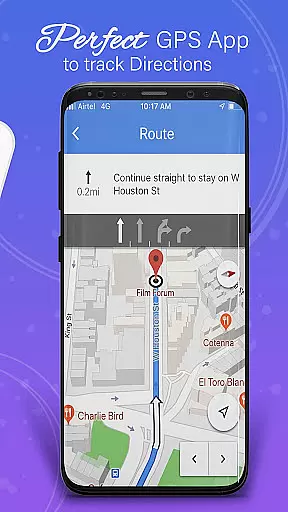
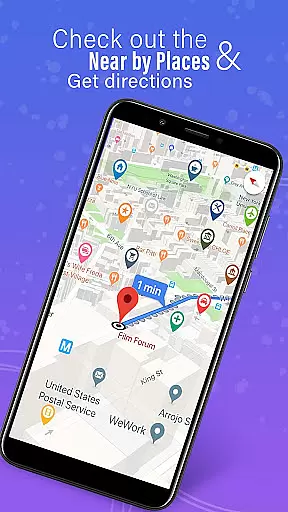
GPS, Maps, Driving Directions is a comprehensive navigation app designed to cater to all your travel needs. Whether you are driving, walking, or cycling, this app provides accurate navigation, real-time traffic data, and turn-by-turn directions. It ensures that users reach their destinations quickly and efficiently, making it an essential tool for both everyday commutes and adventurous road trips.
The app offers highly detailed maps with precise GPS navigation suitable for on-road and off-road travels. One of its standout features is the ability to download offline maps, allowing uninterrupted navigation even without an internet connection. Additionally, real-time traffic updates help users avoid congestion and find the fastest routes, enhancing the overall travel experience.
GPS, Maps, Driving Directions boasts a variety of advanced features tailored to provide seamless travel experiences. The app includes a powerful route planner that helps users choose the most efficient and scenic routes available. With customizable options, users can plan trips according to their preferences, whether it's the fastest way, avoiding tolls, or exploring scenic paths.
Voice navigation and turn-by-turn directions ensure users never miss a turn, providing hands-free assistance during drives. The built-in compass and GPS route finder tools further enhance navigation accuracy. Moreover, the app supports location sharing, enabling users to share their current location with friends and family for better coordination and safety.
Map accuracy is a fundamental aspect of any navigation application, and GPS, Maps, Driving Directions excels in this area. The app provides highly detailed maps that are meticulously crafted to ensure precision in every route.
The core of the app's map accuracy lies in its use of advanced GPS technology. This allows users to navigate with confidence, whether they are on well-known highways or exploring off-road terrains. The app updates its maps regularly to reflect the latest road changes and infrastructure developments.
For travelers who venture into areas with limited connectivity, the app offers offline maps. These can be downloaded in advance, ensuring uninterrupted navigation without the need for a constant data connection. Users can rely on the app's powerful GPS route finder feature even when offline.
Ultimately, the accurate mapping system empowers users to reach their destinations efficiently. With real-time traffic data and instant updates on road conditions, GPS, Maps, Driving Directions ensures that every journey is as smooth and hassle-free as possible.
Route planning is an essential feature for anyone looking to optimize their travel experience, and GPS, Maps, Driving Directions offers an intuitive solution for trip organization. The app includes an easy-to-use route planner that helps users select the most efficient paths available.
With customizable routes, travelers have the flexibility to tailor their journeys according to personal preferences. Whether it's choosing the fastest way, enjoying scenic paths, or avoiding tolls, the app accommodates various needs through its route optimization feature.
In addition to standard routing options, the app supports multi-stop navigation. This circuit route planner allows users to add several destinations and automatically optimizes the order for the most logical and time-saving sequence. Routes can be planned for driving, cycling, walking, or simply finding the shortest distance.
Should a user deviate from the planned route, automatic rerouting gets them back on track swiftlyu2014even when offline. This ensures that no matter where the journey leads, GPS, Maps, Driving Directions remains a reliable companion for seamless travels.
User-friendly interface
Accurate GPS navigation
Offline map availability
Real-time traffic updates
Voice-guided directions
Occasional GPS inaccuracies
Heavy battery consumption
Limited public transport info
Ads in free version
Complex settings for beginners

Discover over 800 points of interest along the canal.
 3.70
3.70
Track accurate speed & distance with GPS Speedometer. Check speed limit & time.
4.50
Navigate confidently with our precise Digital Compass app & Direction Compass!
4.70
Maps, Driving Directions & GPS navigation using directions app & GPS App
4.30
Navigate via GPS Maps of GPS Voice Navigation, driving directions to find routes
3.60
Bolt is a ride-hailing app for requesting fast, safe, and affordable transport
4.80
ParkWhiz, an Arrive Mobility brand, part of the Arrive Network
4.30
Use GPS Maps and GPS Voice Navigation to find your way and get directions
4.10
Navigation, weather, offline maps & tools for smarter, safer travel planning.
4.00
Order a cab online. An affordable taxi ride and driver in no time. What a bolt!
4.80
Ride or drive at YOUR price
4.70
Complete offline 1:50k South Island topo map including DOC Hunting Permit Areas
4.60
Parcel map, property lines, owner, acres, land use, zoning and more from Regrid.
4.60
The fastest and most convenient way to pay for parking on our lots.
4.40
Simple & easy to use a compass app. Get accurate directions.
4.20
Avoid delays. Get real-time GPS navigation, safety alerts and live traffic.
4.10
TACNAV-X: Precision MGRS navigation, built specifically for the military.
4.00
Turn your tablet or Android powered unit into a full blow Android Auto headunit.
2.30
Fully offline 1:50k New Zealand topographical map North Island
4.2


User Reviews