
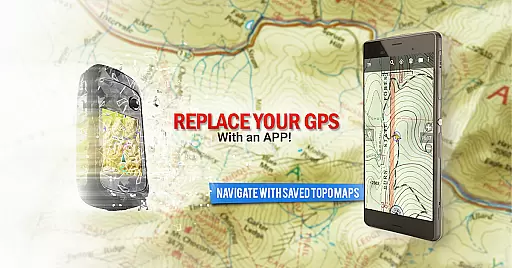
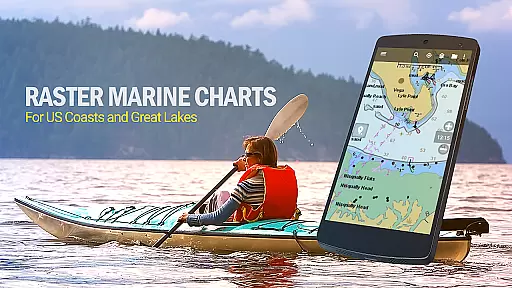
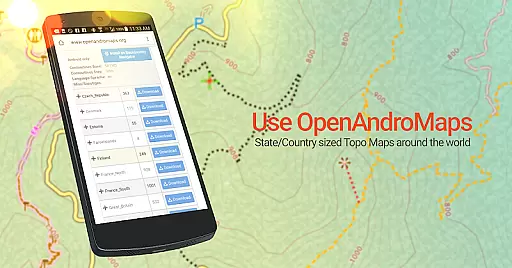
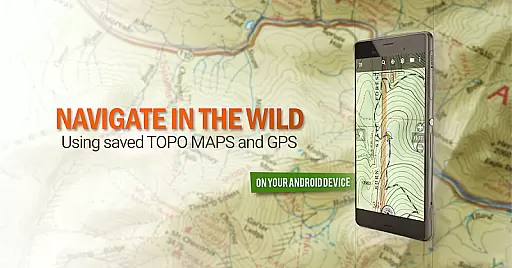
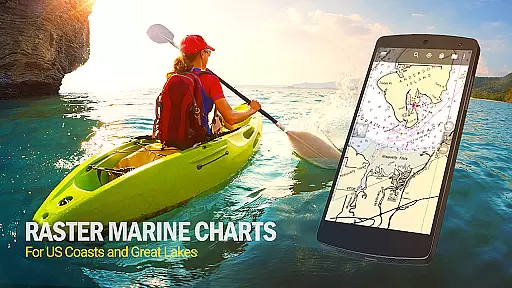
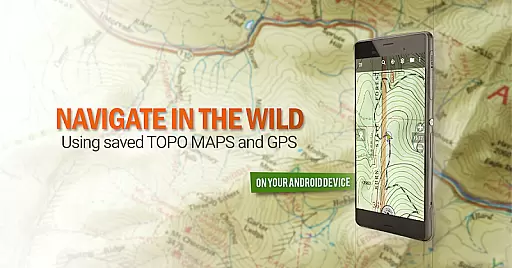
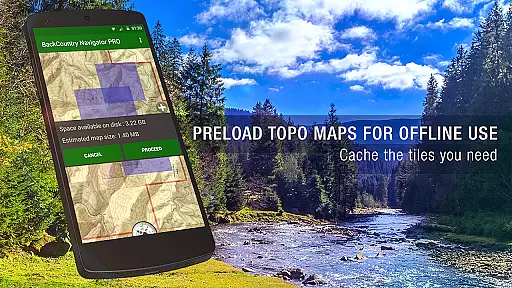
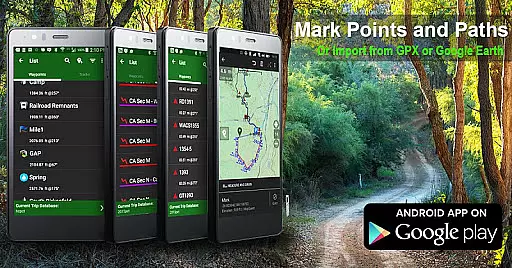
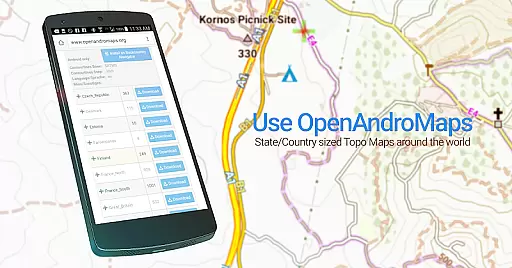
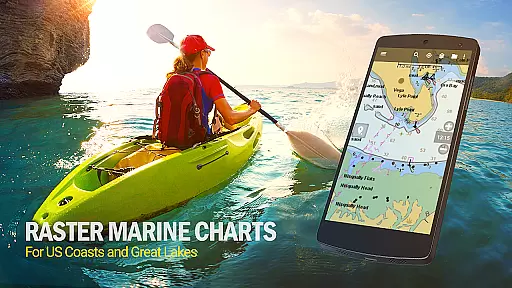
BackCountry Navigator GPS PRO is a premium outdoor navigation app designed for offroad adventures. This application allows users to download topographic maps for offline use, making it an essential tool for hiking, hunting, and other outdoor activities beyond cell coverage areas. With support for various map formats including topo, aerial, and marine charts, the app transforms your Android device into a powerful handheld GPS system.
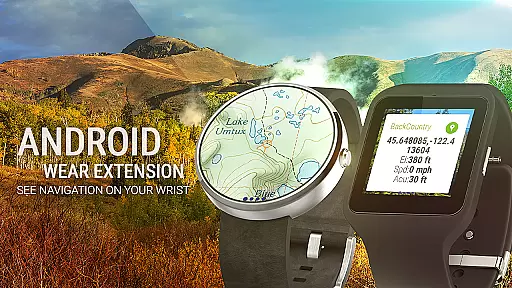
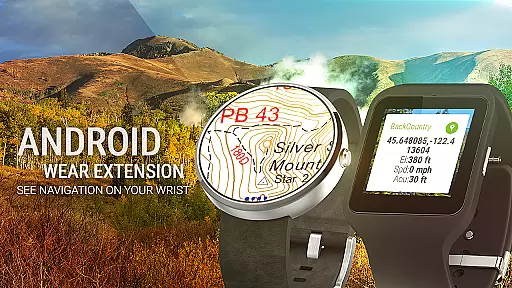
The app supports advanced features such as GPS waypoints, track recording, and multiple coordinate systems. Users can import GPX or KML files, enter custom coordinates, and even use Android Wear devices for quick navigation. Whether you're exploring trails in national forests or navigating coastal waters, BackCountry Navigator provides detailed mapping capabilities with worldwide coverage. Its versatility makes it suitable for both casual outdoor enthusiasts and professional search-and-rescue operations.
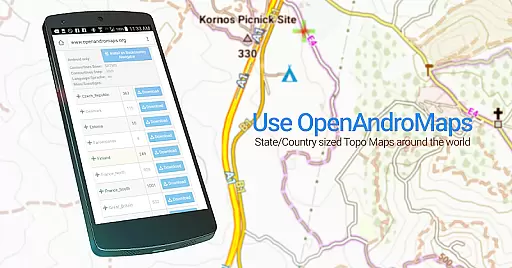
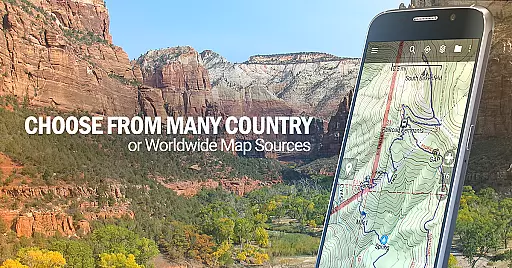
What sets this app apart is its comprehensive map source options, including free sources like USGS and paid subscriptions for specialized maps. The ability to create custom maps and overlay boundaries makes it particularly valuable for hunters, anglers, and geocachers. By combining robust offline functionality with extensive map resources, BackCountry Navigator GPS PRO offers outdoor adventurers a reliable navigation solution that works independently of cellular networks.
BackCountry Navigator GPS PRO stands out with its extensive feature set tailored for outdoor enthusiasts. The app's core functionality revolves around its ability to download and store various map types for offline use, including topographic maps, aerial photography, and marine charts. This ensures users maintain access to critical navigation data regardless of their location or network availability.
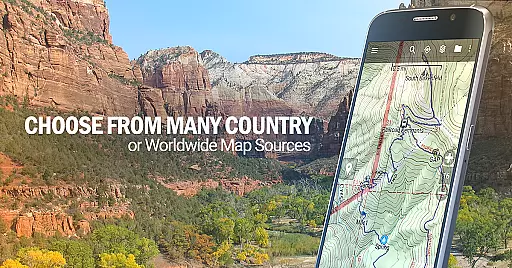
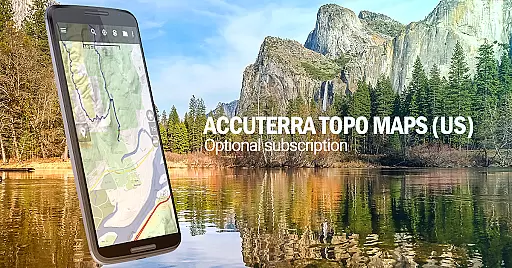
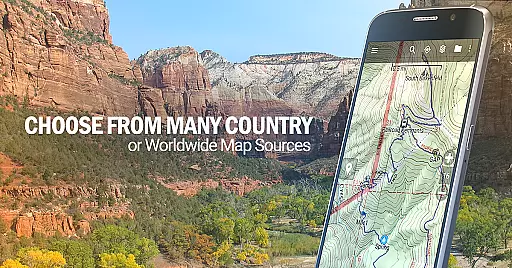
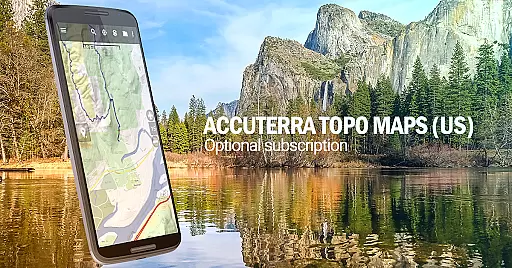
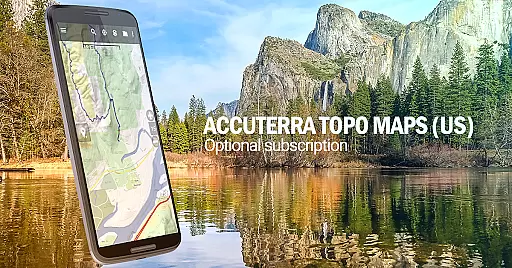
One of the app's most notable capabilities is its support for multiple map sources and formats. Users can choose from free options like OpenStreetMaps and USGS Topo Maps, or subscribe to premium services such as Accuterra and Thunderforest. The app also supports custom map creation through Mobile Atlas Creator and allows users to specify their own tile servers. This flexibility extends to coordinate systems too, supporting longitude/latitude, UTM, MGRS, and grid references.
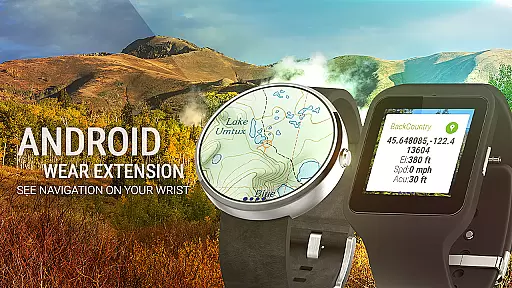
Advanced navigation features include waypoint management, track recording, and geocaching support. The integration with Android Wear provides convenient glanceable navigation, while the ability to overlay boundaries and contours proves invaluable for specific activities like hunting and fishing. These comprehensive features, combined with its offline capabilities, make BackCountry Navigator GPS PRO a versatile tool for various outdoor pursuits.
Map accuracy is essential for any navigation app, and BackCountry Navigator GPS PRO excels in this area. The app provides access to a wide range of topographic maps from reputable sources such as the USGS, OpenStreetMaps, and more. These maps are known for their precision and reliability, making them invaluable for outdoor activities.
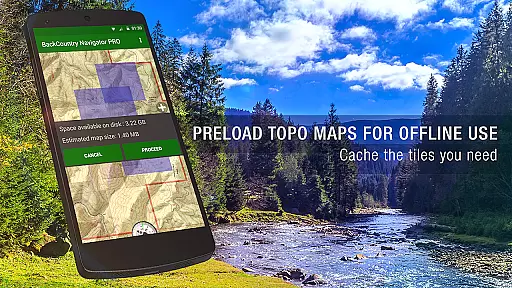
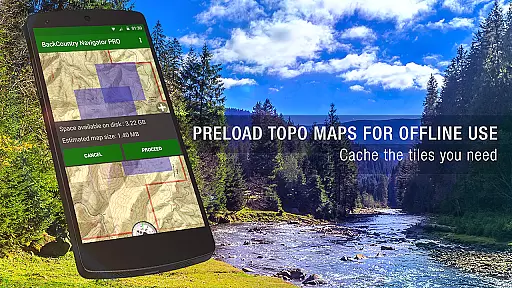
The app allows users to download these topo maps in advance, ensuring that accurate mapping data is available even without cell coverage. This offline functionality is crucial for adventurers exploring remote areas where network connectivity is unavailable. By storing maps locally on the device, users can trust that they have reliable geographic information at their fingertips.
BackCountry Navigator GPS PRO supports various map formats and includes detailed terrain representations through color and contour lines. This feature helps users understand the landscape better, whether they're hiking, hunting, or kayaking. With precise map data, adventurers can make informed decisions about their routes and stay safe while enjoying the outdoors.
Effective route planning is a cornerstone of successful outdoor adventures, and BackCountry Navigator GPS PRO offers robust tools for this purpose. Users can leverage GPS waypoints from GPX or KML files, enter custom coordinates, and utilize the GOTO feature to set destinations. These capabilities ensure that users can plan their journeys meticulously, accounting for various terrains and conditions.
The app's support for multiple coordinate systemsu2014including longitude/latitude, UTM, and MGRSu2014enhances its versatility in route planning. Whether you're navigating dense forests or vast deserts, the ability to input exact coordinates ensures precision in your travel plans. Additionally, the Android Wear integration allows users to glance at navigation details on their wrists, keeping them informed without needing to handle their devices constantly.
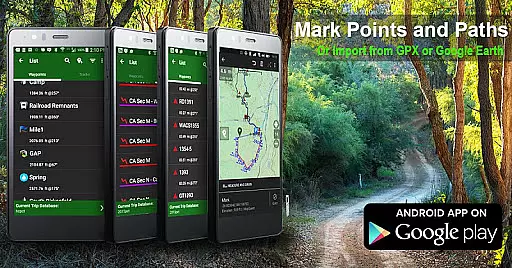
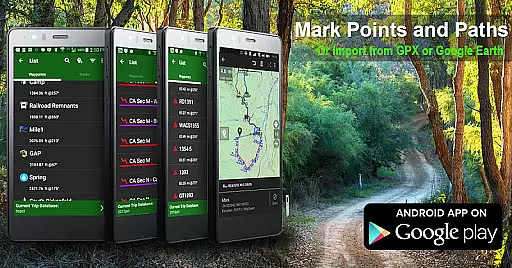
BackCountry Navigator GPS PRO also enables users to record tracks and mark waypoints during trips, providing valuable data for future expeditions. This functionality not only aids in refining route strategies but also enhances safety by allowing users to retrace their steps if needed. Overall, the app empowers adventurers to explore confidently with well-planned routes tailored to their specific needs.
Comprehensive map sources
Offline functionality
Multiple coordinate systems
Custom map creation
Android Wear support
Premium subscription costs
Steep learning curve
Storage space intensive
Limited free map updates
Complex setup process

Offline maps for phone and smart watch: topographic maps, satellite images...
 3.30
3.30
Offline maps & GPS for hiking, travel, fieldwork & outdoor adventures
4.70
Route tracker, Speedometer, Odometer, Fuel, HUD mode, save route as .GPX
4.40
Ride CTA, Metra & Pace: Manage your fares, buy Metra tickets, get arrivals.
3.00
Explore with GPS Navigation with GPS offline, voice GPS, speed camera radar
4.60
GPS Navigation: Get map directions and find the shortest routes to avoid delays!
4.00
Bolt is a ride-hailing app for requesting fast, safe, and affordable transport
4.80
Live Satellite view app for find GPS navigation Direction and live location map
3.70
Neshan: map & navigation app with 20M+ monthly active users
4.50
Find AI powered cameras, ALPRs, and other surveillance infrastructure near you
4.70
Find shortest way and save energy . Distance and area calculator.
4.70
Complete offline 1:50k South Island topo map including DOC Hunting Permit Areas
4.60
Parcel map, property lines, owner, acres, land use, zoning and more from Regrid.
4.60
Use GPS maps or search by property owner, address or parcel to view parcel data
4.30
Simple & easy to use a compass app. Get accurate directions.
4.20
Use GPS Maps and GPS Voice Navigation to find your way and get directions
4.10
Navigation, weather, offline maps & tools for smarter, safer travel planning.
4.00
Get route map navigation with 3D satellite view, and live earth camera streaming
3.70
Your guide to the recreational opportunities of the Bureau of Land Management!
3.40


User Reviews