
Satellite View is a comprehensive travel companion app that combines navigation and weather tools to enhance your journey. The app offers satellite imagery for exploring landscapes, an advanced radar module for real-time weather tracking, and offline maps for areas with no internet access. With its AI Travel Assistant, users can receive personalized trip planning and recommendations. Whether you're hiking in remote areas or driving through urban landscapes, Satellite View provides essential tools like a speedometer, compass, and area calculator to ensure you stay informed and safe.
This app is particularly useful for adventurers, travelers, and professionals who require detailed geographic information. By integrating multiple functionalities into one platform, Satellite View simplifies the way you interact with maps and plan your routes. Its bird's-eye view feature allows you to understand your surroundings better, while the radar helps you prepare for changing weather conditions. Overall, Satellite View adds convenience and reliability to your travels, making it an indispensable tool for both casual explorers and serious navigators.
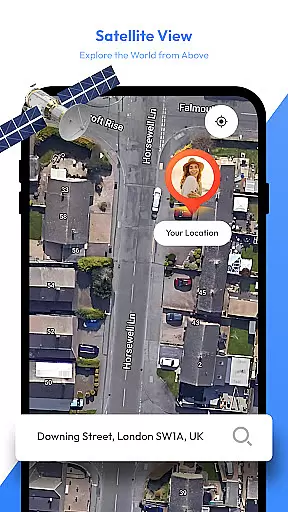
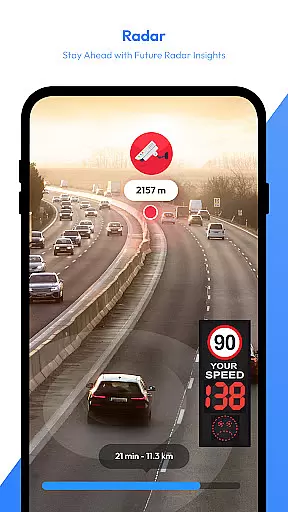
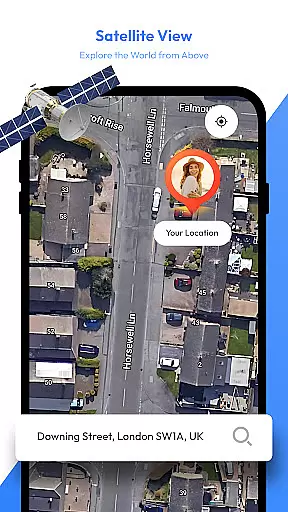
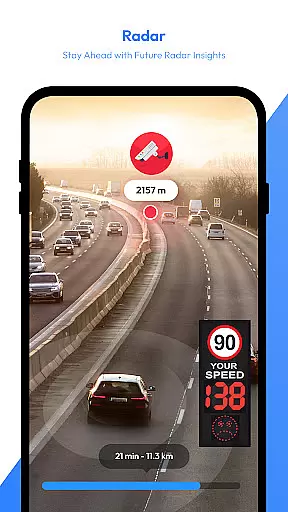
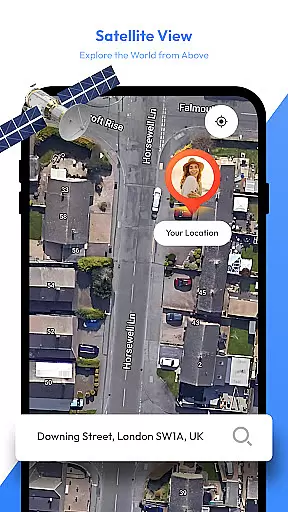
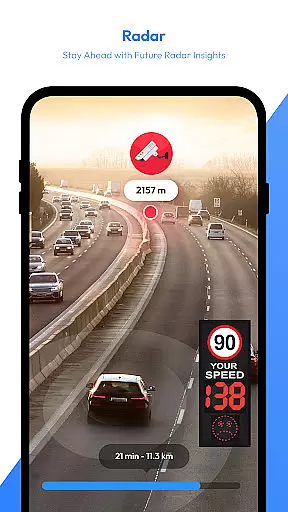
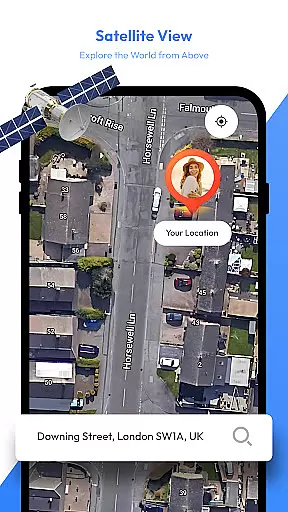
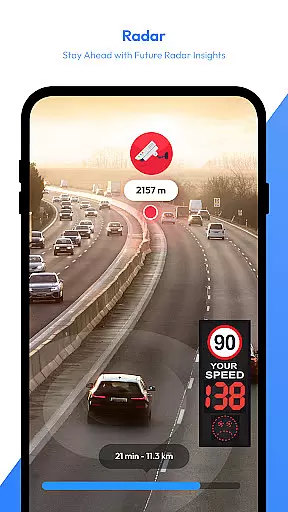
Satellite View stands out with its diverse set of features tailored for modern explorers. One of the key highlights is the satellite imagery functionality, which provides a bird's-eye view of any location worldwide. This feature is invaluable for identifying landmarks, understanding terrain, and planning routes effectively. Additionally, the app includes a robust radar system that tracks precipitation, storms, and other weather patterns in real time, ensuring you're always prepared for what lies ahead.
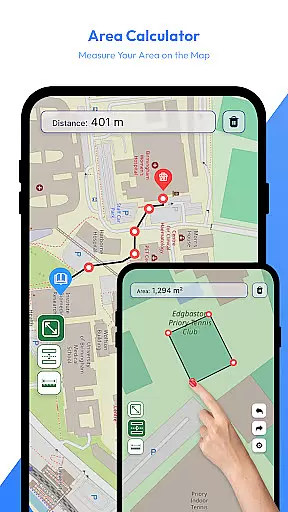
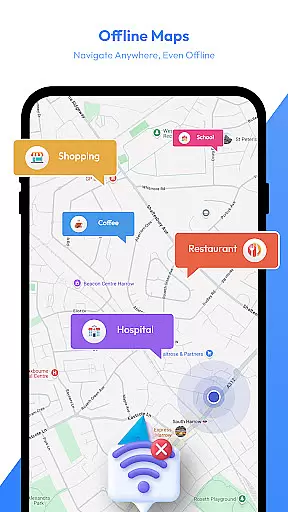
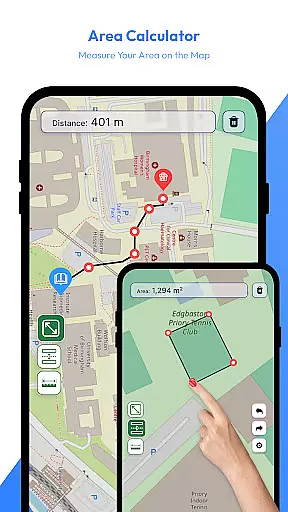
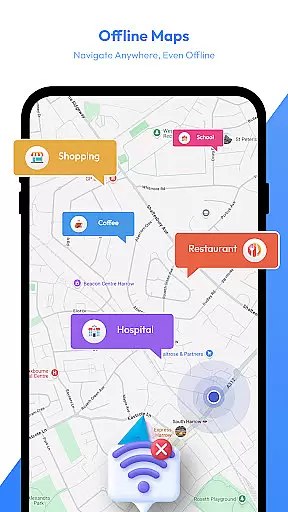
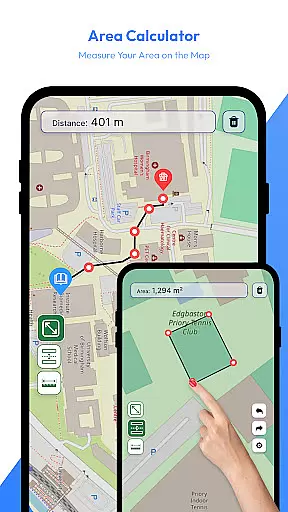
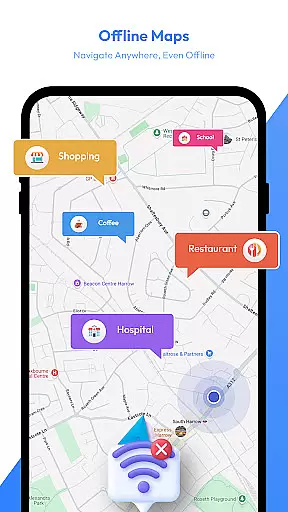
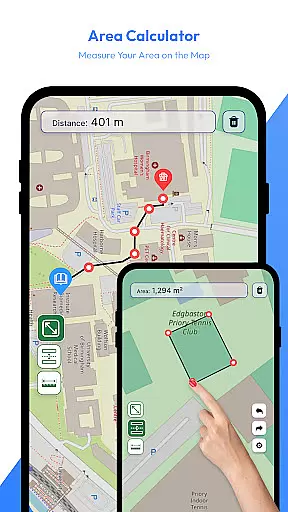
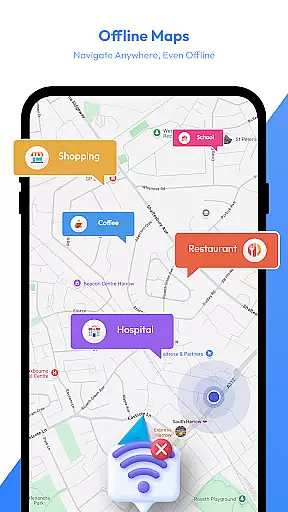
Another notable feature is the offline map capability, allowing users to download maps and navigate without an internet connection. This is especially beneficial when traveling through remote areas where connectivity may be limited. The AI Travel Assistant further enhances the user experience by offering intelligent suggestions for destinations, activities, and routes based on individual preferences. For those needing precise measurements, the built-in area calculator lets you measure distances and calculate areas directly on the map. These innovative tools collectively make Satellite View a versatile and reliable choice for anyone seeking accurate navigation and geographic data.
Map accuracy is a fundamental aspect of any navigation app, and Satellite View excels in this area. The app provides users with high-definition satellite imagery that allows for detailed exploration of landscapes and urban areas. This bird's-eye view capability ensures that landmarks and geographical features are clearly visible and correctly represented.
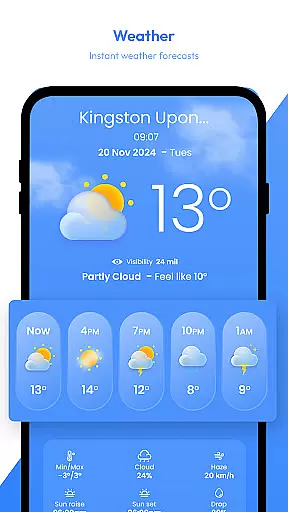
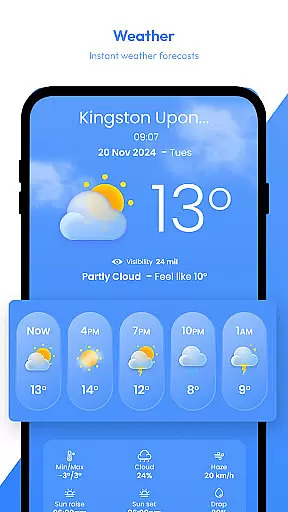
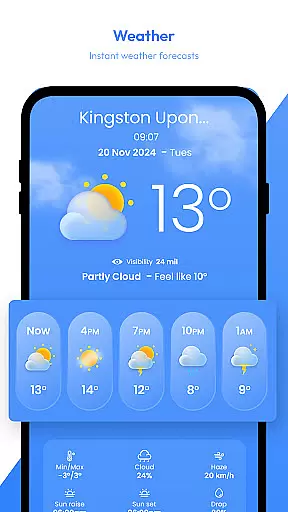
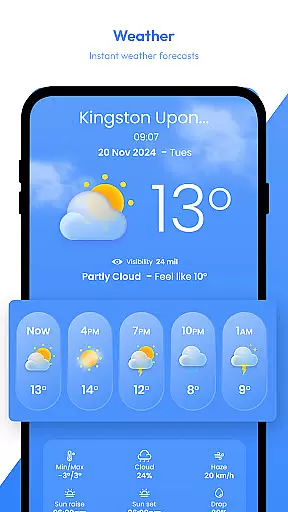
The inclusion of real-time radar further enhances the accuracy of the mapping data. Users can track weather patterns, precipitation, and storms as they happen, providing an up-to-date understanding of their surroundings. This feature is particularly useful for travelers who need to plan their journeys based on current weather conditions.
Offline maps are another key component that contributes to map accuracy. Even without an internet connection, users can access pre-downloaded maps that maintain the same level of detail and precision as online versions. This ensures that whether you're in a remote location or trying to conserve data, your navigation remains reliable and accurate.
Overall, Satellite View offers a comprehensive suite of tools that work together to provide users with the most precise and reliable mapping experience possible. From satellite imagery to real-time radar updates, every feature is designed to enhance the accuracy and usability of the maps provided.
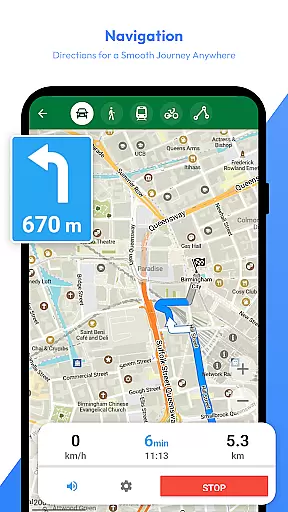
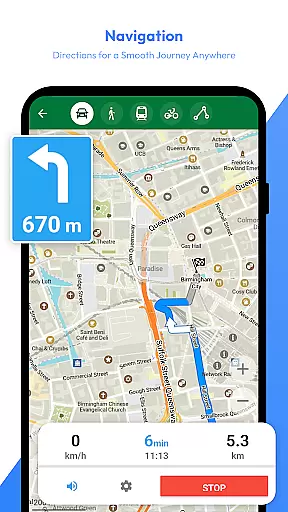
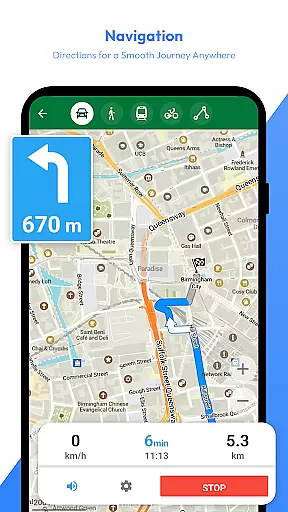
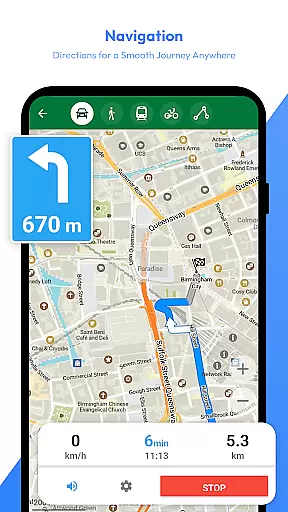
Route planning is a critical function for any traveler, and Satellite View offers advanced capabilities to ensure efficient and well-informed travel planning. With the AI Travel Assistant, users receive intelligent suggestions for destinations and optimized routes tailored to their specific needs. This personalized approach helps in organizing not just the journey but also activities along the way.
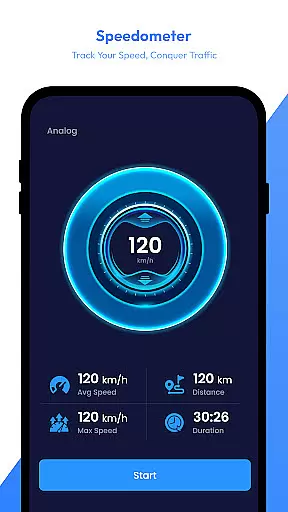
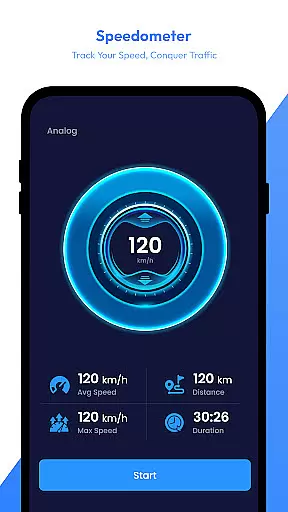
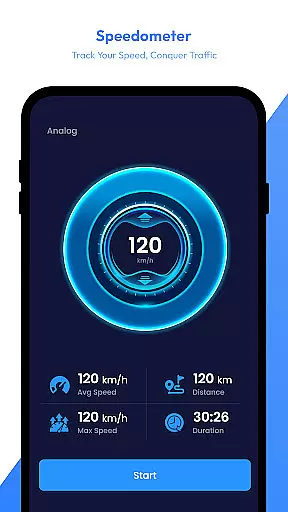
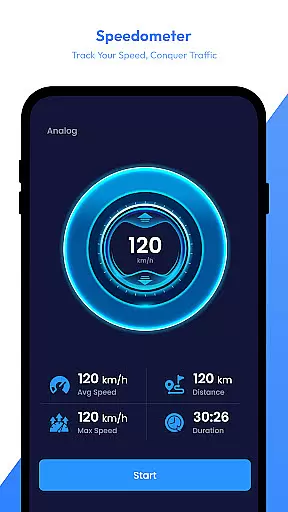
The app's real-time speedometer feature adds another layer of utility to route planning by allowing users to monitor their speed as they travel. Whether hiking, biking, or driving, this tool ensures that users maintain safe speeds while staying aware of their current pace. It complements the overall navigation experience by enhancing safety and awareness.
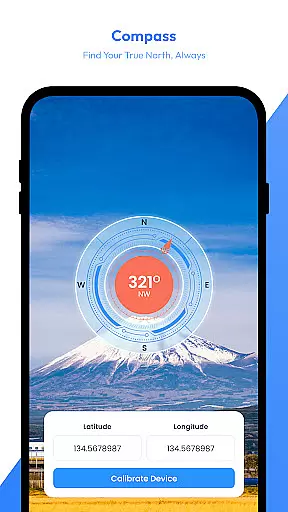
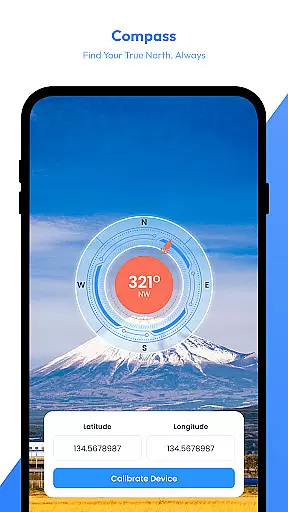
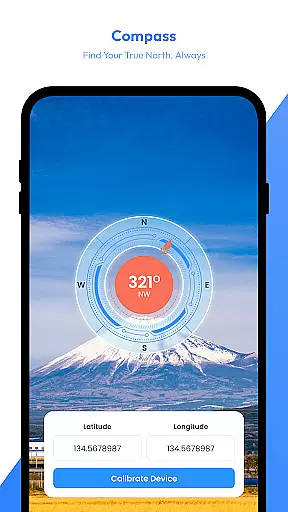
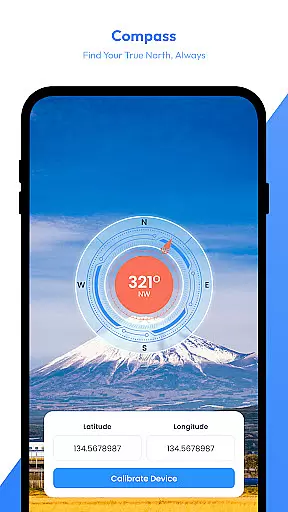
In addition to traditional route planning, Satellite View includes a compass and area calculator. The digital compass guarantees that users always know their direction, ensuring they stay on course. Meanwhile, the area calculator enables users to measure distances and calculate areas directly on the map, which is invaluable for outdoor enthusiasts and professionals alike.
By integrating these diverse tools, Satellite View transforms route planning from a simple point-to-point navigation task into a comprehensive travel management system. Users can confidently plan their trips, knowing they have access to accurate maps, intelligent assistance, and essential travel metrics.
User-friendly interface
Comprehensive weather tracking
Offline map availability
AI-powered travel assistance
Real-time speed monitoring
Limited free features
Occasional loading delays
High battery consumption
Subscription required for premium
Complex for beginners

The fastest and most convenient way to pay for parking on our lots.
 4.40
4.40
OpenCPN is a full featured ChartPlotter and Navigator for Android.
3.60
TACNAV-X: Precision MGRS navigation, built specifically for the military.
4.00
Find radar maps, GPS coordinates, altitude, offline maps, location, travel route
4.40
Your real-time window to the world. Explore anywhere, anytime.
3.30
ParkWhiz, an Arrive Mobility brand, part of the Arrive Network
4.30
Explore offline maps with radar, satellite view, and real-time alerts.
3.60
Lets explore the world's famous places by using Live Cams, GPS & Satellite View.
4.20
Avoid delays. Get real-time GPS navigation, safety alerts and live traffic.
4.10
Order a cab online. An affordable taxi ride and driver in no time. What a bolt!
4.80
LIRR and Metro-North tickets and trips
4.80
Bolt is a ride-hailing app for requesting fast, safe, and affordable transport
4.80
Complete offline 1:50k South Island topo map including DOC Hunting Permit Areas
4.60
"Balad" is a map and navigator with a Persian voice assistant and a complete city guide
4.40
Simple & easy to use a compass app. Get accurate directions.
4.20
Route Planner is travel map to get turn by turn navigation & driving directions
3.90
Explore Live Earth Map with 3D World Map & locate cites, mountains real time.
3.80
Gas Station & Fuel Rewards Points
3.70
Find 93 Octane Gas: Locate Gasoline Stations Selling Premium 93 Octane or Higher
4.5


User Reviews