
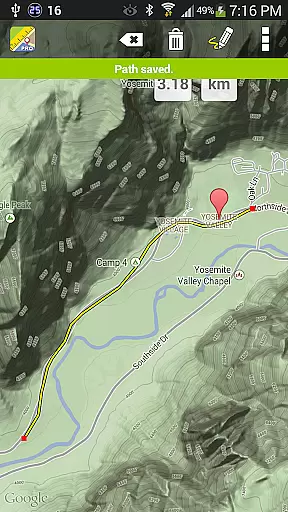
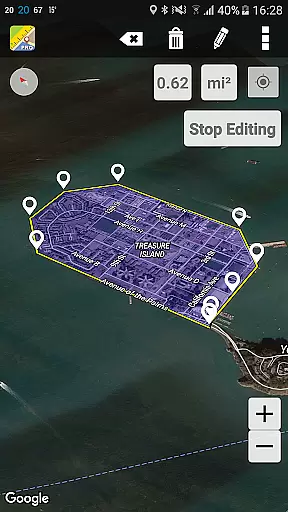
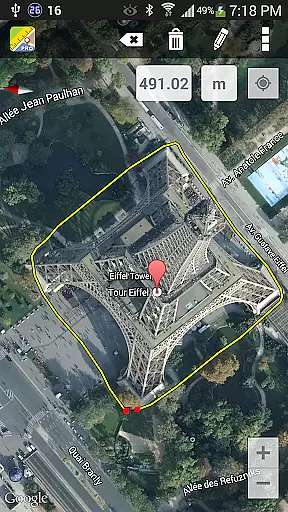
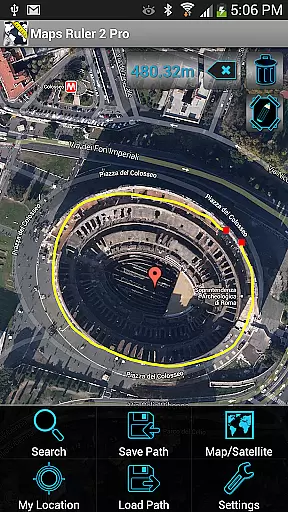
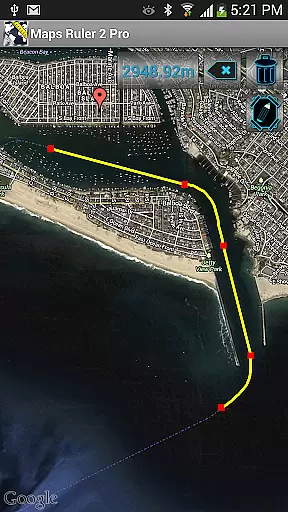
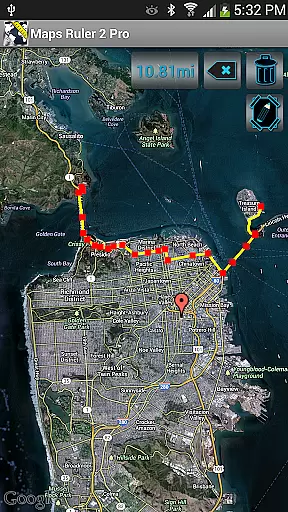
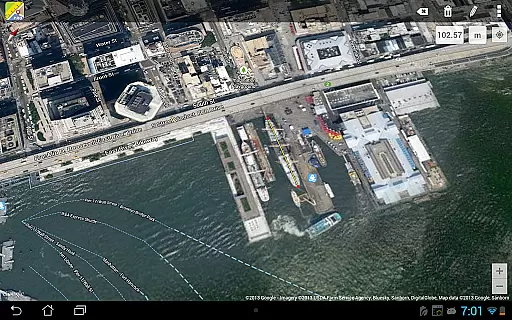
Maps Ruler Pro is a versatile mapping tool designed for users who need precise distance and area calculations. The app allows you to measure the distance between multiple points on a map, making it ideal for activities like hiking, golfing, or urban planning. Its intuitive interface supports continuous path drawing, letting users trace routes effortlessly.
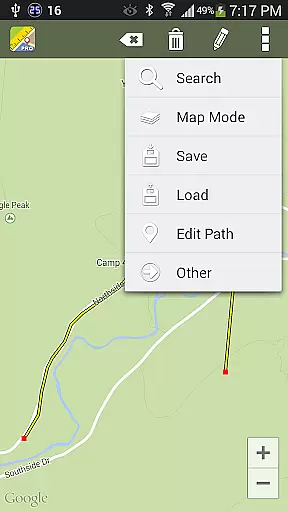
In addition to basic distance measurement, Maps Ruler Pro offers advanced features such as area calculation in beta mode, giving professionals and hobbyists alike the ability to estimate land size or plan projects accurately. With its pro version, users can enjoy an uninterrupted experience through an ad-free environment while also accessing functionalities like saving and loading paths, naming routes, and converting units across meters, kilometers, miles, feet, and more.
Maps Ruler Pro stands out with its comprehensive set of features tailored for precision mapping tasks. One notable feature is the continuous path calculation mode, which lets users draw directly on maps without interruption, providing seamless route planning capabilities. This functionality proves especially useful when calculating long distances or complex paths that require detailed tracking.
The app also includes a unique area calculation mode currently in beta testing, allowing users to estimate surface areas accurately. Furthermore, Maps Ruler Pro enhances user convenience by offering robust data management options such as saving, loading, and naming specific paths. These tools ensure that frequent users can maintain organized records of their measurements over time. Lastly, the inclusion of various unit conversions makes this app adaptable to different professional fields and personal preferences, ensuring maximum flexibility for all types of projects.
Map accuracy is essential for any navigation application, and Maps Ruler Pro excels in this area. The app calculates distances between selected points with precision, ensuring users can rely on the measurements for various purposes.
Whether you're determining the shortest path to save energy or using it as a golf distance calculator, the app's accuracy ensures that your decisions are based on reliable data. This level of precision is crucial when planning routes or measuring areas, especially in professional or competitive scenarios.
Additionally, the app offers conversions between different units such as meters, kilometers, miles, feet, and fathoms. This feature enhances the user experience by catering to international audiences and various measurement preferences, making it versatile for global use.
Route planning is a core functionality of Maps Ruler Pro, allowing users to find the shortest way and optimize their travel paths. By calculating continuous paths like drawing, the app provides an intuitive method for users to map out their routes efficiently.
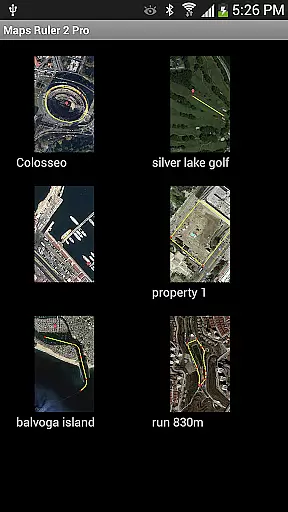
The ability to name paths and save or load them adds a layer of convenience for frequent travelers or professionals who need to plan multiple routes. Users can also benefit from the app's support for multiple points, which allows for complex route planning involving several destinations or waypoints.
Moreover, the pro version of Maps Ruler comes without ads, offering an uninterrupted experience while planning routes. This feature, combined with precise distance calculations and unit conversions, makes the app a powerful tool for both everyday navigation and specialized uses like sports or professional applications.
User-friendly interface
Accurate distance measurement
Ad-free experience
Multiple unit conversions
Path saving and loading
Beta limitations in area mode
Limited advanced tools
No offline maps
Premium price tag
Few customization options

Route schedules, maps, and real-time tracking of MTA buses in New York City.
 4.20
4.20
Discover over 800 points of interest along the canal.
3.70
America’s largest public fast charging network, with over 500 charging stations.
4.50
Track accurate speed & distance with GPS Speedometer. Check speed limit & time.
4.50
Get directions, Maps, GPS navigation & GPS Maps using GPS App
4.10
Your real-time window to the world. Explore anywhere, anytime.
3.30
NJ TRANSIT information and ticketing at your fingertips
3.70
Navigate seamlessly with Real-Time Traffic, Offline Maps, and Voice Navigation.
4.10
Get there with the Waymo Driver — The World’s Most Experienced Driver™
4.90
This app is military GPS coordinate systems helper. (MGRS, UTM & DMS Maps)
4.80
Offline maps & GPS for hiking, travel, fieldwork & outdoor adventures
4.70
Find EV & Tesla charging stations with PlugShare
4.70
Navigate with your watch and keep the phone in your pocket!
4.60
GPS navigation offers route finder, compass, translator, currency converter, etc
4.30
GPS Navigation: Get map directions and find the shortest routes to avoid delays!
4.00
Route Planner is travel map to get turn by turn navigation & driving directions
3.90
Get real-time bus and train schedules for easy, hassle-free city transportation.
3.90
OpenCPN is a full featured ChartPlotter and Navigator for Android.
3.60
Ride CTA, Metra & Pace: Manage your fares, buy Metra tickets, get arrivals.
3.00


User Reviews