
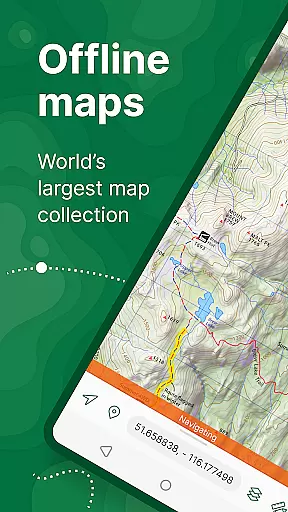
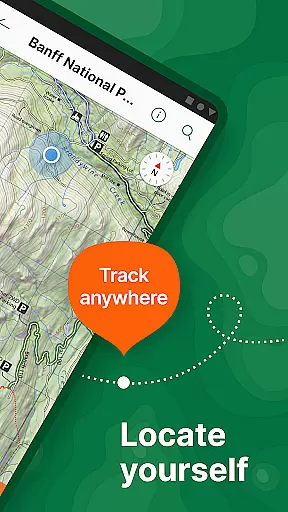
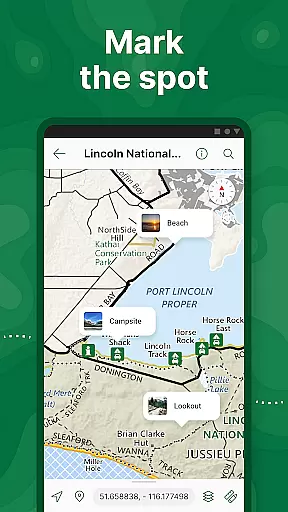
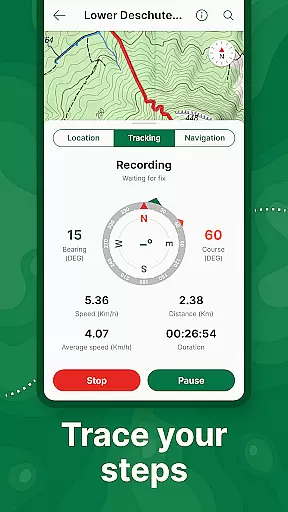
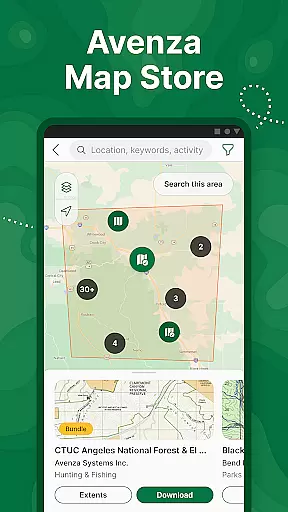
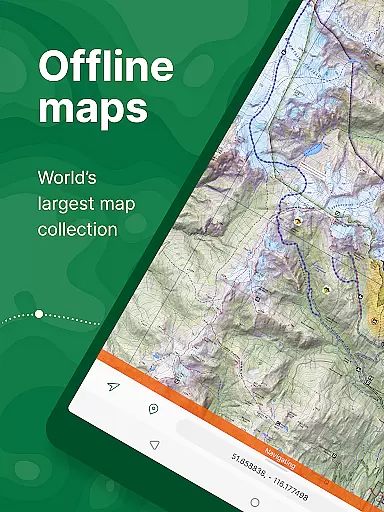
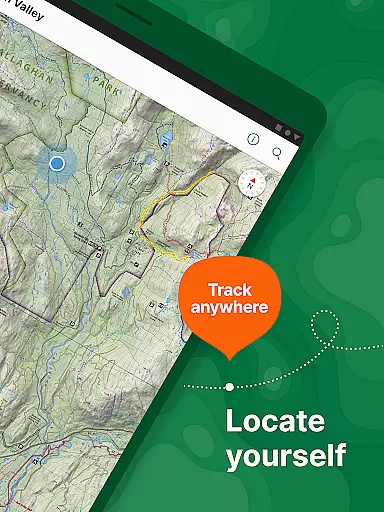
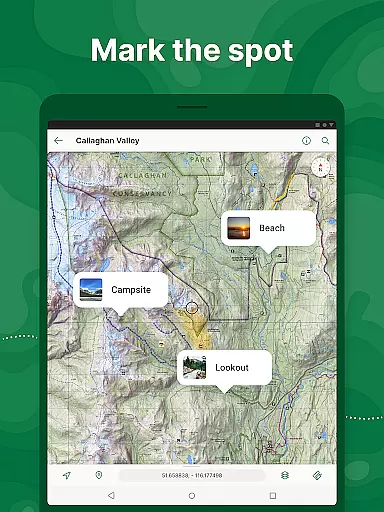
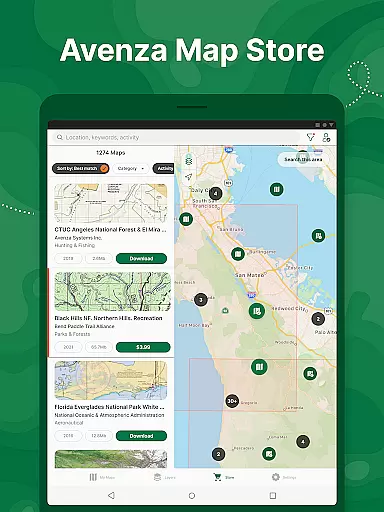
Avenza Maps is a premier offline mapping application designed for outdoor enthusiasts and professionals alike. The app offers an extensive collection of maps from renowned publishers such as National Geographic and the National Park Service, making it ideal for hiking, biking, and exploring trails. With its offline functionality, users can access GPS navigation without an internet connection, ensuring they remain oriented even in remote areas.
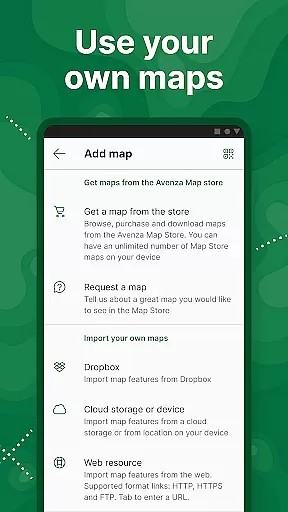
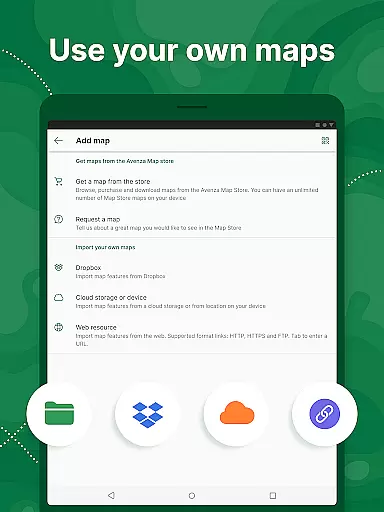
In addition to its vast map store, Avenza Maps allows users to import custom maps and utilize advanced features like real-time GPS tracking, adding placemarks, and measuring distances. Whether planning a casual outdoor adventure or engaging in professional mapping tasks, Avenza Maps provides the tools necessary for precise navigation and exploration.
Avenza Maps stands out with its comprehensive feature set tailored for both recreational and professional use. Users can access a diverse range of maps, including topographic, cycling, and nautical charts from leading publishers. The app's offline capabilities ensure uninterrupted navigation, while advanced tools allow for recording GPS tracks, adding notes, and measuring distances.
For power users, Avenza Maps offers Plus and Pro subscriptions. These tiers unlock unlimited imports of custom geospatial maps, creation of geofences, and integration with high-accuracy GPS devices. Such features make it an indispensable tool for professionals in fields like surveying, construction, and environmental research, providing them with enhanced precision and efficiency in their mapping projects.
Map accuracy is a cornerstone of Avenza Maps, ensuring users can rely on precise location data during their outdoor adventures. The app offers maps from trusted sources like National Geographic and the US Forest Service, guaranteeing that every trail, road, and landmark is depicted with meticulous attention to detail.
Avenza Maps supports offline use, allowing adventurers to download maps ahead of time and trust in their precision even without an internet connection. This feature is particularly valuable for hikers, bikers, and explorers who venture into remote areas where connectivity is unreliable or nonexistent.
With advanced tools such as GPS tracking and what3words integration, users can pinpoint their exact location on the map with confidence. These capabilities not only enhance navigation but also contribute to safety by providing accurate spatial awareness in unfamiliar terrains.
Route planning in Avenza Maps empowers users to prepare for their journeys with confidence and precision. By leveraging detailed topographic, cycling, and trail maps, adventurers can chart their courses using reliable data from reputable publishers like National Geographic and the National Park Service.
The app's comprehensive suite of navigation tools includes compass functionality, distance measurement, and estimated time calculations. These features enable users to plan routes that align with their activity levels and preferences, whether they're hiking, biking, or exploring backcountry trails.
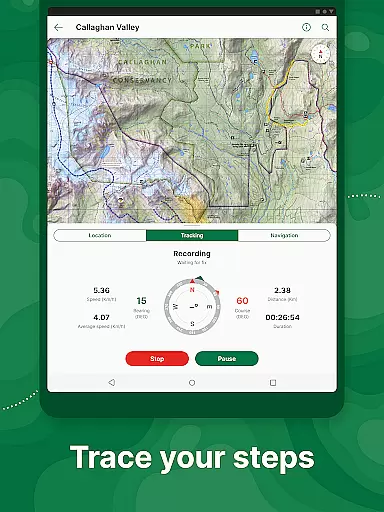
Additionally, Avenza Maps allows users to record GPS tracks during their activities, creating a historical log of their travels. This capability not only aids in refining future route plans but also enhances safety by providing a clear path to retrace steps if needed.
User-friendly interface
Extensive map library
Offline GPS functionality
Custom map import
Advanced mapping tools
Premium maps come at a cost
Subscription required for advanced features
Interface may overwhelm beginners
Limited free tier functionality
Occasional syncing issues

Discover over 800 points of interest along the canal.
 3.70
3.70
TACNAV-X: Precision MGRS navigation, built specifically for the military.
4.00
Airport parking, with airport shuttle (TPS shuttle), reservations, and Spot Club
4.80
Number locator, real connection map
4.10
Explore with GPS Navigation with GPS offline, voice GPS, speed camera radar
4.60
Find radar, speed camera, flight tracker. Use hud, location tracker, speedometer
4.20
Park in Chicago, NYC, Boston, SF, Houston & more!
4.70
Lets explore the world's famous places by using Live Cams, GPS & Satellite View.
4.20
Get there with the Waymo Driver — The World’s Most Experienced Driver™
4.90
Navigate with your watch and keep the phone in your pocket!
4.60
Route tracker, Speedometer, Odometer, Fuel, HUD mode, save route as .GPX
4.40
Find radar maps, GPS coordinates, altitude, offline maps, location, travel route
4.40
Maps, Driving Directions & GPS navigation using directions app & GPS App
4.30
Get directions, Maps, GPS navigation & GPS Maps using GPS App
4.10
Explore Live Earth Map with 3D World Map & locate cites, mountains real time.
3.80
Get route map navigation with 3D satellite view, and live earth camera streaming
3.70
OpenCPN is a full featured ChartPlotter and Navigator for Android.
3.60
Your guide to the recreational opportunities of the Bureau of Land Management!
3.40
Fully offline 1:50k New Zealand topographical map North Island
4.0


User Reviews