
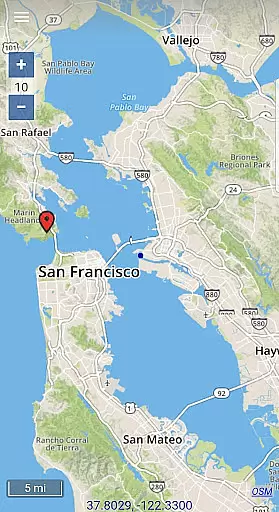
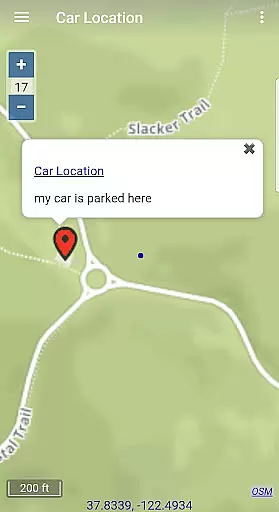
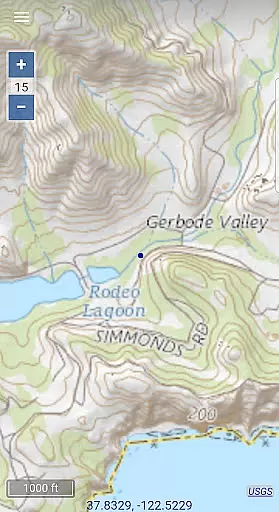
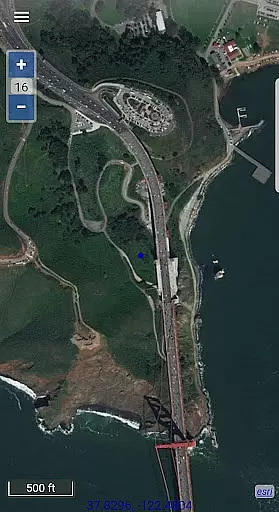
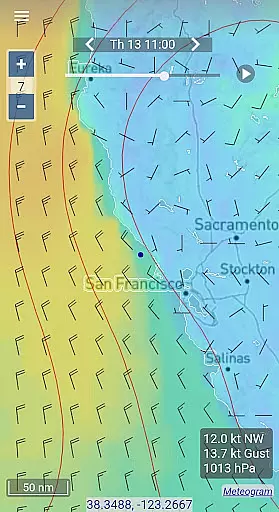
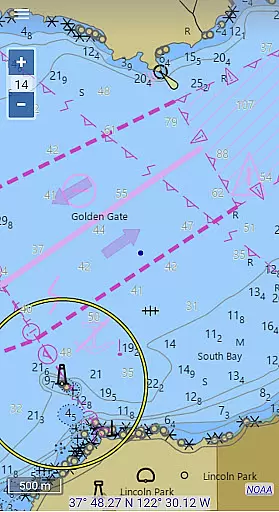
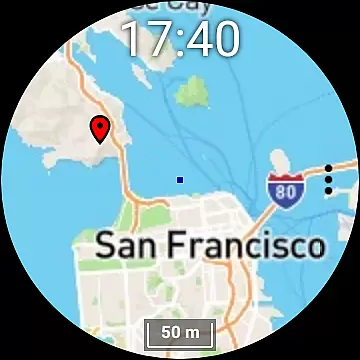
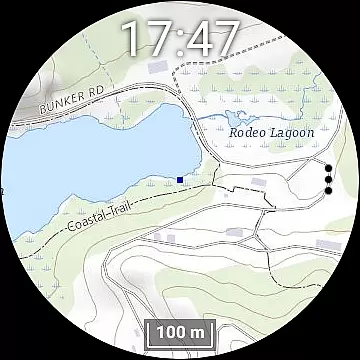
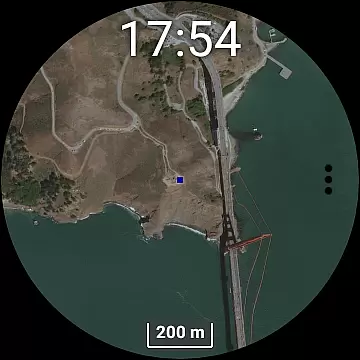
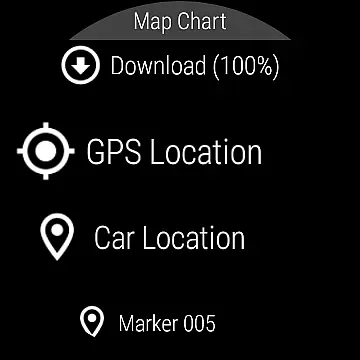
Map Chart Mosaic is a comprehensive offline mapping application designed for both smartphones and smartwatches. It offers users access to topographic maps, satellite images, GRIB weather forecasts, and road maps complete with cycling and hiking trails. The app supports nautical charts for USA and Canada, providing detailed location information by seamlessly switching between different map sources. Its offline cache functionality allows users to store map views on their devices, enabling access without an internet connection.
In addition to offline map viewing, the app provides advanced features such as adding map markers, creating travel routes, recording GPS tracks, and sharing data in GPX format. Users can also view GRIB weather forecast maps via internet download, email, or satellite connection. The Wear OS compatibility extends its utility, allowing smartwatch users to access maps independently of their phones while needing the phone app for downloading new content to the watch.
One of the standout features of Map Chart Mosaic is its ability to provide extensive offline functionality. Users can download maps directly to their smartwatches and access them without needing a phone connection. This feature is particularly beneficial for outdoor enthusiasts who venture into areas with limited connectivity. The app's capability to automatically store map views in an offline cache ensures that users have uninterrupted access to crucial mapping data.
Map Chart Mosaic also excels in customization and utility with options to add map markers, notes, and create detailed travel routes. Recording GPS tracks and sharing them as GPX files adds another layer of functionality for adventurers and professionals alike. Additionally, the app provides essential GPS travel information such as speed, course, odometer readings, and estimated time of arrival (ETA). With support for GRIB weather forecasts through various means like internet downloads and satellite connections, it equips users with vital meteorological data regardless of their location.
Map Chart Mosaic offers a diverse range of map types, including topographic maps, satellite images, and road maps with cycling and hiking trails. This variety ensures that users can access accurate geographic information for different purposes.
The app seamlessly integrates maps from multiple sources, providing detailed location data. Its automatic offline caching system stores map views on your device, allowing you to access them without an internet connection while maintaining high accuracy.
For nautical enthusiasts, the app provides specialized charts currently available for USA and Canada, ensuring precise and reliable marine navigation information within these regions.
With Map Chart Mosaic, users can create travel routes and record GPS tracks, enhancing their ability to plan journeys effectively. The app supports sharing route data as GPX files, making it easy to collaborate or backup important travel information.
The inclusion of GRIB weather forecast maps adds another layer of utility to route planning. Users can download these maps via the internet, email, or even through an Iridium Go satellite connection, ensuring they have up-to-date weather information for safer travels.
Additionally, the app provides essential GPS travel info such as speed, course, odometer readings, and estimated time of arrival (ETA). These features collectively contribute to more informed and efficient route planning.
User-friendly interface
Extensive offline capabilities
Advanced GPS functionalities
Seamless smartwatch integration
Detailed weather forecasting
Limited nautical chart regions
Smartwatch dependency on phone app
Potential complexity for casual users
Highly specialized use case
No real-time navigation

Navigate with your watch and keep the phone in your pocket!
 4.60
4.60
Instant diesel discounts - save big with each fill up!
4.40
Find EV & Tesla charging stations with PlugShare
4.70
Navigate via GPS Maps of GPS Voice Navigation, driving directions to find routes
3.60
Truck Safe GPS Navigation & Maps: Parking, Fuel, Diesel, Weight Station
4.80
Get real-time bus and train schedules for easy, hassle-free city transportation.
3.90
Track friends in real-time and explore worldwide live cameras.
4.60
Get there with the Waymo Driver — The World’s Most Experienced Driver™
4.90
Navigate MTA, NJ Transit, MBTA, SEPTA, BART, MARTA, CTA & 900+ cities
4.60
GPS Speedometer & Odometer: Track car, bike, truck speed & distance in real-time
4.70
The fastest and most convenient way to pay for parking on our lots.
4.40
Route tracker, Speedometer, Odometer, Fuel, HUD mode, save route as .GPX
4.40
Explore a light pollution map to find suitable dark sky locations for observing.
4.30
Maps, Driving Directions & GPS navigation using directions app & GPS App
4.30
Phone Tracker and GPS Location Sharing
4.20
Explore Live Earth Map with 3D World Map & locate cites, mountains real time.
3.80
Explore Earth with live GPS, satellite view & street navigation
3.60
Off-Roading Navigation App With Trails, Public Lands, & Private Property Info
3.30
Turn your tablet or Android powered unit into a full blow Android Auto headunit.
2.30


User Reviews