
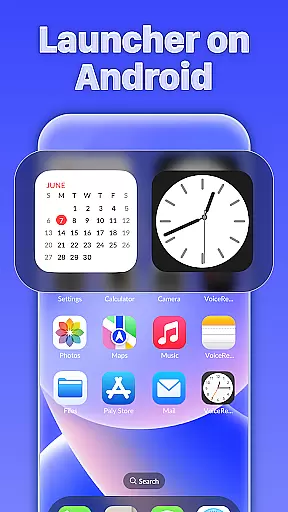
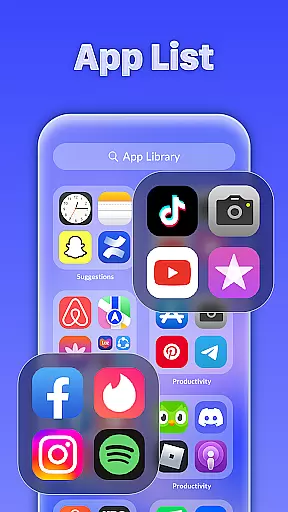
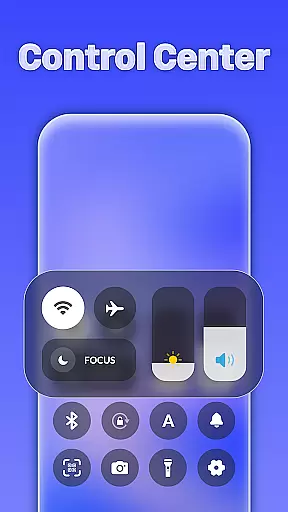
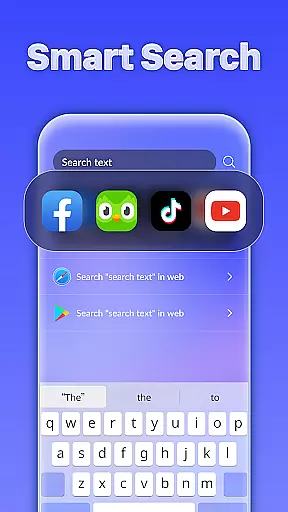
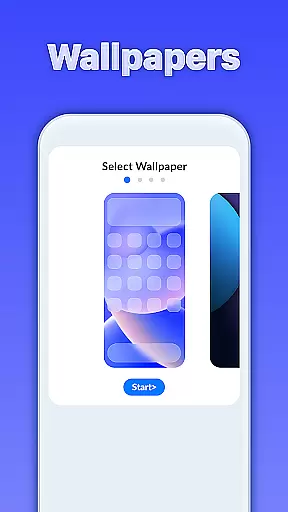
iLauncher OS redefines the Android experience by offering a sophisticated launcher that mirrors real operating system functionalities. This personalization app transforms your mobile interface into a more visually appealing and organized space, making daily interactions smoother and more luxurious.
Key features include an innovative App Library for better organization, Smart Search for effortless navigation, and OS-style folders for efficient app management. The built-in weather forecast adds practical utility to its stylish design.
Ideal for users seeking both aesthetics and functionality, iLauncher OS is perfect for streamlining workflows while elevating your device's appearance.
iLauncher OS stands out with its unique combination of style and usability. The App Library function mimics real OS devices, providing an intuitive way to categorize and access apps. This feature alone enhances productivity by reducing clutter.
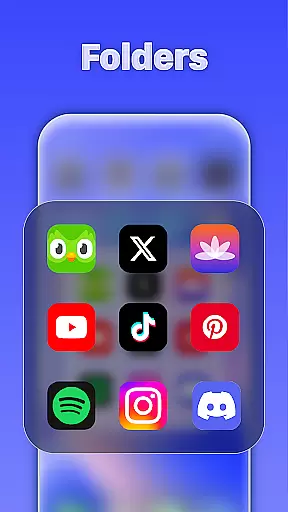
The Smart Search capability allows users to quickly locate apps or files by swiping down on the home screen. Additionally, the OS-style folder system enables seamless drag-and-drop organization, simplifying multitasking and app management.
With integrated weather forecasts and a sleek design, iLauncher OS delivers both practical tools and visual refinement, setting a new standard in mobile personalization.
Customization is at the heart of iLauncher OS, offering users a wide array of options to tailor their Android experience. The App Library feature revolutionizes app organization, mimicking the intuitive layouts found in real operating system devices.
Smart Search enhances customization by allowing users to effortlessly locate apps and features right from the home screen. This intelligent search capability ensures that users can access desired functionalities quickly and efficiently.
The Style Folder option adds another layer of personalization, enabling users to create folders by simply dragging and dropping apps. This mirrors the fluid folder management found in advanced operating systems.
Together, these customization options empower users to design a mobile interface that is both functional and reflective of their personal style, making daily interactions more enjoyable and efficient.
iLauncher OS excels in theme compatibility, ensuring that users can seamlessly integrate various visual styles into their mobile setup. The launcher supports themes that transform the device's appearance, aligning it with user preferences or current trends.
With the inclusion of weather forecasts, users can choose themes that dynamically change based on the weather, adding a contextual layer to their customization options. This feature not only beautifies the home screen but also keeps users informed about environmental conditions.
Moreover, the ability to organize apps through the App Library and manage folders via the Style Folder feature ensures that theme elements are consistently applied across the user interface. This cohesion enhances the overall aesthetic appeal.
By prioritizing theme compatibility, iLauncher OS delivers a luxury experience, allowing users to maintain a visually stunning and harmonious mobile environment that reflects their unique tastes.
User-friendly interface
Highly customizable
Efficient app organization
Stylish design
Integrated weather tool
May consume more resources
Limited widget options
Occasional bugs reported
Not suitable for older devices
Premium features locked behind paywall

Capture moments that pass like a storm, second by second.
 4.5
4.5
Only for Wear OS devices!
4.90
Bring adorable pets to life on your screen. Playful, interactive and full of fun
4.60
Ultimate Gallery Lock App - Hide Pictures, Videos and Lock Apps Instantly!
4.60
Customize glowing edges, wallpapers, and caller screen with EdgeAura.
3.50 3.50
3.50
Launcher OS™ Pro without ads help make your phone simple and pretty
4.30
Stylish Pink Cute Hippo keyboard with 10000+ customized keyboard themes!
4.60
Crystal-clear, square icon provides a sleek and sophisticated visual upgrade
4.00
Customizable Glass widgets. Over 360+ stunning widgets and more!
4.70
Vertically oriented rectangular icons
4.70
A launcher for Samsung Good Lock and Good Guardians modules without ads
4.70
Make your phone look simple & luxury, like iDevice
4.60
Aesthetic Widgets, HD Wallpapers, Themes in Mico Widget for Home and Lock Screen
4.50
Unique Fonts, typefaces and stylish text. Fonts for Instagram, Whatsapp & others
4.20
Realistic animated snow on your wrist, with 10 images landscapes to choose from
4.00
Transfer your live wallpapers from Windows to Android using Wallpaper Engine!
4.00
Interactive Miniature Painting Catalogue
3.30
Adorable pets roam and play right on your phone screen!
3.30


User Reviews