
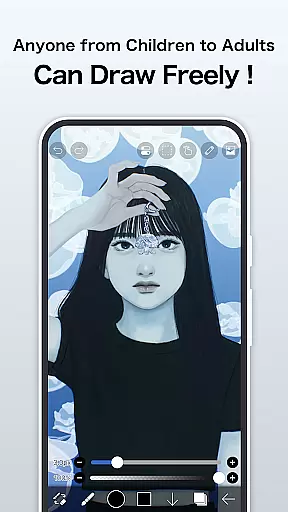
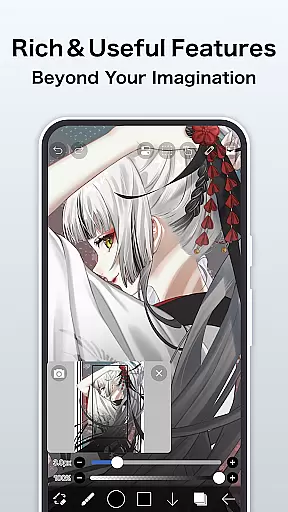
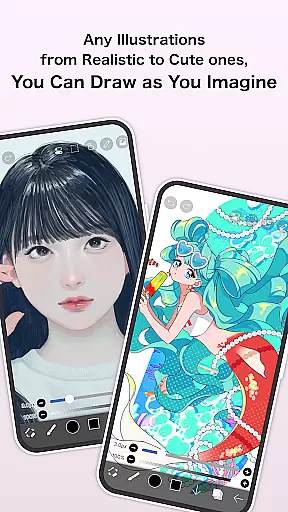
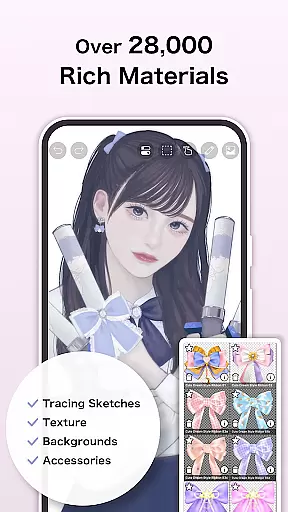
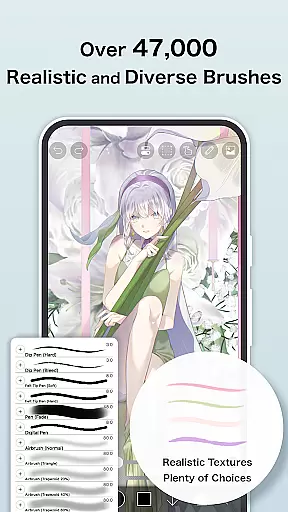
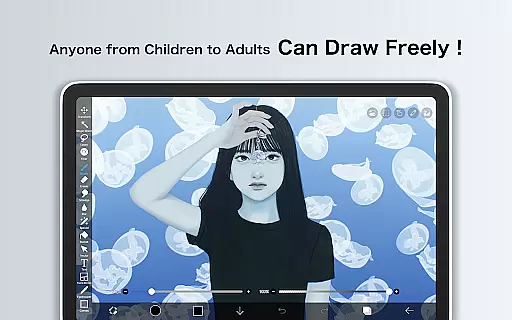
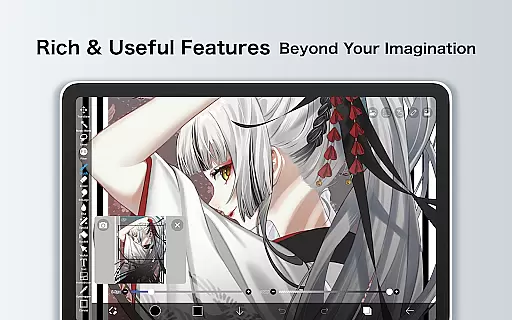
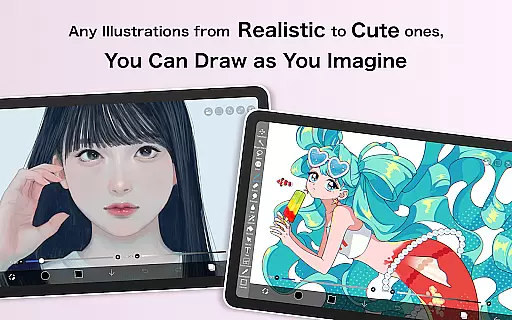
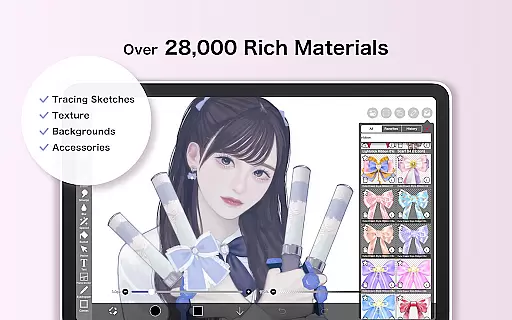
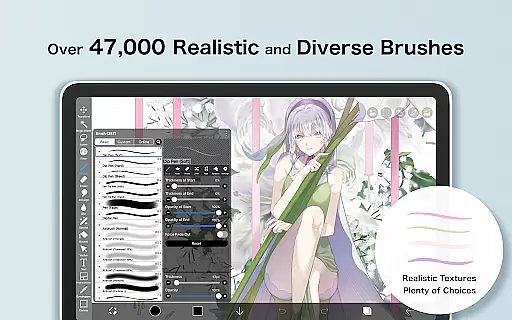
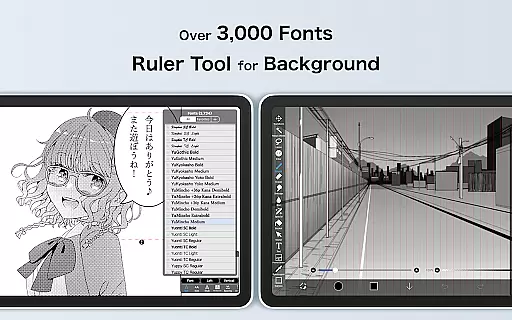
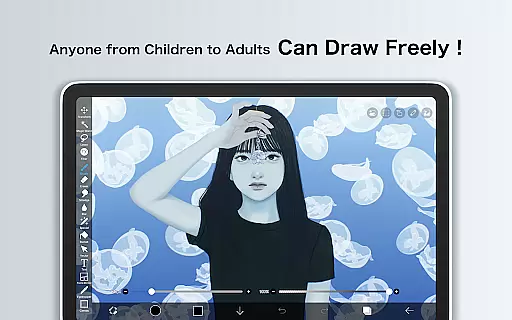
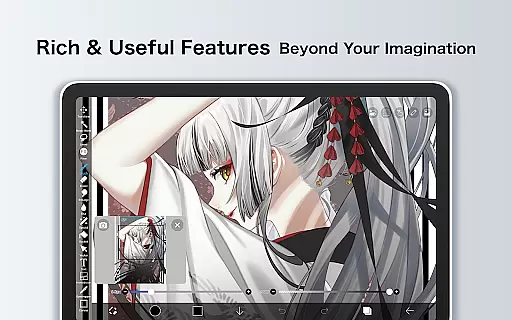
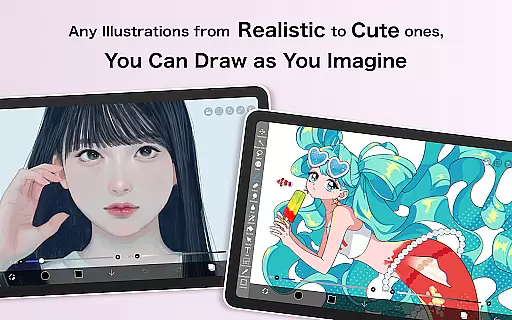
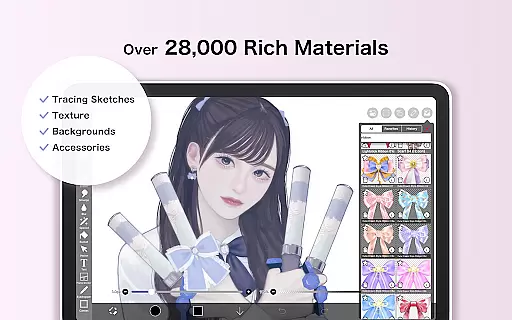
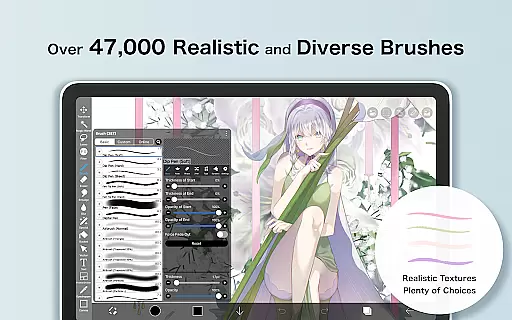
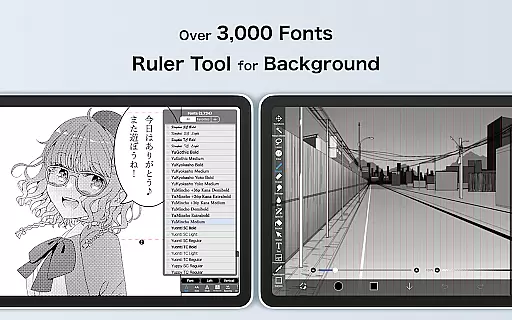
ibis Paint X is a premier digital art application designed for both amateur and professional artists. With over 47000 brushes, 27000 materials, and 2100 fonts, it offers an extensive toolkit for creative expression. The app supports advanced features like stroke stabilization, animation tools, and AI Disturbance, making it suitable for detailed artwork and manga creation. Its unique social feature allows users to share their drawing processes, creating an interactive learning community.
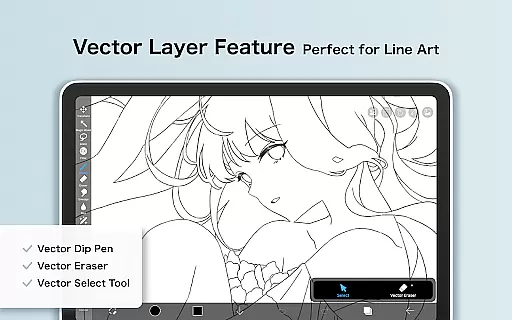
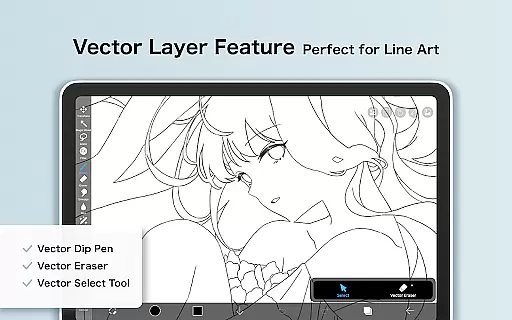
The application provides a smooth drawing experience at up to 60 fps using OpenGL technology. It includes professional-grade tools such as vector graphics, layer manipulation with blending modes, and specialized rulers. Users can record their drawing process as a video, offering valuable content for tutorials or personal review. Available as a free version with optional Prime Membership, ibis Paint X caters to diverse artistic needs while maintaining an ad-free experience for subscribers.
ibis Paint X stands out with its comprehensive set of features tailored for digital artists. The brush engine includes various types such as dip pens, airbrushes, and oil brushes, each customizable to suit different styles. Advanced layer management allows unlimited layers with individual opacity settings, blending modes, and clipping masks, providing precise control over complex compositions.
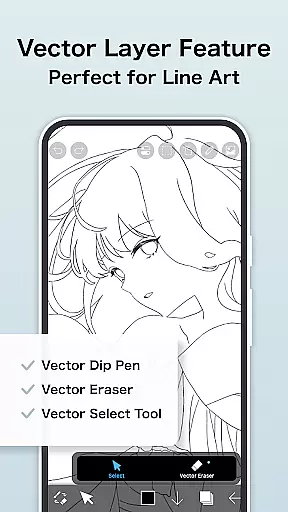
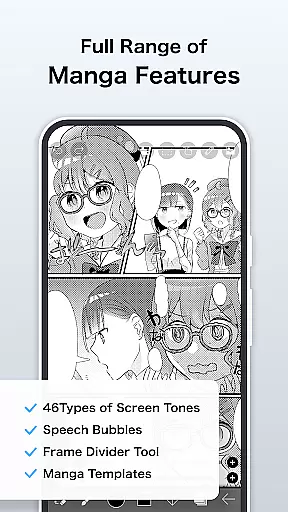
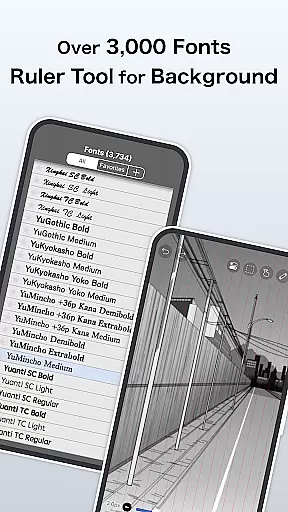
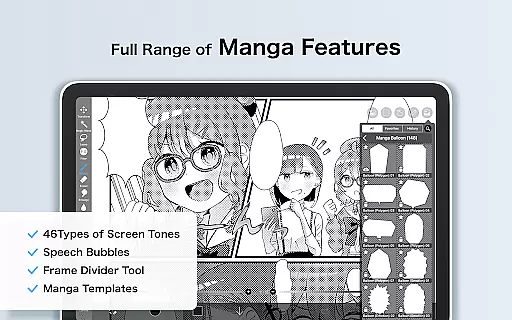
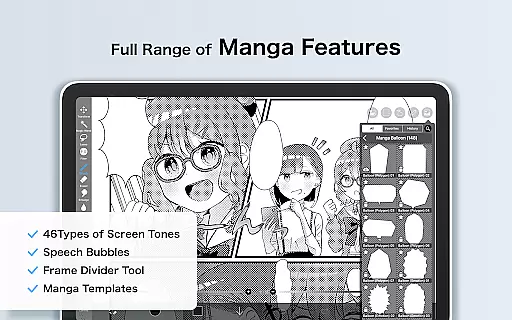
The app's manga creation tools include a sophisticated text tool with vertical and horizontal writing options, multiple font selections, and stroke effects. Animation features enable frame-by-frame creation with onion skin support. Unique AI Disturbance technology helps create natural-looking textures. Additionally, the Prime Membership unlocks professional features like 20GB cloud storage, vector tools, and exclusive materials, enhancing productivity and creative possibilities.
One of the app's distinguishing features is its integrated social platform where users can share and view drawing process videos. This community aspect fosters learning and inspiration among artists. The recording function captures every stroke, making it an excellent educational tool. With its combination of professional-grade tools and social features, ibis Paint X creates a complete ecosystem for digital artists to develop their skills and showcase their work.
In the realm of digital art, ibis Paint X stands out with its extensive suite of creative tools that cater to both amateur doodlers and professional artists. Boasting over 47,000 brushes, this application transcends traditional drawing apps by offering a variety of brush types including dip pens, felt tip pens, and oil brushes. Such diversity ensures that every stroke can be tailored to the artist's preference, providing an authentic experience akin to using real-world tools.
Layer functionality is another cornerstone of ibis Paint X's offerings. Artists have unlimited layer capacity at their disposal, allowing for complex compositions without constraint. Each layer supports individual parameter settings like opacity and blending modes, which include adding, subtracting, and multiplying effects. This granular control over layers empowers users to experiment with different artistic techniques while maintaining complete command over their work's visual outcome.
The inclusion of manga features further enriches the creative process within ibis Paint X. With an advanced text tool featuring vertical and horizontal writing options alongside font selection capabilities, creators can seamlessly integrate typography into their artwork. Moreover, screentones and blending modes contribute to producing high-quality comic pages or illustrations with precision and ease.
For those seeking even more sophistication in their projects, ibis Paint X offers exclusive Prime Membership benefits such as vector tools and specialized filters not found in the free version. These premium additions enable intricate design work through features like tone curve adjustments and gradient mappingu2014tools typically reserved for desktop-grade software but now accessible on mobile devices.
Flexibility in canvas size and format options is crucial for artists who demand precision and adaptability in their digital workspace. ibis Paint X addresses this need by providing versatile canvas settings that accommodate various project requirements. Whether itu2019s creating detailed illustrations or expansive manga panels, users can customize dimensions to suit their vision perfectly.
One standout feature is the ability to import images directly onto layers, enabling seamless integration of external content into ongoing projects. Additionally, commands such as horizontal inversion, vertical inversion, rotation, movement, and zooming offer unparalleled control when manipulating these imported assets. This level of manipulation ensures that all elements align precisely within the composition.
ibis Paint X also excels in its support for multiple file formats during exportationu2014a critical aspect often overlooked by other applications. Users can save their masterpieces in formats best suited for sharing online or printing physically without worrying about compatibility issues. Furthermore, prime members enjoy enhanced export privileges, including watermark-free video exportsu2014an invaluable asset for showcasing time-lapse creations on platforms like YouTube.
Lastly, the appu2019s commitment to future-proofing its service guarantees continuous improvement and expansion of available features. As new technologies emerge, ibis Paint X remains dedicated to incorporating cutting-edge advancements into its platform. This forward-thinking approach assures artists that they are equipped with state-of-the-art tools today while being prepared for tomorrowu2019s innovations.
User-friendly interface
Extensive brush library
Advanced layer options
Social learning platform
Professional animation tools
Prime features locked behind paywall
Steep learning curve
Occasional performance issues
Limited free storage
Complex interface for beginners

Floor Plan Creator lets you create, edit and share floor plans.
 4.00
4.00
Image/ Text to Video Generator
4.40
Create neon drawing with magic doodle and fun doodle art effects!
4.50
Your AI soulmate — meaningful chats, and unique emotional moments
4.70
Art of Combination Wear OS Watch faces (for Wear OS 5+ devices)
3.90
Retouch photos. Create or edit images. Endless capabilities.
2.70
Multiplayer Drawing game, Coloring, Painting・Sketch, Handwriting・Paint, draw
4.30
Unleash your inner artist! Sketchar: AR Drawing for Limitless Creativity
4.40
All-in-One art, logo & collage maker. Design photos and edit video backgrounds
4.80
Logo Generator powered by AI: Create stunning logos effortlessly!
4.70
Draw on screen: FP sDraw is a simple and lightweight drawing app
4.70
The perfect place to start sketching! Use Sketchbook to draw and paint sketches.
4.50
Photo blender app to create overlay photos & double exposure.
4.40
Just trace a projected picture on paper and color! Draw & Paint with AR drawing
4.40
OneUI 8.5 icons ✨ Smooth, modern & based on the latest Play Store design ??
4.10
Resize photos and print photos in exact size with our powerful photo printer!
3.80
Meet the magic aı 3d photo generator and smart AI video generator app.
3.20
Pose and morph realistic male and female models! 3D poser app
3.00
Download now for a stylish and functional timepiece
4.1


User Reviews