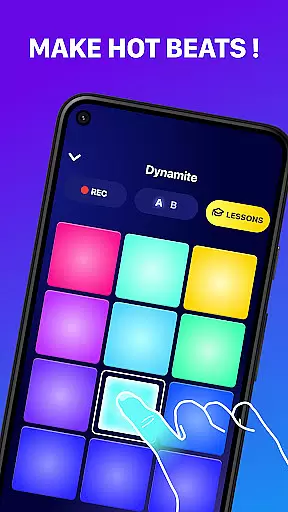
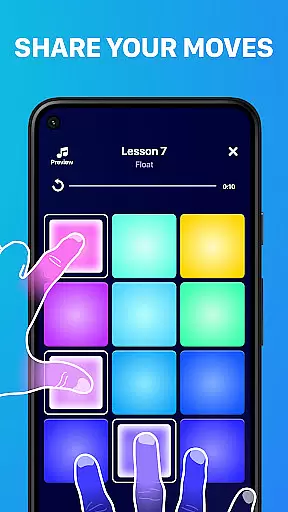
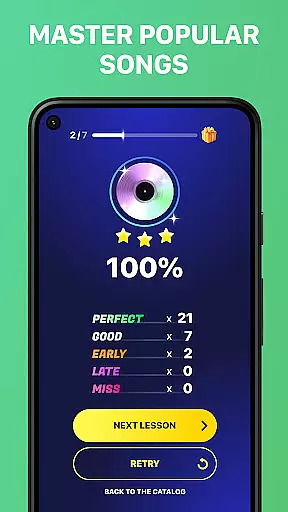
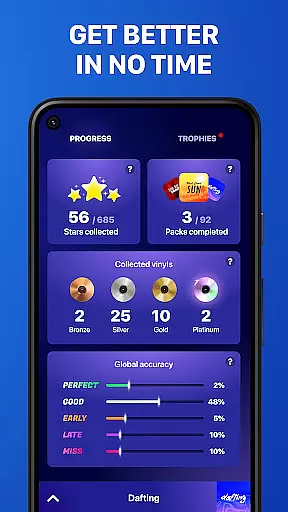
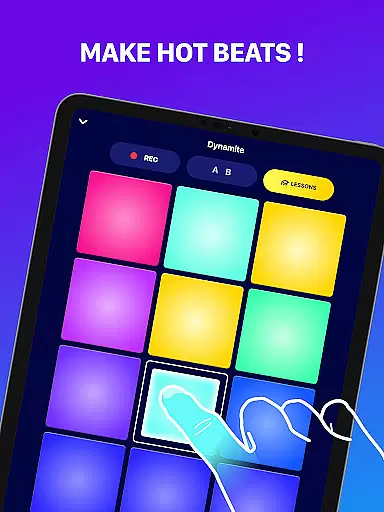
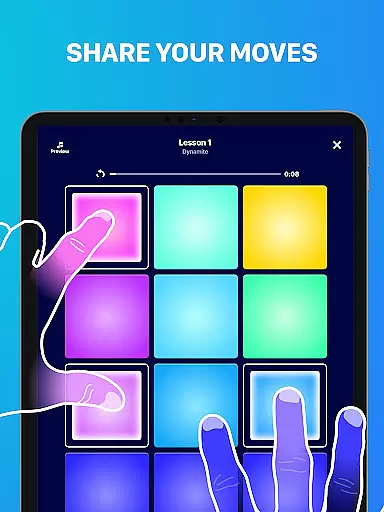
Beat Maker Pro is a powerful music creation tool designed for both aspiring and professional DJs. This drum pad app allows users to create beats, mix loops, and produce music across various genres including dubstep, trap, EDM, and hip-hop. With its intuitive interface and 24-pad design, the app makes it easy to craft complex rhythms and melodies.
The application stands out with features like real-time recording, extensive sound libraries, and specialized lessons for beat-making. Whether you're performing live or producing tracks in your home studio, Beat Maker Pro provides all the essential tools for music production. Its portability allows musicians to work on their projects anytime, anywhere, making it an indispensable tool for modern music creators.
Beat Maker Pro offers an impressive array of features that cater to different aspects of music production. The app's 24-pad interface provides quick access to multiple sounds simultaneously, while its advanced mixing capabilities allow for seamless loop integration and layering. Users can choose from hundreds of built-in samples or import their own audio files for complete creative control.
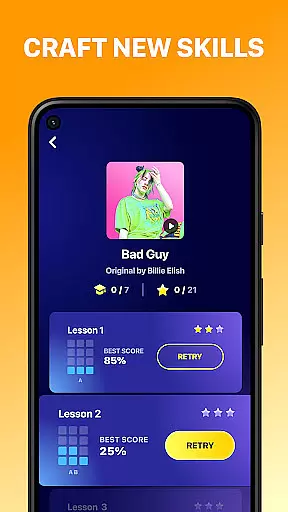
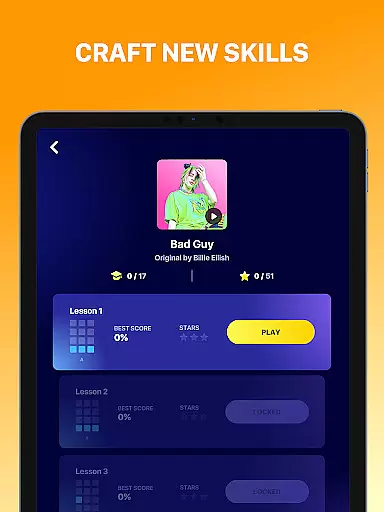
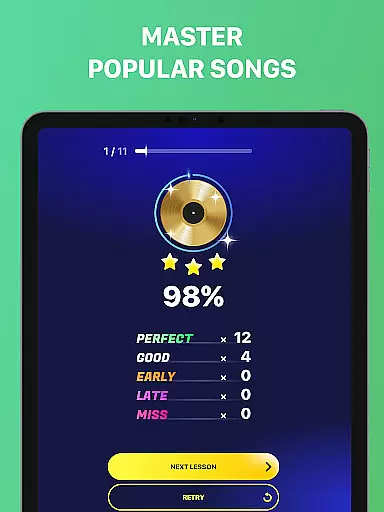
Additional features include professional-grade effects processing, tempo synchronization, and MIDI compatibility. The app also includes comprehensive tutorials and practice exercises to help users improve their skills. With support for high-quality audio export and cloud backup, musicians can easily share their creations or continue working on them across devices. These robust features make Beat Maker Pro suitable for both beginners and experienced producers.
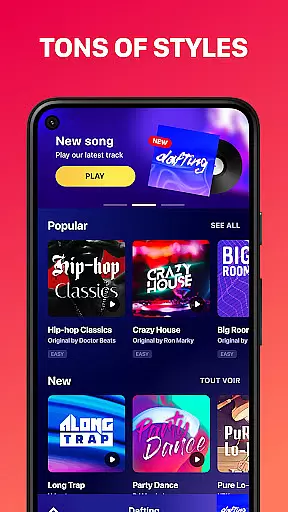
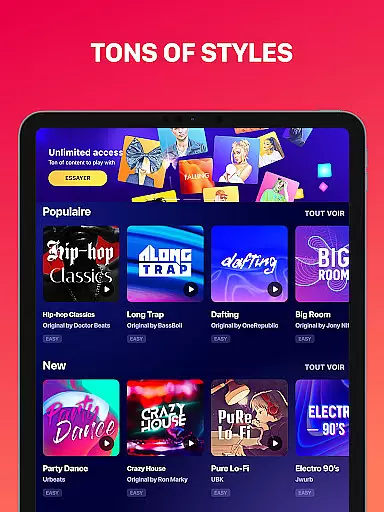
Beat Maker Pro offers an extensive music library that caters to a wide range of genres including dubstep, trap, EDM, and hip-hop. This vast collection ensures that users have access to a diverse array of sounds and beats.
The app guarantees copyright authenticity, providing users with the confidence that all loops and samples are legally cleared for use. This is crucial for creators who wish to share or monetize their music without legal concerns.
With its rich content, Beat Maker Pro allows users to experiment with different styles and find inspiration for their own compositions. The variety in the music library encourages creativity and innovation in music production.
Furthermore, regular updates to the music library ensure that users always have fresh material to work with, keeping their creations contemporary and engaging.
Audio quality is paramount in music production, and Beat Maker Pro excels in delivering pristine sound output. Users can choose from various audio quality settings to match their specific needs and device capabilities.
The app supports high-fidelity audio formats, ensuring that every beat and melody retains its clarity and depth. This attention to detail enhances the listening experience and allows producers to deliver professional-grade tracks.
Beat Maker Pro's advanced audio engine processes each note with precision, minimizing latency and maximizing performance. This results in a seamless creative process where ideas can be captured instantly without compromise.
Additionally, customizable equalizer settings give users control over the final sound, enabling them to fine-tune their mixes to perfection. Whether crafting a demo or preparing for a live set, Beat Maker Pro stands out in audio excellence.
User-friendly interface
Extensive sound library
Real-time recording capability
Professional audio quality
Cross-platform compatibility
Occasional performance lag
Limited free content
In-app purchases required
Steep learning curve
High system requirements

Fun & Easy Voice Changer – Record, Edit & Add Hilarious Effects!
 4.50
4.50
10-Band Audio Equalizer, Sound / Bass Booster for Spotify Users & Music Players
4.40
DJ Music Mixer Pro is a real DJ controllers and DJ Music Studio to remix DJ.
4.40
Super Sound Editor, Song Maker & Mixer, Vocal Remover, Voice Recorder & Changer!
4.60
Learn to play the piano using falling notes!
3.80
A complete sound package for the sound engineer or enthusiast
4.60
Turn your Android phone into a professional audio analyser with up to 120 bands.
4.00
Offline Tunes, Unlimited Vibes
3.90
One-tap booster for max volume - enjoy powerful sound with this audio booster
4.50
Tune in to the greatest hits on UK Radio | The home of Capital, Smooth & Heart.
4.90
Make songs with AI! Any genre, custom lyric, song generator for music creation!
4.80
Gorgeous UI, Powerful music Search and Equalizer, the great choice for you!
4.70
Taal player that lets you sing any Indian & Western song with Tabla & Tanpura
4.60
Time Guru will strengthen your internal sense of musical time via random muting.
4.30
Time Trainer: accurate metronome w tools to help you develop your internal time!
4.20
Network/Cloud Streaming, Visualization, Graphic Equalizer and Sound Effects.
4.20
Smart piano keyboard, Classical to Pop, Real-time multiplayer connection!
4.20
The official Sonos app
4.10
Remove ads permanently from Music Visualizer
4.1


User Reviews