
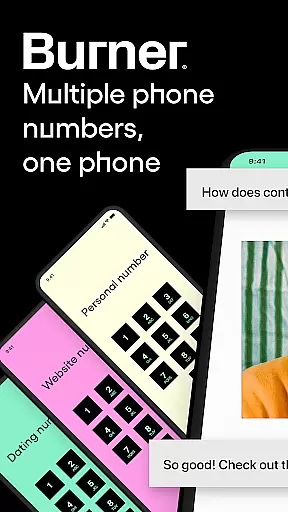

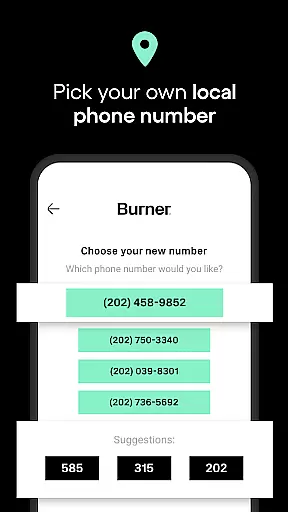
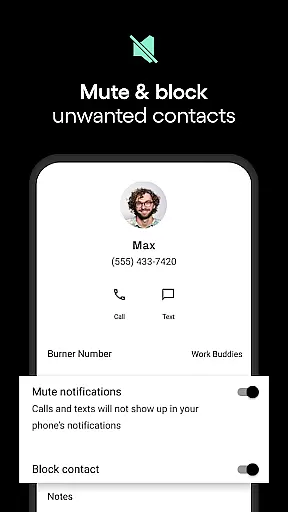

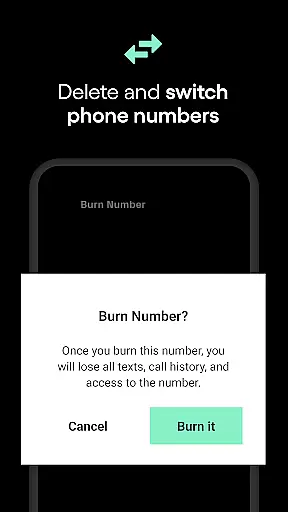
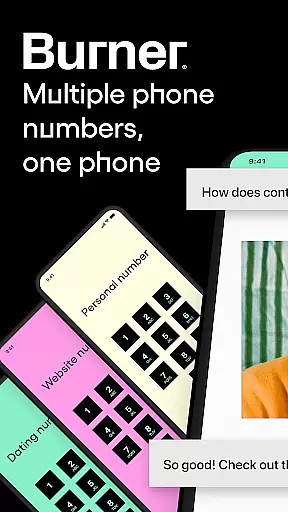

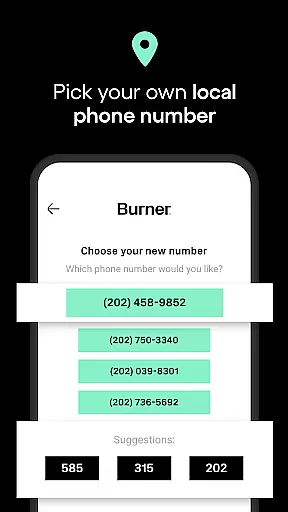

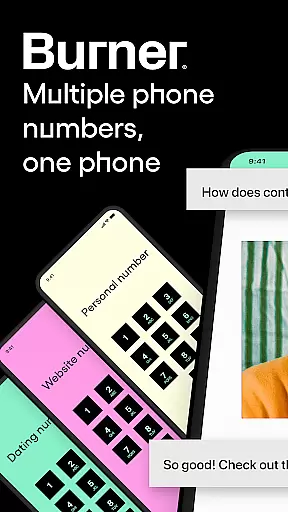

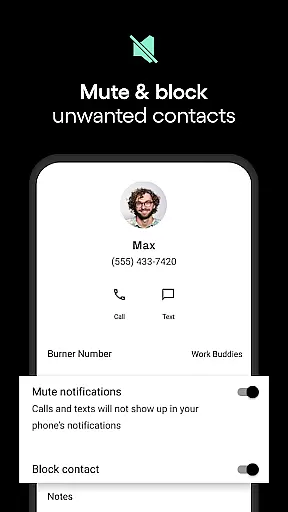

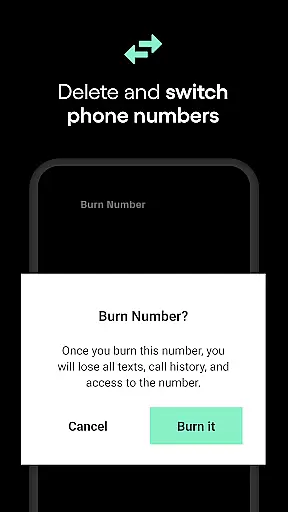
Burner is a top-tier communication app that provides users with disposable virtual phone numbers, ensuring privacy and control over personal information. With features like unlimited SMS and calls through Wi-Fi or mobile data, users can maintain boundaries without sharing their real phone number. The app also includes a powerful Do Not Disturb function, auto-replies for seamless communication, and voicemail services to never miss an important message.
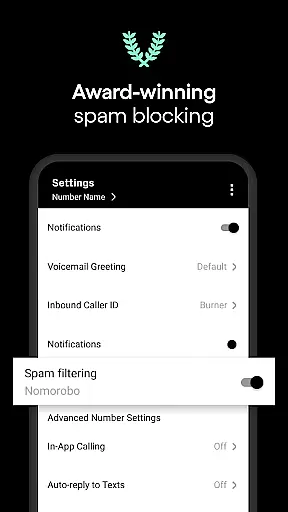
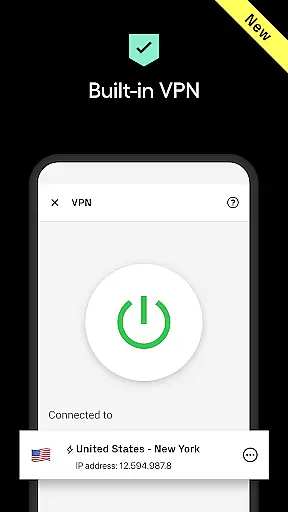
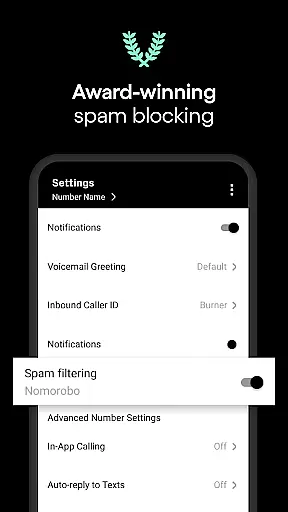
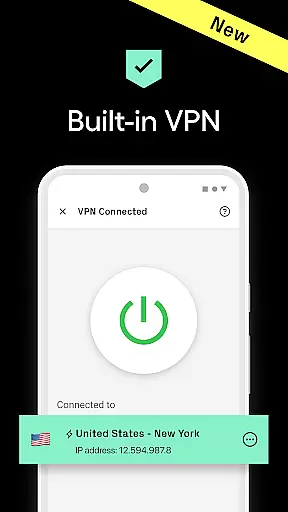
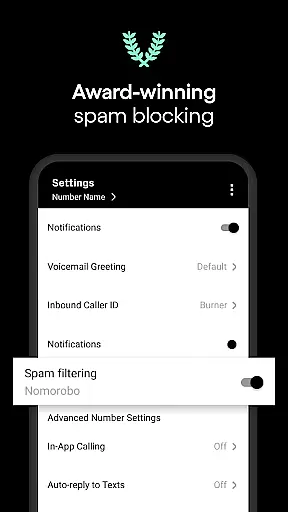
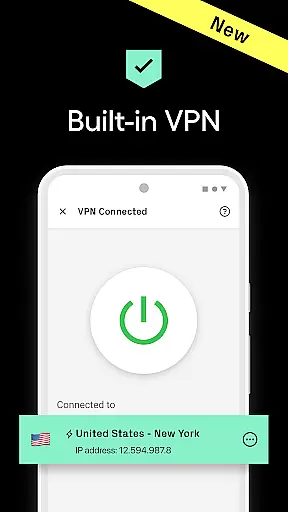
Additionally, Burner offers a premium VPN service for anonymous browsing, protecting users from trackers and unwanted surveillance. Whether it's for private texting, managing multiple lines, or safeguarding online activities, Burner simplifies life by providing essential tools in one secure platform. Its award-winning spam-blocking feature further enhances user experience by filtering out intrusive messages and calls.
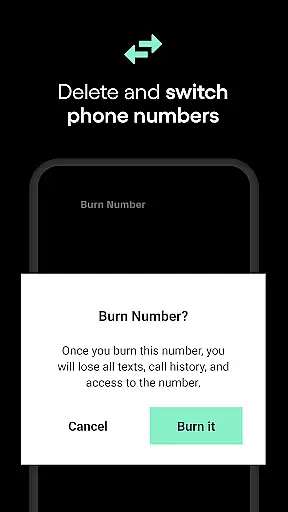
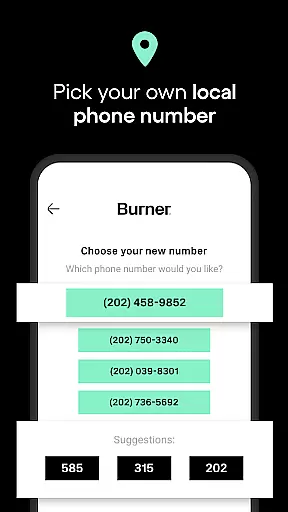
Burner stands out with its unique set of features tailored for privacy-conscious individuals. Users can create temporary phone numbers and dispose of them at will, ensuring complete anonymity. The app supports unlimited messaging and calling capabilities without revealing the user's actual contact details, making it ideal for various scenarios where discretion is required.
Advanced functionalities include color-coded inboxes for organized communication management, AI voicemail sorting to prioritize important messages, and video messages for private chats. Premium subscribers gain access to Burner's state-of-the-art VPN, which keeps browsing activities hidden from prying eyes. These innovative solutions have earned Burner accolades from reputable sources such as TIME Magazine and TechCrunch.
In today's fast-paced digital world, the speed and reliability of real-time messaging are crucial for effective communication. Burner excels in this area by providing users with unlimited SMS messages and calls that can be sent and received instantly over Wi-Fi or mobile data. This ensures that you're always connected, no matter where you are.
The app's infrastructure is designed to offer minimal latency in message delivery, ensuring that texts and calls reach their destination without delay. Whether you're coordinating with colleagues or catching up with friends, Burner's robust system maintains a steady connection, making your conversations flow as smoothly as if you were using your primary phone number.
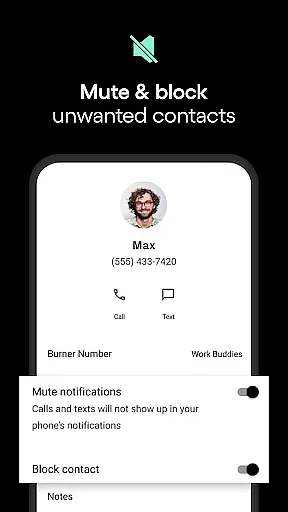
Moreover, Burner's commitment to privacy does not compromise its performance. The app employs advanced spam-blocking features that filter out unwanted communications while still prioritizing the swift delivery of legitimate messages. This dual focus on security and efficiency means you can trust Burner to keep your communications both private and prompt.
For those times when immediate responses aren't possible, Burner offers auto-reply functionality and voicemail services. These features ensure that even if you can't respond right away, your contacts will receive timely acknowledgments of their messages, maintaining the perception of reliable communication. With these comprehensive tools at your disposal, Burner stands out as an exemplary choice for anyone seeking dependable real-time messaging capabilities.
Burner goes beyond simple text-based communication by offering extensive media sharing support, allowing users to enrich their conversations with various forms of content. Whether it's photos, videos, or documents, Burner facilitates seamless sharing across its platform, enhancing the way you connect with others.
The app supports a wide range of file formats, ensuring compatibility and ease of use when exchanging media files. This versatility means that whether you're sending professional presentations or casual snapshots, Burner handles all types of attachments effortlessly, preserving the quality and integrity of your shared content.
Privacy remains paramount even when sharing multimedia. Burner's secure environment ensures that any media exchanged through its service is protected from unauthorized access. By leveraging encrypted connections, Burner safeguards your files during transmission, giving you peace of mind knowing that sensitive information stays confidential between intended recipients.
Additionally, Burneru2019s innovative features like video messages add a dynamic layer to personal interactions, enabling more expressive and engaging exchanges. Combined with the ability to browse anonymously using Burner VPN, users gain not only enhanced communication options but also increased control over their digital footprint. Such comprehensive media sharing support makes Burner an invaluable tool for modern communicators who value both functionality and privacy.
Enhanced Privacy
Unlimited Messaging
Disposable Numbers
Spam Blocking
Premium VPN
Limited Free Trial
Varied Area Codes
No 911 Services
Region Restrictions
Premium Costs

Secure Messaging App to Enhance Messenger Texting Experience and Organize SMS.
 3.50
3.50
Messenger for SMS - texting message app, faster, simpler & safer, for you.
4.70
Messenger app for faster and simpler SMS text messaging, and personalized themes
4.10
Fast and mini browser with Ad Blocker,Video Downloader and Video Player
4.40
Messenger, an MMS & SMS messages app with Blockers, Driving mode & Private box
4.60
Use this SMS app standalone or as a TREK: Total Interface companion.
4.30
Stay in touch with the people who matter most.
4.60
Enhance browsing with AI-powered features and Copilot.
4.70
Caller ID, Spam Call & SMS Blocker
3.80
Use this Dialer app alone or as a TREK: Total Interface companion.
4.70
Browse fast on Opera Mini, with Data Saving, News, Football Scores, and Download
4.60
Simplify texting with Messages SMS, offline messaging, themes & smart tools!
4.30
WazzapMigrator: transfer your WhatsApp history from iPhone to Android
4.00
Fast Dialer & Contact Manager with Caller ID and Spam Protection
4.00
Messages is Private SMS Messenger 2023 with text message, instant messaging.
4.00
Measure BHP, Torque & 0-60 Clear car OBD faults View engine data in Google Earth
4.00
Call Forwarding is easy and simple application to use.
3.80
Call & Text Anywhere With A Canadian Number.
3.60
A softphone app with seamless SIP calling and an intuitive VoIP dialer
3.50


User Reviews