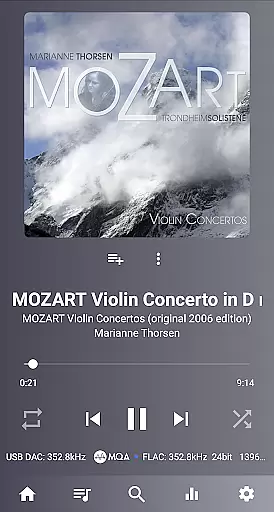
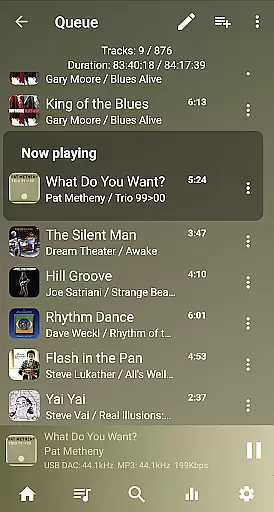
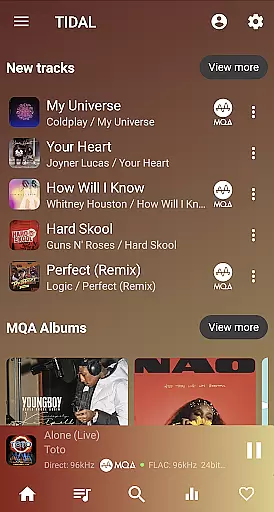
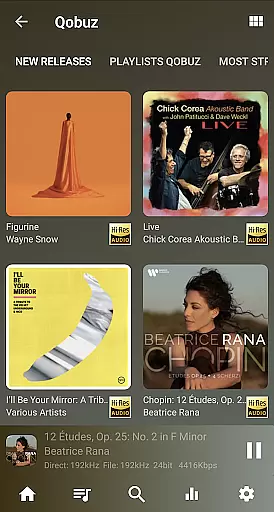
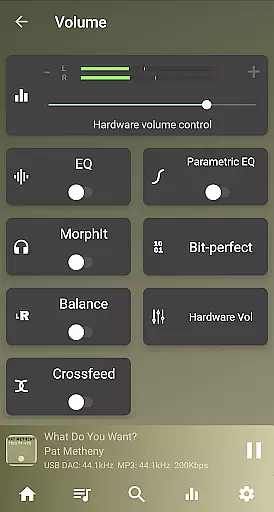
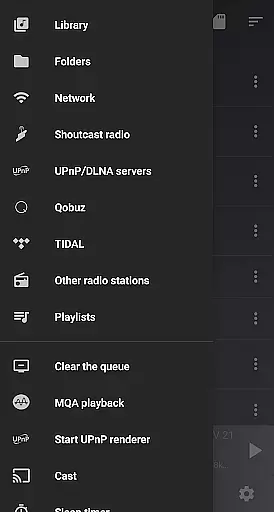
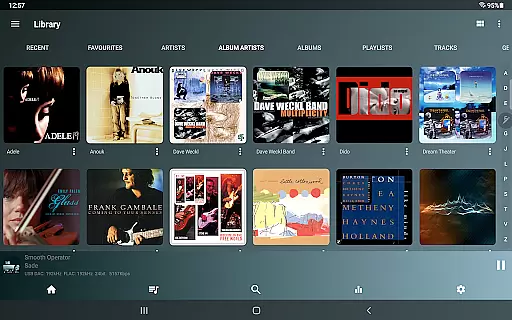
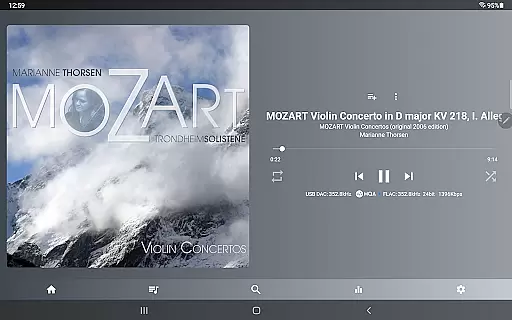
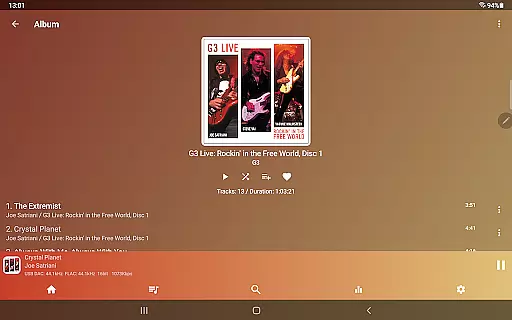
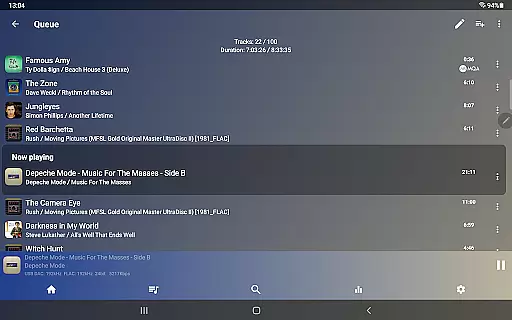
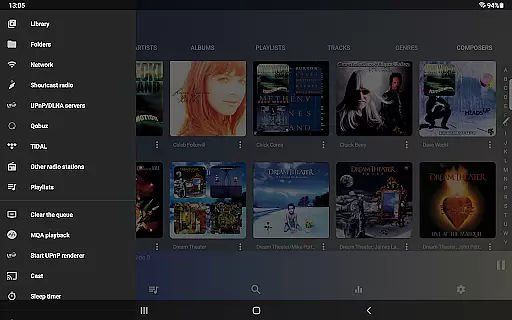
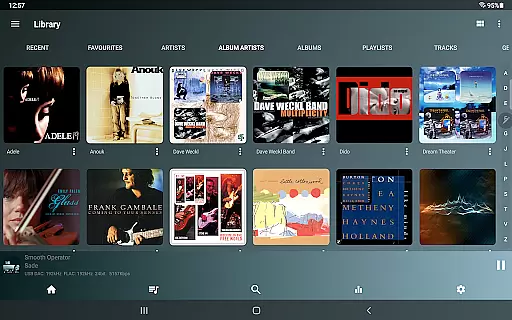
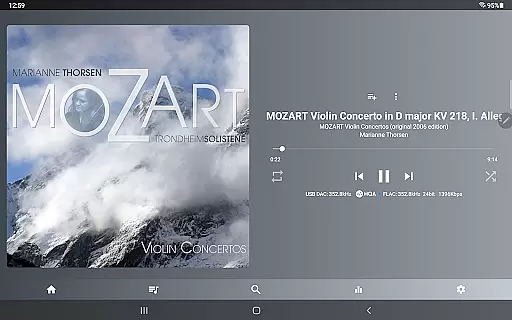
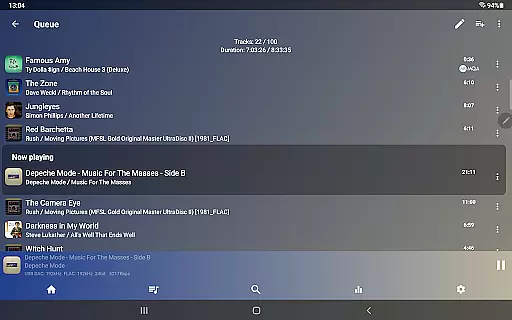
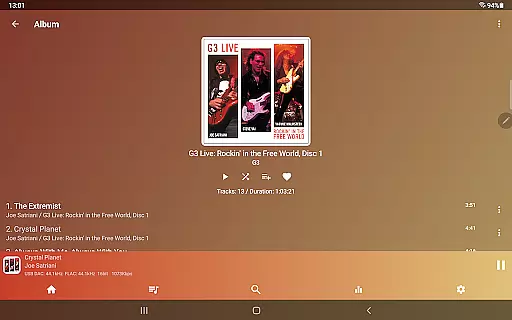
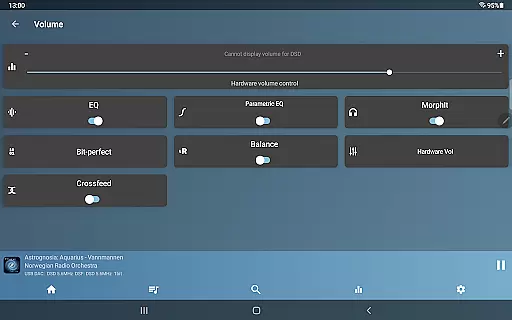
USB Audio Player PRO is a premier media player designed for audiophiles, supporting USB audio DACs and HiRes audio chips. It plays files in virtually any format at up to 32-bit/768kHz, surpassing Android's standard 16-bit/48kHz limit. The app also allows capturing and playing audio from other apps with its high-quality driver.
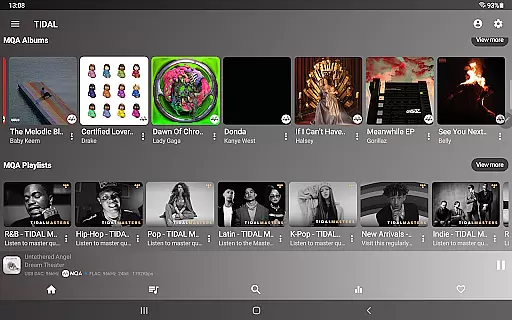
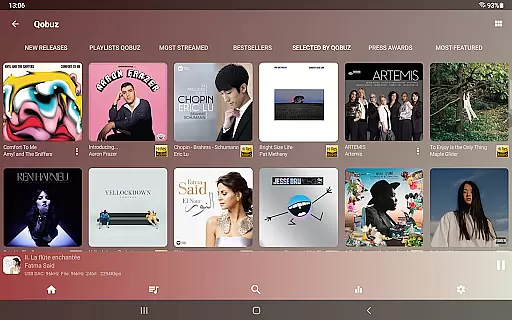
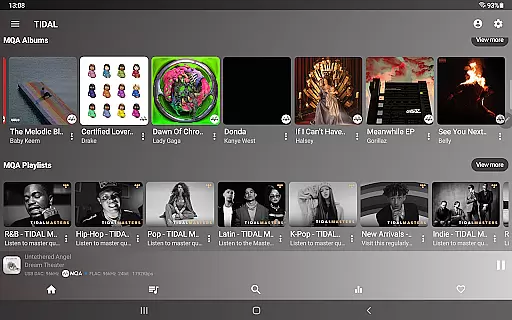
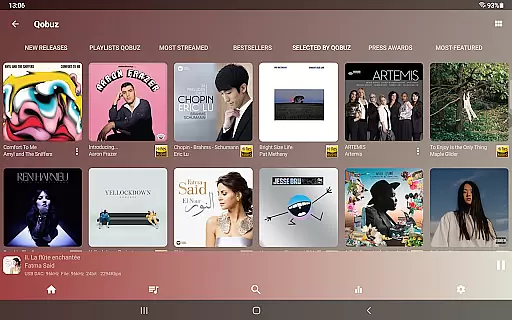
With capabilities like DSD playback, toneboosters MorphIt Mobile, and network playback, it offers an unmatched audio experience. Integrated features include TIDAL, Qobuz streaming, and a 10-band equalizer, making it versatile for various high-end audio devices.
Ideal for users seeking the highest audio fidelity on their Android devices, this app caters to those who wish to bypass Android's audio limitations and enjoy superior sound quality through compatible external or internal DACs.
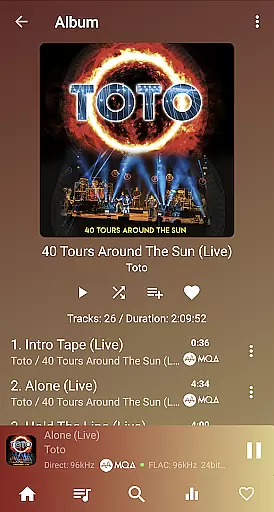
USB Audio Player PRO boasts an extensive array of features including support for all popular and less common audio formats such as MQA, DSD, and SACD ISO. It supports almost all USB audio DACs and utilizes HiRes audio chips found in many modern smartphones.
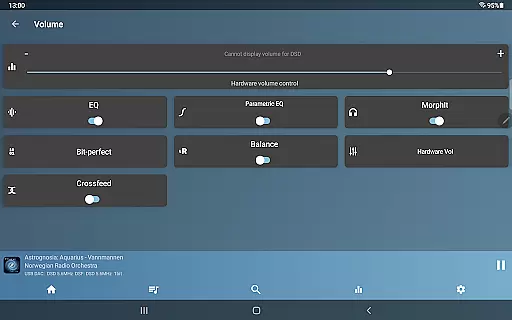
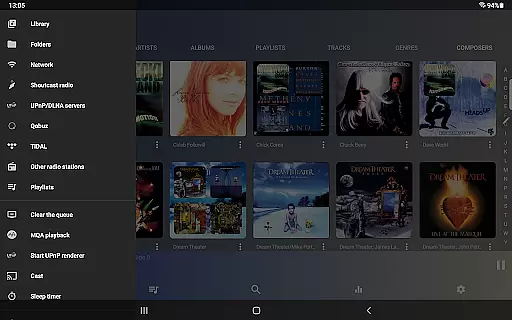
The app provides bit-perfect playback, gapless playback, and sample rate conversion. Additional functionalities include Toneboosters MorphIt Mobile for headphone simulation, synchronized lyrics display, and advanced parametric EQ. Network playback options like Samba, FTP, and WebDAV are available alongside UPnP/DLNA support.
Unique offerings comprise capturing audio from other apps, Last.fm scrobbling, Android Auto compatibility, and optional in-app purchases for enhanced features like MQA Core decoding and UPnP control client.
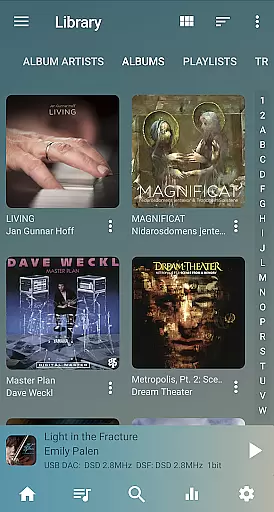
USB Audio Player PRO offers an extensive music library that supports virtually all audio formats, from common ones like MP3 and WAV to high-resolution formats such as FLAC, DSD, and MQA. This ensures audiophiles can access their preferred audio quality without limitations.
The app's dedication to copyright authenticity is evident in its meticulous support for licensed audio formats. By including formats like SACD ISO and MQA, which are often tied to specific copyright protections, the app guarantees users are accessing legitimate, high-quality content.
With the ability to play files up to any resolution and sample rate supported by the user's DAC, USB Audio Player PRO not only broadens the scope of its music library but also assures users that they are experiencing audio exactly as intended by the creators, preserving both the artistic integrity and legal distribution of music.
One of the standout features of USB Audio Player PRO is its superior audio quality options. The app bypasses standard Android audio limits, allowing playback at native rates of up to 32-bit/768kHz, far exceeding the typical 16-bit/48kHz limit imposed by most Android players.
For users with high-end audio equipment, the app provides bit-perfect playback and DoP, native DSD, and DSD-to-PCM conversion. These options ensure that no matter the source material, the audio output remains pristine and true to the original recording.
In addition to supporting HiRes audio chips found in many modern smartphones, the app includes advanced features like a 10-band equalizer, upsampling, and Toneboosters MorphIt Mobile for headphone simulation. These tools allow users to fine-tune their listening experience, making USB Audio Player PRO one of the highest quality media players available on Android.
High-quality audio playback
Extensive format support
Advanced customization options
Bit-perfect and gapless playback
No root required
Paid additional features
Complex for beginners
Device compatibility issues
Requires specific hardware
In-app purchases necessary for full functionality

Tune in to the greatest hits on UK Radio | The home of Capital, Smooth & Heart.
 4.90
4.90
Pay Once, no monthly payment
4.60
A synth that really lets you shape your sounds!
4.50
VB-AUDIO Software / VBAN-Receptor allows listening to any VBAN Streams
4.10
Advanced 10-Band Audio Graphic Equalizer Sound Booster Pro
4.30
The best music and audio player, with beautiful UI, music search and equalizer.
4.60
The official Sonos app
4.10
The Minimalistic Premium Music Player. Handmade with passion for music
2.20
The iconic iOS metronome app is now on Android.
3.70
Make songs with AI! Any genre, custom lyric, song generator for music creation!
4.80 4.70
4.70
Time Guru will strengthen your internal sense of musical time via random muting.
4.30
Equalizer, Bass Booster and Volume Booster (Eq & Bass) improve sound quality
4.30
The Music Journey in Your Hands
4.30
A sleek, no-frills player designed for true music lovers.
4.20
PowerAudio is a powerful offline music player.
4.20
Turn your phone into a musical instrument from the future!
3.90
Remove ads permanently from Music Visualizer
4.5
Music Streaming suite for Ampache, Nextcloud Music and compatible backends.
4.4


User Reviews