
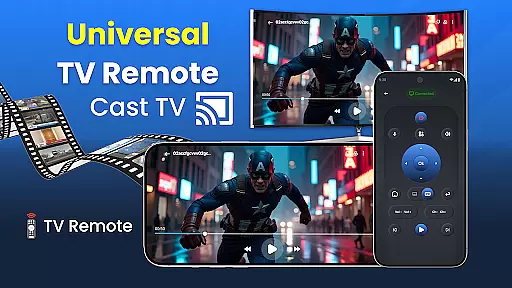
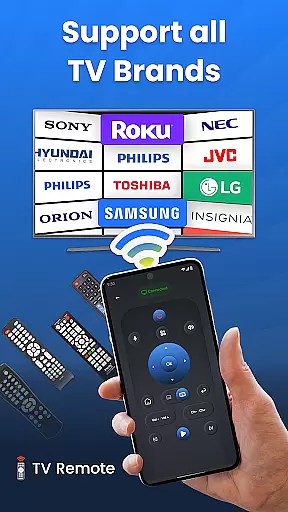
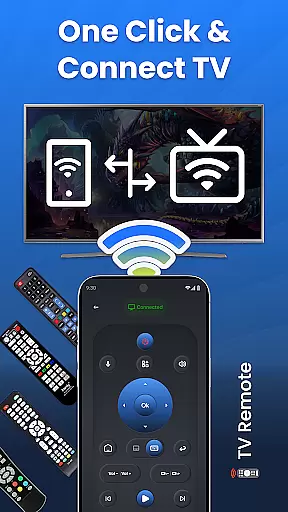
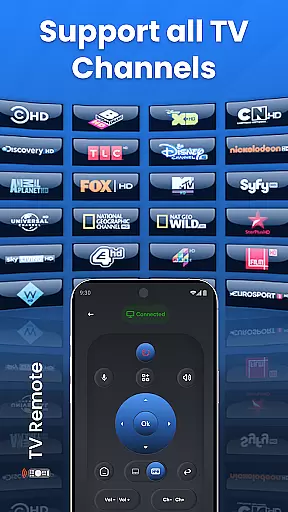
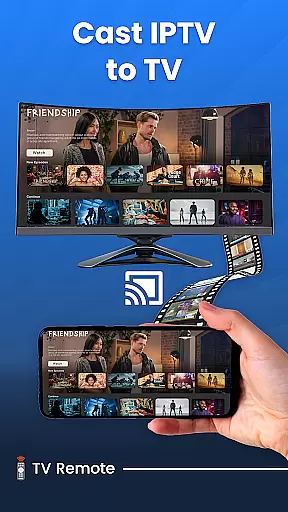
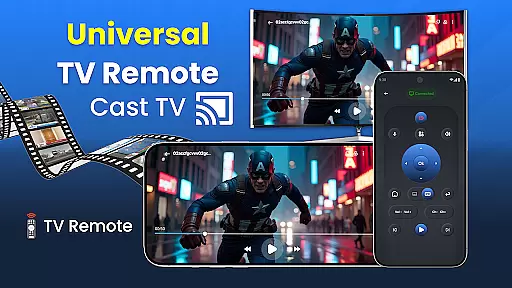
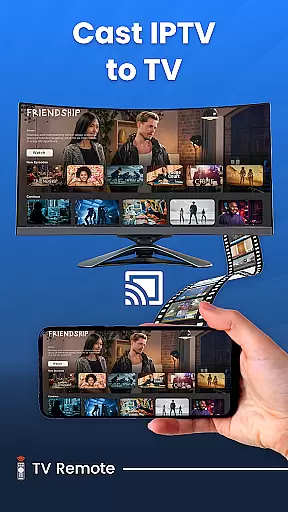
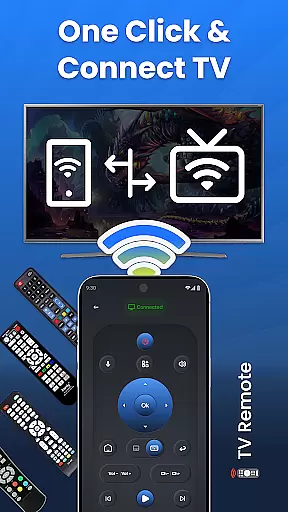
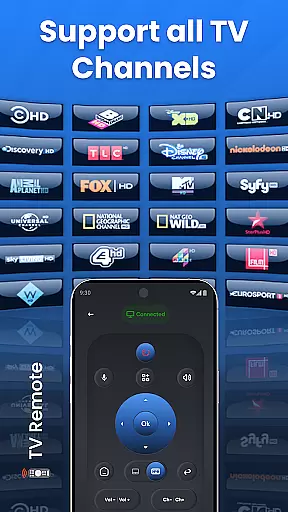
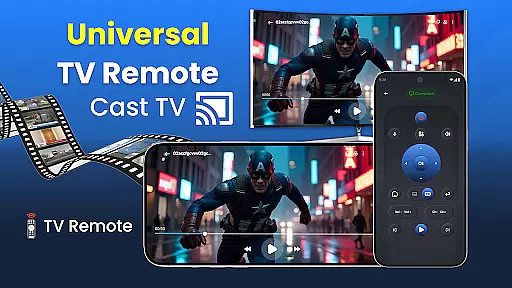
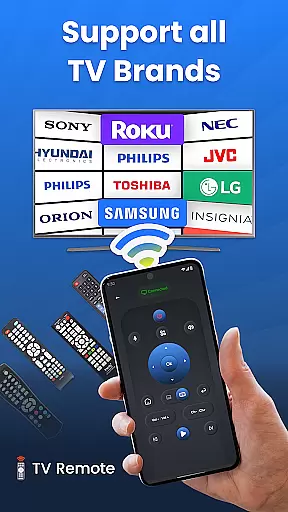
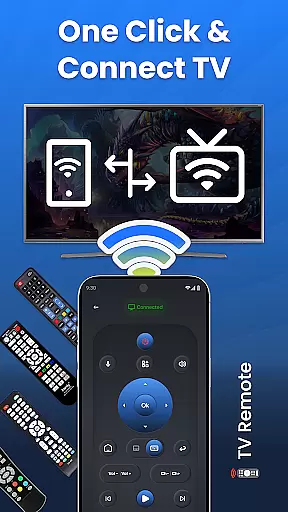
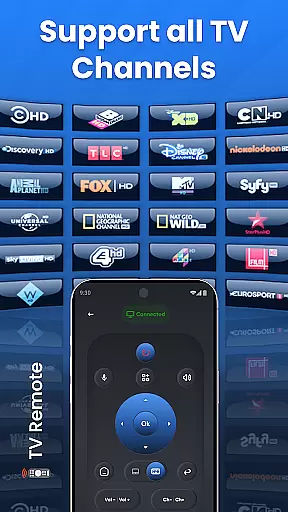
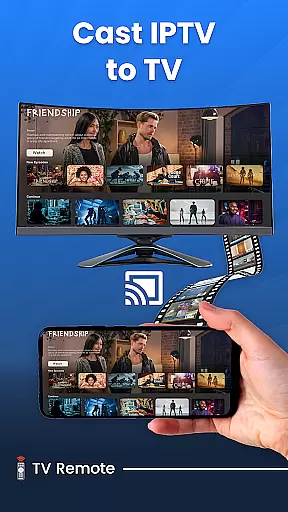
Universal TV Remote for All TVs is a versatile home utility application that transforms your smartphone into a universal remote control for various smart TVs. The app supports major TV brands including Samsung, LG, Roku, and more, offering seamless connectivity through Wi-Fi or infrared signals. With its user-friendly interface, you can easily manage TV operations such as power on/off, volume adjustment, channel surfing, and screen sharing directly from your phone.
Beyond basic controls, the app features advanced functionalities like voice commands, gesture-based navigation, and customizable settings tailored to individual preferences. Whether you're looking to simplify your living room setup or seeking a reliable backup remote, this application provides a comprehensive solution. Its compatibility with Android devices ensures smooth performance across different platforms, making it an essential tool for modern households.
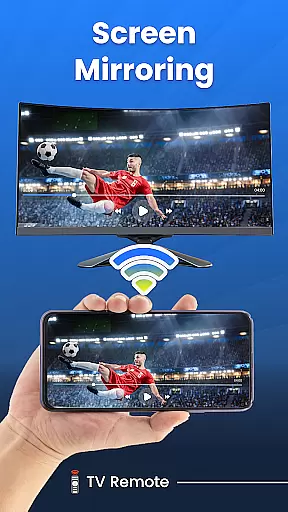
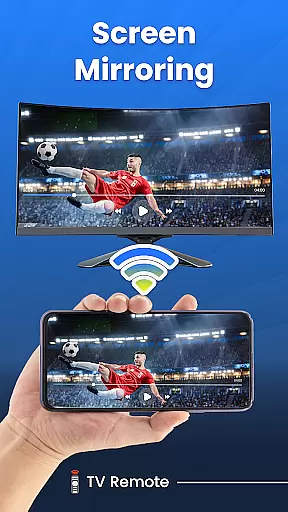
The true value of Universal TV Remote lies in its ability to consolidate multiple remotes into one convenient application. Homeowners can now enjoy uninterrupted entertainment without worrying about misplaced remotes or compatibility issues. The app's screen mirroring feature allows users to display mobile content on their television effortlessly, enhancing both casual viewing and professional presentations. This combination of convenience and functionality makes Universal TV Remote an indispensable companion for smart TV owners.
Universal TV Remote distinguishes itself through its extensive feature set designed to enhance user experience. The application's core functionality revolves around its universal compatibility with major TV brands, supporting both traditional infrared and modern Wi-Fi based connections. This dual-mode operation ensures that users can control their televisions regardless of age or model, providing unprecedented flexibility in device management.
Among its notable features is the innovative gesture control system, allowing users to navigate channels and adjust settings through simple swipe motions. The app also incorporates voice command capabilities, enabling hands-free operation for frequently used functions. Customization options extend to personalized button layouts and programmable shortcuts, giving users complete control over their remote interface. These features collectively create a highly intuitive and responsive control system.
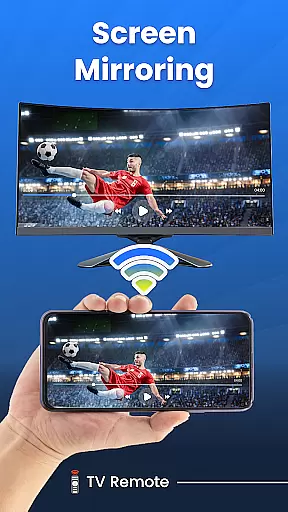
The application's screen mirroring capability represents another significant advantage, facilitating wireless content sharing between mobile devices and televisions. This feature supports various media formats and maintains high-quality transmission during presentations or entertainment sessions. Additionally, the app's automatic TV detection and configuration wizard simplifies initial setup, while its low-power consumption ensures extended battery life for mobile devices. These technical implementations demonstrate the app's commitment to delivering practical solutions for modern home entertainment needs.
In the context of smart home applications like Universal TV Remote for All TV, ensuring property listing authenticity is crucial. This refers to the accurate representation of compatible devices and their functionalities within the app's description.
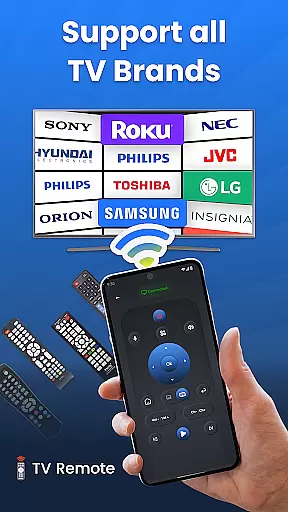
The Universal TV Remote app provides a comprehensive list of supported TV brands, including Roku TV, LG, Vizio, Samsung, and more. Each brand compatibility is verified through actual connectivity protocols, ensuring users can reliably control their specific TV models. The app maintains this accuracy by regularly updating its database to include newly released TV models.
For users, this commitment to authenticity means they can trust that the app will work seamlessly with their particular smart TV setup. They won't face situations where their specific TV model isn't recognized or functions improperly.
This level of verification and regular updates enhances user confidence in the application. When users see their TV brand listed as compatible, they can be certain that the app's developers have confirmed this compatibility through rigorous testing protocols.
Home management features in smart applications refer to tools that help users efficiently control and monitor various aspects of their living environment. In the case of Universal TV Remote for All TV, these features manifest as advanced control options for smart TVs.
The application offers multiple sophisticated management tools, including voice control capabilities, custom settings for personalized configurations, and gesture mode for intuitive navigation. These features allow users to create a tailored entertainment experience that suits their specific needs and preferences.
Users benefit from having all essential TV control functions consolidated in one place. They can easily switch between different TV brands, adjust settings according to their viewing habits, and even mirror their phone screen to their TV without complicated setup procedures.
The inclusion of both infrared and Wi-Fi control methods demonstrates the app's versatility in managing different types of TV connections. This dual capability ensures that regardless of a TV's age or technology type, users can maintain consistent control through their mobile device.
User-friendly interface
Wide brand compatibility
Voice control support
Gesture navigation
Screen mirroring
Requires Wi-Fi connection
Limited IR range
Brand-specific issues
Occasional lags
Ads in free version

Draw house plans, floor plans 3d & house design with house plan drawing 3d app
 3.60
3.60
Universal TV remote Control for Roku TV brands via WiFi remote
4.4
Tailored Care Guides For Houseplants, Indoor Plants, Garden Plants & Flowers.
4.60
Fully control your Philips TV with this all-in-one remote control app.
4.20
Control the scent and ambiance of your home and car, right from your phone.
4.50
Schlage Lock Company LLC
4.00
Floor Plan Creator Home Design with 2D interior design and 3d view.
3.90
Night Owl Protect helps you secure, protect, and connect your world!
4.60
Find contractors for all home renovation projects. Remodeling, repair, and more.
4.20
View houses and apartments for rent, updated daily.
4.80
B-hyve Pro App for landscape irrigation professionals
4.70
Security App with HD Video, 2-way Audio, and event detection for Home monitoring
4.40
Plan your remodel AI home renovation easily using planner 5D and home decor AI.
4.40
Smart AI plant care schedules, Real plant experts, support & Thriving community!
4.20
Universal Tv Remote Control for all Tv. Cast for chromecast & all Tv Controller
4.20
Samsung remote app helps control all Samsung Smartthings TVs. Fast and Stable!
4.10
Book your local plumber 24/7, track your service order & get exclusive coupons
4.00
Design house plans in 2D & 3D, style furniture, and preview renovation layouts
3.70
IP camera view and playback, for your WiFi cam or home security cctv system.
3.70


User Reviews