
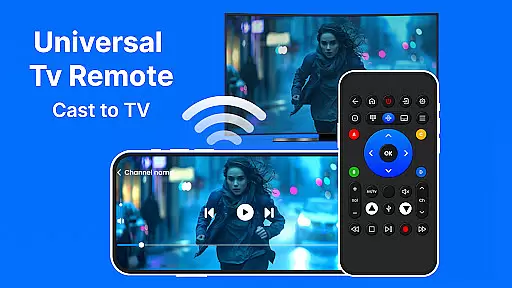
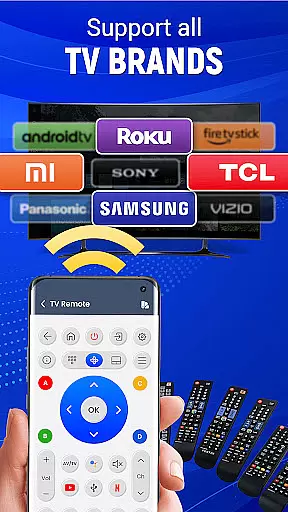
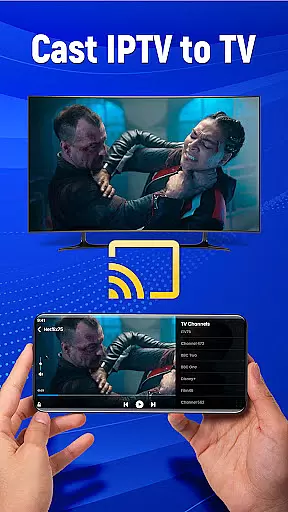
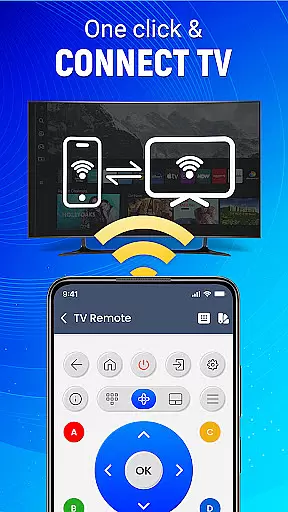
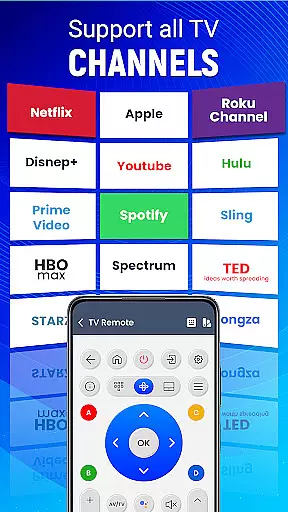
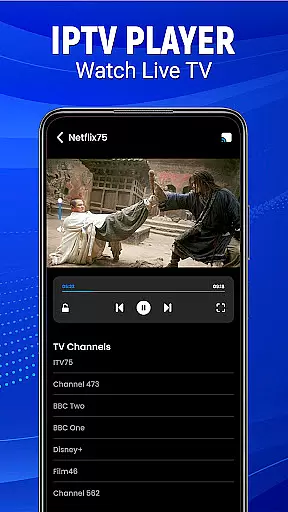
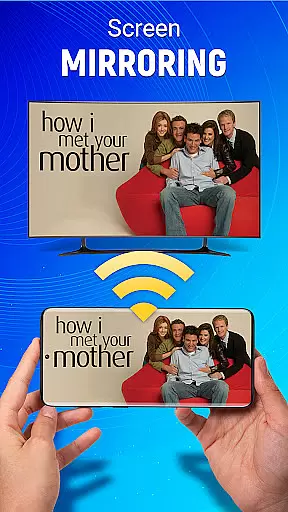
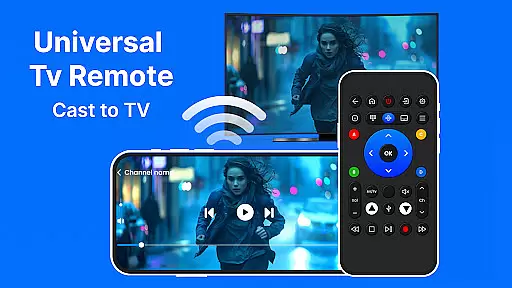
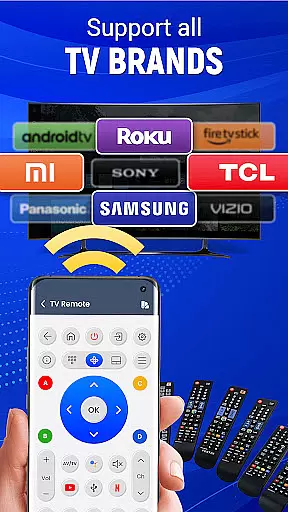
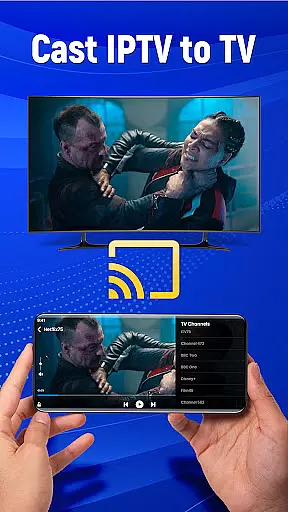
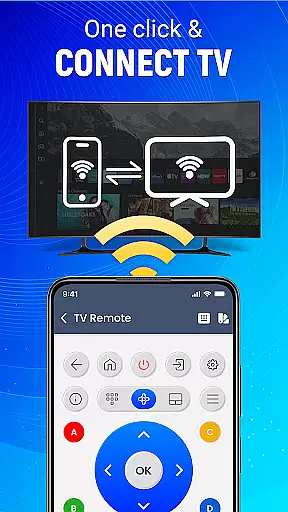
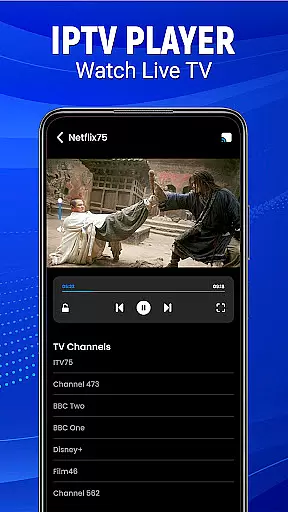
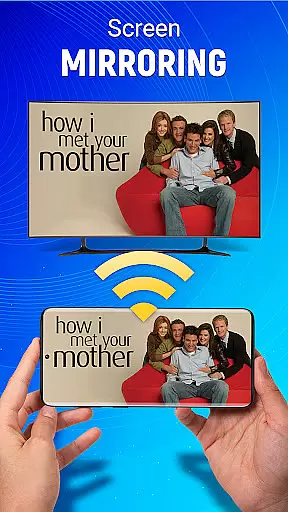
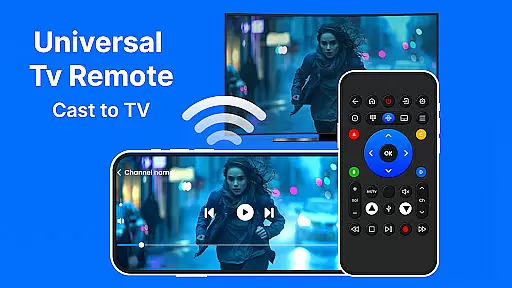
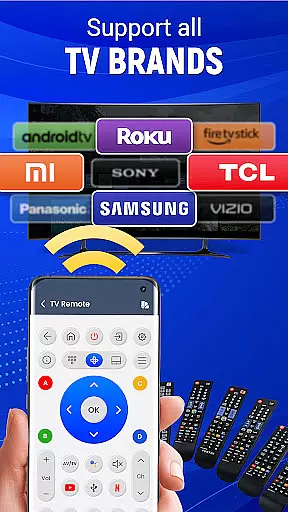
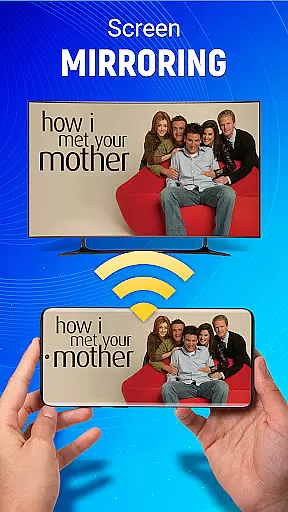
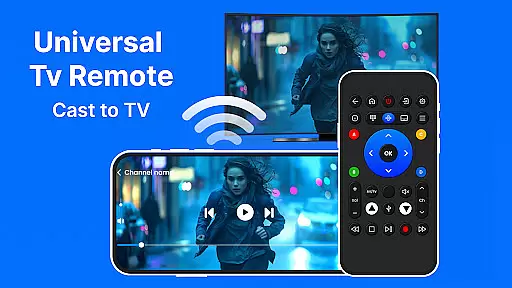
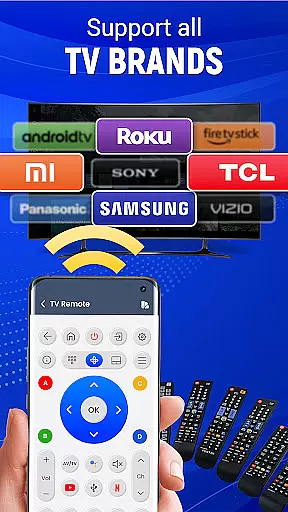
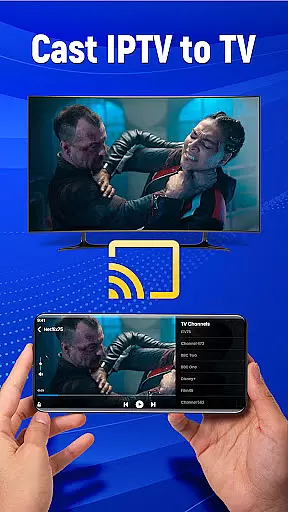
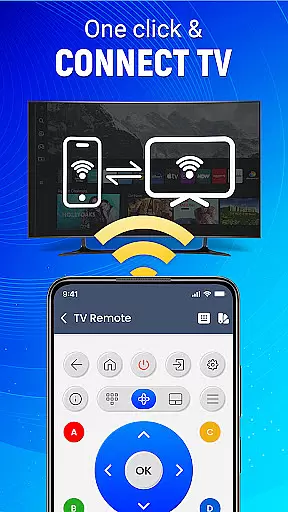
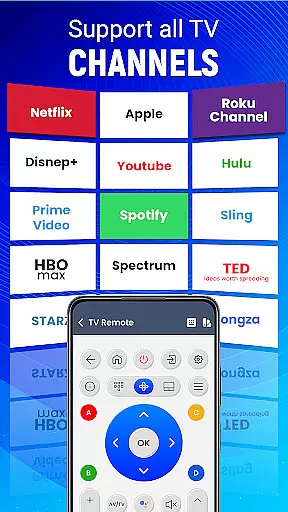
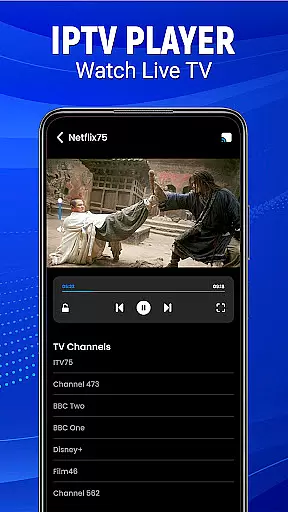
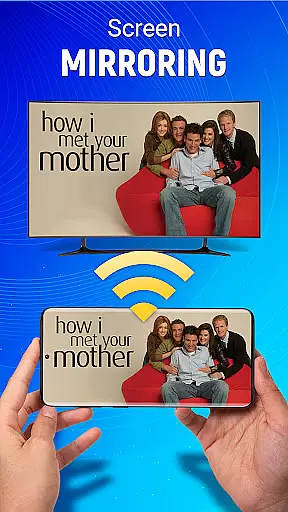
Universal TV Remote-Cast to TV is a versatile home utility application that transforms your smartphone into a universal remote control for televisions. This app supports all major TV brands and offers seamless connectivity through both infrared and Wi-Fi connections, making it an essential tool for modern households.
The application provides users with advanced features such as voice command functionality, gesture navigation, and screen mirroring capabilities. These features allow you to effortlessly control your television's volume, channels, and input sources while also enabling you to cast content directly from your mobile device to your TV screen. Whether you're looking to simplify your entertainment setup or seeking a reliable backup remote, Universal TV Remote-Cast to TV delivers comprehensive control at your fingertips.
Particularly useful in situations where the original TV remote is lost or damaged, this app ensures you maintain complete control over your television viewing experience. Its intuitive interface and customizable settings make it suitable for both tech-savvy users and those less familiar with smart home technology, providing a practical solution for controlling multiple devices through a single application.
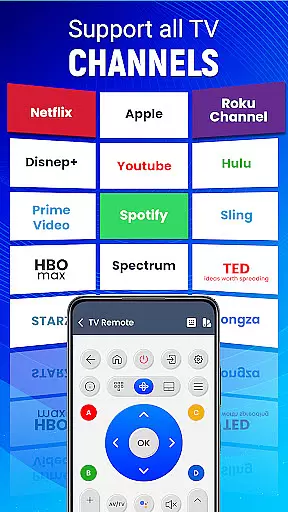
Universal TV Remote-Cast to TV distinguishes itself through its comprehensive feature set designed to enhance user convenience. The app's most notable characteristic is its universal compatibility, supporting virtually all television brands on the market. This extensive brand coverage eliminates the need for multiple remotes, streamlining your home entertainment setup.
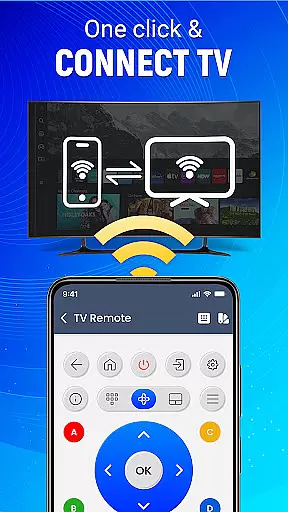
A key innovation is the app's dual connectivity options, offering both infrared and Wi-Fi based control systems. The infrared functionality works similarly to traditional remotes, while the Wi-Fi connection enables more advanced features like screen mirroring and media casting. Additionally, the inclusion of voice command capabilities and gesture-based navigation represents a significant advancement in remote control technology, allowing users to operate their TVs through simple spoken instructions or intuitive touch gestures.
The application also incorporates sophisticated customization options, enabling users to personalize their remote interface and button configurations. These features are complemented by practical tools such as channel favorite setting, input source switching, and volume control management. The combination of these technical capabilities creates a powerful yet user-friendly remote control solution that adapts to various user preferences and viewing habits.
In the context of smart home management, ensuring the authenticity and reliability of connected devices is crucial. Universal TV Remote-Cast to TV provides a trustworthy solution by offering verified compatibility with numerous television brands. This verification process guarantees that users can confidently use their Android device as a universal remote without concerns about device support.
The application maintains an up-to-date database of supported television models, which undergoes rigorous testing to ensure seamless integration. Through this meticulous validation process, users can be certain they are accessing accurate and reliable control options for their specific TV model. The app's commitment to authenticity extends to its regular updates, which reflect the latest changes in television firmware and functionality.
For users, this means peace of mind when controlling their entertainment system. They can trust that the commands they execute through the app will be accurately interpreted by their television, eliminating the frustration of unresponsive or incorrect controls. This level of authenticity verification significantly enhances the overall user experience.
Furthermore, the app's dedication to maintaining accurate device information helps prevent potential connectivity issues. By providing users with a reliable control solution, Universal TV Remote-Cast to TV establishes itself as a dependable tool for modern home entertainment management.
Universal TV Remote-Cast to TV offers comprehensive home management features that transform how users interact with their entertainment systems. The application consolidates multiple control functions into a single interface, allowing users to manage various aspects of their television experience from one convenient location on their mobile device.
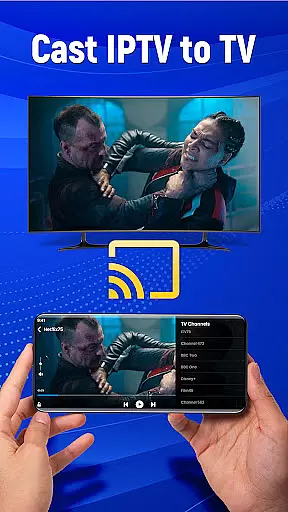
Among its most notable features is the ability to cast content directly from the mobile device to the television screen. This functionality enables users to share media effortlessly, creating a more integrated home entertainment experience. Additionally, the app's gesture navigation and voice command capabilities provide alternative control methods that enhance accessibility and convenience.
The application also includes advanced customization options for remote preferences, giving users the flexibility to tailor their control experience. These personalization features extend to source selection, volume adjustment, and channel management, all accessible through an intuitive interface. Such comprehensive control options contribute to a more efficient home entertainment management system.
By combining these features with its smart remote capabilities, Universal TV Remote-Cast to TV creates a centralized control hub for modern homes. This integration of multiple management functions into a single application streamlines the user's interaction with their entertainment system while enhancing overall convenience and efficiency.
User-friendly interface
Wide brand compatibility
Voice command support
Screen mirroring capability
Customizable controls
Requires compatible hardware
May drain phone battery
Limited advanced functions
Occasional connectivity issues
No physical buttons

This Fire TV Remote control's your Fire TV Device and Insignia Fire TV Remote
 3.70
3.70
AI-powered home design, interior design, home decor, and room design solutions
4.50
Fully control your Philips TV with this all-in-one remote control app.
4.20
SmartRent - Opening Doors To A Smarter World
4.40
USHUD.com helps you find the best homes for sale in your area
4.00
Security App with HD Video, 2-way Audio, and event detection for Home monitoring
4.40
Find your next home, house, apartment, condo, casa, flat, rental, studio, or bed
4.70
An easier way to make payments and maintenance requests from anywhere.
3.50
Houses for Sale & Homes for Rent: Buy Homes, Rent Apartments & Sell Real Estate
4.80
Connect with reliable pros for maintenance services, plumbing, and home design!
4.80
Home Ideas | Renovation Advice | Local Pros. Go From Dream to Home with Houzz.
4.70
Convert your Phone to HiSense Smart TV Remote Control
4.70
A Smarter Home in Seconds
4.70
Find homes for sale and apartments for rent in the best neighborhood.
4.70
Innovative and budget-friendly housing options
4.60
Apartment finder for apartments for rent. Compare prices, amenities & rentals.
4.50
Samsung remote app helps control all Samsung Smartthings TVs. Fast and Stable!
4.10
Find the perfect paint color with advanced tools to explore and visualize color.
3.80
An awesome mobile app for Home Security Surveillance - uses ZoneMinder
3.20


User Reviews